AI TV Commercial Generator
Bring a brand brief to screen. Connect your reference images, generate every shot, score it and voice it — no crew, no shoot day, no edit round.
AI Commercial Examples
Every commercial below was built on the Zeemo canvas — a written brief in, an assembled spot out.
What the AI Commercial Generator Does
Four capabilities of the AI commercial maker, from a written brief to a spot you can run.
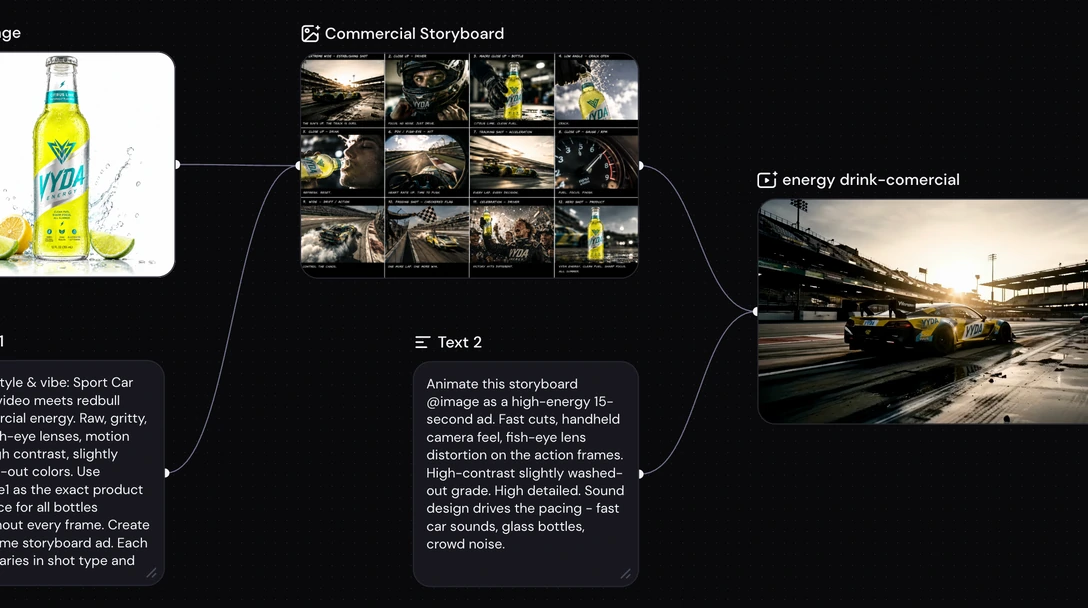
Your references drive every shot
Upload your brand and product images as reference nodes, then write the creative direction and tag each reference directly in the prompt.
Connect the references straight to a video node for a quick generation, or generate a storyboard first — a single sheet that lays out every shot — then animate it into the finished spot.
Your references. Your direction. One shot.
Start from your references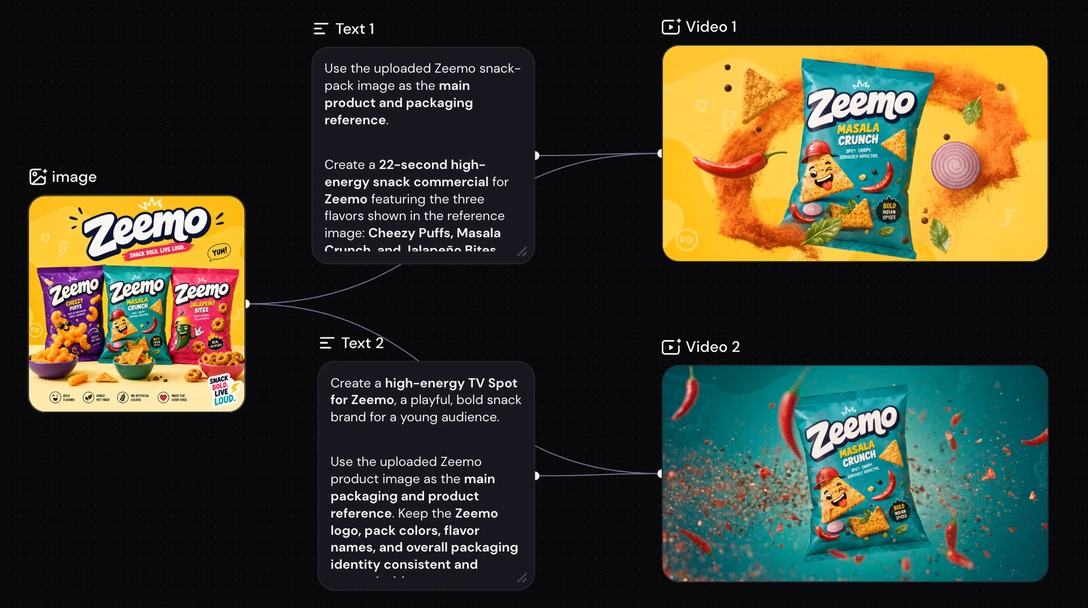
The same commercial, without the shoot
A traditional spot runs brief, concept, casting, shoot day, edit, revision round — and every change goes back toward the start.
Here the concept, the shots, and the audio sit on one canvas, so a revision is an edit, not a reshoot. Change a line, replace one shot, or shift the whole look, and generate again in the same session.
Revise the spot. Not the schedule.
Rework a spot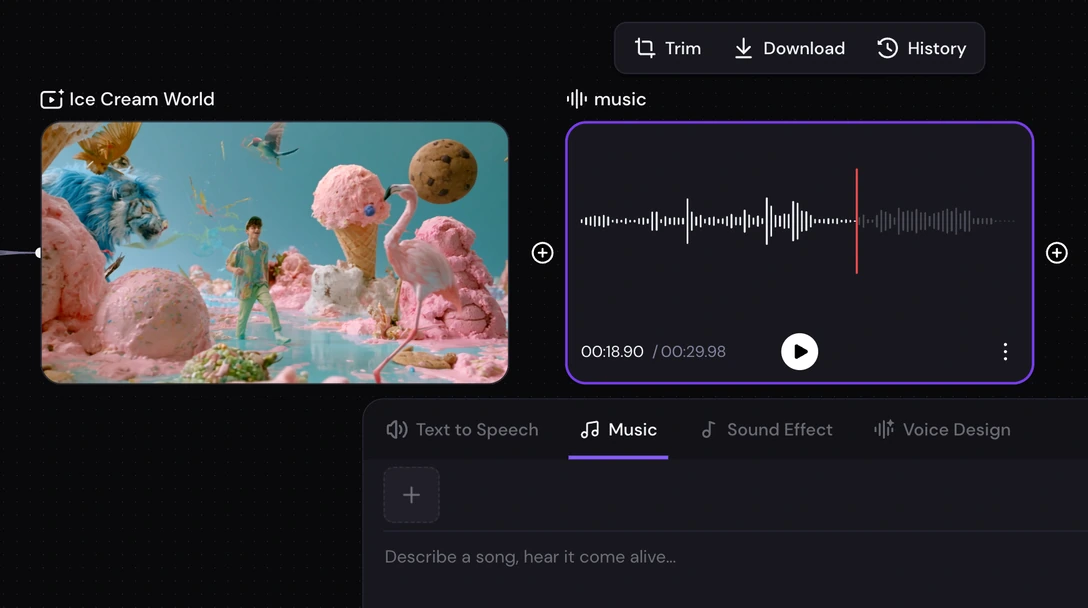
Voice, music, and sound come with it
A commercial is not just picture. Zeemo carries the rest of the track on the same canvas: text to speech and voice design for the read, music for the bed, and sound effects for the detail.
The concept, the footage, the voiceover, the score, and the sound design — the whole delivery from one place, with nothing handed off to a second tool.
The full spot. Not just the picture.
Explore the audio tools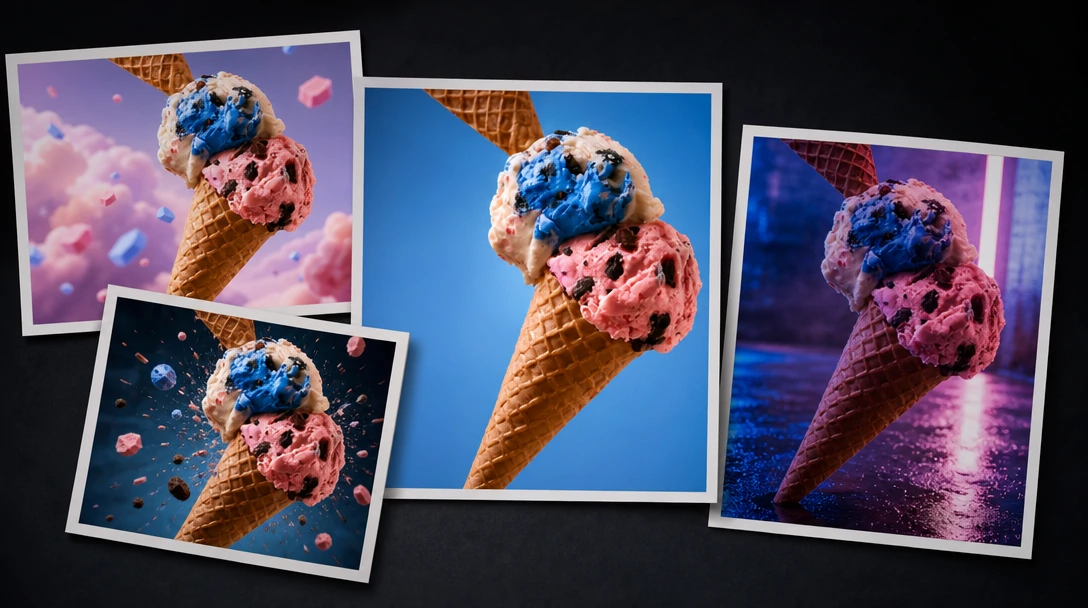
Choose the model that fits the brand
The canvas carries a lineup of advanced video models. You pick which one renders each shot, and switch when a different look suits the brand better.
Generate the same shot on two or three models and compare the takes before you commit — the grade that matches the brand, the motion that reads as premium. Send the strongest one to the timeline.
Pick a model. Keep the best take.
Browse the model lineupWho Makes Commercials on Zeemo
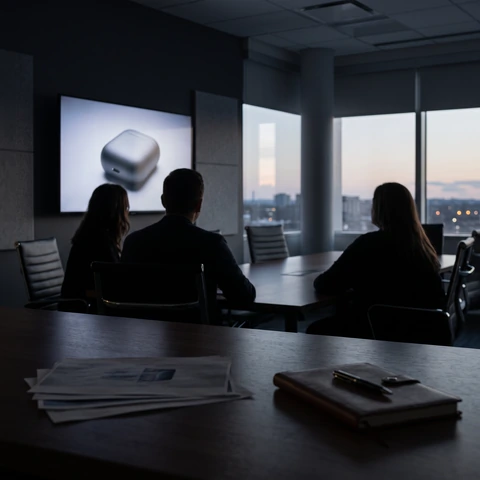
Brand and marketing teams
Take a campaign from brief to a spot the whole team can review, in one place.
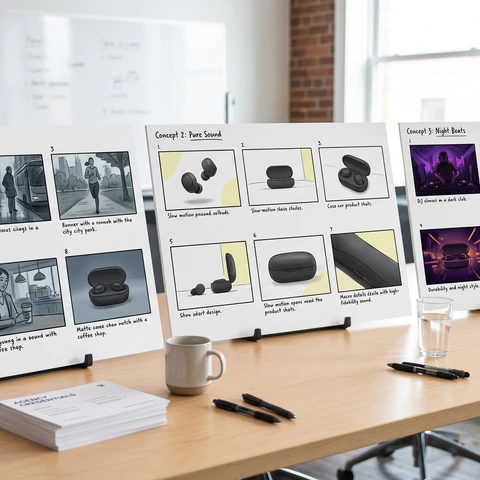
Creative agencies
Show a client several finished concepts before anyone books a shoot day.
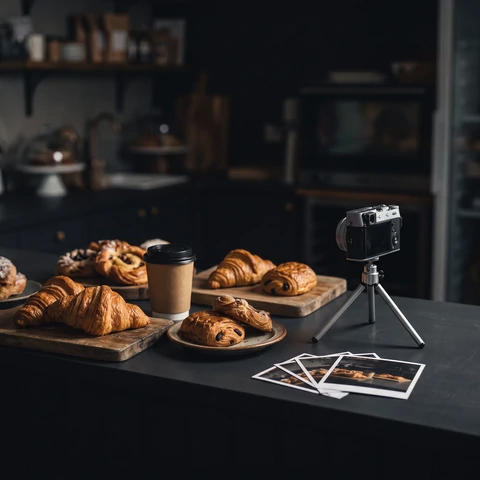
Small business owners
Make a commercial for a product or a storefront without an agency or a crew.
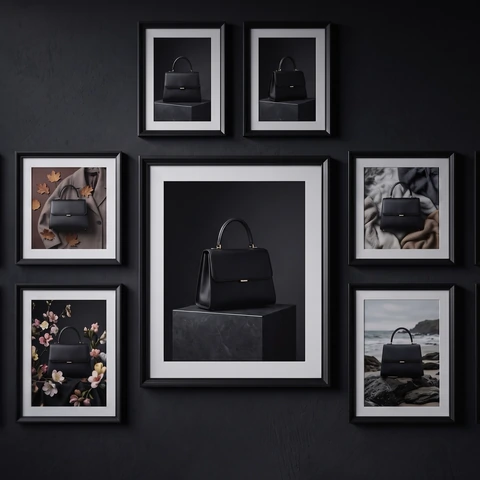
Retail and ecommerce brands
Refresh seasonal spots and run a version per market and per placement.
How to Make a Commercial on Zeemo
Four steps, all in the browser, on the same canvas as the rest of your models.
1
Write the brief
Describe the product, who it is for, and the tone you want the spot to carry.
2
Connect your references
Upload your brand and reference images, then tag each one directly in your prompt.
3
Generate the shots
Pick a model and an aspect ratio, then generate. Regenerate a shot that misses without touching the rest.
4
Score it and export
Add the voiceover, music, and sound effects, then export the finished spot from your canvas.
Explore More AI Solutions on Zeemo
Every solution runs on the same canvas. Explore more ways to create with Zeemo.
Frequently Asked
Questions
Put your brief on screen today
One set of references, one canvas, every frame your campaign needs.