AI Sound Effect Generator
Zeemo puts ElevenLabs' cinematic sound engine behind a text prompt. Describe any sound and drop it straight into your video timeline.
Hear every sound effect category
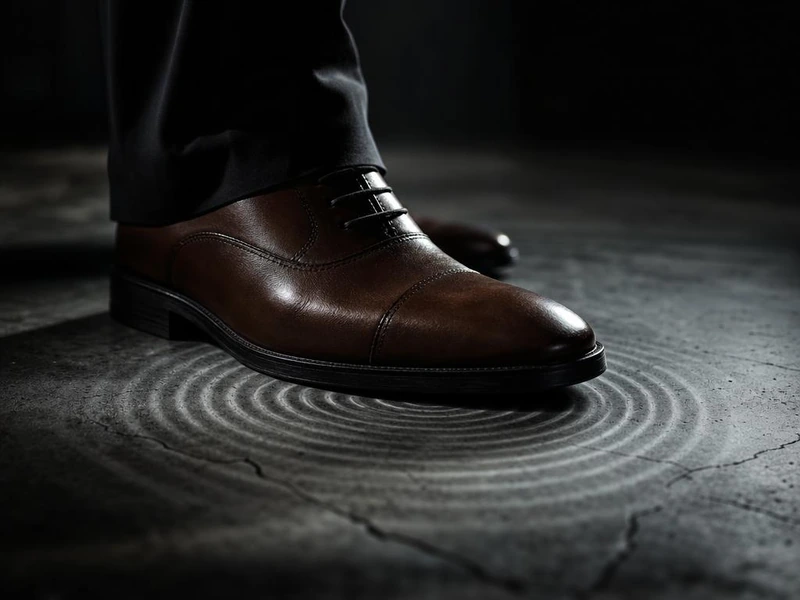
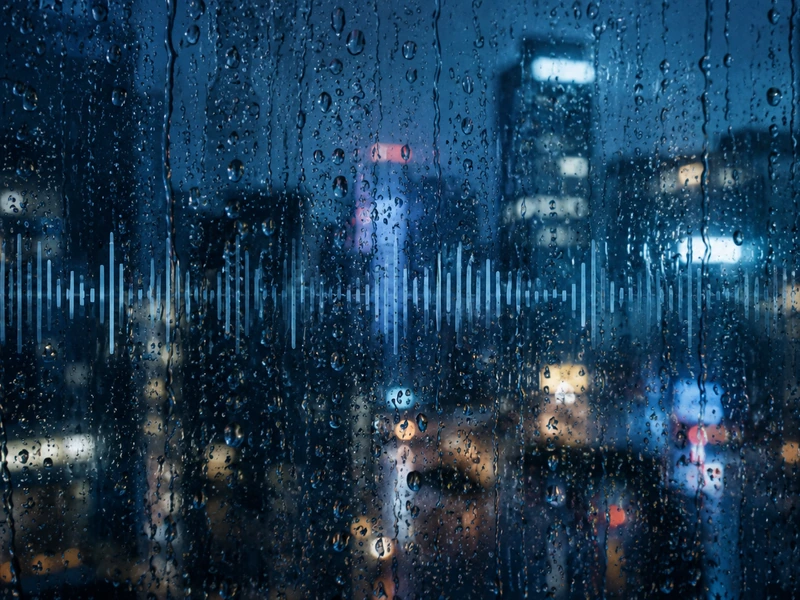
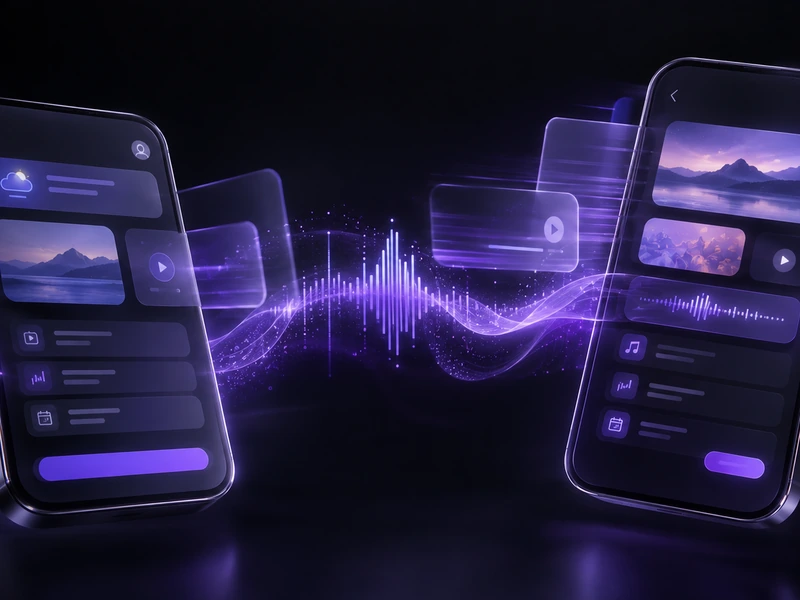
Foley, ambience, impacts. Each sample generated from a single text description.

Sound Effect Generator: Text to Cinematic Audio
Cinematic sound effects from a text prompt. Foley, ambience, and impacts in one engine.
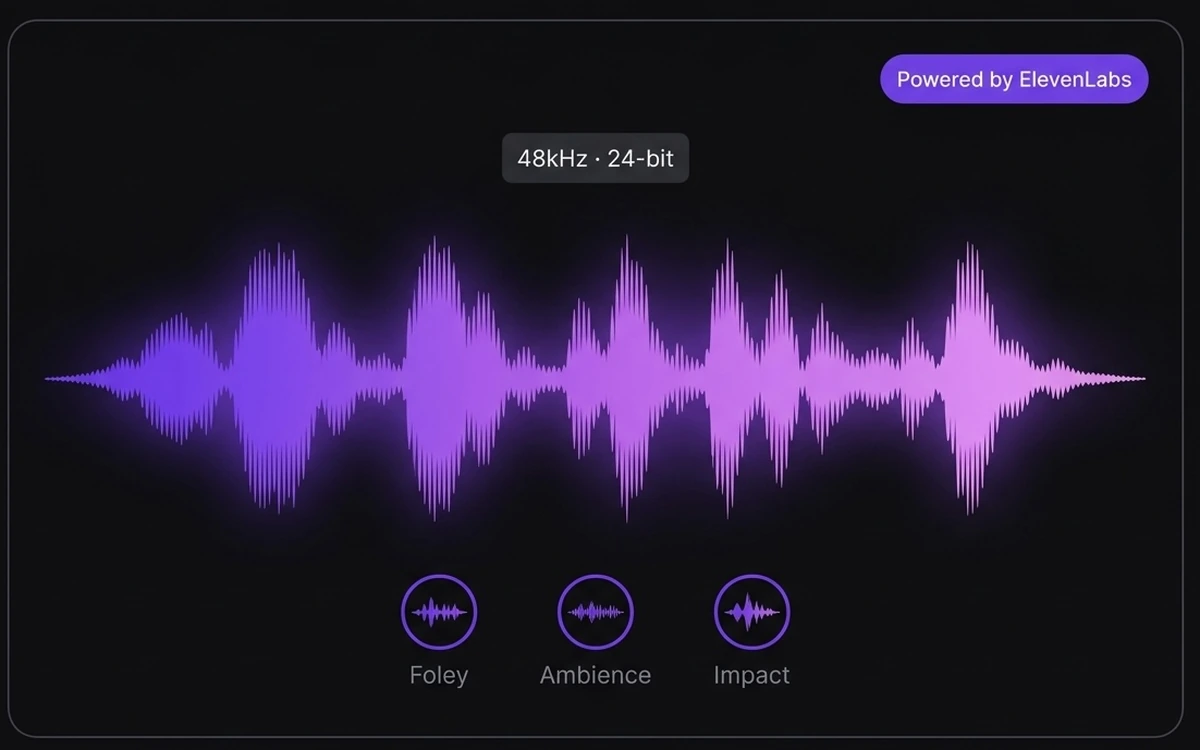
Cinematic Sound at 48kHz
ElevenLabs powers Zeemo's sound effect generation. Every sound is broadcast-ready: 48kHz, cinematic quality, no artifacts. Foley like a foley stage. Ambience like a field recording. Impacts with real weight.
48kHz broadcast-ready. Same ElevenLabs. Built into your editor.
Hear the QualityPrompt to Foley, Ambience, Impact
Type "heavy rain on a tin roof" and hear it. "Leather footsteps on concrete." "Sci-fi portal with bass rumble." Three categories: Foley, Ambience, Impacts. No library browsing. Just describe the sound.
Describe. Hear. No library needed.
Describe Your First Sound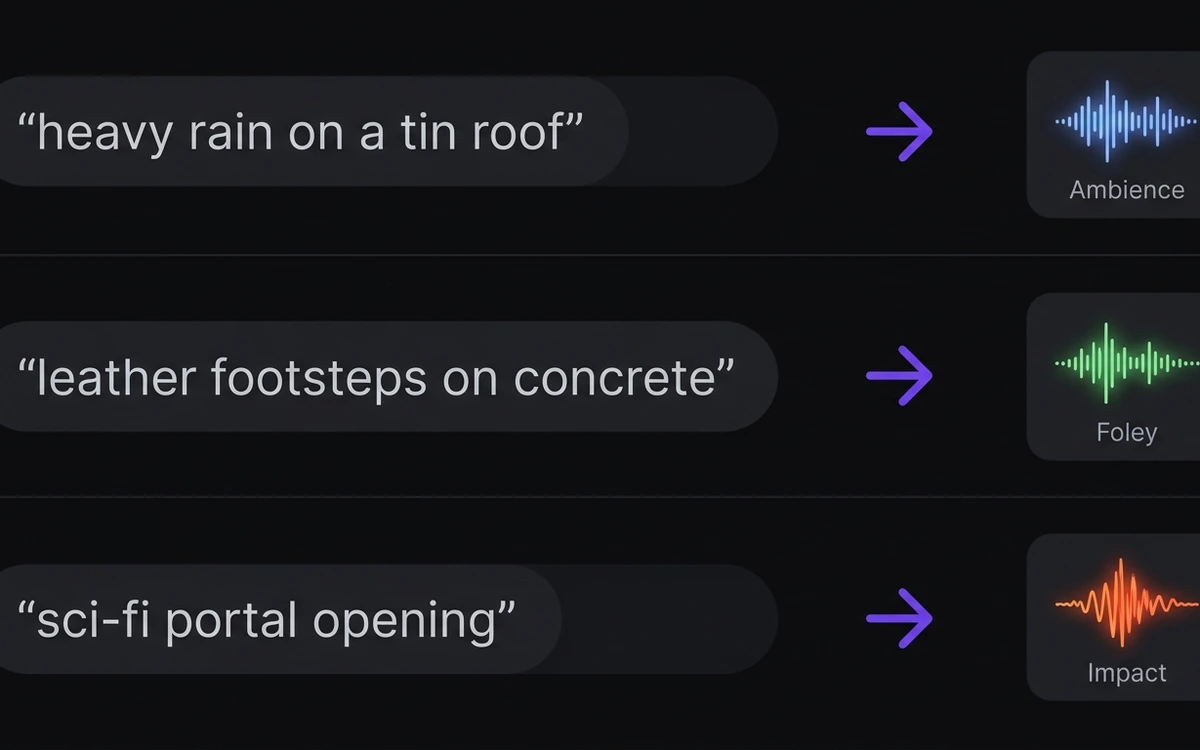
1 to 30 Seconds, No Stretch
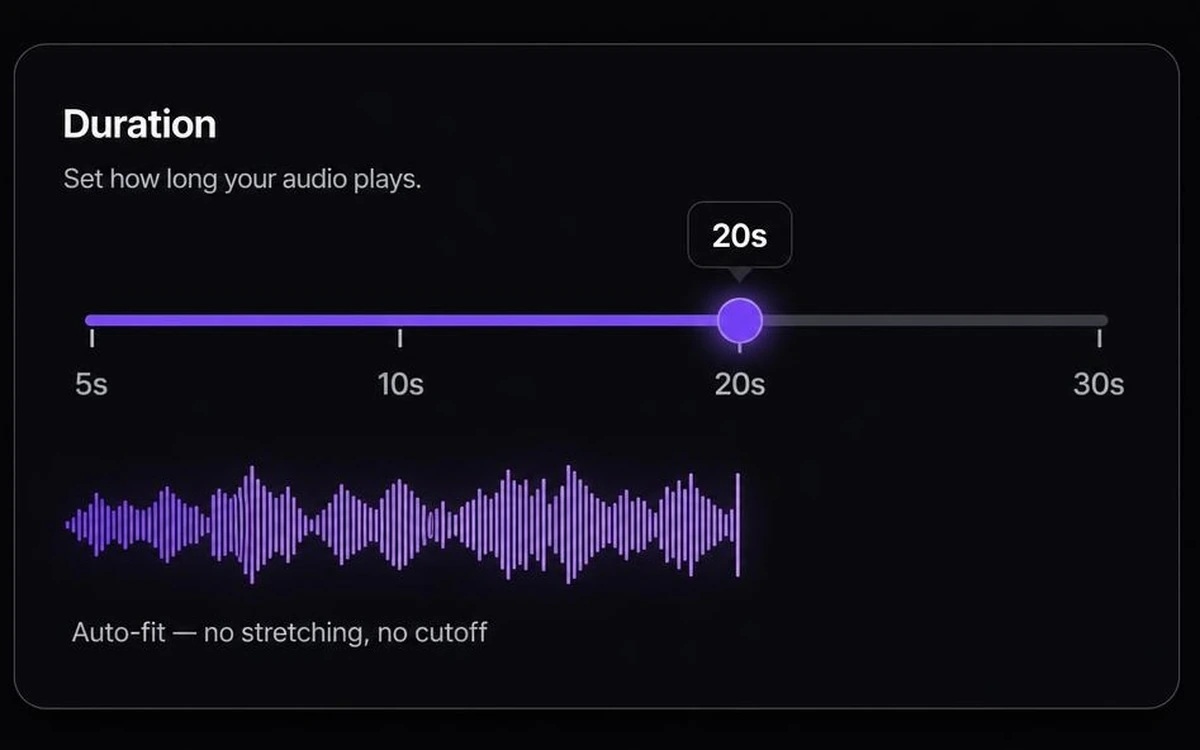
Pick a preset: 5s for UI, 10s for Foley, 20s for ambience, 30s for extended beds. Or set a custom duration from 1 to 30 seconds. Your sound auto-fits without stretching.
Five seconds for UI. Thirty for a storm.
Set Your DurationHow to Generate AI Sound Effects with Zeemo
Describe the Sound
Type the sound you want. Footsteps, rain, explosions, UI effects. The ElevenLabs engine turns descriptions into audio.
Set the Duration
Pick from presets between 5 and 30 seconds, or set a custom length. The sound auto-fits without stretching.
Layer & Mix
The sound lands on your audio layer. Position it against video, mix with voiceover and music, and export. Add AI music for a full soundtrack.
Explore More AI Tools on Zeemo
Every tool runs on the same visual canvas. Same workflow, switch anytime.
Frequently Asked
Questions
An AI sound effect generator creates original audio from a text description. You describe the sound in natural language, footsteps on gravel, rain on a window, a cinematic impact, and the AI generates it. Zeemo runs ElevenLabs' cinematic sound engine behind a text prompt, covering Foley, ambience, and impacts. 1 to 30 seconds, broadcast-ready quality.
Three main categories. Foley: footsteps, cloth rustle, door creaks, object handling. Ambience: rain, wind, forest, city traffic, room tone, cafe background. Impacts: explosions, hits, crashes, cinematic stings, transition whooshes. Also covers UI sounds, game effects, and sci-fi elements. Describe what you need and the engine generates it.
Presets range from 5 to 30 seconds. Custom durations can be set between 1 and 30 seconds. The generated sound auto-fits to the selected length without stretching, looping, or quality loss. Short UI clicks work at 1 second. Extended ambient beds work at the full 30.
Cinematic, broadcast-ready quality at 48kHz. ElevenLabs' sound engine generates professional-grade audio with no compression artifacts, no tinny samples, no audible generation noise. Suitable for film, broadcast, game audio, and commercial production.
A sound effects library gives you pre-recorded clips someone else made. You browse categories, audition files, and hope something fits. Zeemo generates original, custom sound effects from your description. No browsing. No licensing tiers. Every sound is unique and royalty-free for commercial use.
The same ElevenLabs engine, but built into your video editor. Standalone tools generate a file you download, then import into a separate editing app, then sync manually. Zeemo drops the generated sound directly onto your video timeline. Layer it with voiceover and music, adjust timing, preview the full mix, and export.
Every scene needs a sound.
Describe footsteps, rain, explosions, or UI sounds in plain language. ElevenLabs generates cinematic, broadcast-ready audio. Then layer it straight into your video timeline with voiceover and music.