AI Video Ad Generator
Generate video ads in any style — creator-style, product-in-scene, comparison, or motion-led — from a single product photo.
Video Ad Examples
Six different ad formats, generated from the same canvas. Hover a card to hear it.
What the Video Ad Generator Does
Four capabilities of the AI video ad maker, from one product photo to a platform-ready file, whatever the ad style.
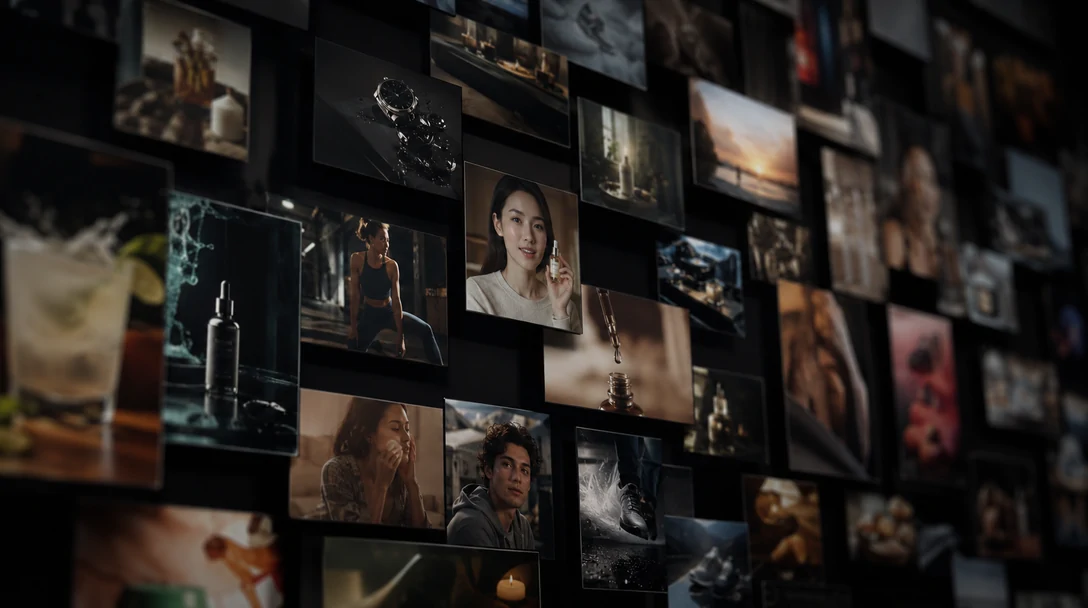
One generator, every ad style
Creator-style testimonials, product-in-scene demos, side-by-side comparisons, and motion-led ads with no footage at all — Zeemo generates all four from the same canvas, so switching ad formats does not mean switching tools or re-briefing a different vendor.
When the creator-style read is specifically what a campaign needs, the UGC Ads Generator goes deeper on that one style, with the same underlying canvas.
Four styles. One canvas.
Generate any ad style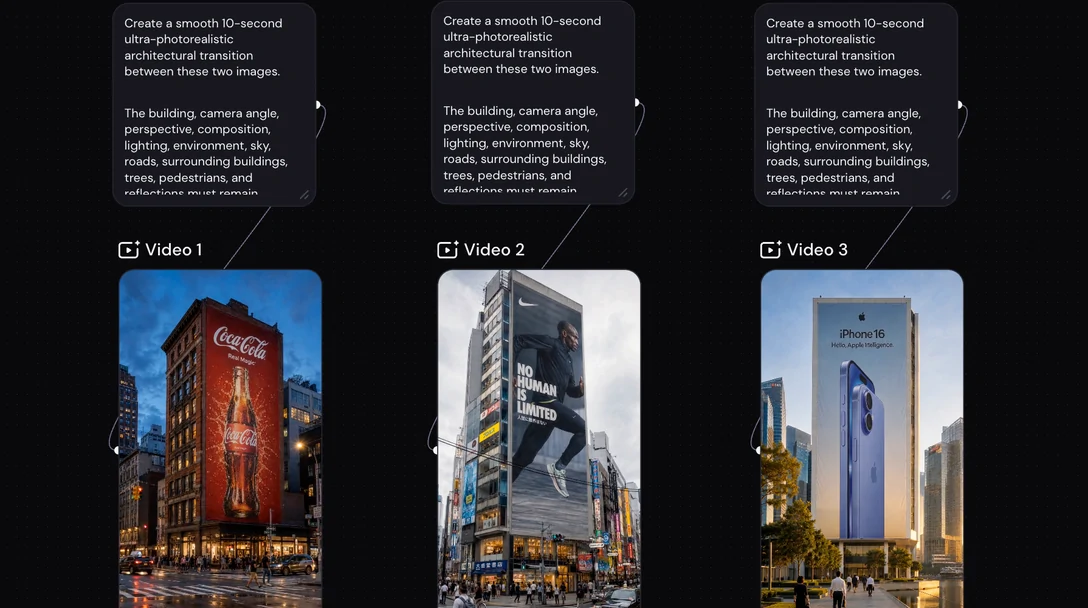
A new angle is a new prompt, not a new shoot
Testing whether a problem-solution opening beats a straight demo used to mean briefing a new shoot for each structure and waiting on a new delivery date.
On Zeemo, each angle starts from a prompt — describe the structure to try, generate it, and place it next to the others without touching the ones already generated.
Describe the angle. Generate it.
Try a new angle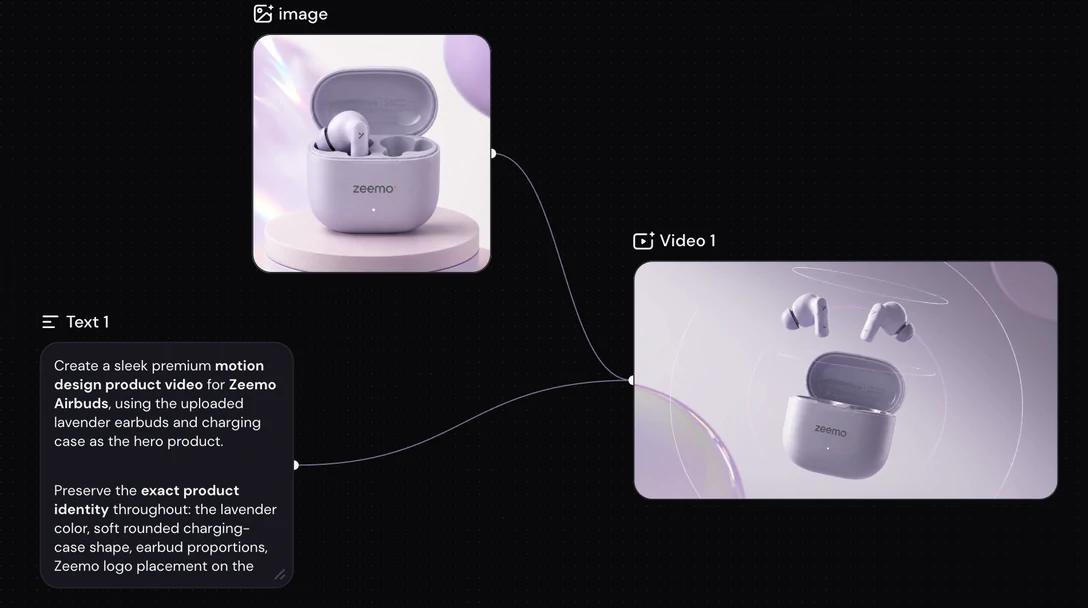
One product photo in, a studio-ready shot out
Not every seller has a studio day or a product photographer on call. Upload the photo on hand, plain lighting and all, and Zeemo builds the polished shot the ad runs on, in the same flow that generates the video.
No separate photo-editing tool, no second upload — the shot and the ad come out of the same generation.
Plain photo in. Ad-ready shot out.
Upload a product photo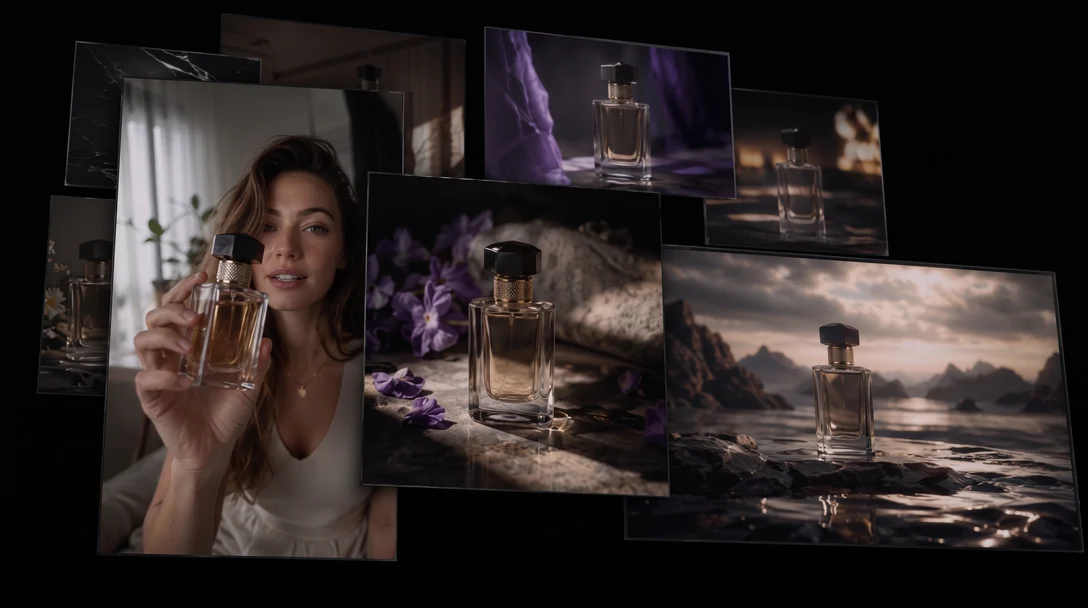
One generation, every platform's spec
Export in the formats each placement needs — 9:16 for TikTok, Reels, and Shorts, 1:1 for feed placements, 16:9 for YouTube and display, and more — all from the same take.
No re-cropping in a second tool, and no regenerating the ad three times because three placements wanted three specs.
9:16. 1:1. 16:9. One take.
Export for any platformWho Makes Video Ads on Zeemo
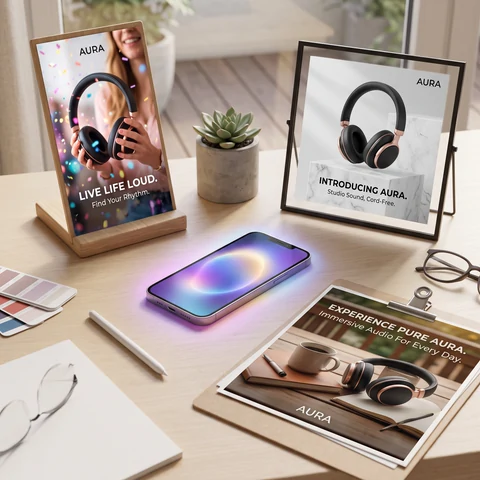
Social media advertisers
Generate and test ad creative for Facebook, Instagram, and TikTok campaigns without briefing a separate vendor per platform.
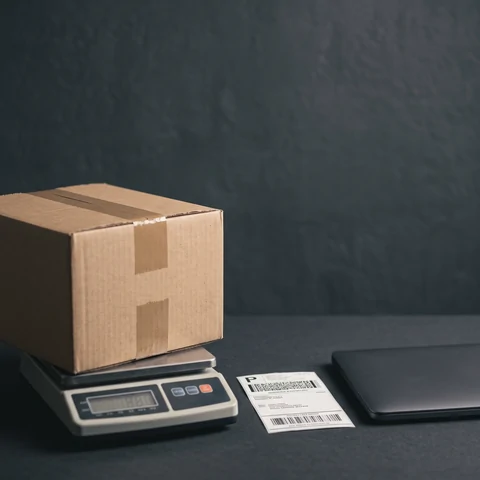
Marketplace sellers
Turn a product listing into ad-ready video for Amazon, Etsy, or Shopify placements.
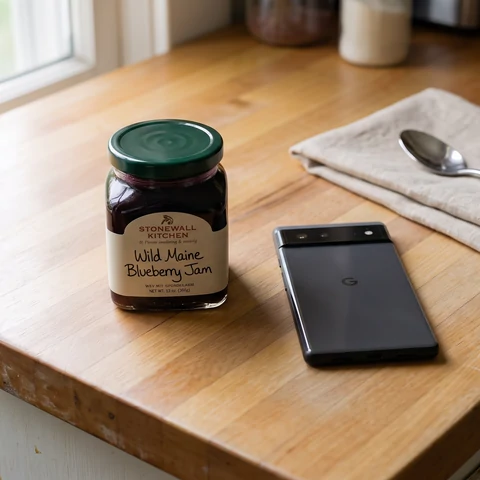
Independent sellers and dropshippers
Build a full ad from nothing but a product photo — no studio, no shoot, no crew.
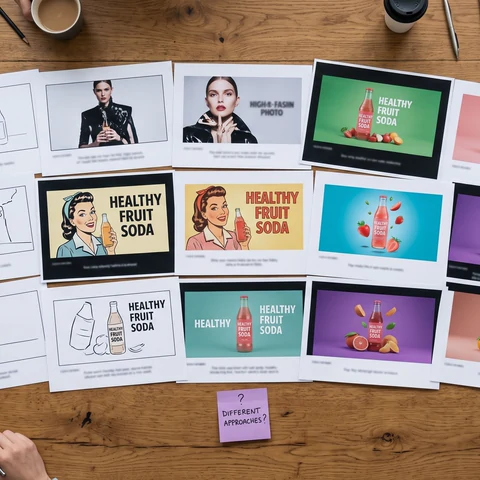
Company and brand advertising teams
Run several creative angles for one campaign at once, and keep the assets on one canvas across launches.
How to Create a Video Ad on Zeemo
Four steps, all in the browser, on the same canvas as the rest of your models.
1
Add your product
Upload a product photo. Zeemo pulls out the details the ad needs — what it is, who it is for, what it solves.
2
Pick a style and angle
Choose creator-style, product-in-scene, comparison, or motion-led, and describe the specific angle to test.
3
Generate and compare
Run the prompt, generate the take, and place it next to other angles or styles from the same product.
4
Export and launch
Pick the aspect ratios, export 9:16, 1:1, or 16:9, and send the file straight to your ad workspace.
Explore More AI Solutions on Zeemo
Every solution runs on the same canvas. Explore more ways to create with Zeemo.
Frequently Asked
Questions
Launch your next ad today
One product photo, every style and platform a campaign needs.