AI Music Generator
Describe the vibe and get a finished track — vocal song or cinematic score, 3 seconds to 10 minutes, royalty-free. It lands on your video timeline next to your voiceover and sound effects, ready to export.
Hear vocals, scores, and beats from a text prompt
Vocal songs, cinematic scores, background music, and ambient tracks. Each sample generated from a single text prompt.

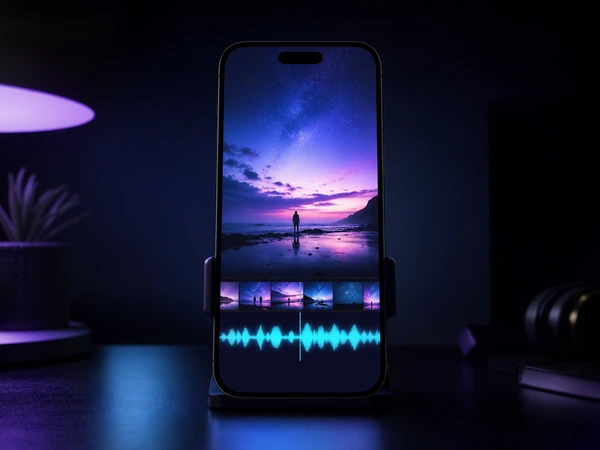

AI Music Generator: From Text Prompt to Full Song
Two AI music engines. Vocal songs or cinematic scores. All inside your video workspace.
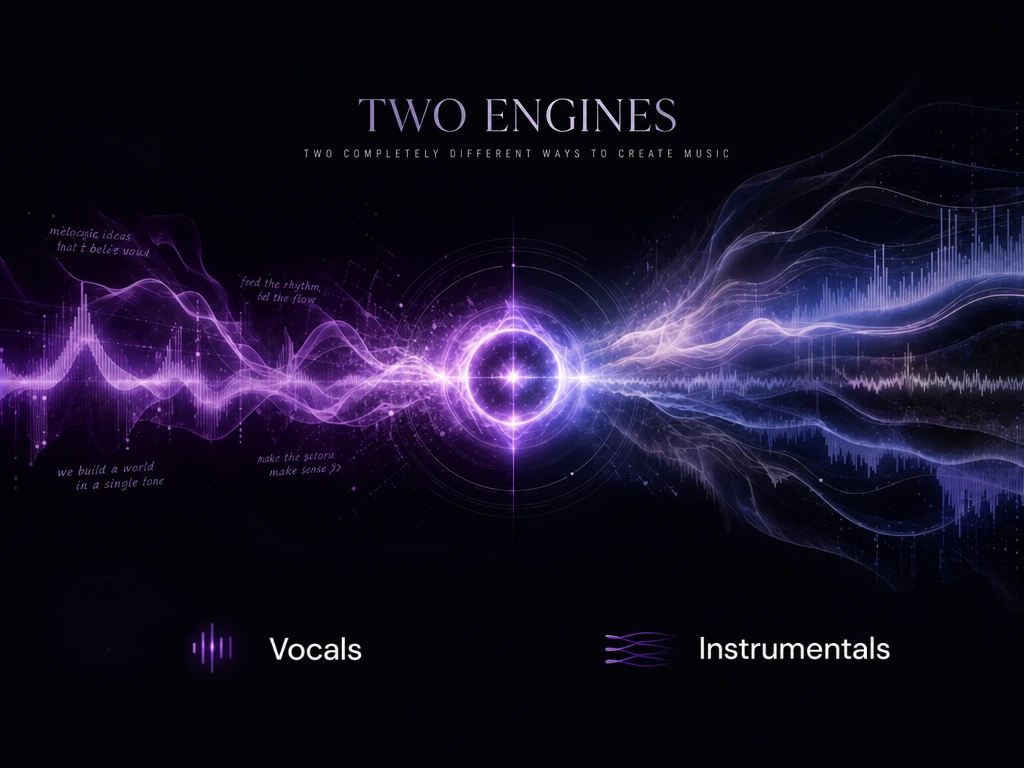
Dual Engines for Every Genre
One engine writes full vocal songs — pop hooks, hip-hop verses, any genre, lyrics included. The other composes studio-grade instrumental scores. Two engines behind one generate button, each tuned for a different creative need.
Vocals or instrumentals. Pick your engine.
Switch EnginesPrompt to Full Song
Describe the vibe, genre, and tempo, then hit Generate. No MIDI, no sample libraries, no music theory. Include lyrics for vocal tracks. Describe a scene for instrumentals. Every note is royalty-free for commercial use.
Describe. Hear. Layer onto video.
Describe Your First Song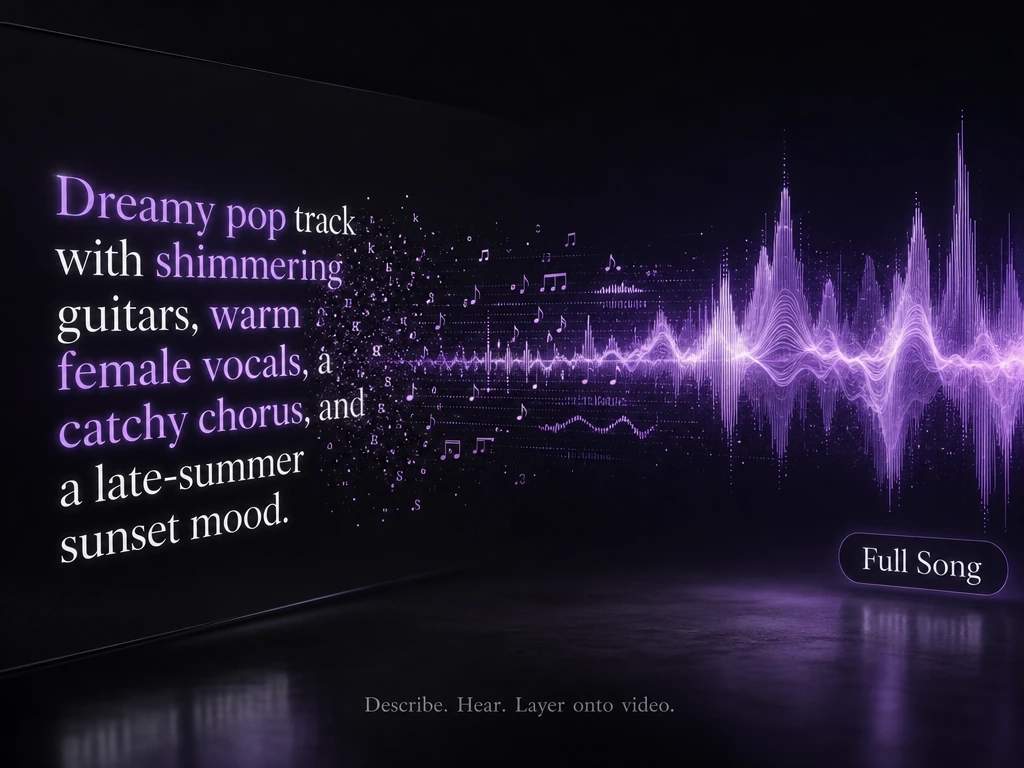
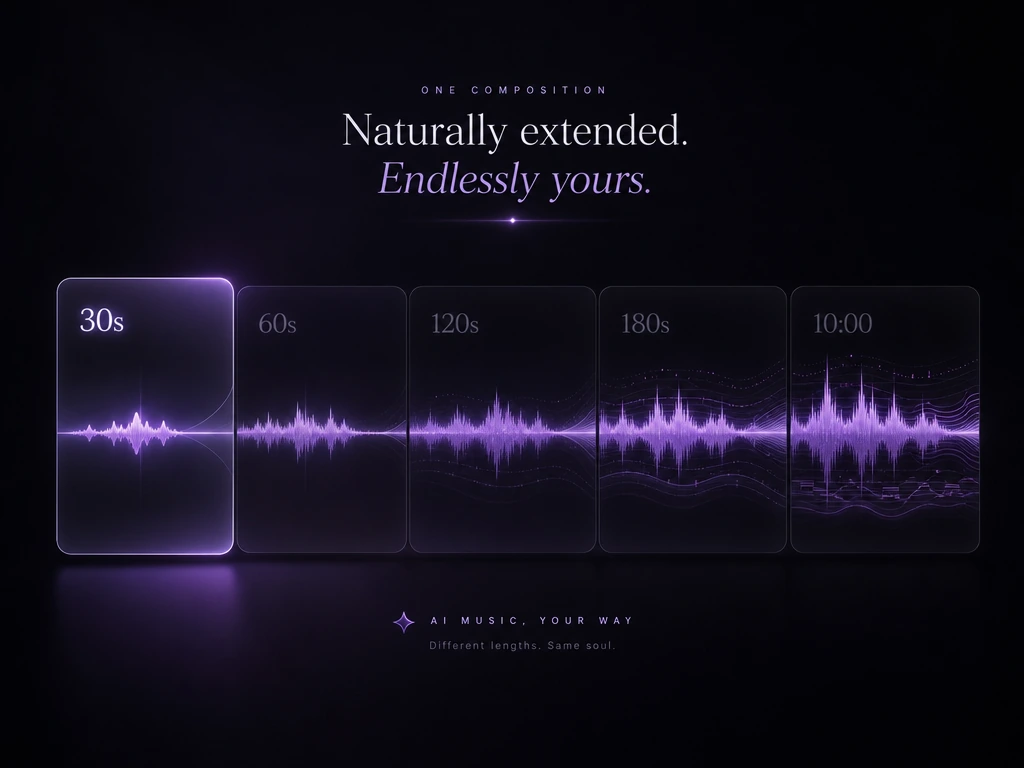
3 Seconds to 10 Minutes
Choose from presets: 30s for social clips, 60s for ads, 120s for scenes, 180s for full sequences. Or set a custom duration from 3 to 600 seconds. No looping, no stitching: one continuous composition from start to finish.
From a 30s reel to a 10-minute film. One continuous track.
Set Your DurationMusic Direct to Timeline
A generated track lands on your audio layer alongside voiceovers and sound effects. Trim, fade, preview against video, and export. No bouncing between a music app and a video editor.
Song, SFX, voiceover. One workspace, one export.
Score Your Video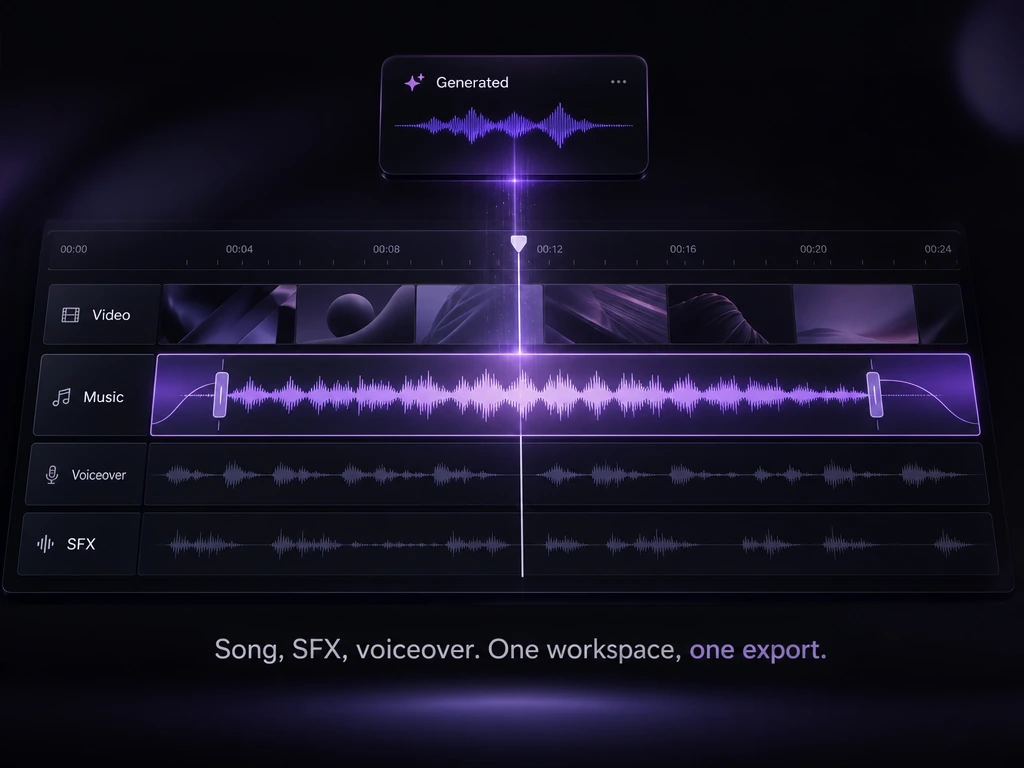
How to Generate AI Music with Zeemo
Choose Your Engine
Pick the vocal engine for songs with lyrics, or the cinematic engine for instrumental scores. Each one is tuned for a different creative need.
Describe the Song
Describe the style, genre, mood, and tempo. Include lyrics for vocal tracks. The AI composes an original piece from your prompt.
Mix & Export
The track lands on your audio layer. Trim, fade, layer with voiceover and effects, preview against video, and export. Pair with AI text to speech for voiceover.
Explore More AI Tools on Zeemo
Every tool runs on the same visual canvas. Same workflow, switch anytime.
Frequently Asked
Questions
An AI music generator creates original music from a text description. You describe the style, mood, and genre, and the AI composes a unique track. Zeemo runs two engines: Music V1 for vocal songs in any genre and Lyria 3 Pro for studio-grade instrumental scores up to 10 minutes. Every generated track lands directly on your video timeline.
Yes. Music V1 generates full vocal songs with lyrics, covering pop, hip-hop, rock, R&B, and more. Describe the style and include your lyrics in the prompt. The AI composes the instrumental and performs the vocals in a single generation. Lyria 3 Pro is instrumentals only, designed for film scoring and ambient beds.
Duration presets include 30 seconds, 60 seconds, 120 seconds, and 180 seconds. Custom durations range from 3 seconds to 600 seconds: 10 minutes. Lyria 3 Pro produces a complete 3-minute composition by default, extendable to the full 10-minute maximum. No looping or stitching: one continuous composition.
Both engines support any genre and any style. Pop, electronic, orchestral, hip-hop, rock, jazz, ambient, lo-fi, and everything in between. Describe what you want in the prompt, and the AI adapts. Lyria 3 Pro is particularly strong for cinematic film scoring, while Music V1 excels at contemporary vocal tracks.
Yes. Zeemo-generated music is royalty-free for commercial use. You retain full rights to use your generated tracks in videos, ads, podcasts, and any commercial project. No attribution required, no licensing fees, no Content ID claims on YouTube.
Unlike standalone music tools, Zeemo drops the generated track directly onto your video timeline. Layer it with TTS voiceovers and sound effects, trim and fade, preview the full mix against your footage, and export everything from one workspace. No bouncing between apps.
Your soundtrack starts with a sentence.
Describe any song, any genre, any mood. Two AI engines generate the vocal track or instrumental score. Then layer it straight into your video timeline with voiceover and sound effects.