AI UGC Ads Generator
The AI UGC video generator for creator-style ads. Cast an avatar, write the hook, ship every format — no shoot, no briefing call, no reshoot.
UGC Ads Examples
Every UGC ad below came from the Zeemo UGC ads generator — one flat product photo in, a creator-style ad out. Hover to see the source shot behind each one.
Product in frame
Unboxing hook
What the UGC Ads Generator Does
Four capabilities of the UGC ad creator, from one product photo to a platform-ready ad.
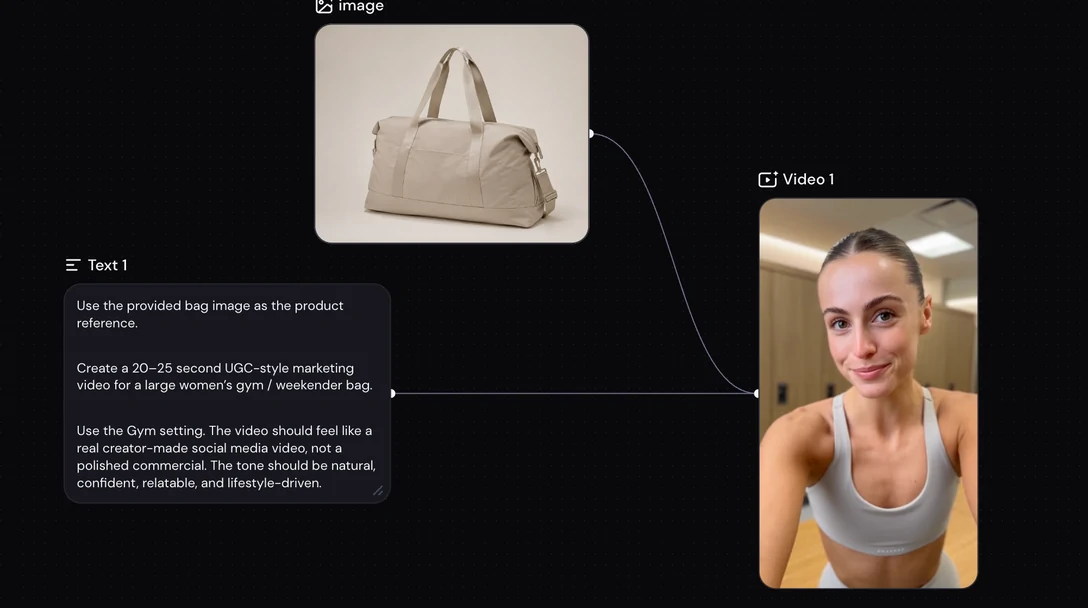
Build an avatar that reads as real
A UGC ad converts because a real person is on camera. Build that person two ways — upload your own footage to make a custom avatar, or describe the one you want and generate it.
Casting is a prompt, not a booking — one product, several creators, one session.
Upload footage. Or describe an avatar.
Build an avatar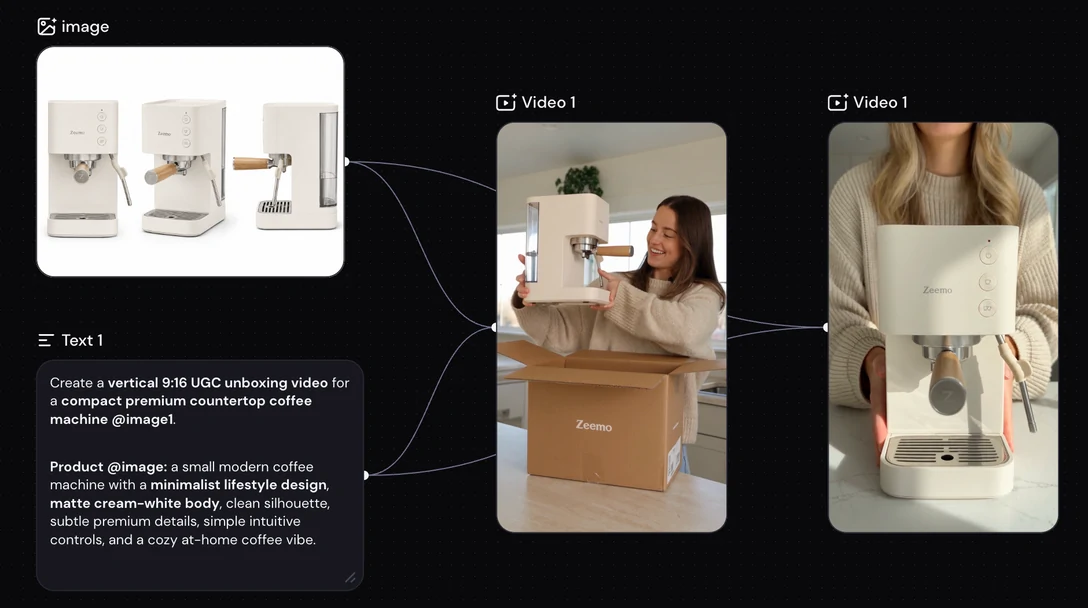
Start from your product photo
Upload the same product shot you use on your listing. The product in the ad is your product — the exact bag, bottle, or device, held and used by the creator.
Skip the creator search, the sample shipment, and the back-and-forth. Swap the hook in the same session, not a reshoot.
Your product. Not a lookalike.
Upload a product photo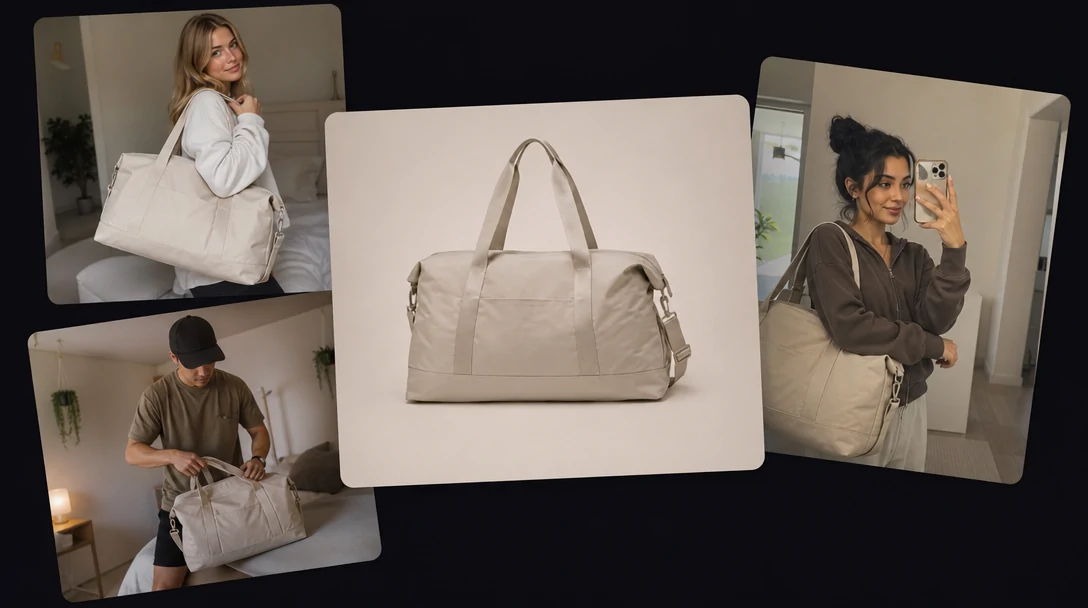
Choose the model for each ad
The canvas carries a lineup of advanced video models. You pick which one generates each ad, and switch to another whenever a different look suits the product better.
Run the same hook across two models and keep the take that performs. New models arrive on the same canvas, so upgrading never changes how you work.
Pick a model. Switch any time.
Browse the model lineup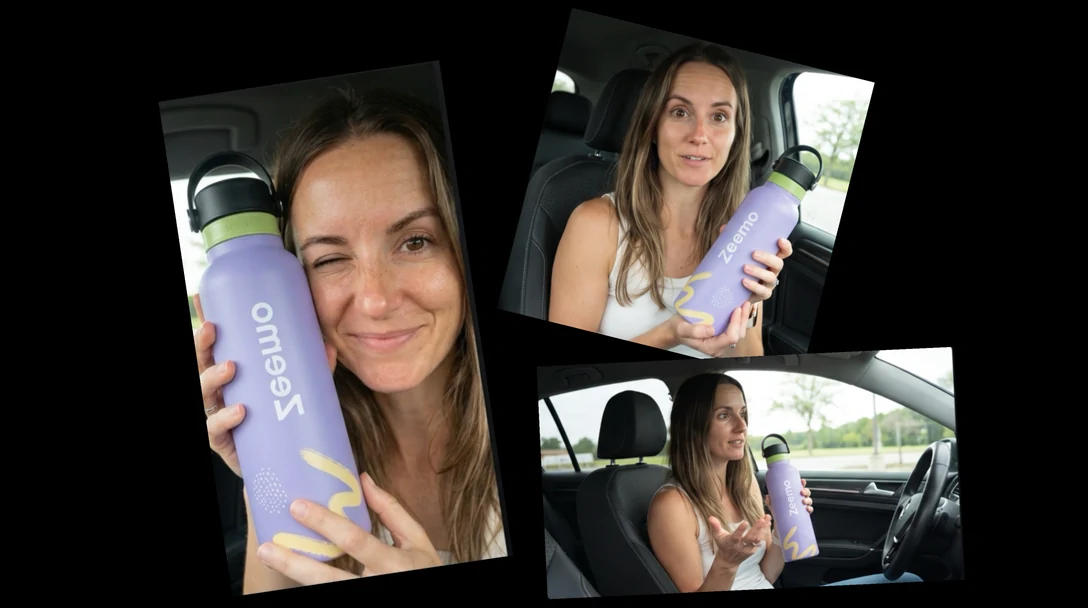
Every placement gets the right frame
Pick the frame your ad runs in before it renders — 9:16 for TikTok and Reels, 1:1 for Instagram and Facebook feeds, 16:9 for YouTube, plus wider and taller options.
Each ad is built for the frame you choose, so nothing important gets cut off.
Pick the frame. Then generate.
Choose your formatWho Runs UGC Ads on Zeemo
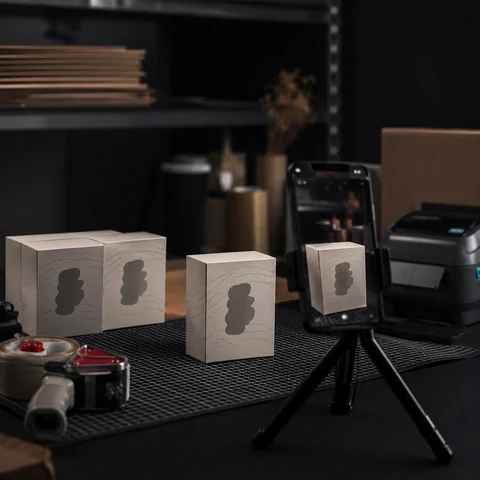
Ecommerce sellers
Generate a full set of ads per product for Shopify, Amazon, or your own store.
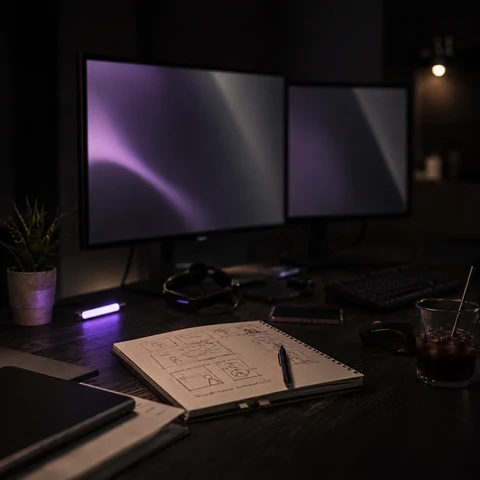
Performance marketers
Generate new hooks and creative variants on the cadence paid social needs.

Agencies
Manage several client accounts and brand voices from one canvas, kept separate by client.
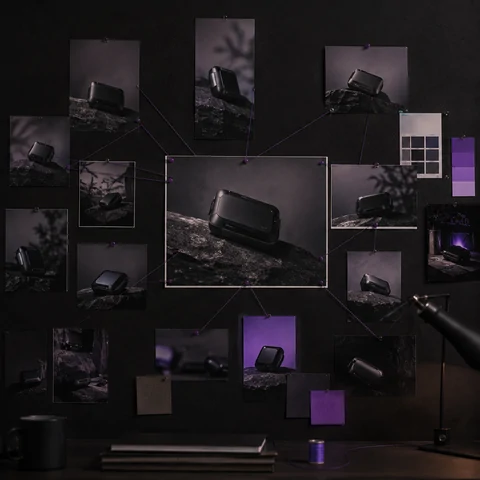
Brand and content teams
Adapt one launch ad across markets — a different creator per market, every format.
How to Create UGC Ads on Zeemo
Four steps, all in the browser, on the same canvas as the rest of your models.
1
Add your product
Upload your product photos. Zeemo reads what the product is, who it is for, and what it fixes.
2
Cast your creator
Upload footage to build a custom avatar, or describe the creator you want and generate one.
3
Generate the ad
Pick a model and aspect ratio on the canvas, then generate. Regenerate with a different model or creator if the take misses.
4
Export and launch
Download the finished ad and send it into your ad workspace.
Explore More AI Solutions on Zeemo
Every solution runs on the same canvas. Explore more ways to create with Zeemo.
Frequently Asked
Questions
Cast your first UGC ad today
One product, one script, every format your ad account needs.