AI Short Drama Generator
Generate short dramas on the Zeemo canvas. Define a character once, keep the same face every episode, fix a single shot, and bring voice and picture together in one pass.
Short Drama Example
One episode opening from Zeemo's AI drama video generator, carrying the same character from the first frame to the last. Expand the corner panel to see the canvas that built it.
What the AI Drama Generator Does
Four capabilities that keep a short drama series together.
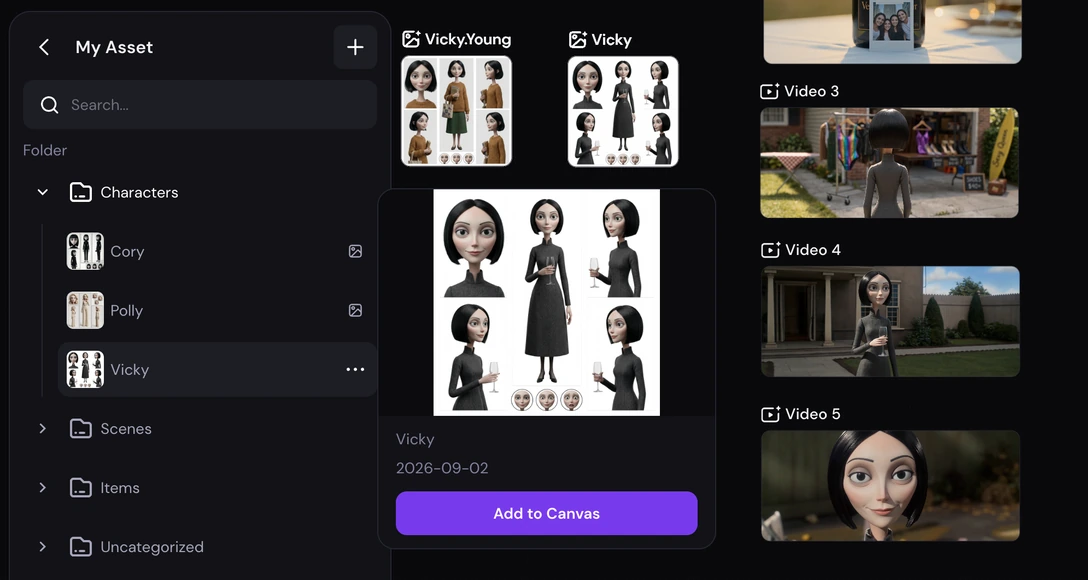
One character, every episode
Define a character once on the canvas, and Zeemo keeps that same face and look across every scene, every shot, and every episode you generate after it.
The character becomes a reusable element in your asset library — save it once, cast it across as many episodes as the series needs, without re-describing it each time.
Same face. Every episode.
Define a character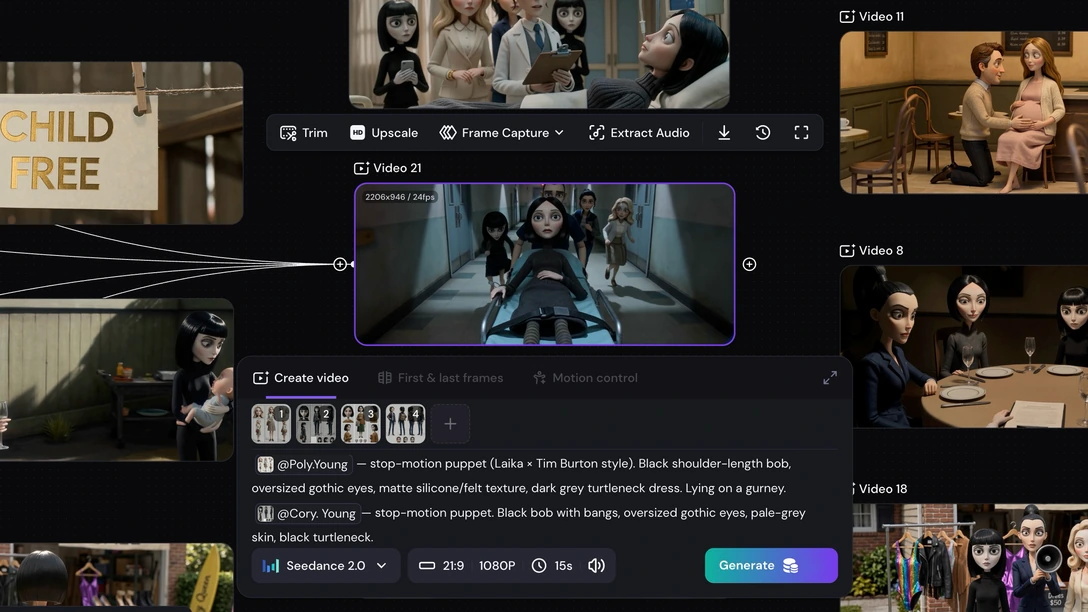
Fix one scene without redoing the episode
Every shot in an episode is its own node on the canvas. When one scene misses — a line, a look, a beat — regenerate that node on its own. The rest of the episode, and the character inside it, stays exactly as it was.
Change one scene. Keep the episode.
See how editing works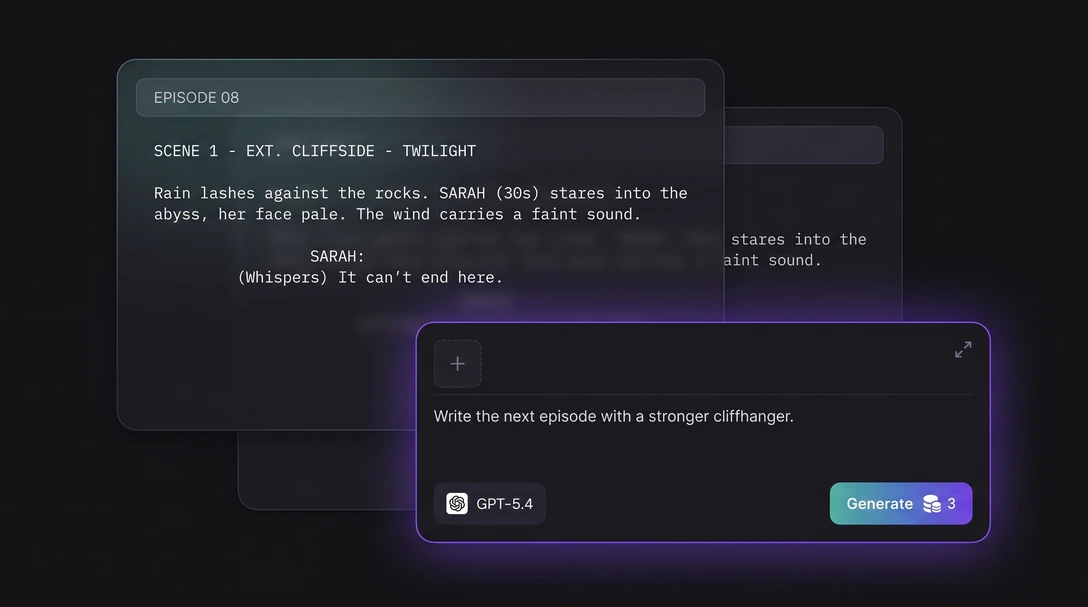
Write the next episode without leaving the canvas
An AI assistant lives on the canvas itself. Draft an episode's script, rewrite a line of dialogue, or brainstorm where the story goes next, without opening a separate document or switching tools.
The script, the character, and the generated video stay on the same project — nothing to reimport, nothing to keep in sync by hand.
Script it. Direct it. Same canvas.
Try the assistant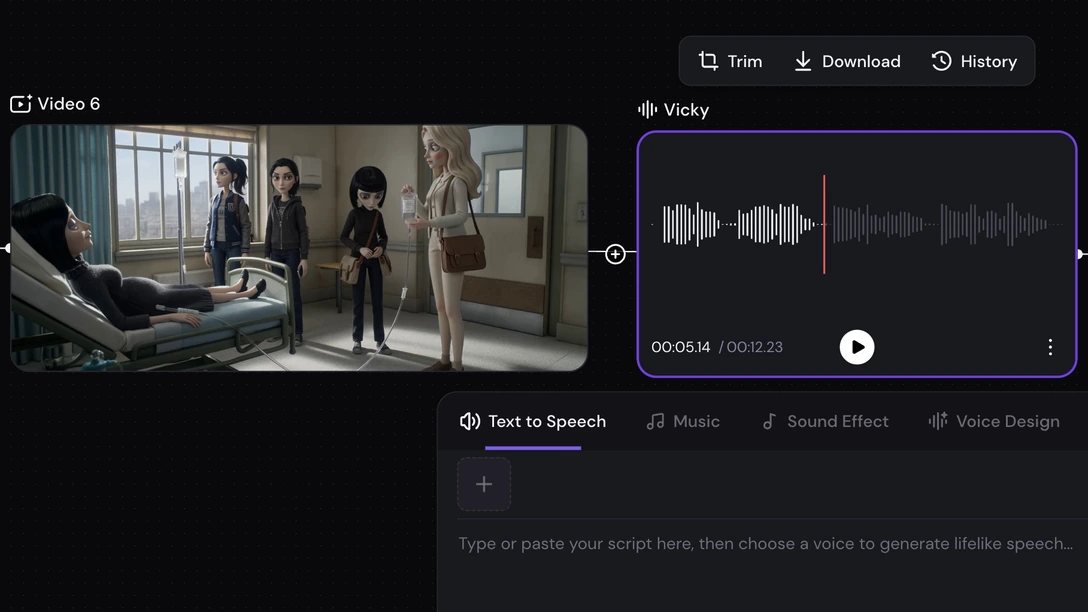
Dialogue and sound, on the same canvas
A short drama runs on dialogue. Zeemo carries the rest of the episode on the same canvas: text to speech and voice design for the read, and sound effects for the scene.
The character, the dialogue, and the sound stay on one project — nothing exported to a second tool to sync back up.
Voice and picture. One canvas.
Explore the audio toolsHow to Create a Short Drama on Zeemo
Three steps take you from a defined character to a finished episode — or a full short drama series, as the short drama maker reuses the same character every time.
Define your character
Upload a reference image or describe the character in text. This becomes the character Zeemo reuses across every episode.
Generate scene by scene
Write or generate the script, then generate each scene of the episode as its own node. The character stays locked without re-describing it.
Fix, export, continue
Regenerate any single scene that misses, export the episode in 9:16, and start the next one with the same character already defined.
Explore More AI Solutions on Zeemo
Every solution runs on the same canvas. Explore more ways to create with Zeemo.
Frequently Asked
Questions
Start your first episode today
One character, defined once, ready for every episode you generate next.