Before
After
Clothing Color
Edit the video you already have with Zeemo's AI video editor. Change details in your video with AI prompts and marked reference frames. Start from an AI-generated clip or upload your own, all on Zeemo Canvas.
Edit Your VideoWatch this step-by-step tutorial to open Video Edit, mark what you want to change, and generate your edited video on Zeemo Canvas.
A new color, a different hairstyle, a changed expression, or a replacement prop. Start from your video.
Start with existing footage. Show AI what needs changing, revise a segment, and review the result alongside your original.
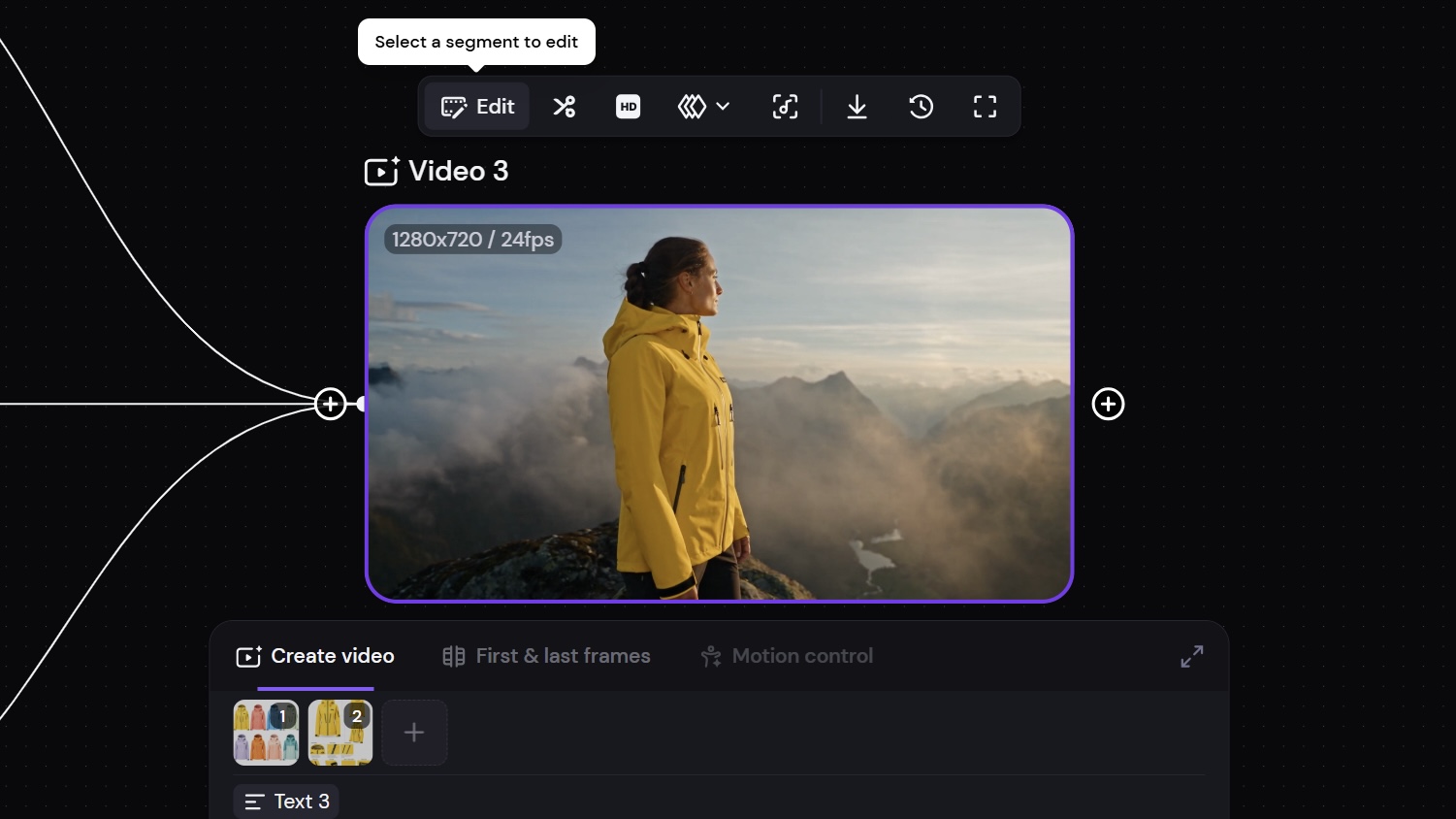
Your shot works, but one detail needs changing. Turn a yellow jacket blue, change a character's hairstyle, or replace a prop. Zeemo's AI video editor revises footage you generated on Canvas or uploaded yourself.
Start with your shot. Refine what needs changing.
Refine Your VideoA prompt describes the change. An annotated frame shows where it belongs. Circle the jacket, box the prop, or add a text note. Save the frame as a reference to give your instruction a visible target.
Mark the target. Give your prompt a clear reference.
Guide Your Edit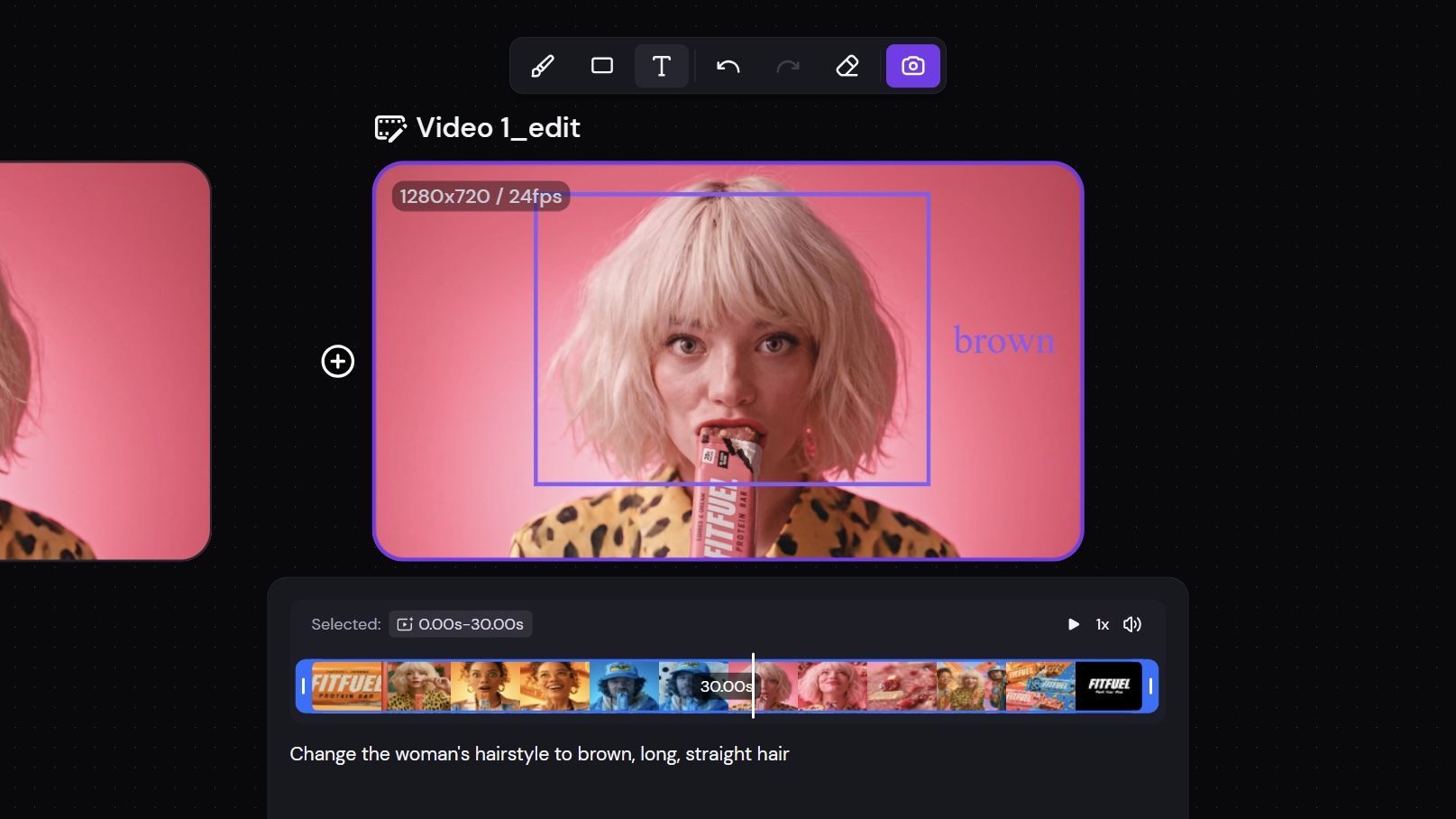
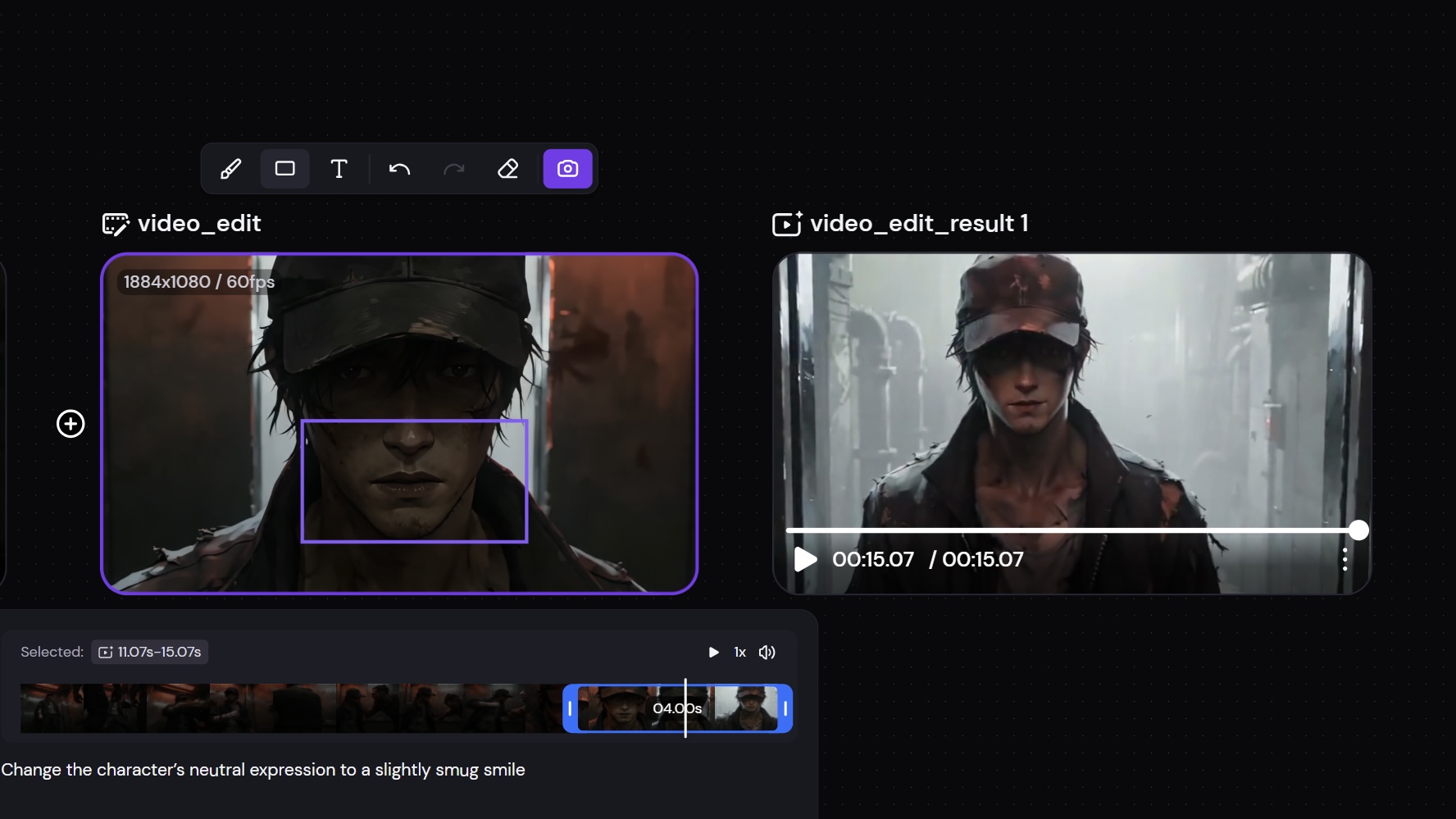
Select a segment of at least 4 seconds that you want to revise. Zeemo generates a complete result video with that segment replaced. Play the full video to review the change in context, with the result already assembled.
Edit one segment. Review the complete video.
Edit a Video SegmentClick Edit to create a copy. Click Run to add the edited video as a separate result on Canvas. Your original stays on Canvas, so you can review both versions in the same workspace before choosing which video to use.
Two versions on Canvas. Your source stays available.
Compare Your Edit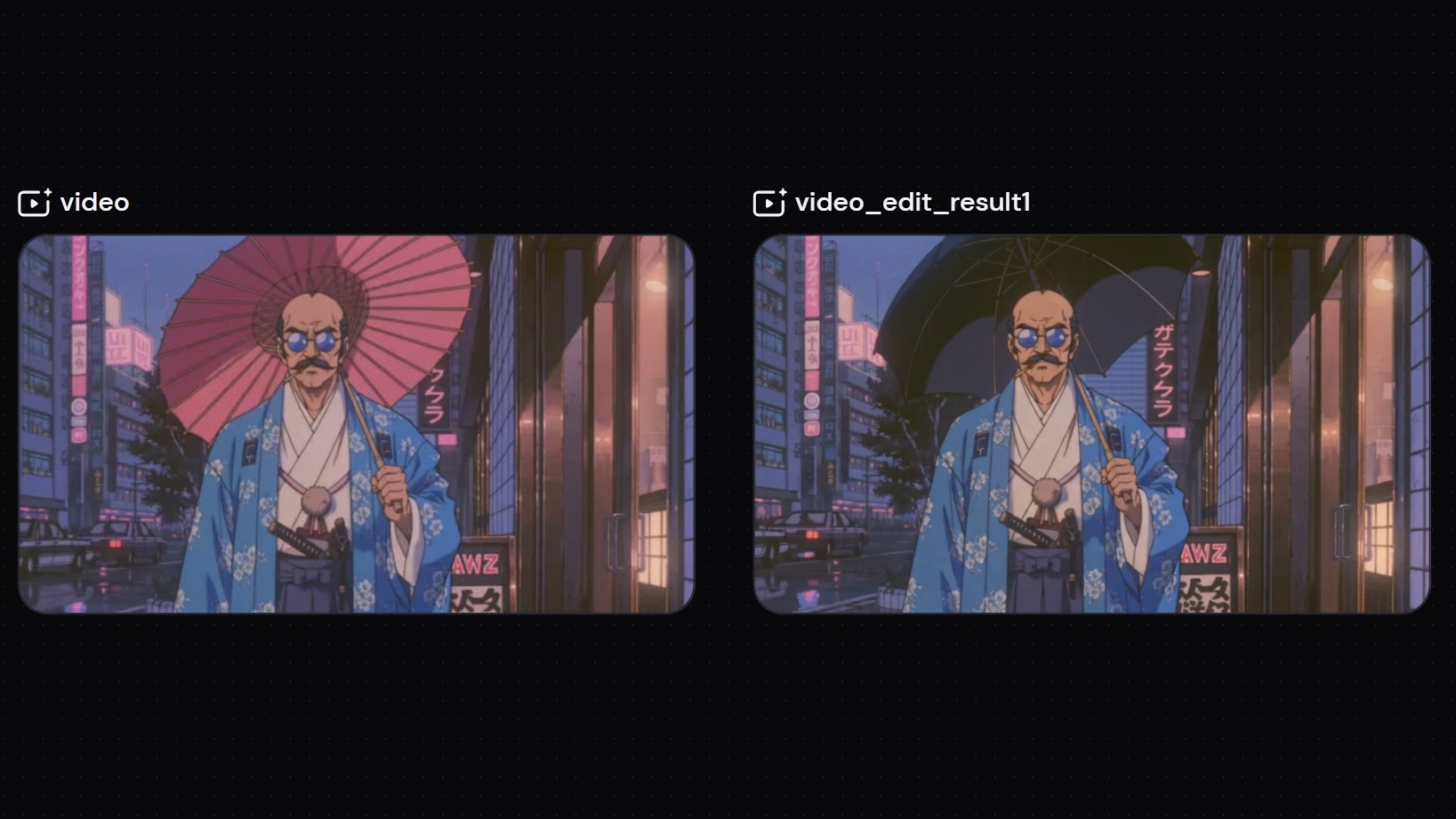
Select an AI-generated video on Canvas or upload your own. Click Edit to create an editing copy. Your original stays in place.
Select the segment you want to edit. Mark the target, save the annotated frame as a reference, and describe the change in your prompt.
Click Run. Review the complete result video with the edited segment replaced, then compare it with your original on the same canvas.
Every tool runs on the same visual canvas. Same workflow, switch anytime.
Bring your video to Zeemo Canvas. Mark the detail, describe the change, and review the result alongside your original.