AI Image Upscaler
Most upscalers stretch pixels and stop there. Zeemo rebuilds them: 6x magnification, grid splitting for huge files, batch mode for entire catalogs. No installs.
Upscale ImageSee the AI image upscaling difference in every pixel
From blurry to sharp. From compressed to crisp. Try any sample below or upload your own.
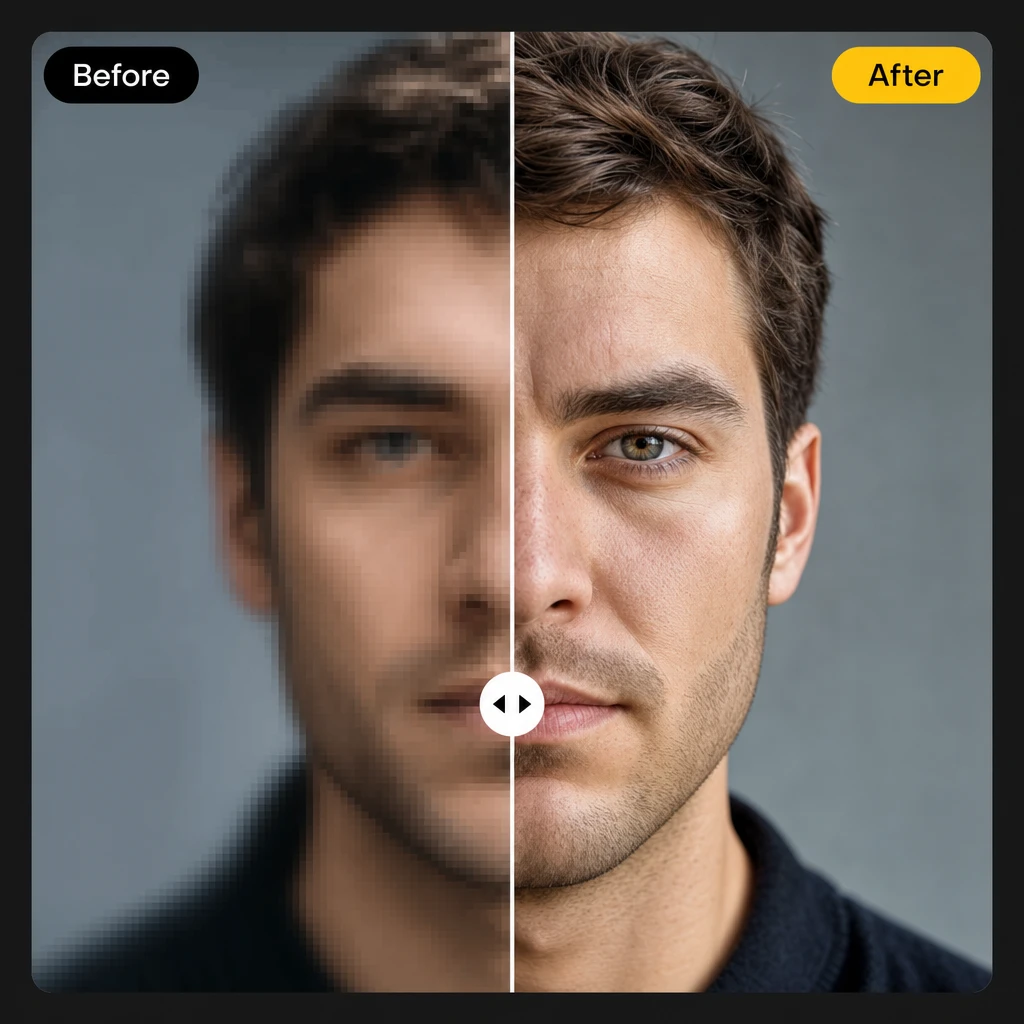
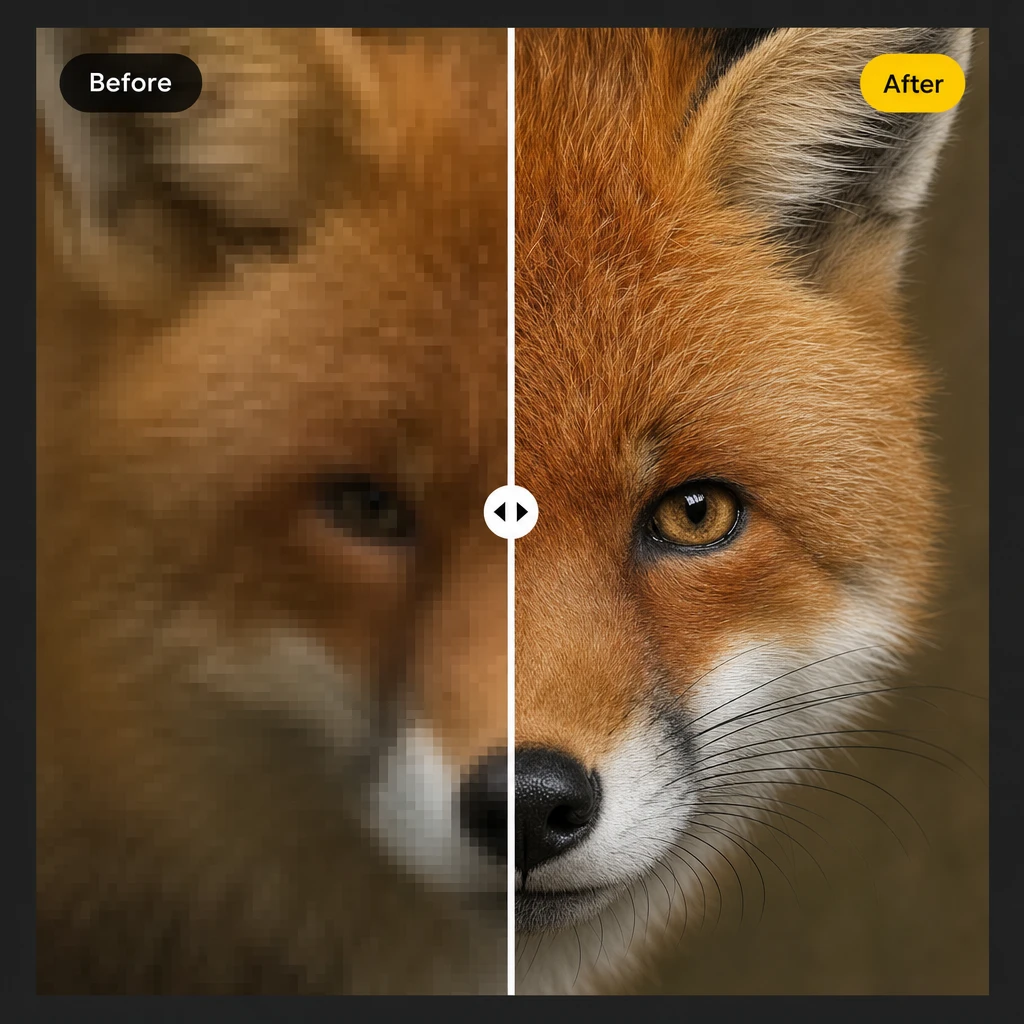
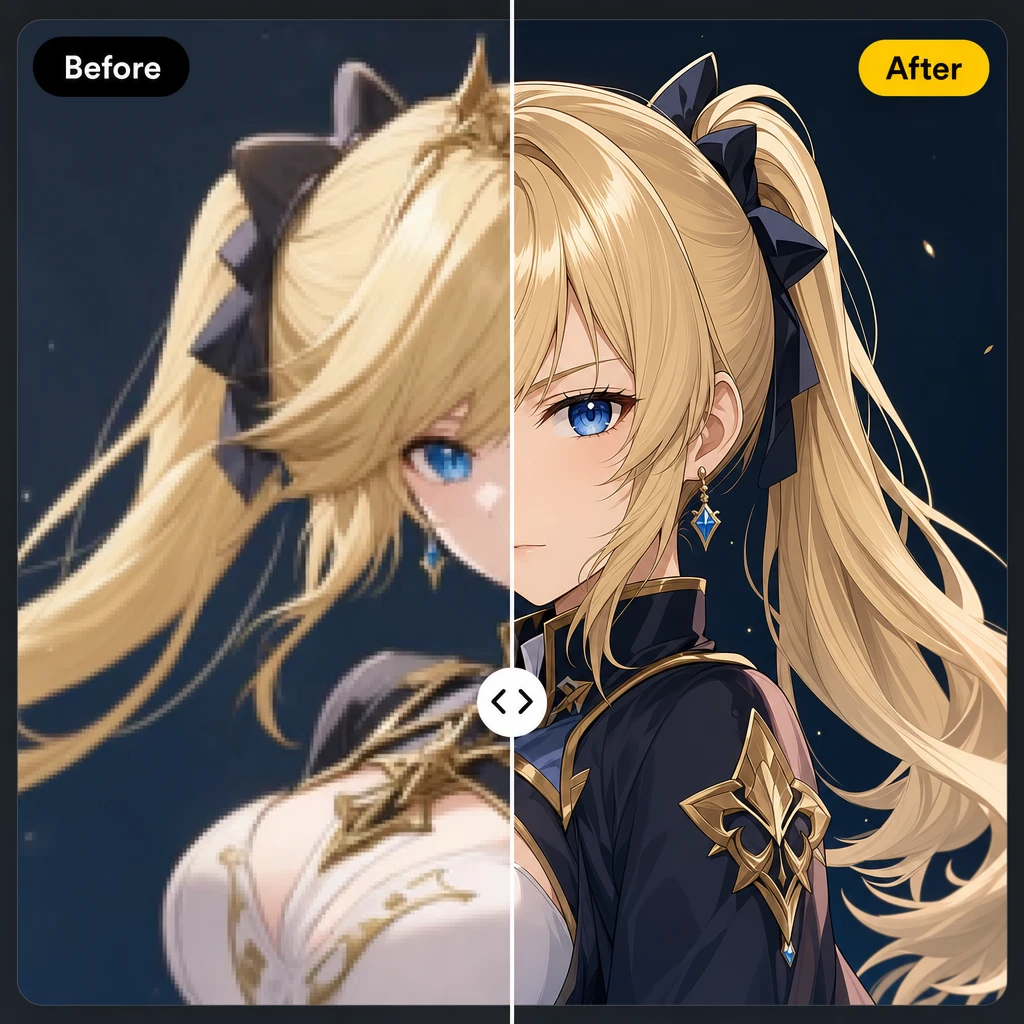
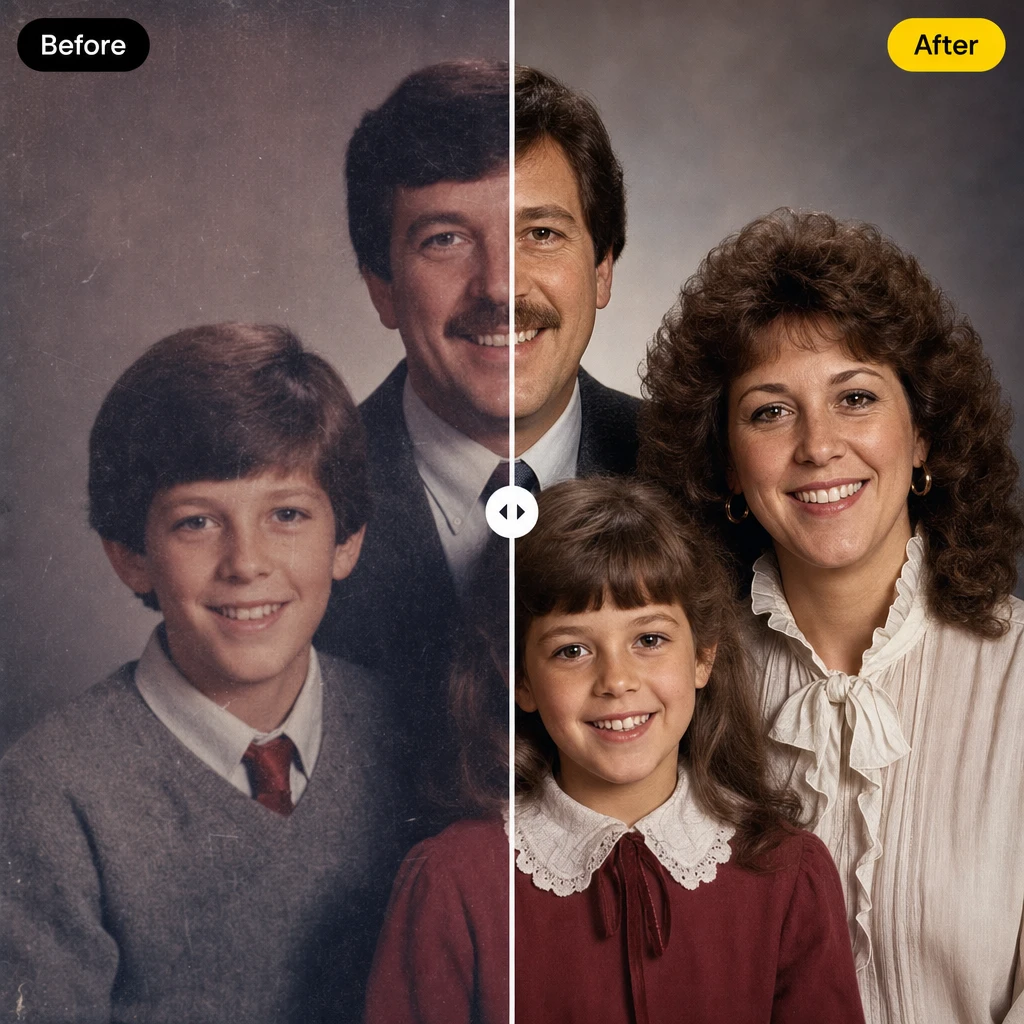
Every Pixel, Rebuilt from Scratch
Traditional upscaling stretches what's there. Zeemo rebuilds every pixel from scratch.
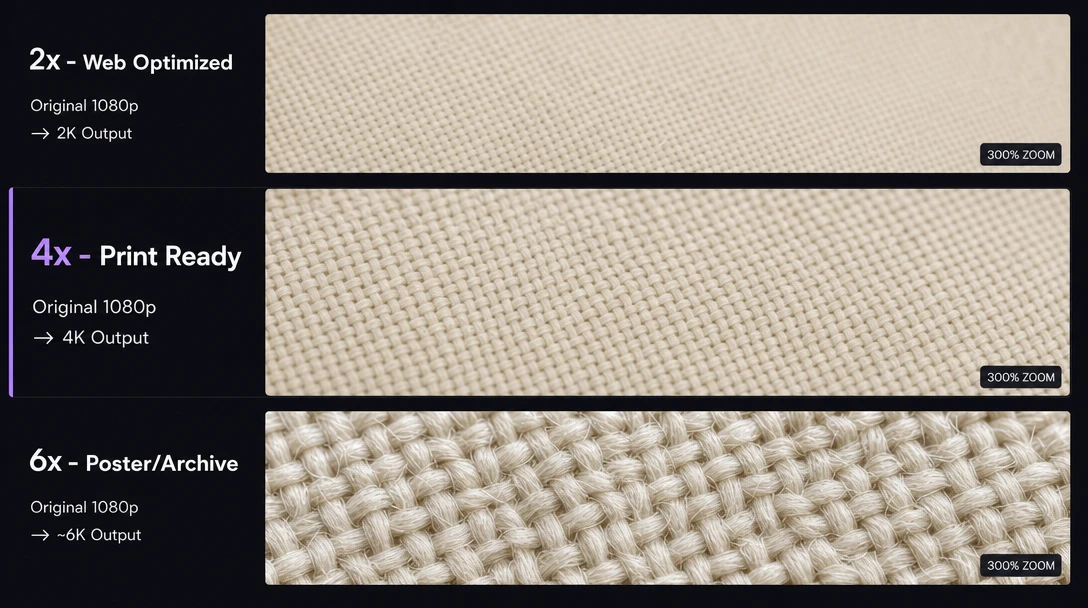
6x Magnification
2x takes 1080p to 2K: fast, natural, ideal for web. 4x hits 4K ultra HD: the sweet spot for prints, wallpapers, and social. 6x pushes past 6K: built for extreme low-res originals, compressed files, and large-format posters.
2K for speed. 4K for quality. 6K for when every pixel counts.
Rebuild Your First ImageGrid Splitting
Zeemo slices your image into 4 to 25 tiles, processes each independently, then stitches them back seamless. 2×2 for photos under 1080p. 3×3 or 4×4 for 4K source images. 5×5 for 8K exports, panoramic posters, and long comic strips.
Thumbnail or billboard. Same speed. No crashes.
Start with any image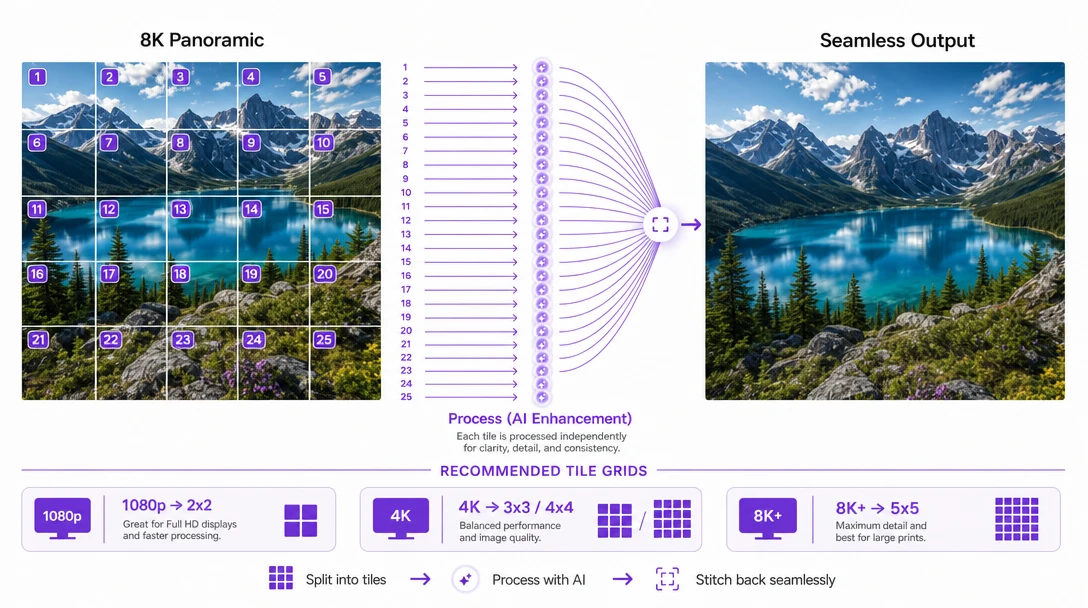
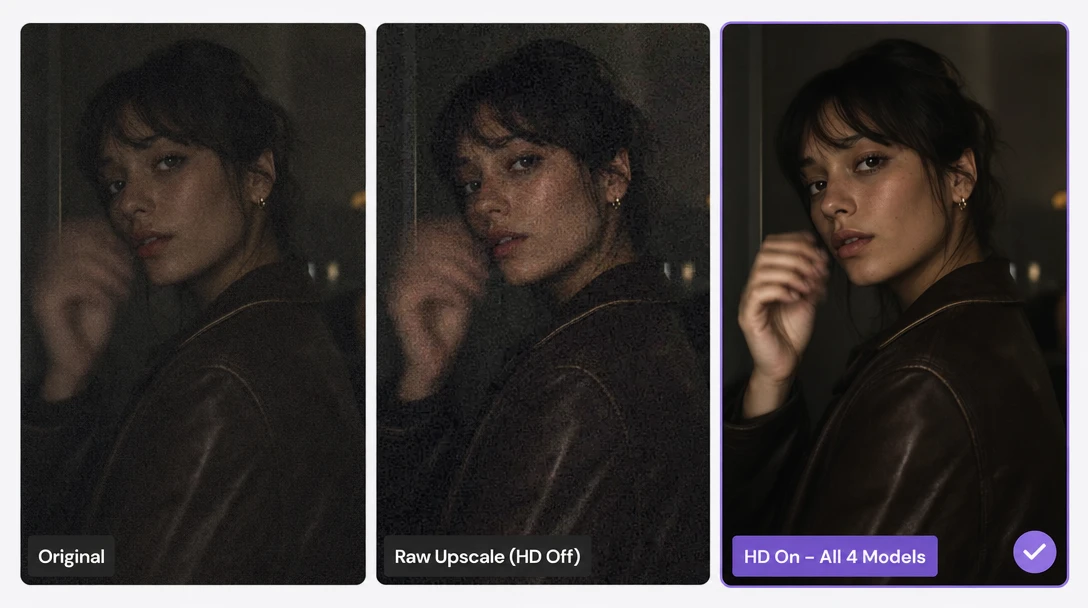
AI Denoise & Recovery
Four AI models run alongside your upscale: sensor noise removal, motion deblur, JPEG artifact cleanup, and face recovery. Toggle HD on to apply them all, off to see the raw upscale. Compare instantly.
Noise. Blur. Artifacts. Faces. Fixed in one pass.
Restore Your Old PhotosInstant Compare
Original and upscaled, two nodes on one canvas. Tap the raw input node to see your image before, tap the upscaled node to see every pixel restored. No tabs, no popups, no extra windows. One canvas, two states, instant toggle.
One canvas. Two nodes. Instant toggle.
Compare Your Images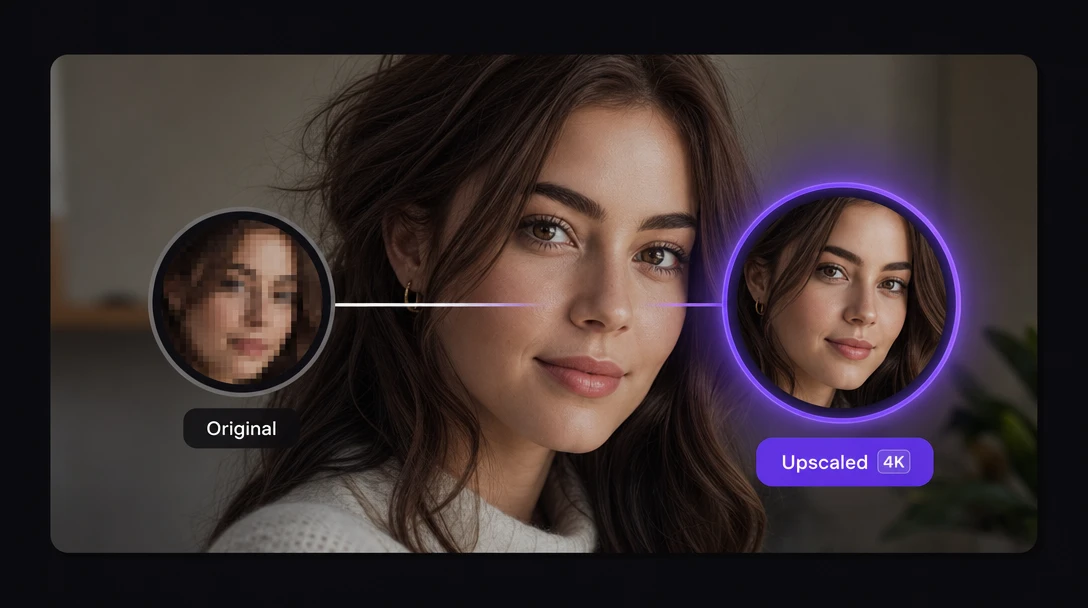
How to Upscale Images with Zeemo
Upload Your Image
Drag any image onto Zeemo AI Canvas. JPG, PNG, WebP, HEIC: all supported. No file size limit on cloud.
Choose Enhancement Settings
Pick magnification (2x, 4x, or 6x), set grid splitting if needed for large files, enable AI enhancement. Preview before you commit.
Download at Full Resolution
Export at full resolution in JPG, PNG, WebP, or HEIC. No watermarks. Also try our AI video upscaler for frame-by-frame video enhancement.
Explore More AI Tools on Zeemo
Every tool runs on the same visual canvas. Same workflow, switch anytime.
Frequently Asked
Questions
Ready to Enhance Your Images?
Upload your first image. Pick your settings. See the difference. No installs, no hardware requirements.