AI Video Upscaler
Most video upscalers stretch frames and sharpen the noise. Zeemo rebuilds every frame independently: 4K output at 24, 30, or 60fps, with built-in trim, capture, and audio extraction. No installs.
Upscale VideoSee the AI video upscaling difference frame by frame
From grainy to crisp. From standard to cinema. Try any sample or upload your own video.
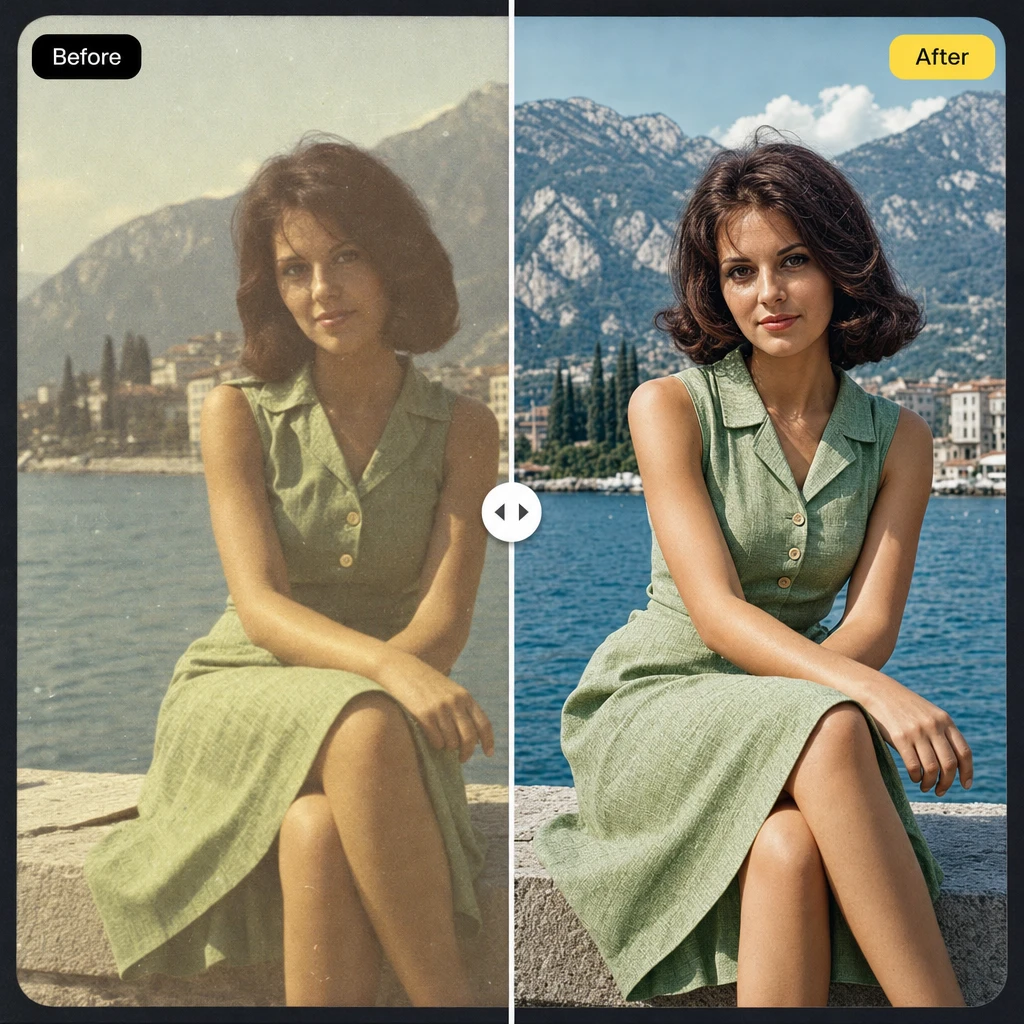
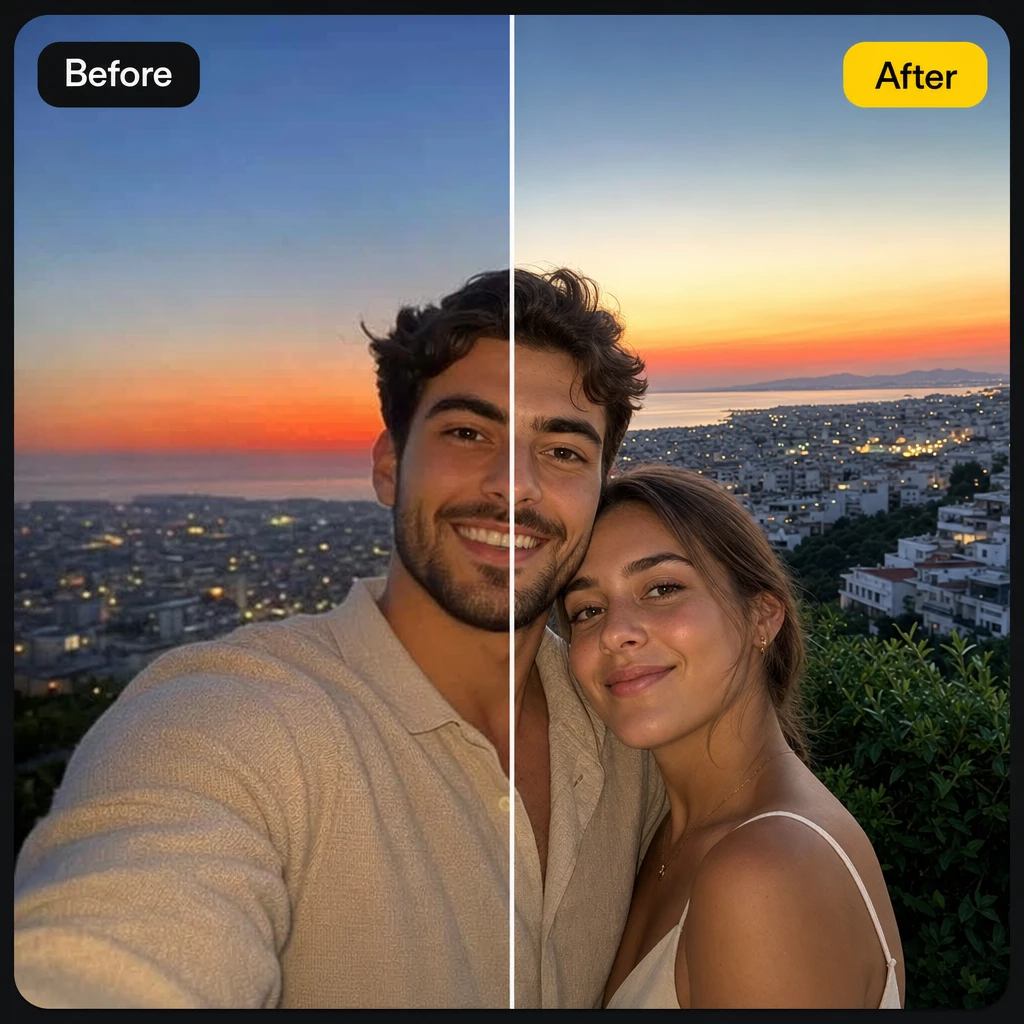
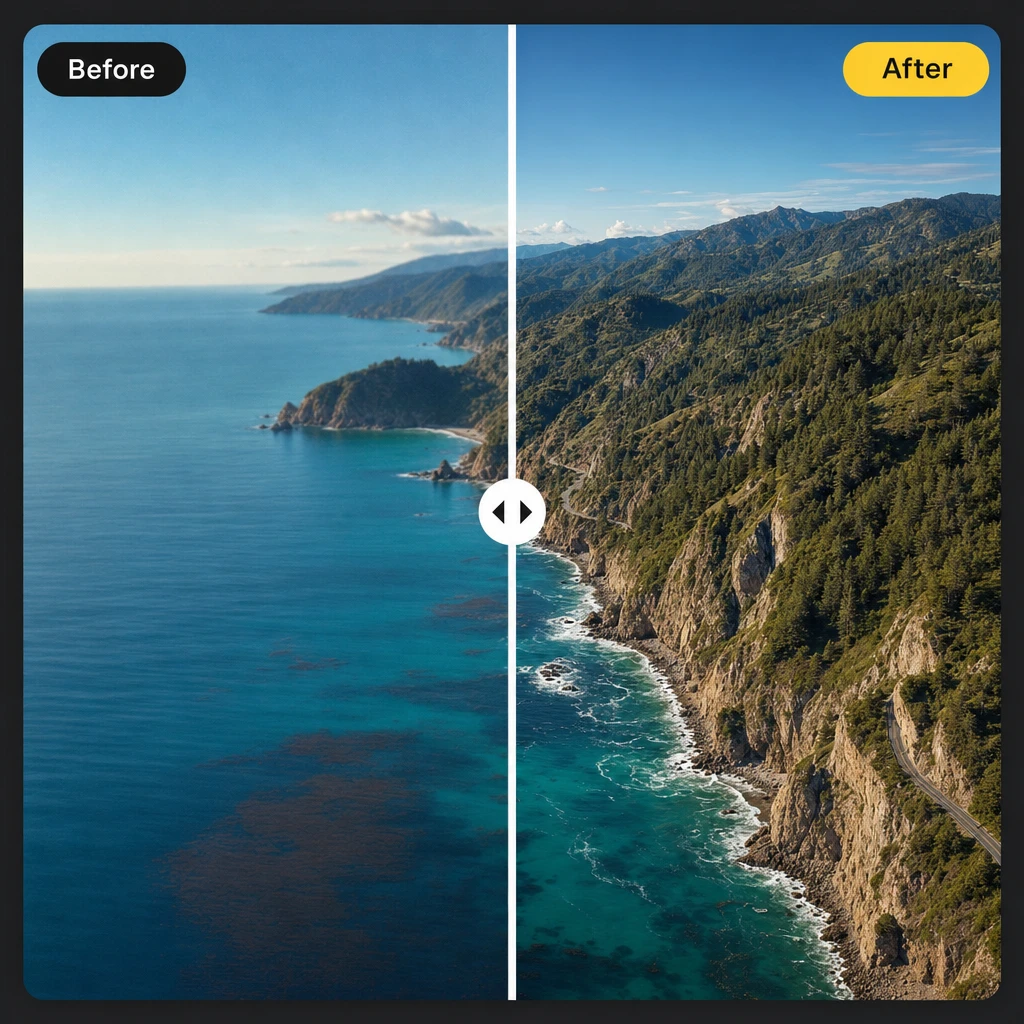
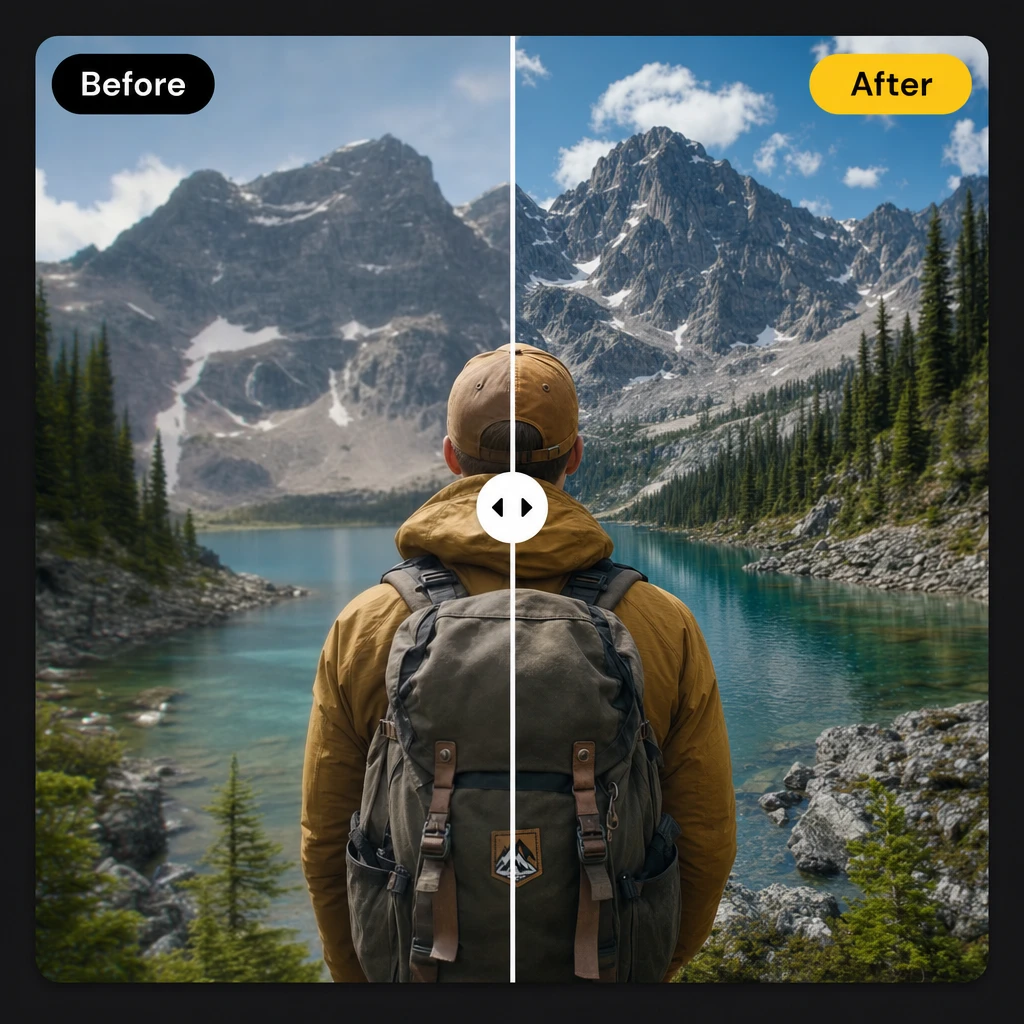
Every Frame, Rebuilt from Scratch
Traditional upscaling stretches frames and sharpens noise. Zeemo processes each frame independently. True 4K that holds up on any screen.
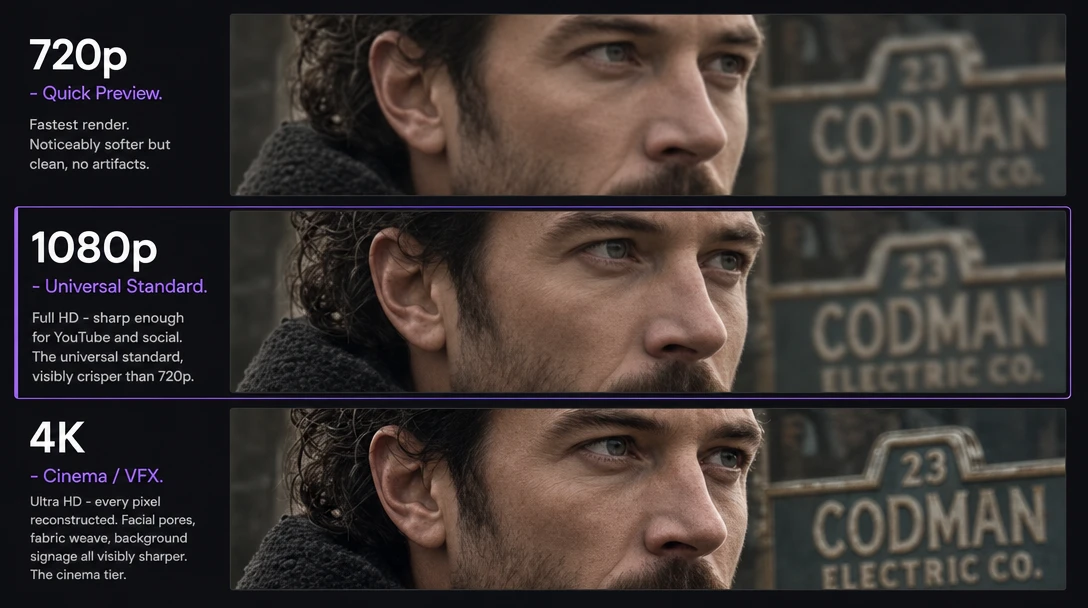
4K Resolution
Zeemo reconstructs every frame at up to 4K. Choose 720p for fast previews, 1080p for social and YouTube, or full 4K for cinema, VFX, and large-screen playback. Your source resolution is auto-detected on upload.
720p for speed. 1080p for everywhere. 4K for when it matters.
Rebuild Your First VideoFrame Interpolation
Zeemo generates new frames between your existing ones. 24fps for a film look, 30fps for social media, 60fps for sports and slow motion. Each frame is AI-generated, not frame-blended: no ghosting, no soap-opera effect.
Film grain at 24. Social polish at 30. Pure speed at 60.
Pick Your Frame Rate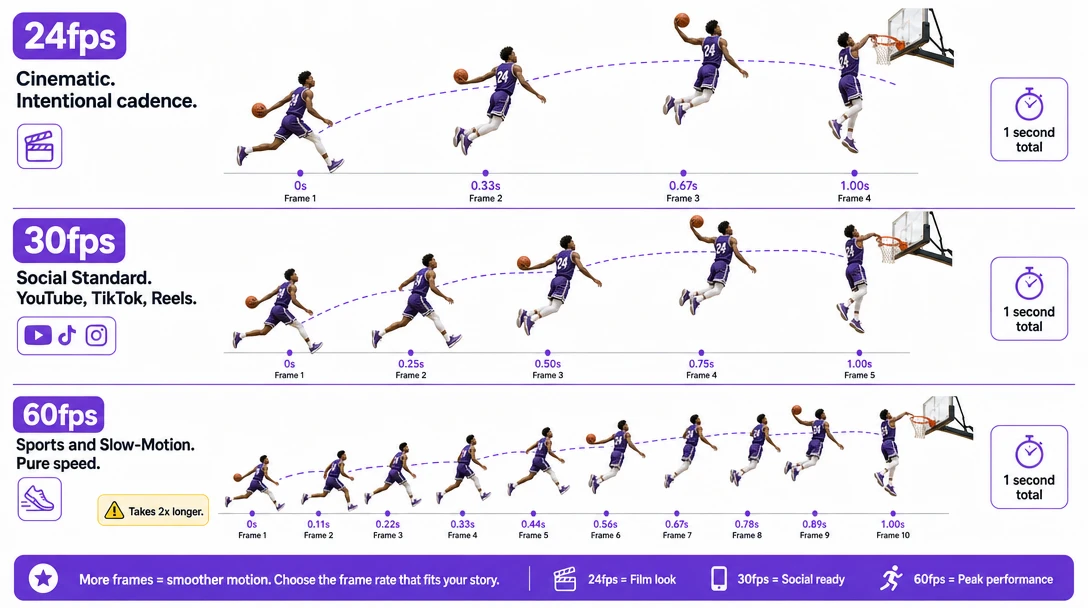
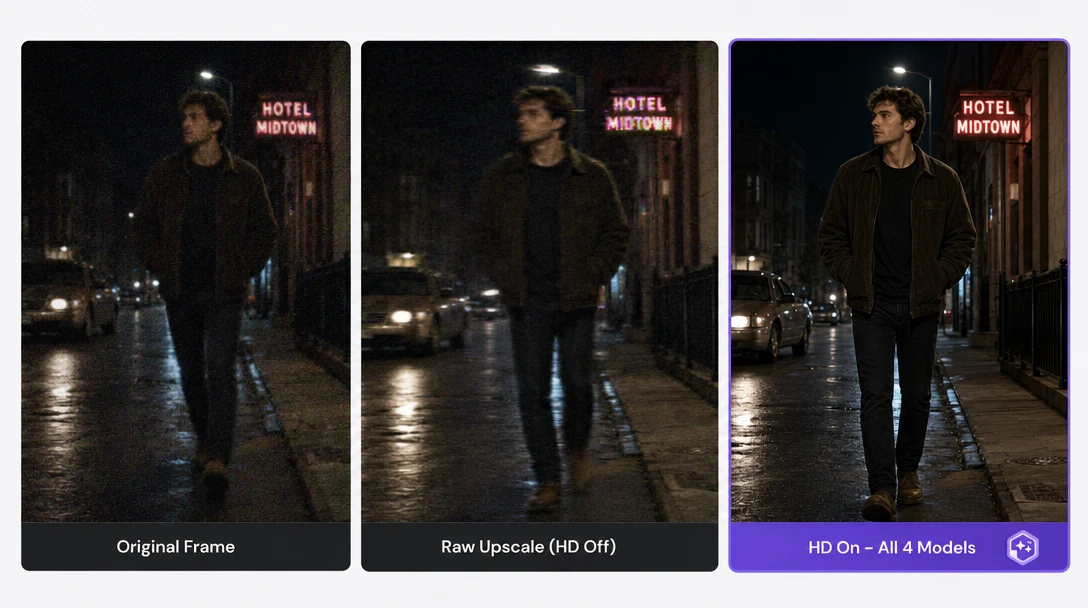
AI Denoise & Recovery
Four AI models run alongside your upscale: denoising for low-light grain, deblur for motion-softened edges, JPEG artifact cleanup, and face recovery. Toggle HD on to apply them all, off to see the raw upscale. Compare instantly.
Toggle on. Toggle off. Pick what looks right. One pass.
Clean Your Old FootageHow to Upscale Videos with Zeemo
Upload Your Video
Drag any video onto Zeemo AI Canvas. MP4, MOV, AVI, MKV, WebM: all supported. Source resolution and frame rate auto-detected.
Configure Resolution & FPS
Set target resolution (720p, 1080p, or 4K), choose output frame rate (24/30/60fps), toggle HD enhancement, trim clips. All in one settings panel.
Download at Target Quality
Export the full video, save audio separately, or extract still frames. All from one panel. Need to upscale thumbnails too? Try our AI image upscaler.
Explore More AI Tools on Zeemo
Every tool runs on the same visual canvas. Same workflow, switch anytime.
Frequently Asked
Questions
This tool uses machine learning to increase video resolution frame by frame. Zeemo scans each frame on its own and rebuilds lost detail. The result: sharper edges, cleaner motion, natural faces. Output up to 4K. Frame rate choices: 24, 30, or 60fps.
Zeemo offers three output resolutions: 720p, 1080p, and 4K. Frame rate options include 24fps for cinematic film standard, 30fps for smooth social media, and 60fps for high frame rate sports, action, and slow motion. Your source video is auto-detected on upload.
The upscale panel puts six tools in one view. Trim cuts unwanted parts. HD toggle turns on AI cleanup. Frame Capture saves full-res stills. Extract Audio pulls the sound track. First and Last Frames set custom start and end points. Motion Control shifts the camera view.
Zeemo supports MP4, MOV, AVI, MKV, and WebM for input. Export is in MP4 with H.264 encoding, which works on all devices and editing software. A built-in format tool handles other output types.
Processing time varies by video length and settings. Zeemo renders in the cloud. Queue a 45-minute webinar, a weekend of drone clips, or a batch of social videos and keep working while they process. Preview a short clip before the full render.
Yes. Zeemo's AI video enhancement tool and video upscaler online runs entirely in your browser via the cloud. Upload from any device, choose your resolution and frame rate, and download the enhanced result. No desktop software, no GPU requirements, no rendering queue on your machine.
Ready to Upscale Your Videos?
Upload your first video. Pick your resolution and frame rate. See the difference AI frame-by-frame reconstruction makes. All in the cloud, no installs required.