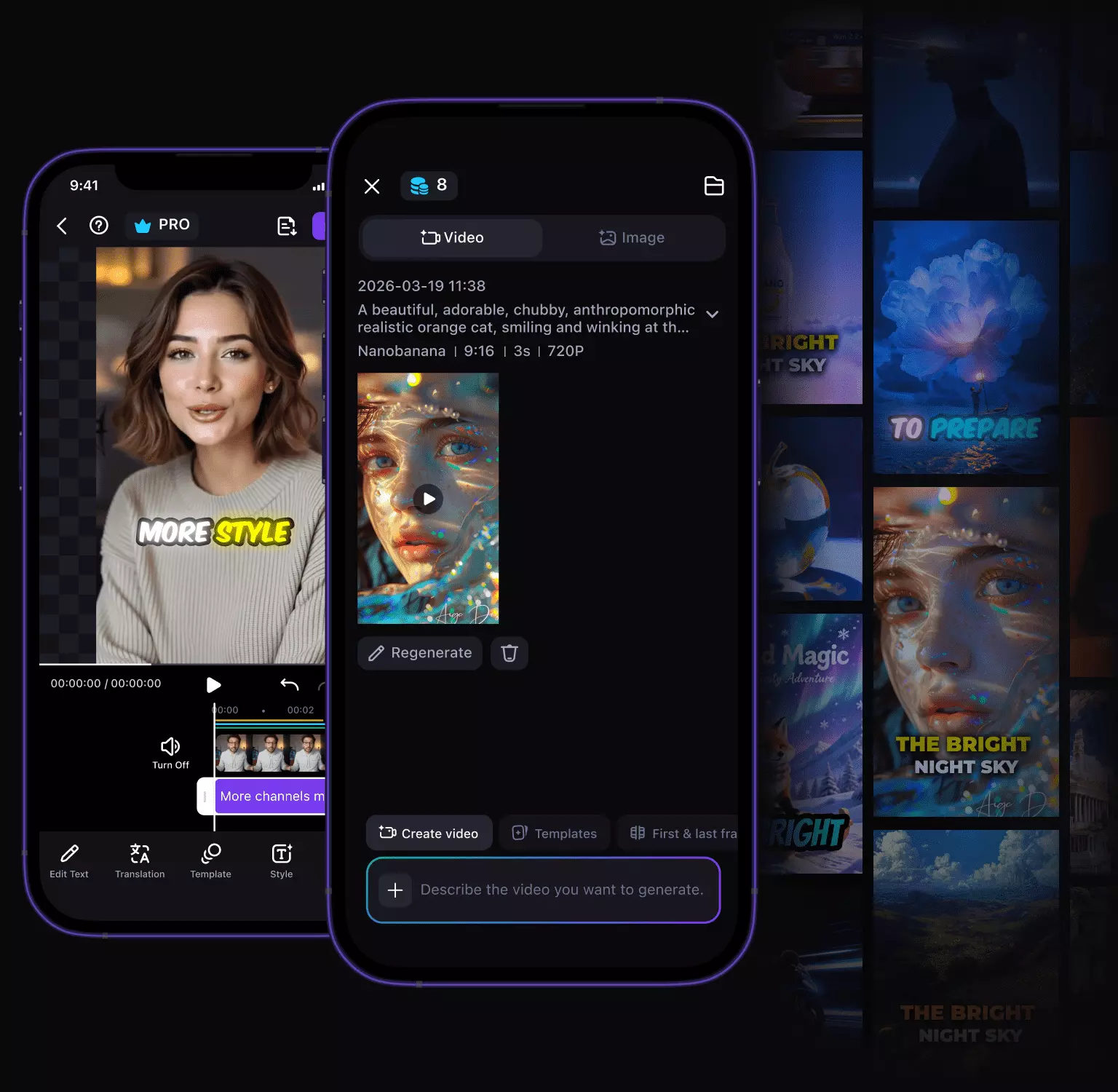
Create Any Type of Video
From high-impact ads to cinematic short films and music videos — five video types, five AI models on one canvas.
Commercial Ads
Action & VFX
Anime & Animation
Music Video
AI Video Generator: One Canvas, Every Pipeline
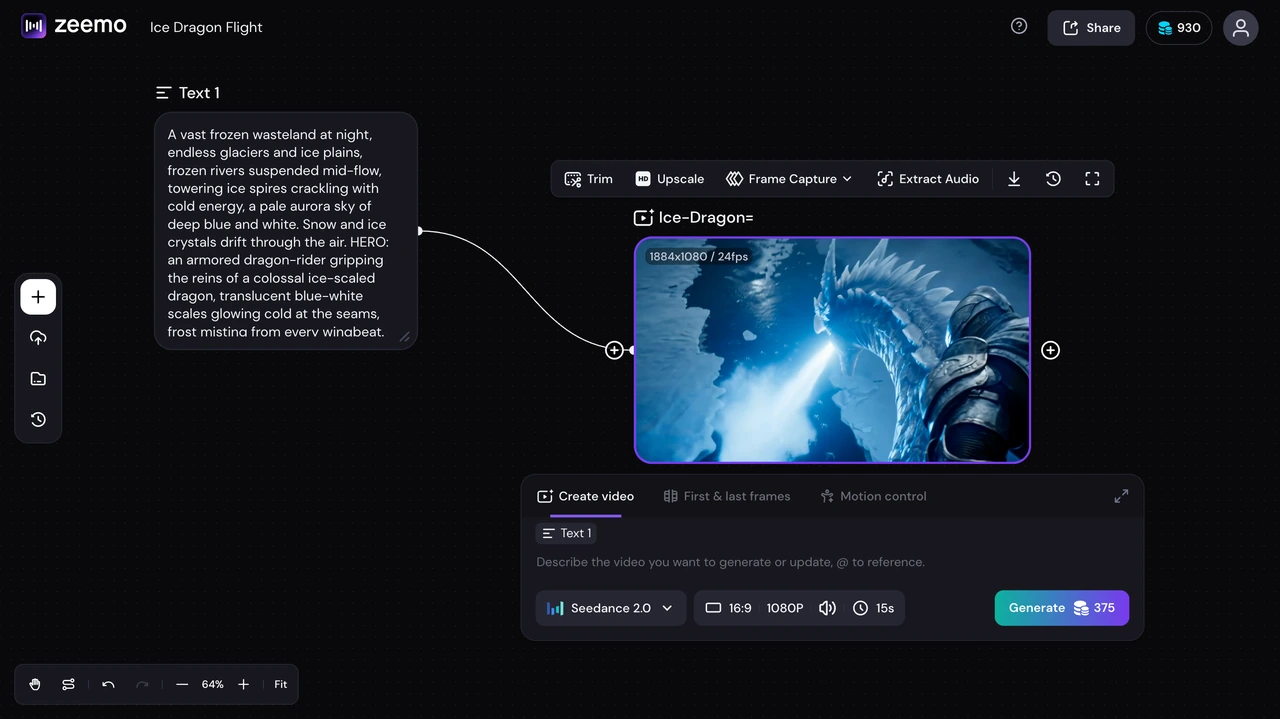
Text to Video, Any Model
Describe any scene in words. A neon-lit Tokyo street at dawn. A close-up of espresso hitting glass. Your text becomes cinematic video across five AI models, each with its own visual language.
You write the prompt. The canvas does the rest.
Start from Text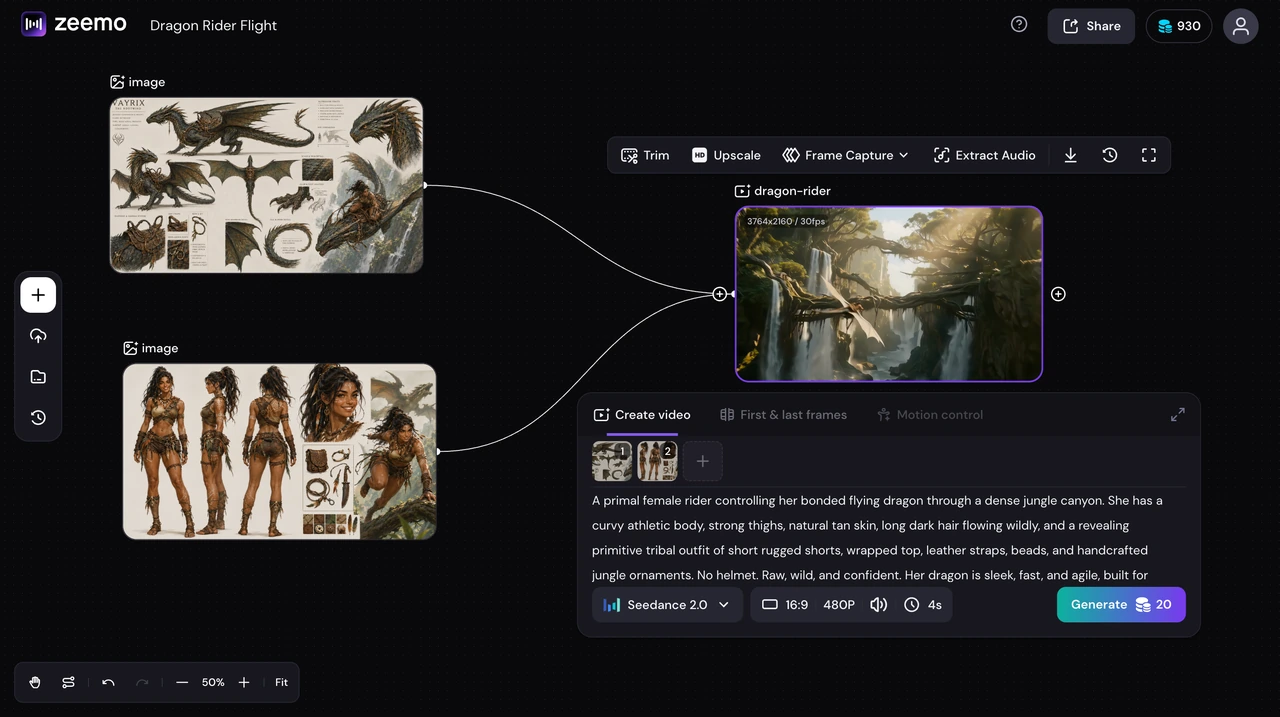
Image to Video, Any Style
Upload a product shot, a mood reference, a character design, or a storyboard frame. The AI animates it into full-motion video with context-aware camera movement and frame-to-frame consistency. Any model, any style.
Bring still images to life on any model.
Start from an Image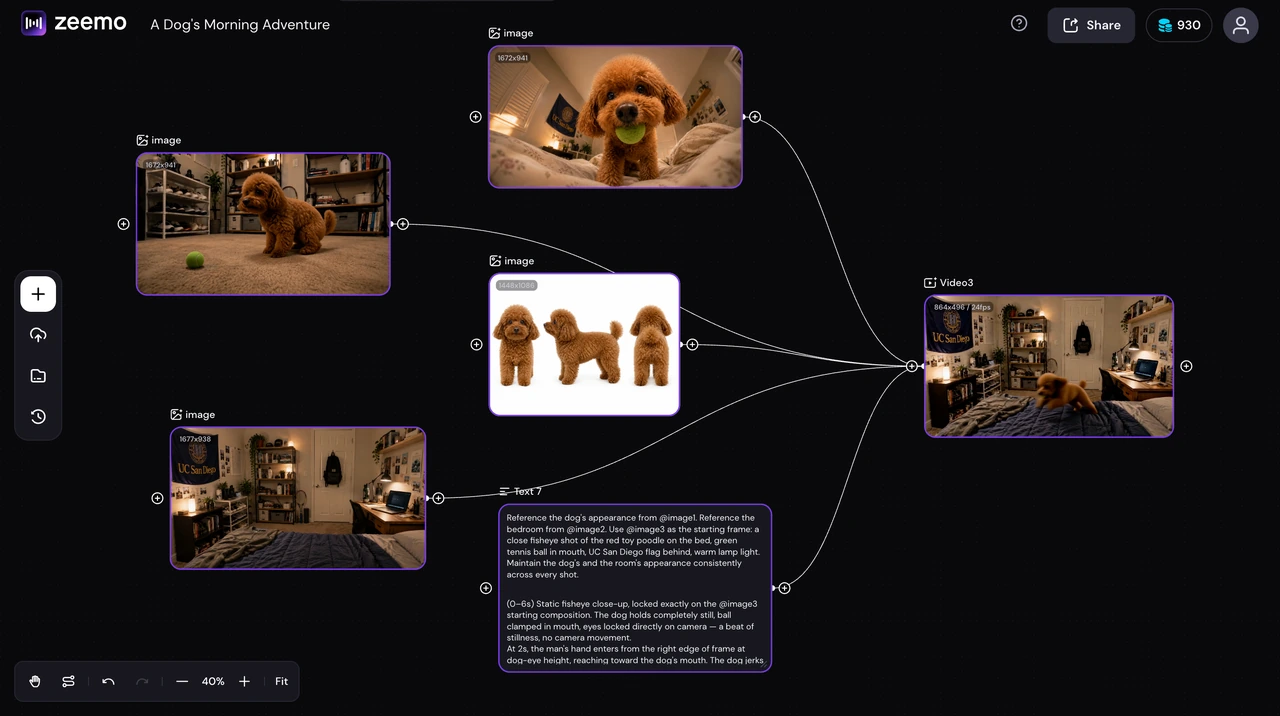
Fuse Style, Character & Scene
Feed three images as separate references. A style reference sets the visual tone. A character reference locks identity. A scene reference defines the environment. The AI fuses all three into a single, coherent video.
Three references. One output. Total control.
Try Reference Fusion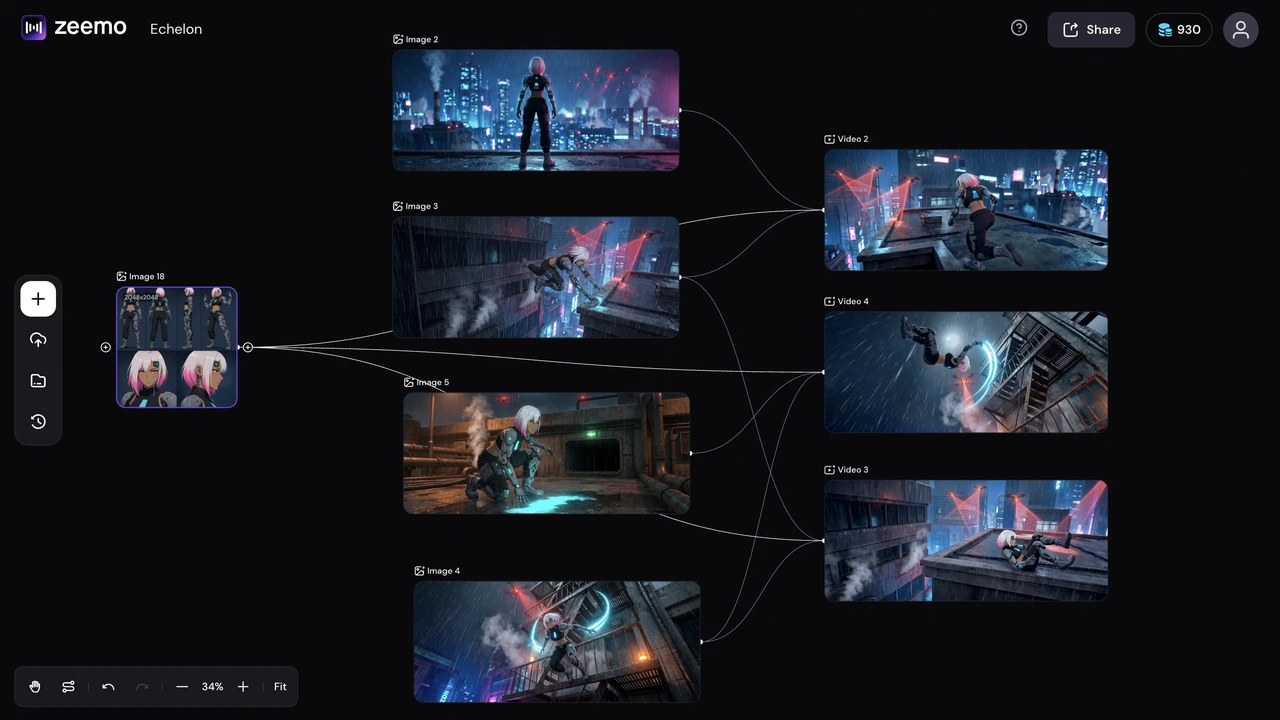
One Character, Every Scene
Same facial structure, same outfit, same identity from the opening wide shot to the final close-up. Zeemo locks character references across every node in your pipeline. No morphing. No surprises.
Same face. Same outfit. Every angle. Every scene.
Build Consistent Characters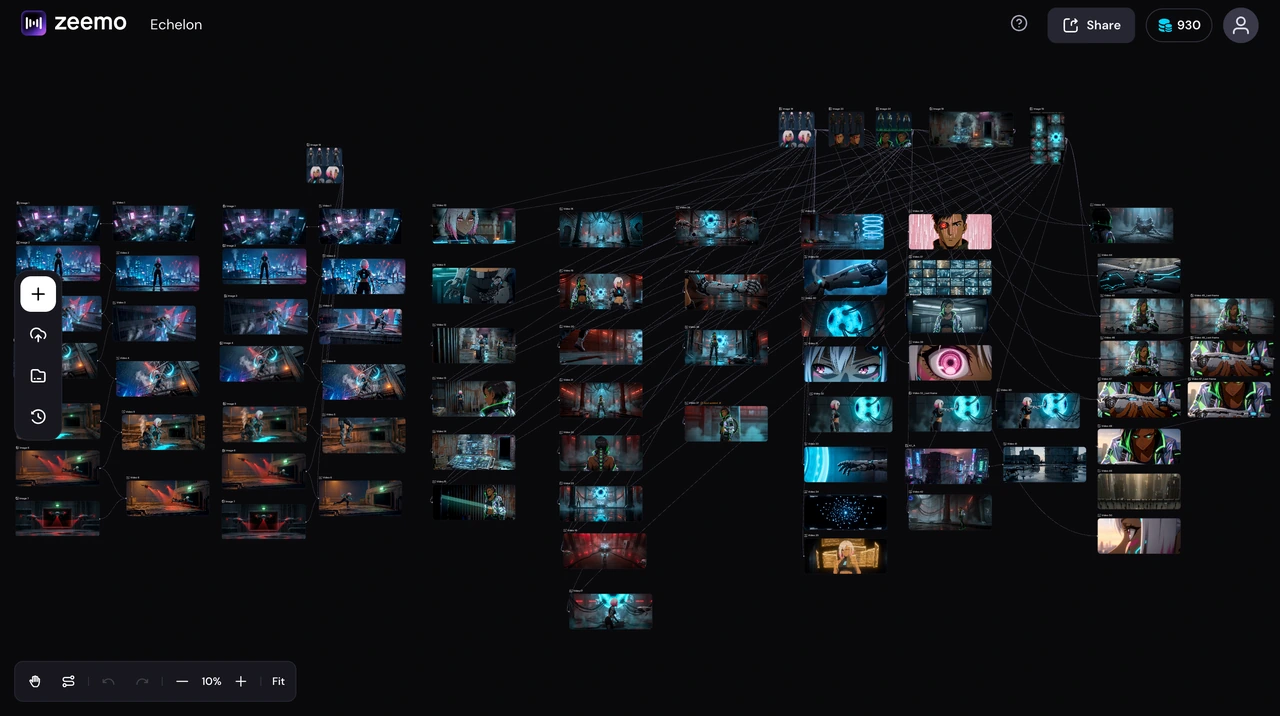
Build with Nodes, Not Timelines
Drag input nodes onto the canvas. Connect them visually. Assign a different AI model to each step. Run the chain and watch your entire creative pipeline execute in order. Every decision stays visible, reversible, and under your control.
Your video pipeline. One infinite canvas.
Open CanvasExplore AI Video Models
Five industry-leading AI video models. All on one canvas. Each model brings a distinct strength, from cinematic realism to precise multi-shot storytelling. You pick the right tool for each scene.
How AI Video Generation Works
Add inputs, connect nodes, assign models, and generate. Every step is visual and editable on one infinite canvas.
Add Your Input
Drag text, images, and references onto the Zeemo canvas as nodes.
Connect the Pipeline
Link nodes visually. Text to image, image to video, video to video. Your entire creative chain on one canvas.
Pick Models per Node
Assign a different AI model to each step. Seedance for the wide shot, Kling for the close-up.
Generate & Export
Run the pipeline. Every model does what it does best. Download in up to 4K.
Explore More AI Tools on Zeemo
Every tool runs on the same visual canvas. Same workflow, switch anytime.
Frequently Asked
Questions
Zeemo AI Video Generator brings five industry-leading video models — Seedance 2.0, Kling 3.0, Google Veo 3.1, Happy Horse 1.0, and Wan 2.7 — onto one infinite canvas. Generate video from text, images, and reference frames, assign different models to different scenes, and export in up to 4K.
A node-based canvas is a visual workspace where each creative input becomes a draggable node. Connect nodes to build video pipelines — text flows into image generation, images feed into video models, one video references another. Each node can use a different AI model. The entire pipeline stays visible, editable, and reversible.
Seedance 2.0 for multi-camera storytelling and brand films. Kling 3.0 for photorealistic human motion and product demos. Veo 3.1 for cinematic realism and B-roll. Happy Horse 1.0 for stylized, artistic content. Wan 2.7 for precise prompt adherence and scripted narratives. On Zeemo's canvas, use different models per node. Explore all models →
Up to 4K resolution in MP4 format. The exact maximum depends on the AI model selected per node. All generated videos include a commercial use license — no watermark on any plan. See plans
Iterate without penalty. The canvas keeps every node and every generation in place. Tweak a single step instead of redoing the entire project. Swap the model on one node, adjust a reference, rewrite a prompt, and run that node again. You are never locked into a result.