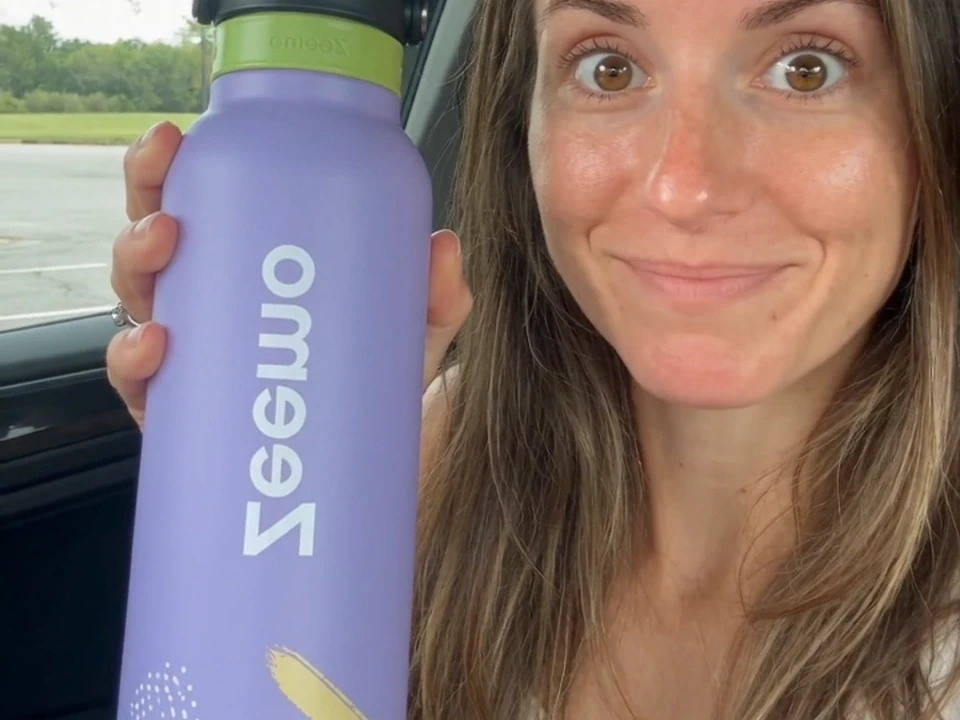
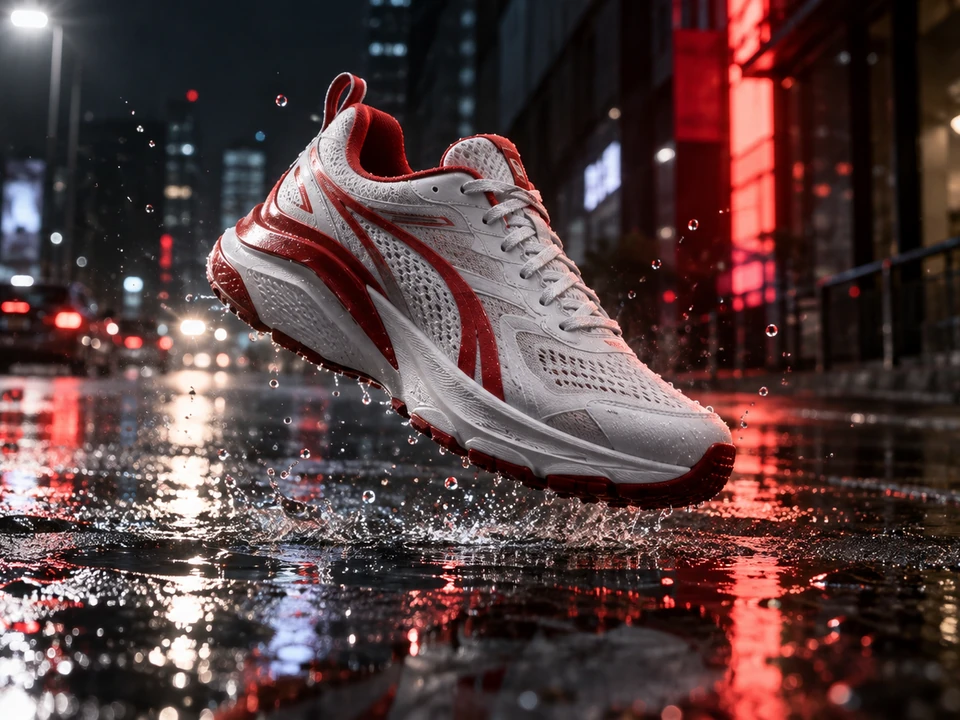
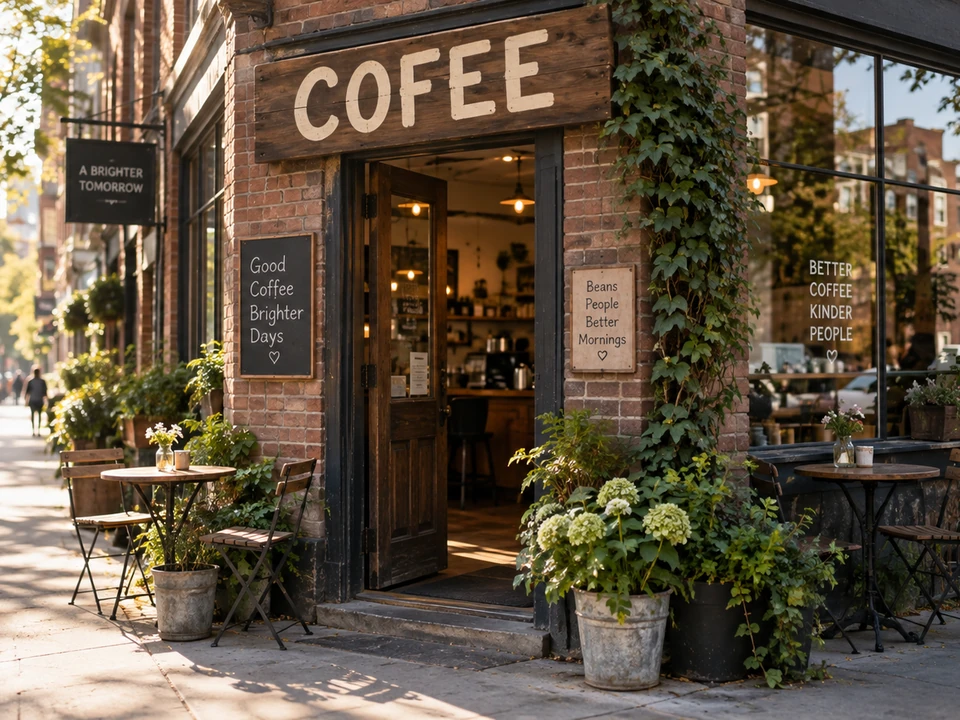
 Before
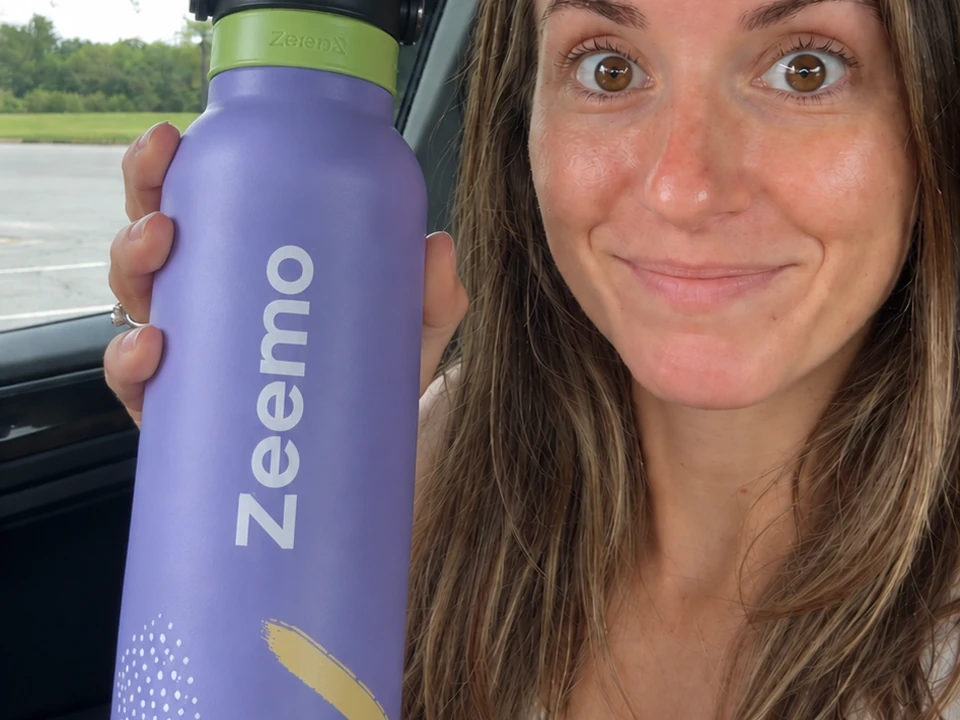
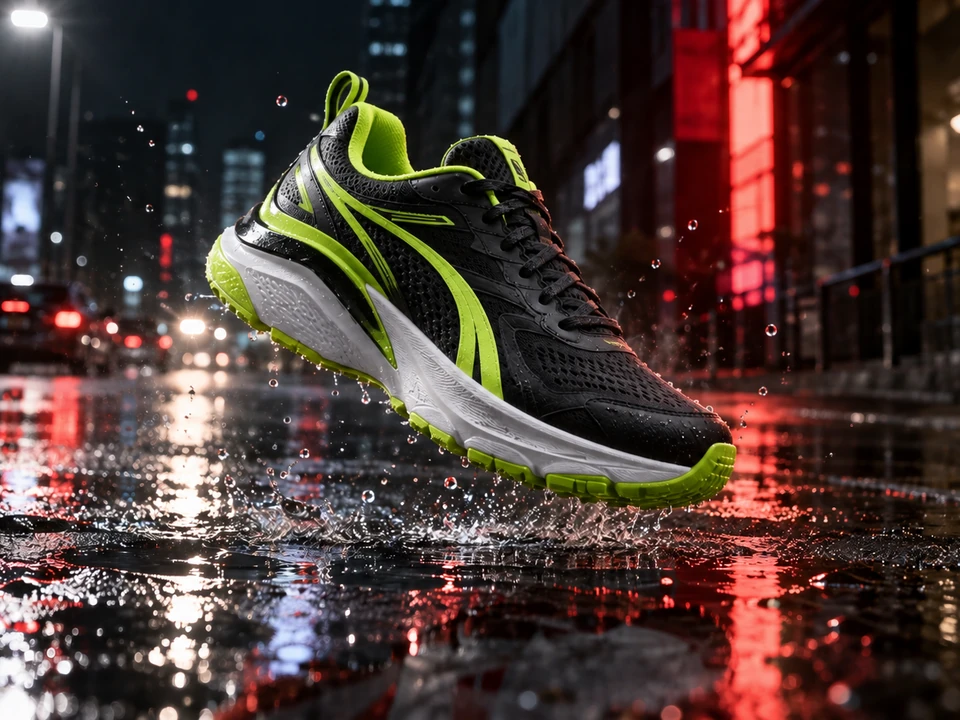
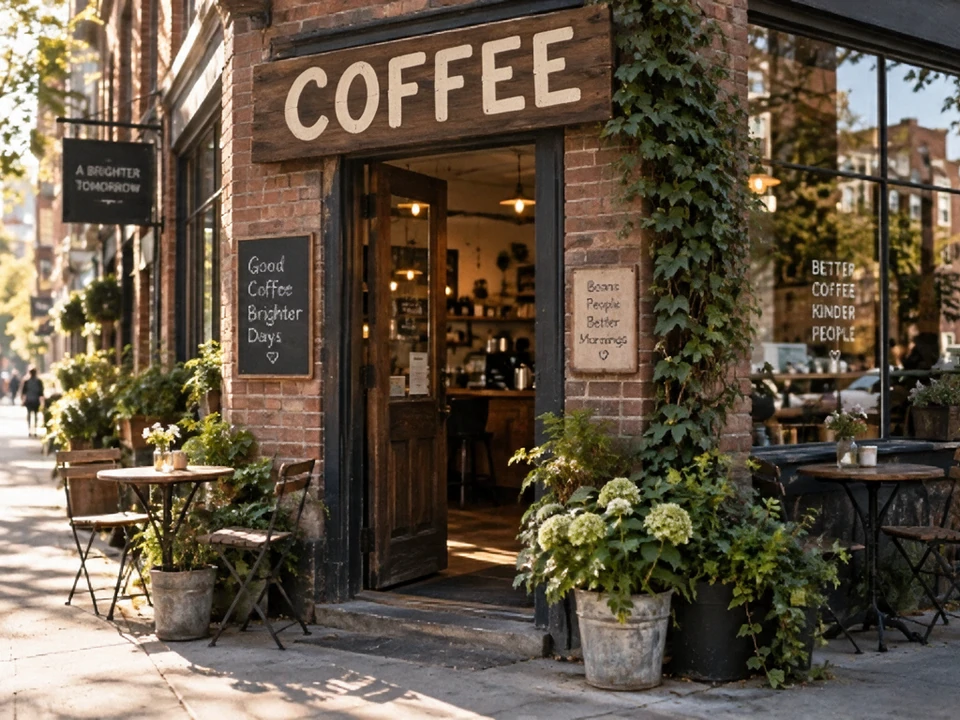 After
AfterText Correction
Refine your image with Zeemo's AI image editor. Modify image content using prompts and visual markup. Start from a generated or uploaded image on Zeemo Canvas.
Edit Your ImageWatch this step-by-step tutorial to open Image Edit, mark the area to change, and generate your edited image on Zeemo Canvas.
Correct a sign, remove a passerby, fix a mirrored logo, or try another shoe color. Start from your image.
Start with an existing image. Mark the detail, describe your change, and compare the edited result with your original.
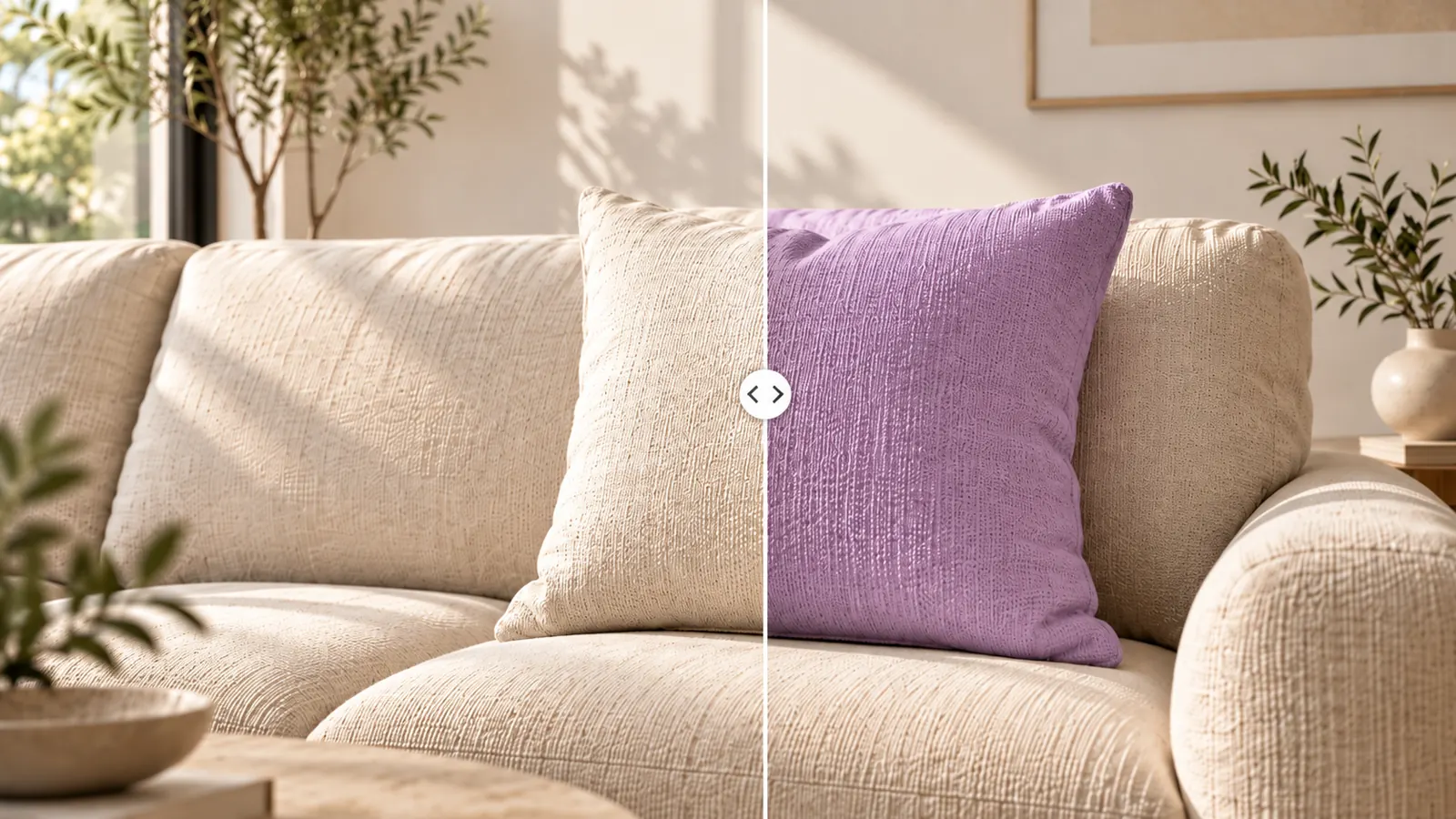
Make targeted changes to your image. Correct the lettering on a cafe sign, remove a background passerby, or try another shoe color. Edit an image you generated on Canvas or uploaded yourself.
Start with your image. Refine what needs changing.
Refine Your ImageZeemo's AI image editor combines your prompt with visual markup. Use a brush, box, or text note to mark the target. Describe the change you want, then click Run with your annotations included.
Mark the target. Give your prompt a visible reference.
Guide Your Edit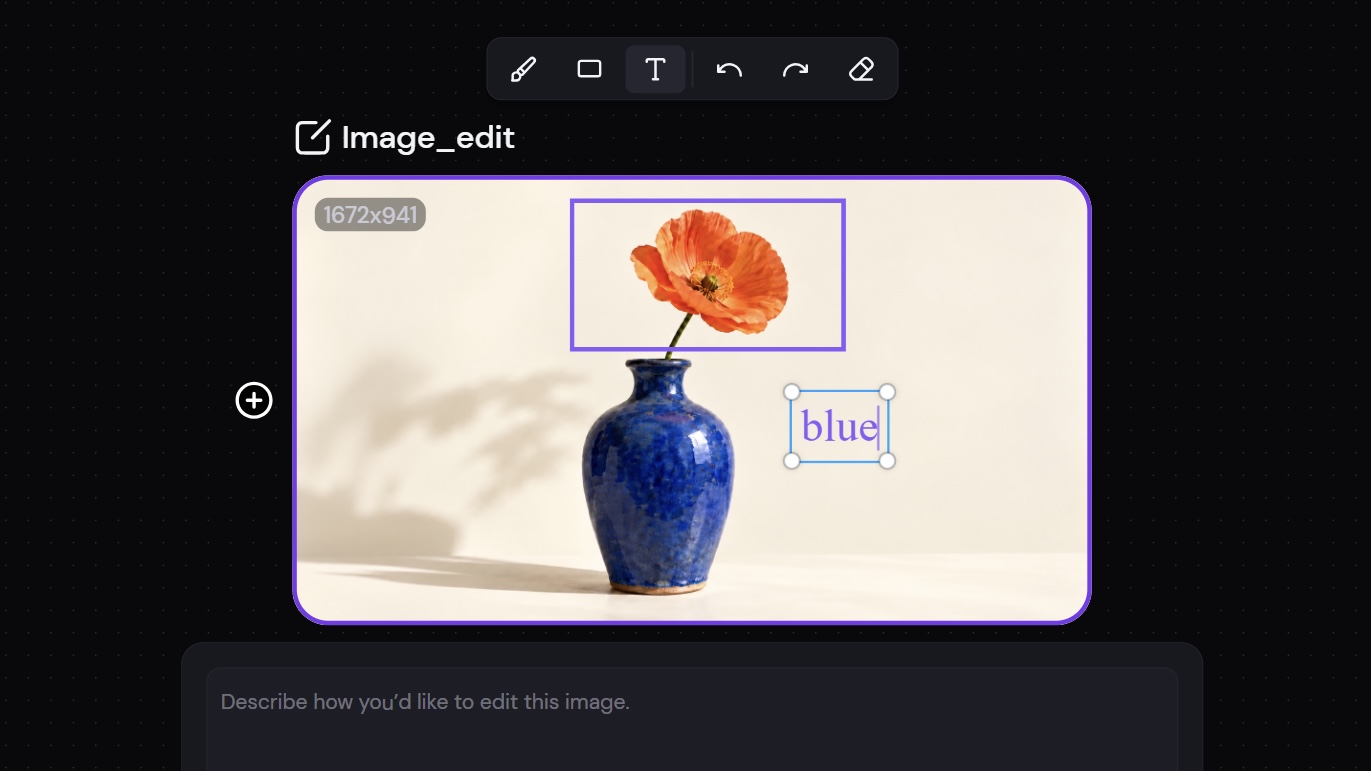
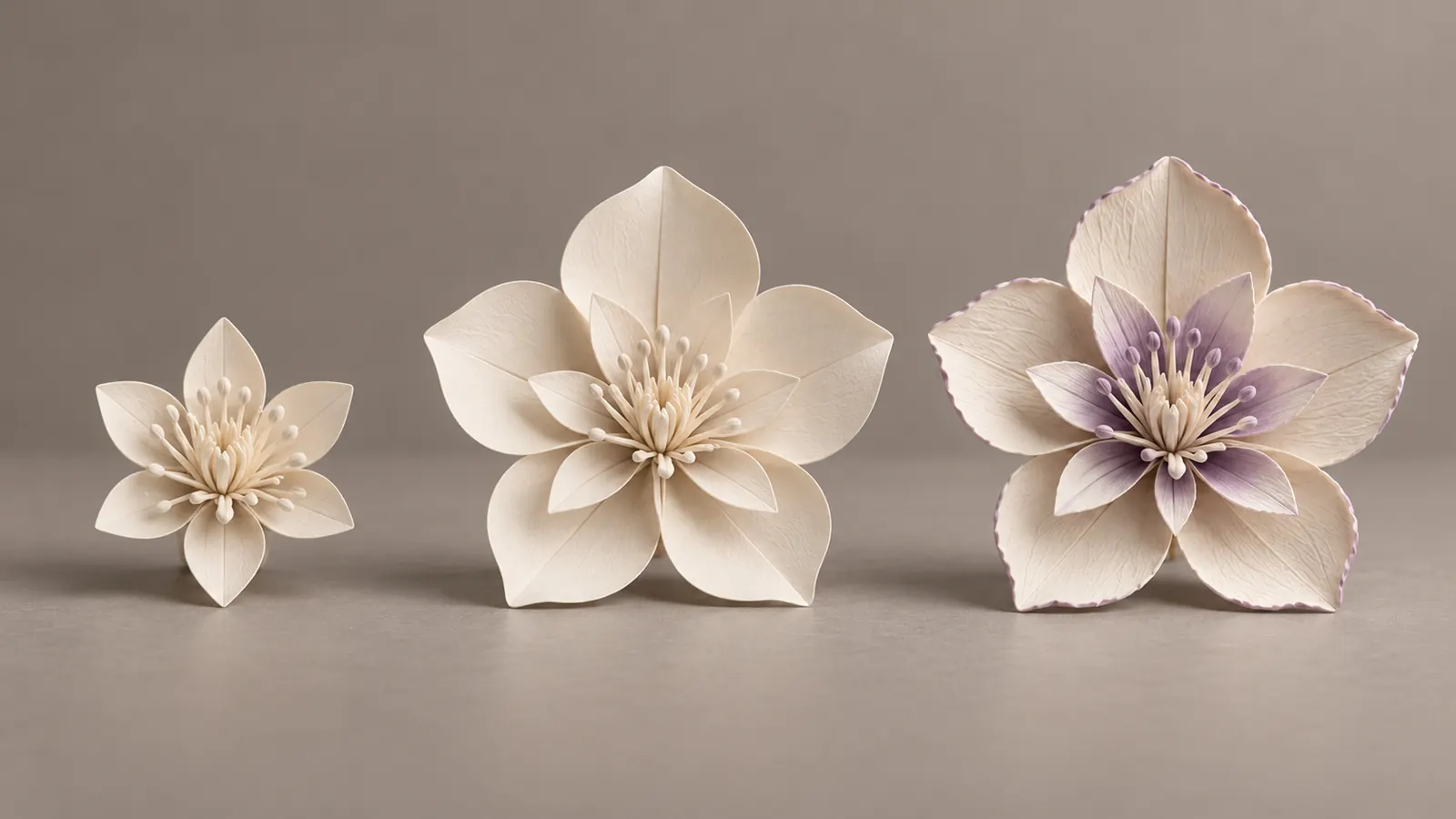
Select an edited result and click Edit again to make further changes. Use each result as the starting point for the next round, refining your image until you're satisfied with the result.
Refine your image through successive rounds of editing.
Continue Your EditClick Edit to open a copy beside your image. Click Run to generate a separate result node. Your original stays on Canvas, so you can compare both images in the same workspace before choosing which version to use.
Compare both versions. Your original stays available.
Compare Your Edit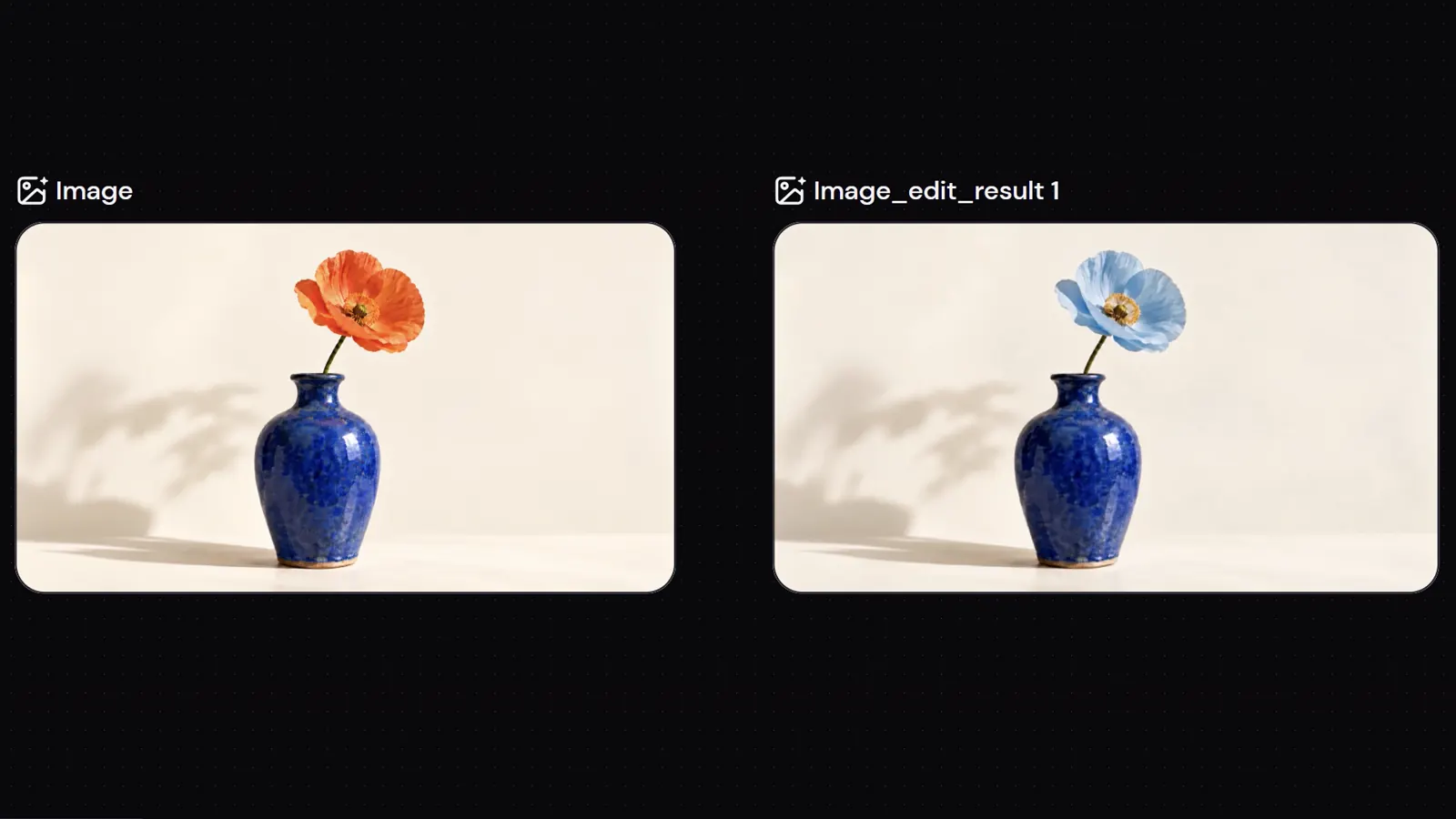
Select a generated image on Canvas or upload your own. Click Edit to create an editing copy. Your original image stays in place.
Use a brush, box, or text note to mark the detail. Describe what should change in your prompt. No separate annotation save is needed.
Click Run to generate the edited image as a new node. Compare the result with your original and review the details before using it.
Generate an image or upscale one you already have. Explore related tools for your next step on Zeemo.
Bring your image to Zeemo Canvas. Mark the detail, describe the change, and compare the result with your original.