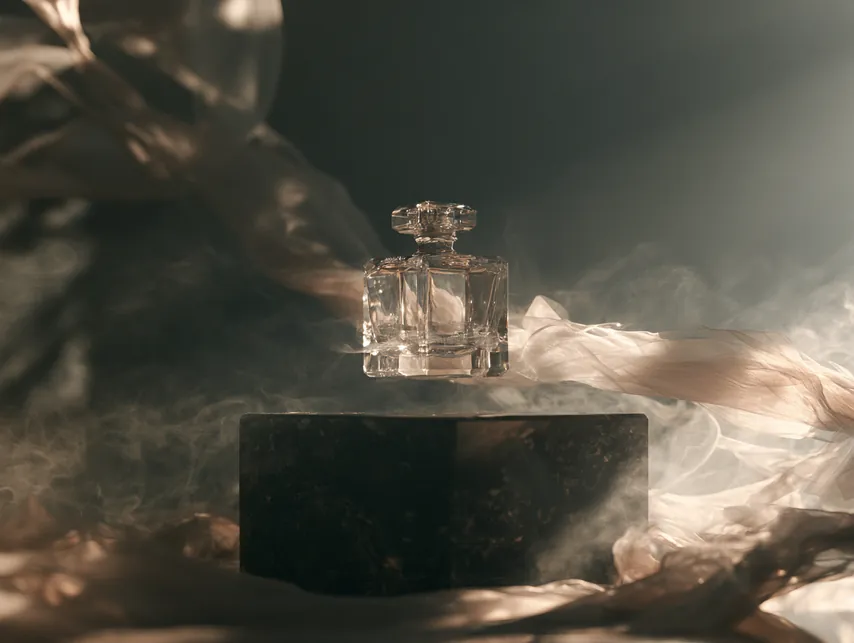
Generate in place
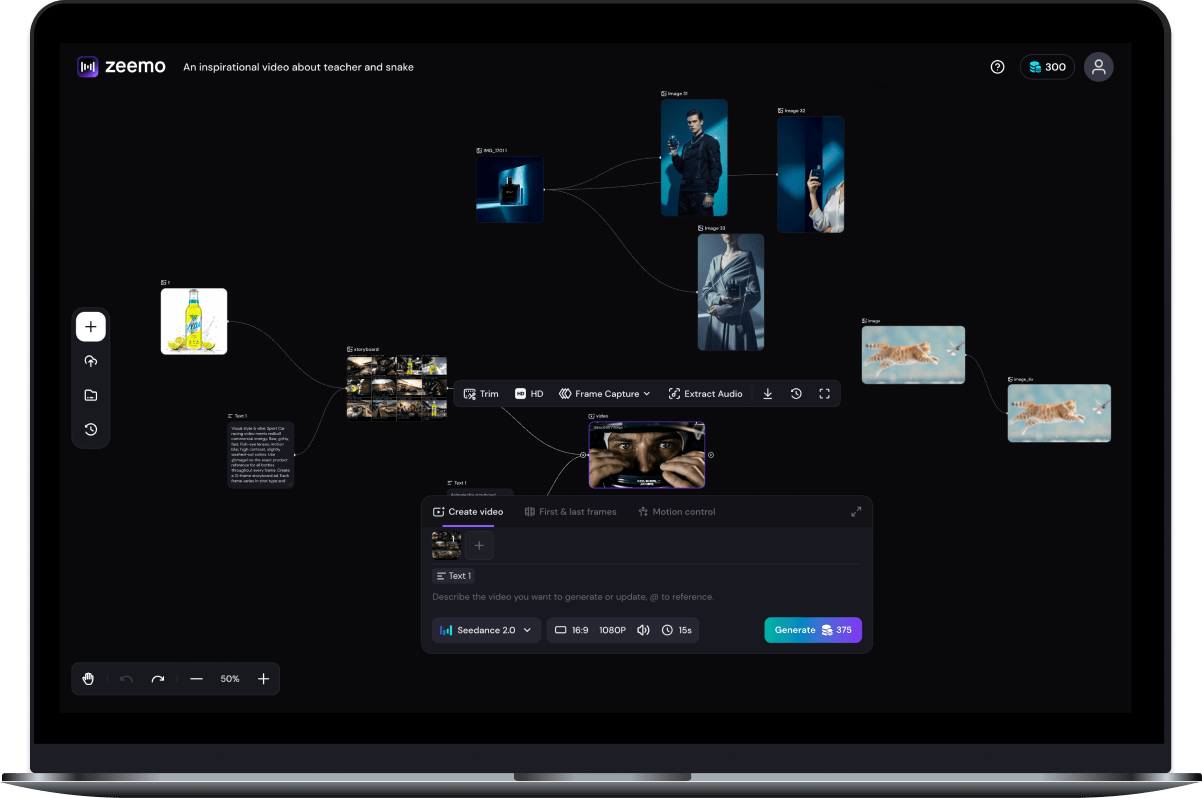
Text, image, video, and audio nodes all live on the canvas — no separate tools.
Direct your AI videos node by node. Revisit any shot, change just one thing, and never start over.
Start Creating


One continuous workflow
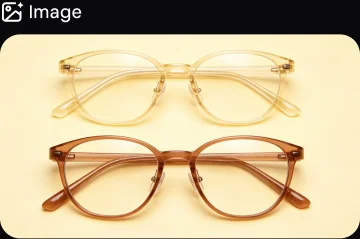
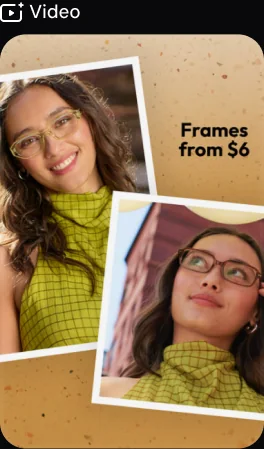
No switching platforms to make your assets. Generate images, video, and audio, then branch and refine any node — all in one place, so your creative flow never breaks.
Text, image, video, and audio nodes all live on the canvas — no separate tools.
Every asset is a node you can revisit and re-run — change one, keep the rest.
Assets and versions stay together on one canvas — your flow never breaks.
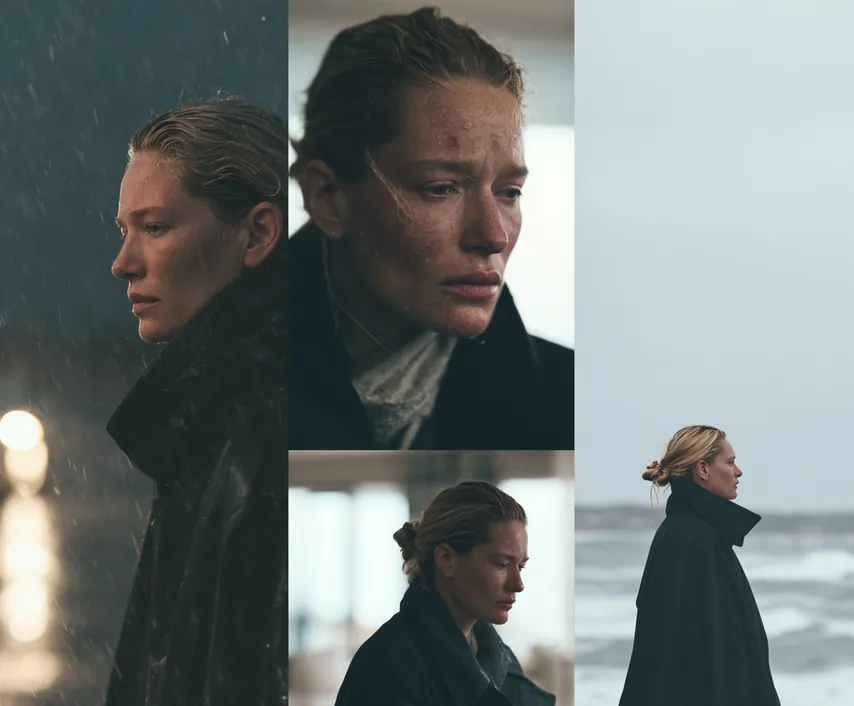
Define a character on the canvas and reuse it across scenes, shots, and even separate videos. Same face, same look — no re-describing, no drifting.
Try in Canvas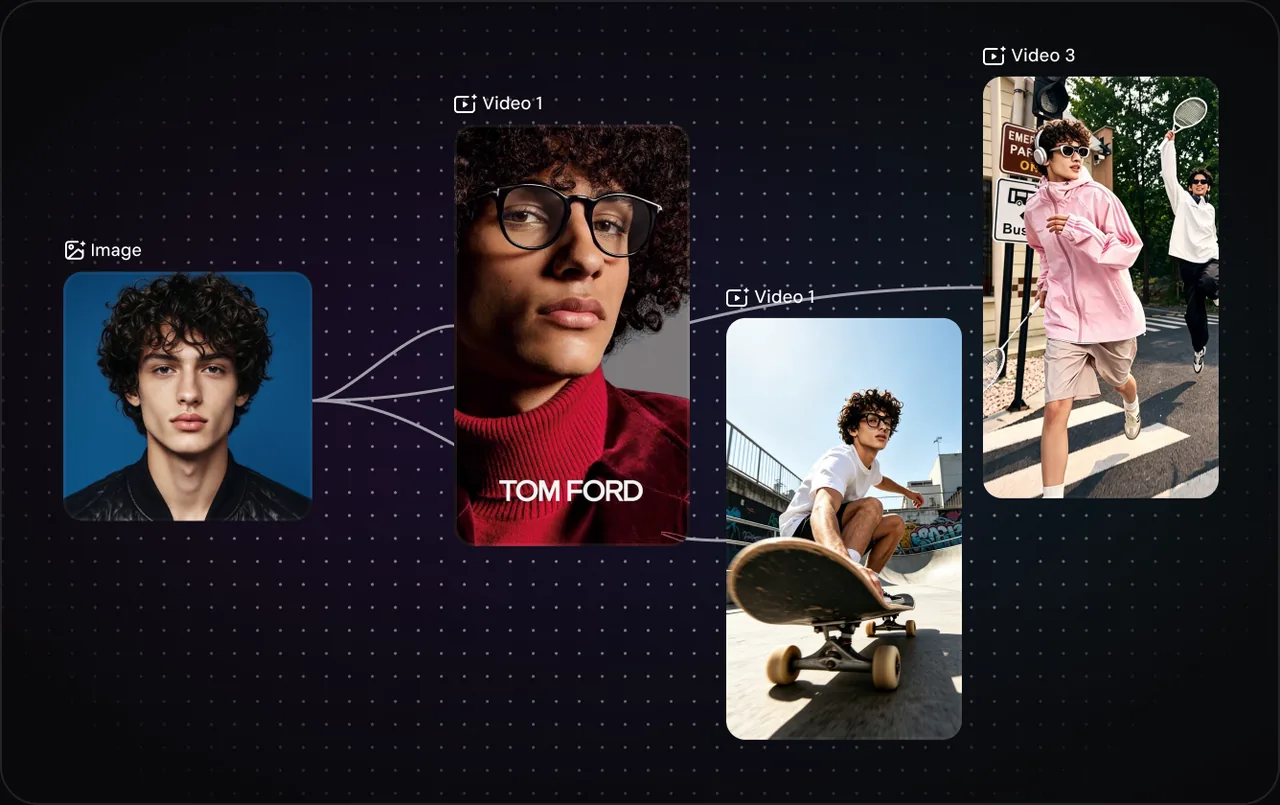
Tap an LLM right inside your canvas — write scripts, refine prompts, and brainstorm scenes without ever leaving your project.
Try in Canvas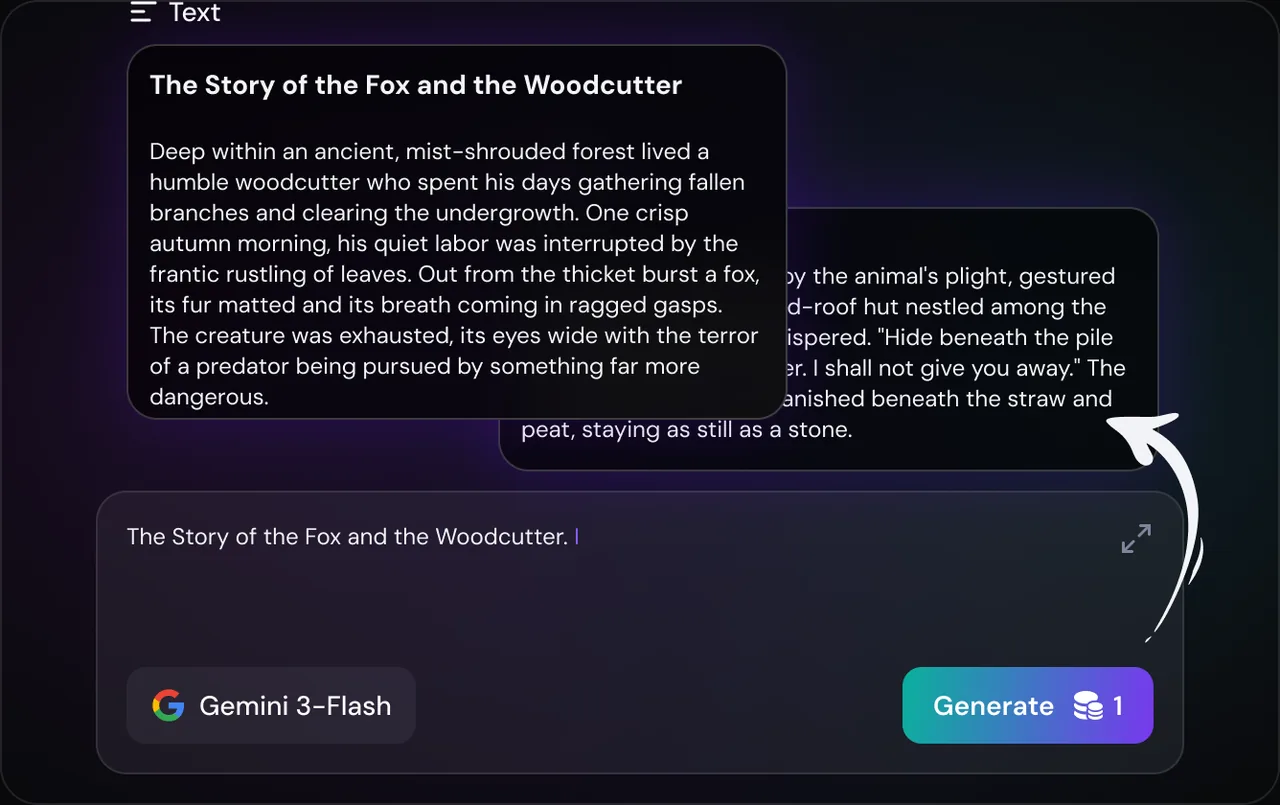
The best video and image models on the market, integrated into one canvas. Pick the right model for every node — no exporting, no switching apps.
Try in Canvas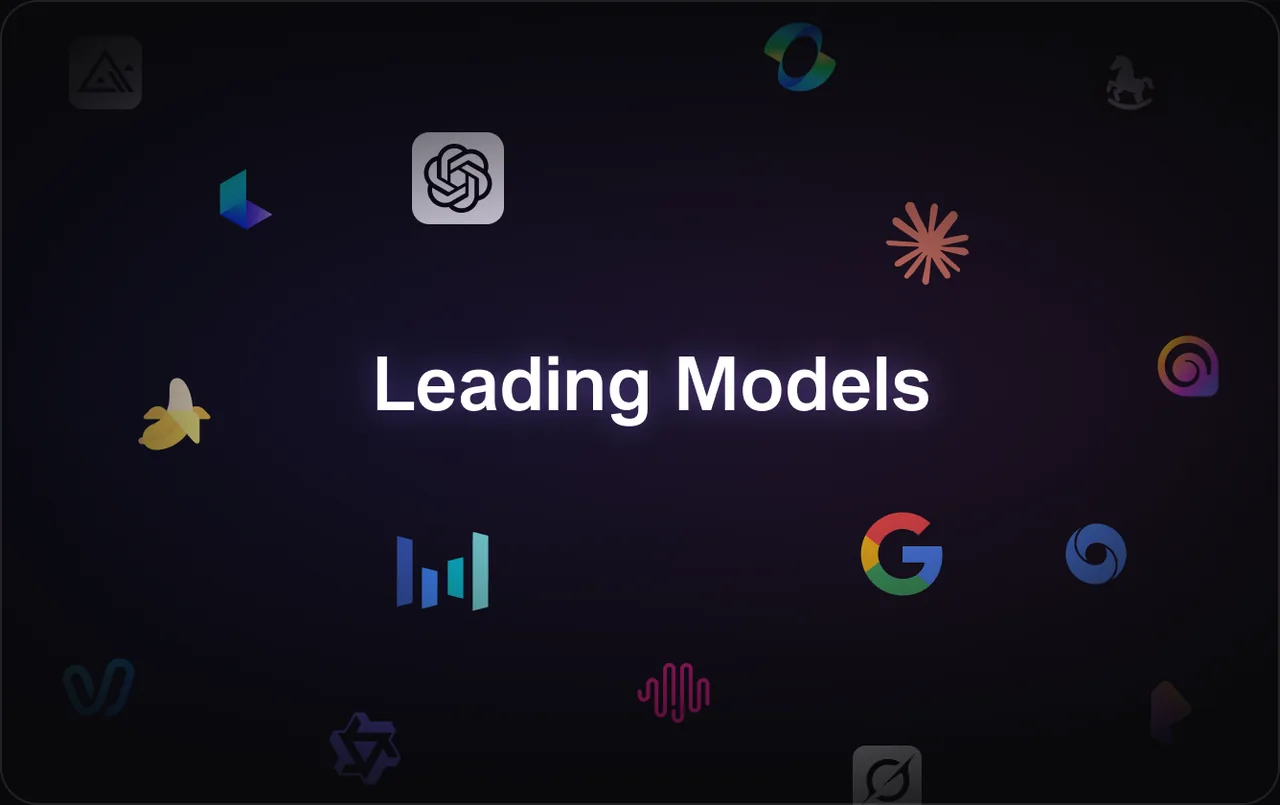
Upscale any node to crisp, high-resolution output right where you’re working. No exporting to another tool, no losing your setup — the HD models are built into the canvas.
Try in Canvas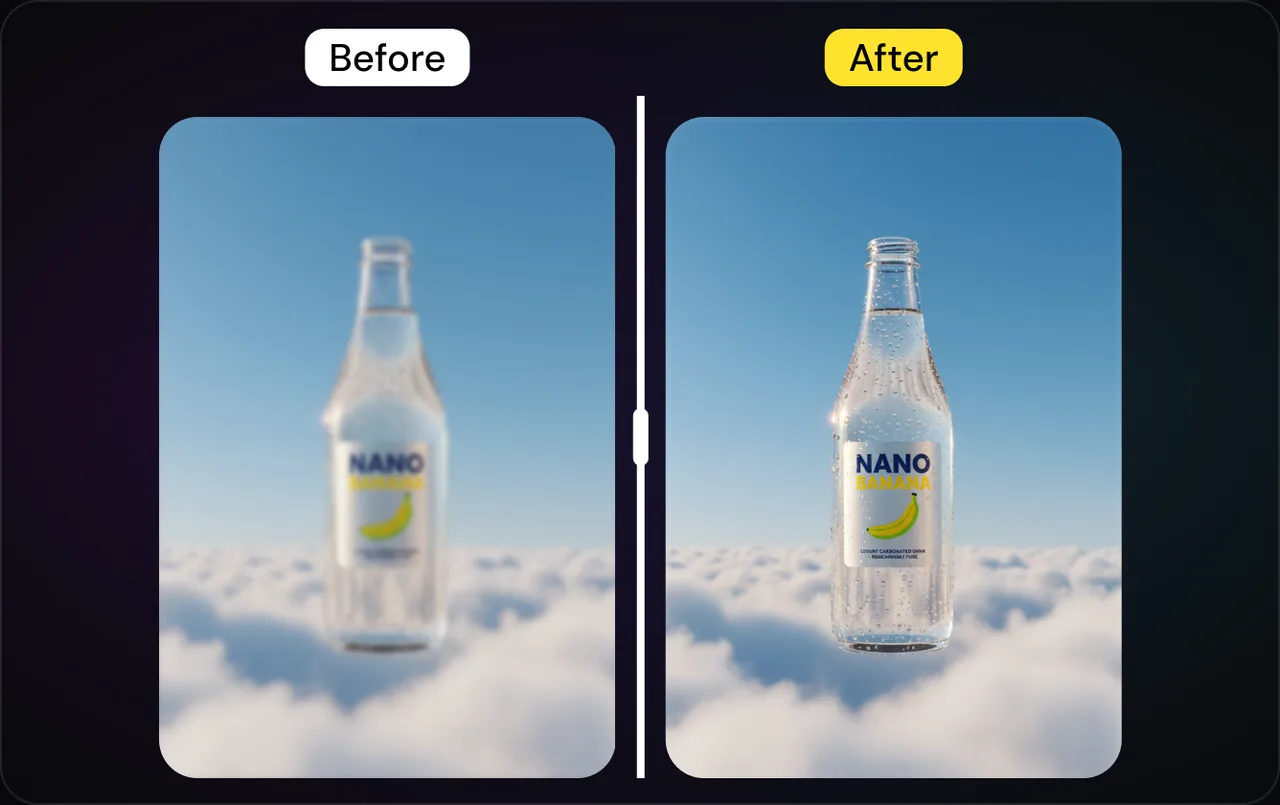
Every image, clip, character, and audio track you generate is saved to your library automatically. Browse, organize, and drag them straight back onto the canvas — reuse your best work instead of remaking it.
Try in Canvas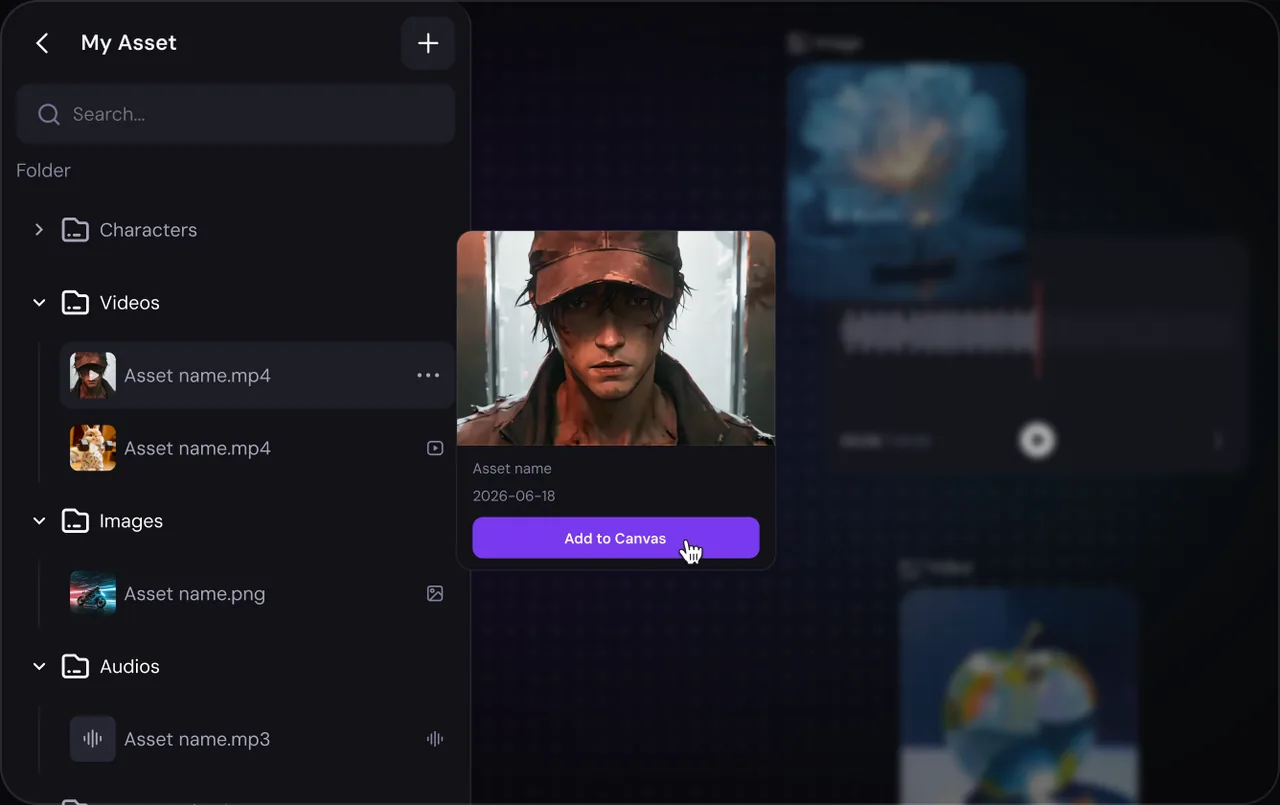
Work side by side on one shared canvas. Teammates can explore ideas, refine nodes, and keep every version connected.
Try in Canvas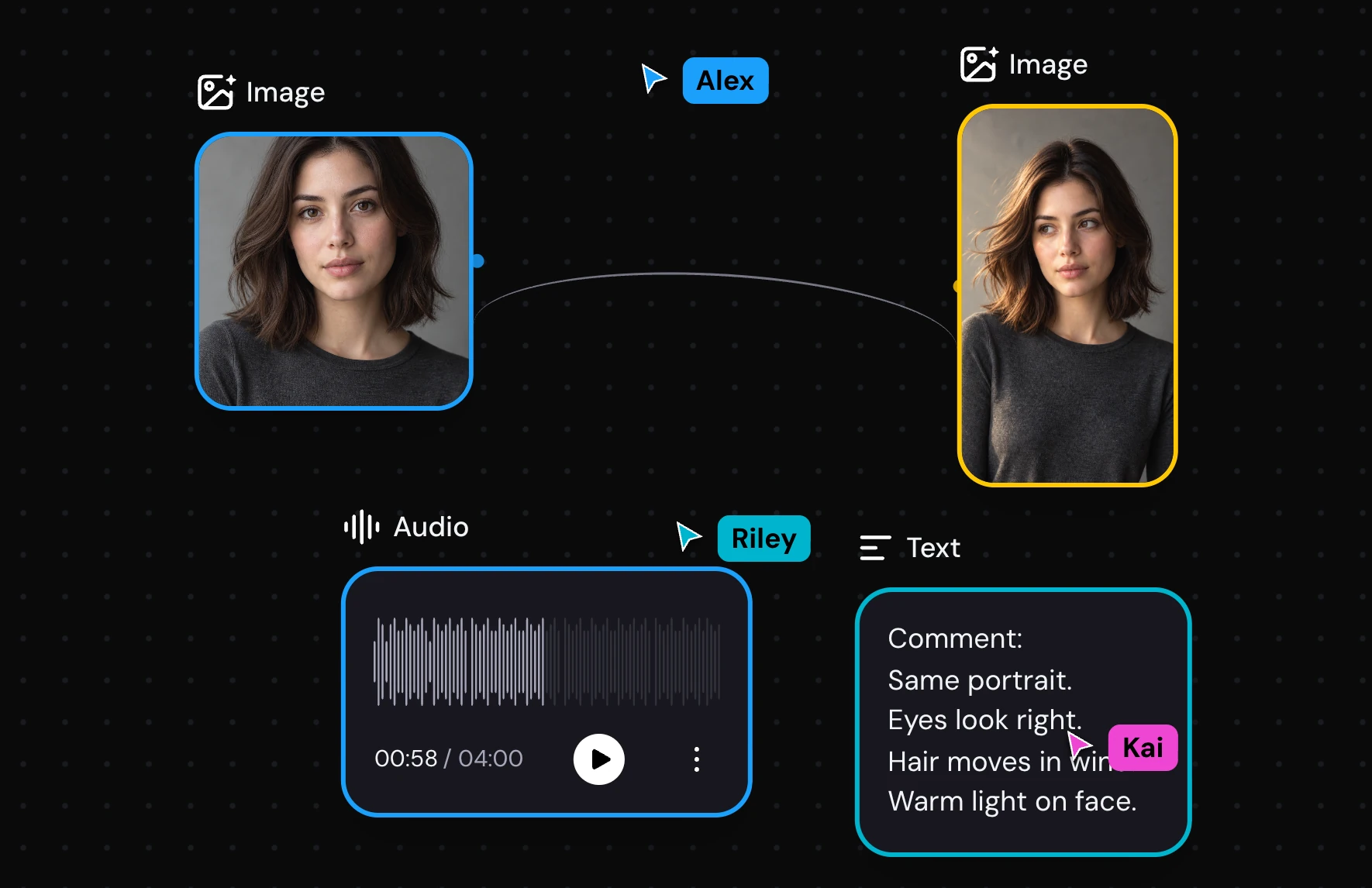
Discover endless ways to create with different models and tools, and explore unique workflows on Canvas.
Real creator workflows, built end to end on the canvas.
Character consistency
One character, endless episodes — the same face in every scene.
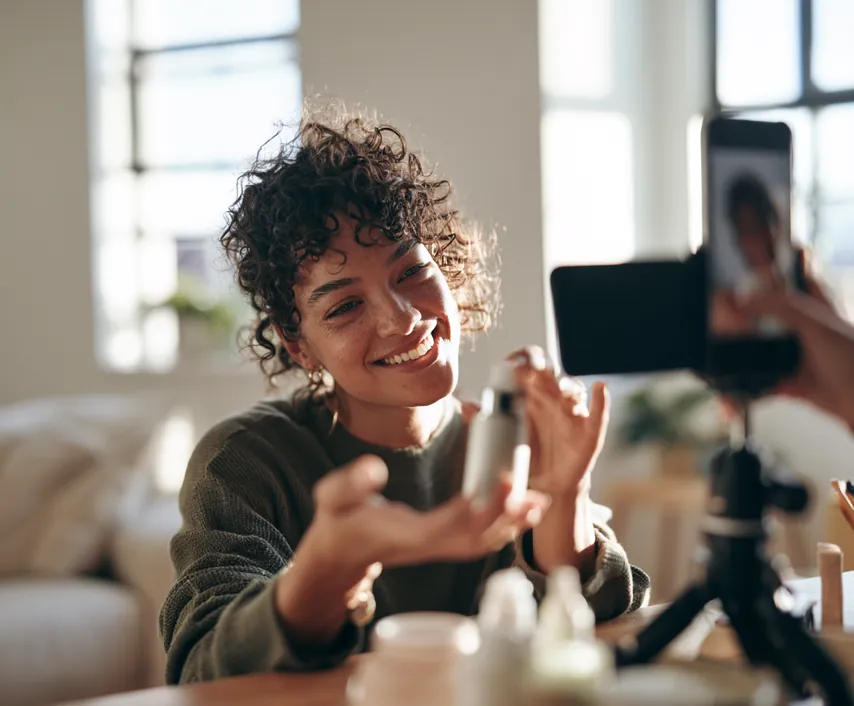
Image-to-video · HD
Turn a single product shot into a polished, high-res spot.
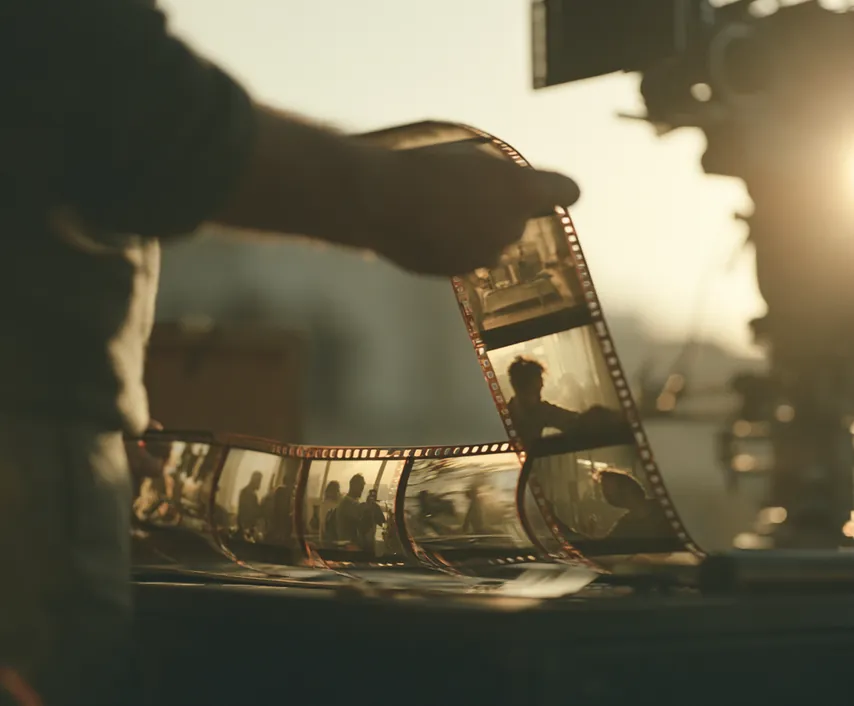
Non-linear directing
Direct multi-shot stories node by node — revise any shot without redoing the rest.
For brands & agencies
Studio-grade output for brand campaigns and client delivery.
Zeemo Canvas is a node-based studio where you generate images, videos, and music — and refine each one without starting over.
Canvas keeps every prompt, asset, version, and branch visible in one connected workspace, so you can revise a single node without rebuilding the whole project.
Yes. Define a character once, then reuse that character across scenes, shots, and separate videos while maintaining a consistent look.
Yes. Revisit any node, adjust the prompt or model, and regenerate only that part while keeping the rest of your flow intact.
You can create and connect text, images, video, audio, characters, references, and multiple versions for a complete AI video workflow.
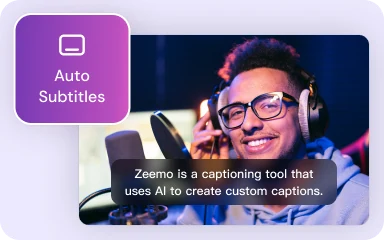
Add accurate, customizable captions to videos with Zeemo.
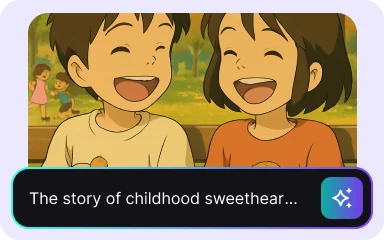
Create polished explainer videos from a simple idea with Zeemo's AI Explainer Video Generator.
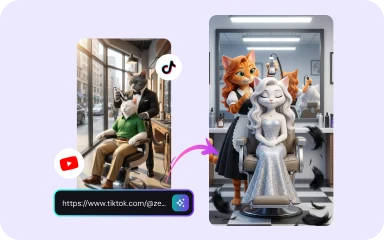
Rebuild a successful video with your own product, cast, and message while preserving its pacing and hooks.
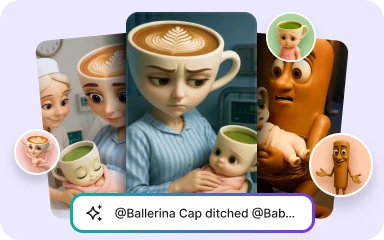
Turn stories into AI videos with consistent characters, scene-by-scene scripts, animated storyboards, and simple creative controls in Zeemo Scene Director.