Add subtitles automatically
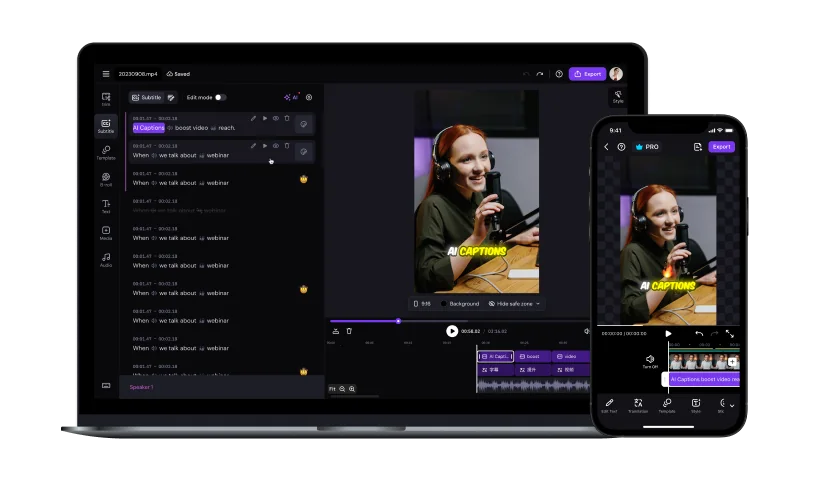
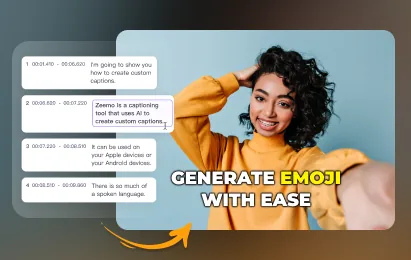
Zeemo detects speech and generates accurate captions for you — 95 languages supported, up to 98% accuracy, and done in just seconds.
Try for free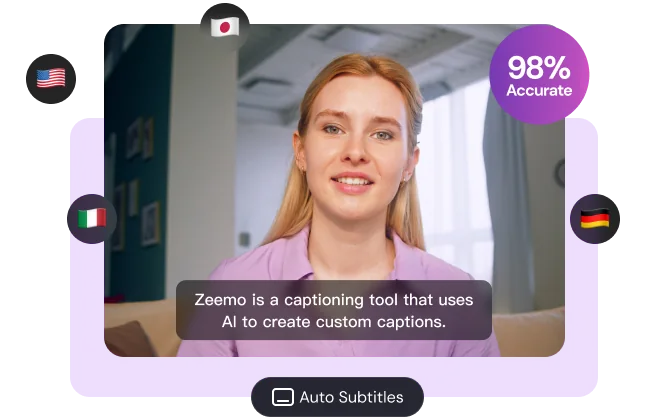
Taking your videos to the next level by seamlessly adding subtitles and captions.
Add, customize, and translate subtitles in seconds — no manual timing or typing needed.
Zeemo detects speech and generates accurate captions for you — 95 languages supported, up to 98% accuracy, and done in just seconds.
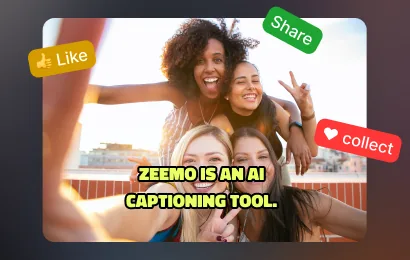
Try for freeChoose from 500+ pre-made templates and dynamic caption styles. Fine-tune the font, size, color, and position to match your brand.
Try for free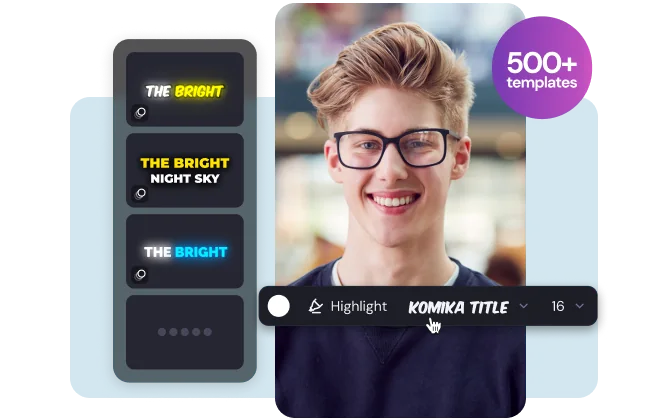
Add bilingual subtitles in seconds. Translate captions into 95+ languages to make your videos accessible to a global audience.
Try for free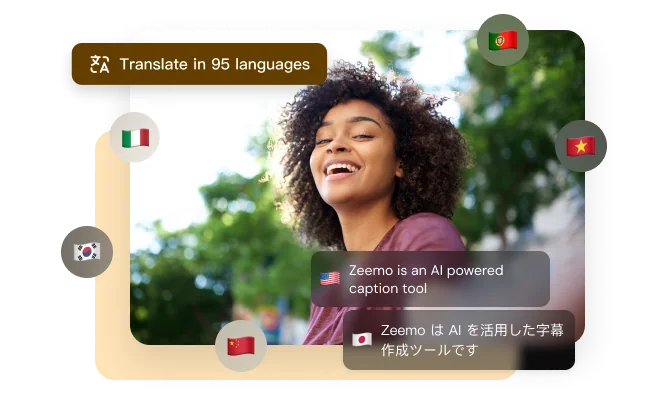
Adjust wording, timing, and styling in a simple editor. Everything updates in real time, so your subtitles always stay perfectly in sync.
Try for free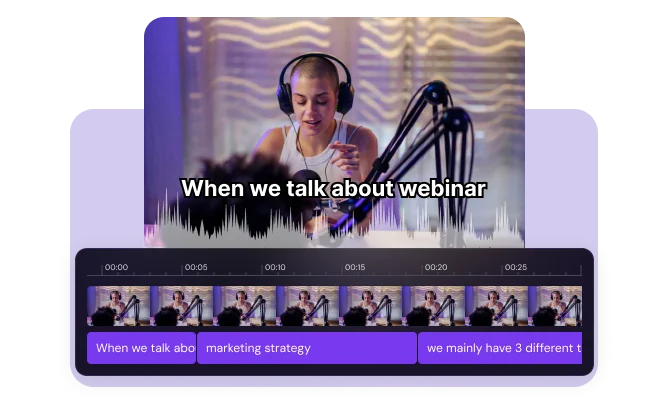
Select the video file you want to work with. Upload it straight from your computer or phone.
Zeemo auto-generates subtitles. Translate or edit them, then customize the style for an impressive video.
Export your video with captions burned in, or download the SRT subtitle file separately.
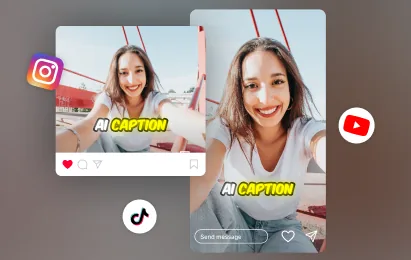
Post your captioned video to TikTok, YouTube, Instagram, and more to reach a wider audience.
Subtitles are the on-screen text version of the speech in your video. They help viewers follow along, watch with the sound off, and understand content in other languages.
Many people watch video without sound. Subtitles improve accessibility, comprehension, retention, and engagement across social platforms.
Upload your video, let Zeemo generate the transcript, review the timing and text, choose a subtitle style, and export the finished video.
Upload the video to Zeemo and generate captions. You can then download the subtitles separately as an SRT file.
After reviewing your captions, export the video from Zeemo with subtitles burned into the picture so they appear on every platform.
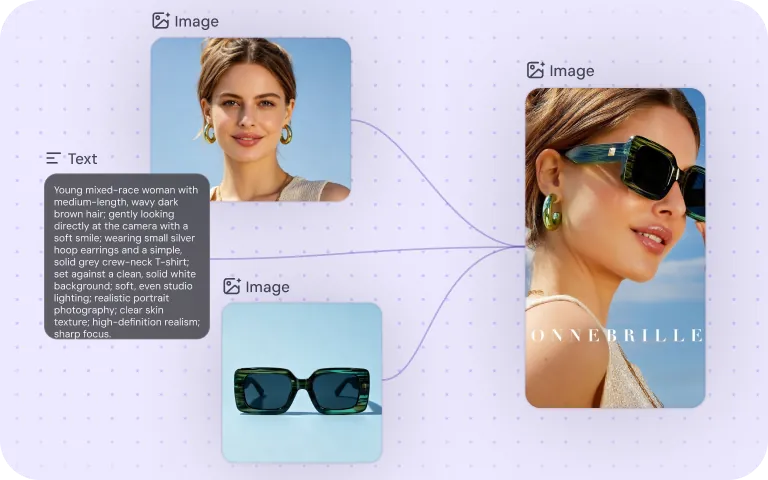
Direct AI video creation node by node with Zeemo Canvas. Generate, refine, and reuse every asset in one connected workflow.
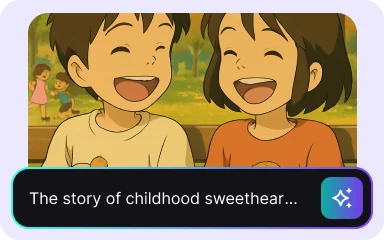
Create polished explainer videos from a simple idea with Zeemo's AI Explainer Video Generator.
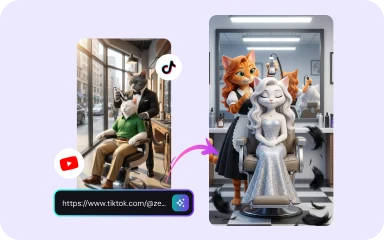
Rebuild a successful video with your own product, cast, and message while preserving its pacing and hooks.
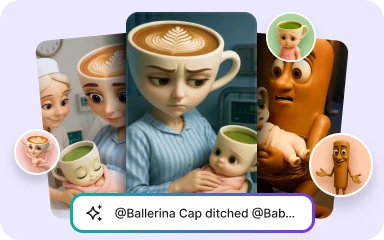
Turn stories into AI videos with consistent characters, scene-by-scene scripts, animated storyboards, and simple creative controls in Zeemo Scene Director.