이미지에서 프롬프트로
이미지를 Zeemo Canvas에 놓고 텍스트 노드에 연결해 프롬프트를 작성하세요. 문구를 수정한 다음 이미지 또는 동영상 노드에 연결해 새로운 결과물을 만들 수 있습니다.
이미지에서 프롬프트 가져오기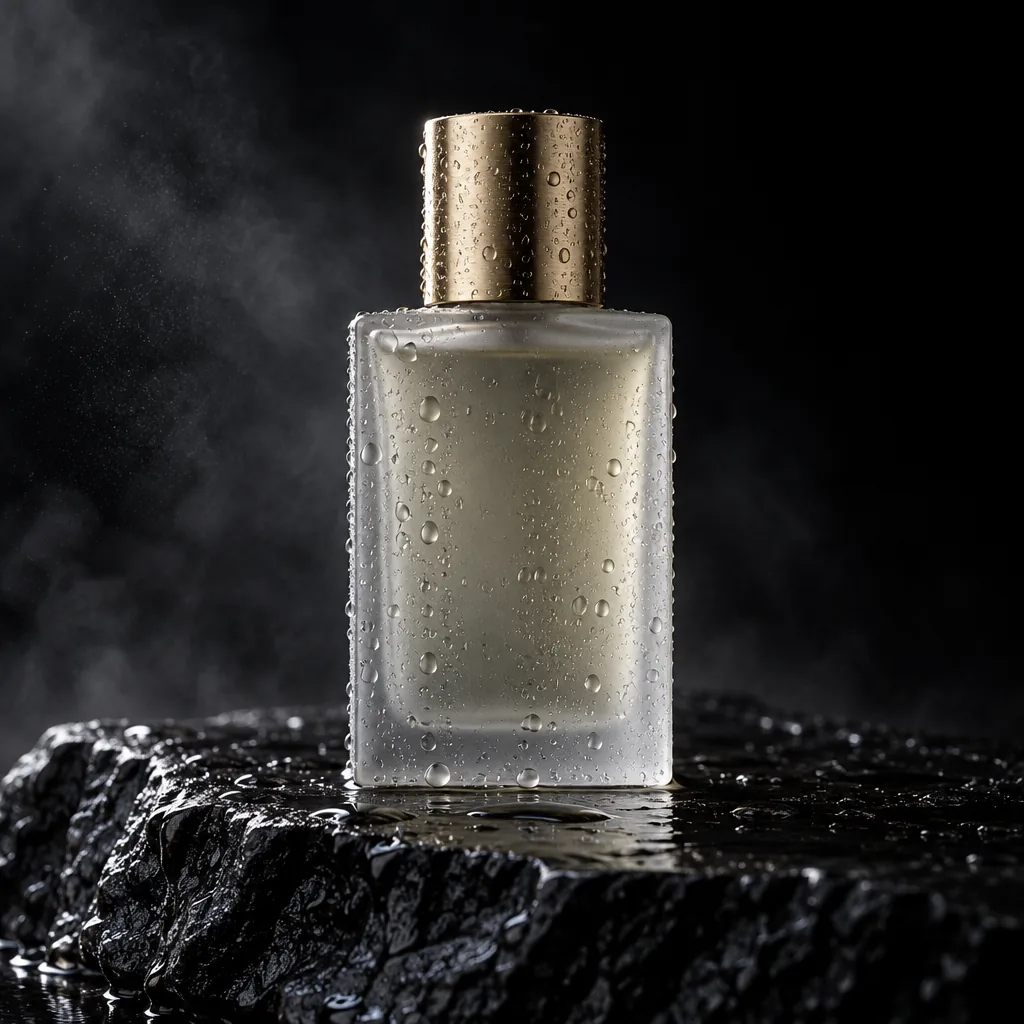
이 이미지를 자세한 프롬프트로 설명하세요.
A minimalist frosted-glass perfume bottle with a brushed-gold cap stands on wet black volcanic rock, covered in water droplets. Deep black studio background with drifting mist. Warm side light from the upper left draws a golden rim along the cap and glass edges while the other side falls into shadow. Straight-on low angle, centered, shallow depth of field. Photorealistic luxury fragrance ad, high contrast, ultra-detailed water texture.

조명과 카메라 앵글만 설명하세요.
Lighting
Warm late-afternoon window light from behind and to her right adds a golden rim to her hair and shoulder. Soft frontal fill keeps the face evenly lit, with warm skin tones and subtle catchlights.
Camera Angle
Tight head-and-shoulders portrait at eye level, shallow depth of field, indoor background softly blurred.
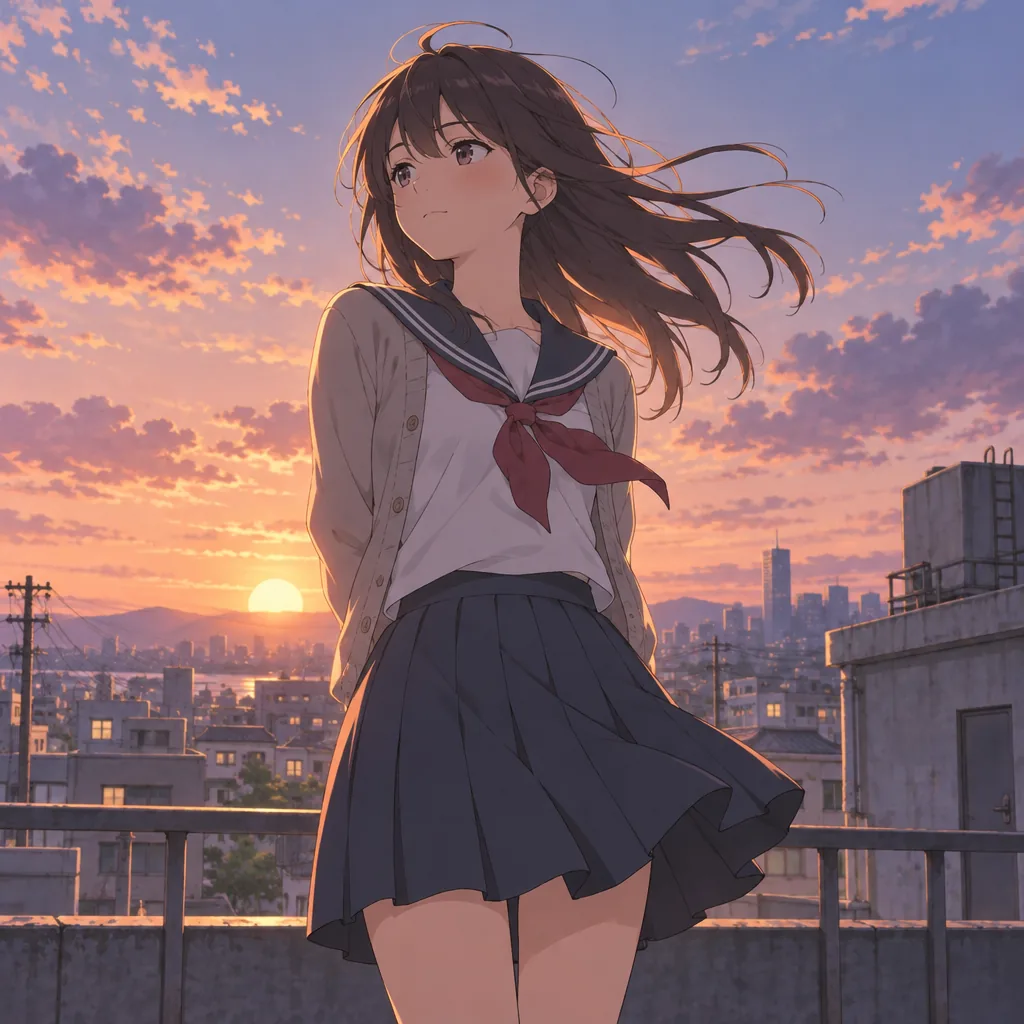
같은 아트 스타일로 프롬프트를 작성하세요.
Cinematic anime illustration with delicate linework and soft painted textures. A schoolgirl in a sailor uniform and open beige cardigan stands on a city rooftop at sunset, seen from a slightly low angle, long dark hair blowing in the wind. Low sun, peach, coral and lavender sky, warm rim light, cool violet shadows. Railings, utility poles and a hazy skyline behind her. Nostalgic coming-of-age mood, high-end anime film still.
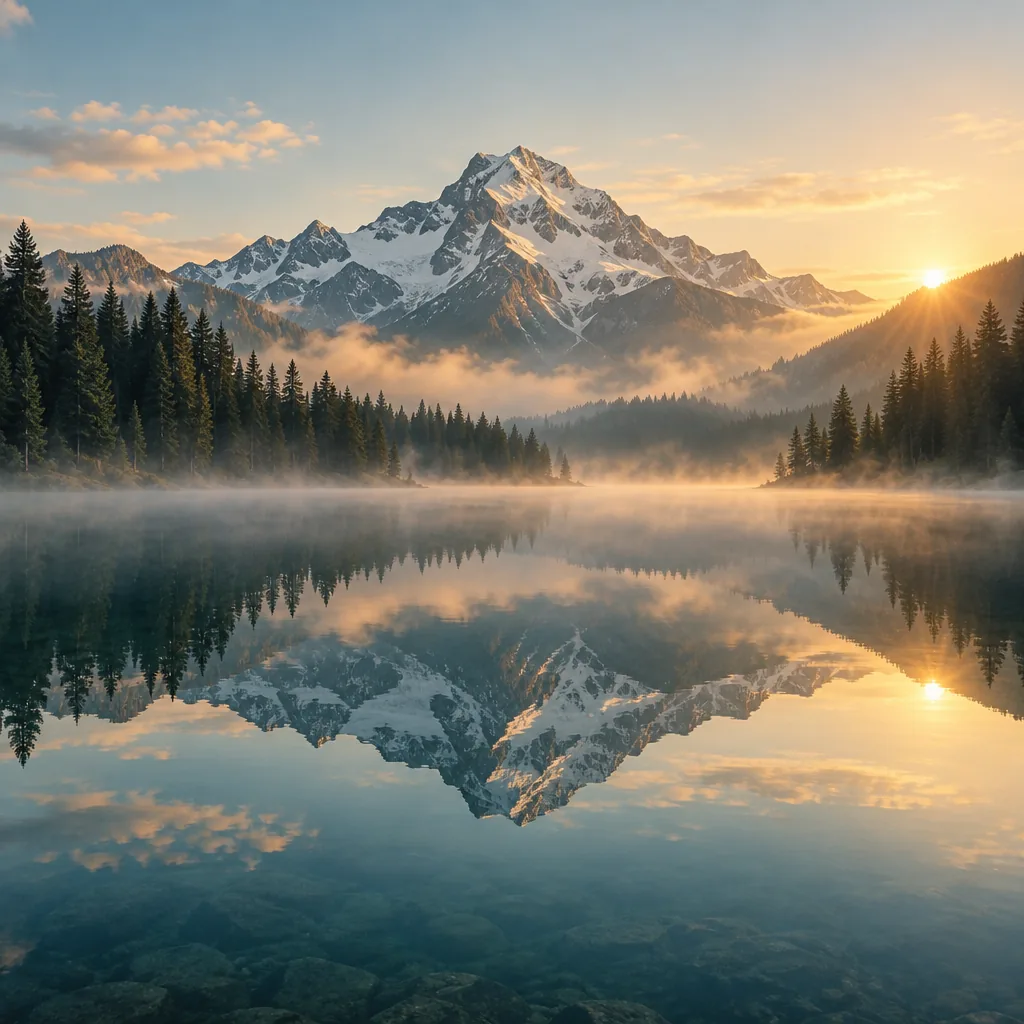
스타일을 두 문장으로 요약하세요.
Cinematic, ultra-realistic landscape photography with a tranquil alpine atmosphere, using warm golden-hour sunlight, soft mist, and a balanced palette of amber, pale blue, and deep evergreen. The composition emphasizes majestic scale and near-perfect symmetry through the mirror-still lake reflection, with crisp mountain textures and softly diffused atmospheric depth.
캔버스에서 사용하는 이미지 프롬프트 생성기
이미지를 프롬프트로 읽고 편집한 뒤 다시 생성하세요.
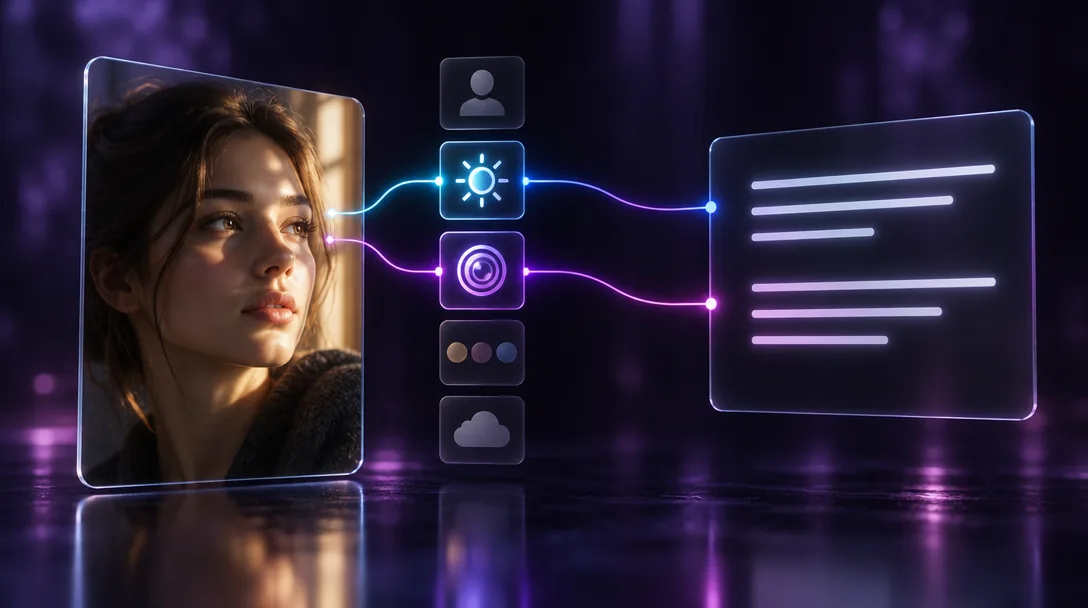
이미지를 돋보이게 하는 디테일 포착
사진을 텍스트 노드에 연결하고 피사체, 조명, 카메라 앵글, 색상 팔레트, 분위기 중 어떤 요소를 읽을지 지정하세요. 전체 프롬프트를 만들거나 일부 요소만 요청할 수 있습니다. 결과는 노드에 작성되어 바로 편집할 수 있습니다.
프롬프트에 남길 디테일을 직접 선택하세요.
사진으로 프롬프트 작성여러 참조 이미지를 하나의 프롬프트로 결합
캐릭터, 제품 사진, 배경을 같은 텍스트 노드에 연결하세요. 세 요소를 하나의 장면에 배치하는 프롬프트를 요청하거나, 생성 전에 비교할 수 있도록 각각 따로 설명하게 할 수 있습니다.
여러 참조 이미지를 넣고 프롬프트 하나를 만드세요.
이미지 참조 결합
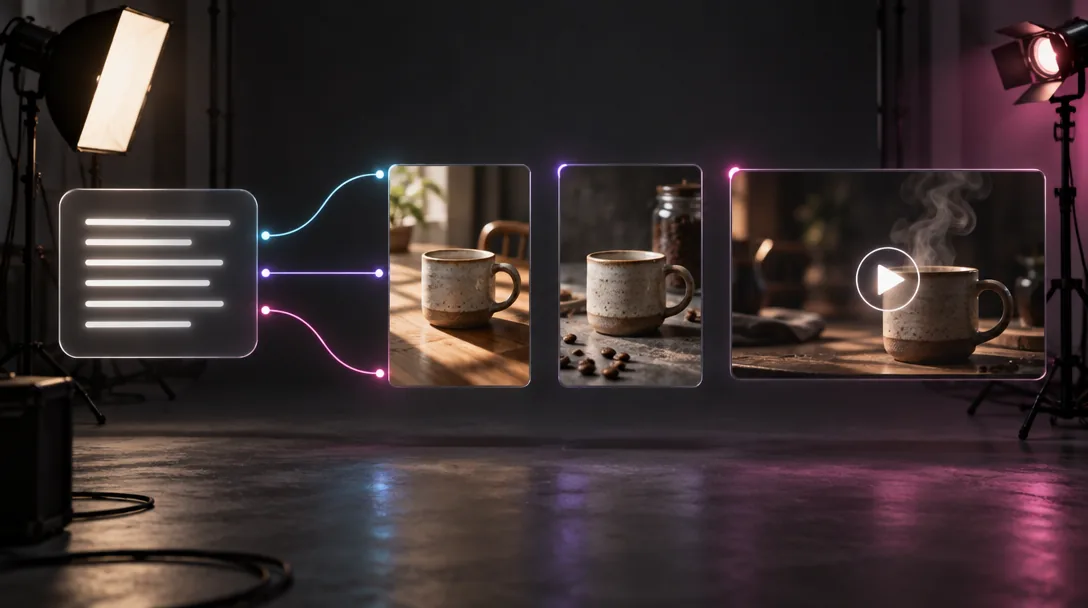
다양한 버전을 만들거나 정지 이미지를 클립으로 변환
프롬프트를 이미지 노드로 보내 같은 분위기의 새 버전을 만들거나, 동영상 노드로 보내 같은 스타일의 클립을 생성하세요. 하나의 텍스트 노드를 여러 노드에 연결해 결과를 나란히 비교할 수 있습니다.
하나의 프롬프트에서 캔버스 하나로 다양한 결과를 만드세요.
프롬프트로 생성시리즈 전체의 스타일 유지
프롬프트를 원본 이미지 옆의 캔버스에 보관하세요. 배경이나 조명 같은 세부 사항 하나를 바꾸고 다시 생성할 수 있습니다. 캔버스를 공유하면 팀원도 같은 프롬프트로 작업합니다.
새 이미지도 같은 프롬프트에서 시작하세요.
일관된 스타일 유지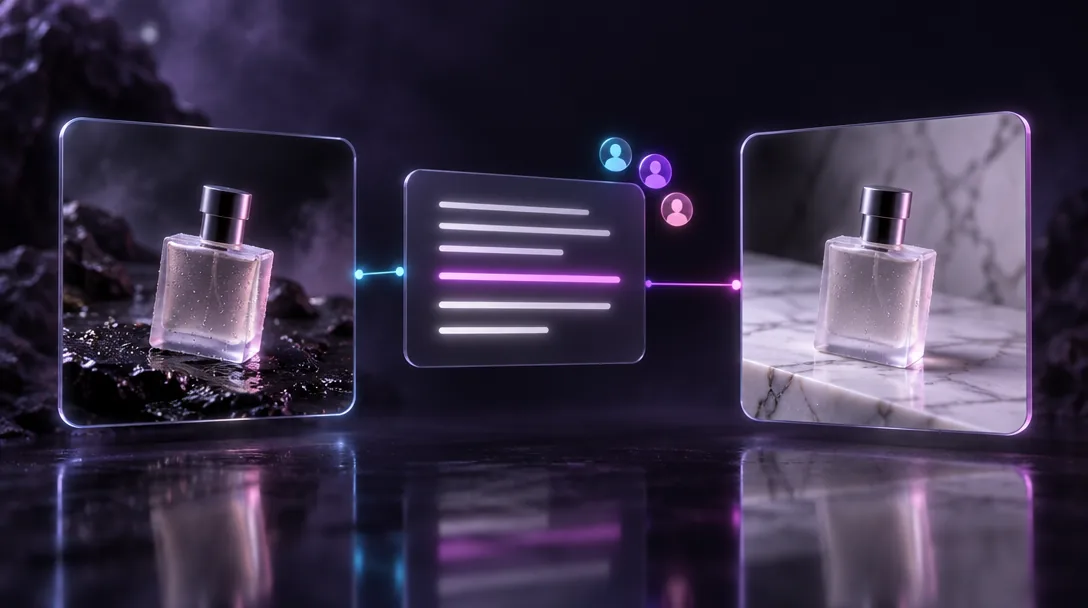
이미지에서 프롬프트를 얻는 방법
이미지 업로드
사진이나 작품을 Zeemo AI Canvas에 끌어다 놓거나 캔버스에서 이미 생성한 이미지를 사용하세요.
텍스트 노드 연결
이미지를 텍스트 노드에 연결하고 “이 이미지를 자세한 프롬프트로 설명하세요”와 같은 지시를 입력하세요.
편집하고 생성
문구를 다듬은 다음 텍스트 노드를 이미지 또는 동영상 노드에 연결하세요. AI 이미지 생성기도 이용해 보세요.
Zeemo의 다른 AI 도구 둘러보기
모든 도구가 동일한 시각적 캔버스에서 실행됩니다. 작업 흐름은 같고 언제든 도구를 전환할 수 있습니다.