画像からプロンプト
画像をZeemo Canvasにドロップし、テキストノードにつないでプロンプトを作成します。文面を編集したら、画像または動画ノードにつないで新しい作品を生成できます。
画像からプロンプトを生成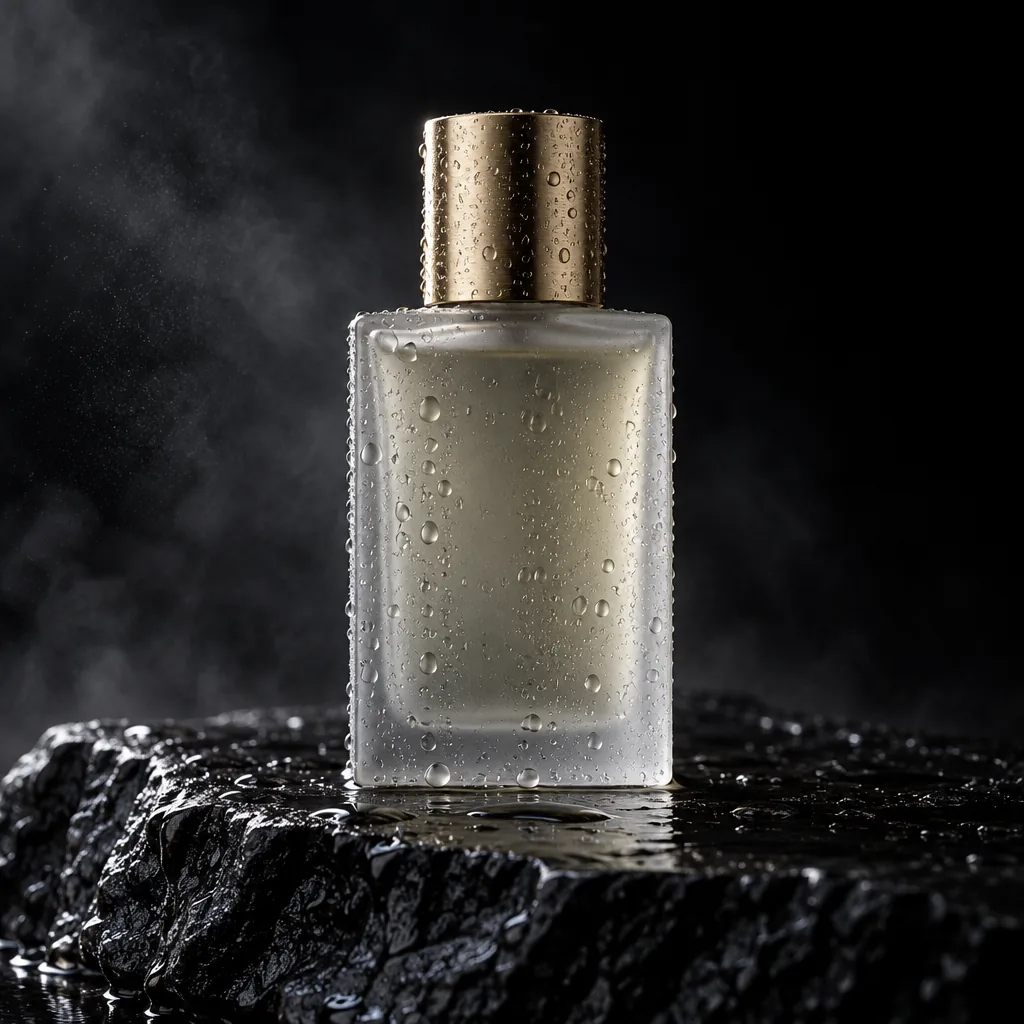
この画像を詳しいプロンプトとして説明してください。
A minimalist frosted-glass perfume bottle with a brushed-gold cap stands on wet black volcanic rock, covered in water droplets. Deep black studio background with drifting mist. Warm side light from the upper left draws a golden rim along the cap and glass edges while the other side falls into shadow. Straight-on low angle, centered, shallow depth of field. Photorealistic luxury fragrance ad, high contrast, ultra-detailed water texture.
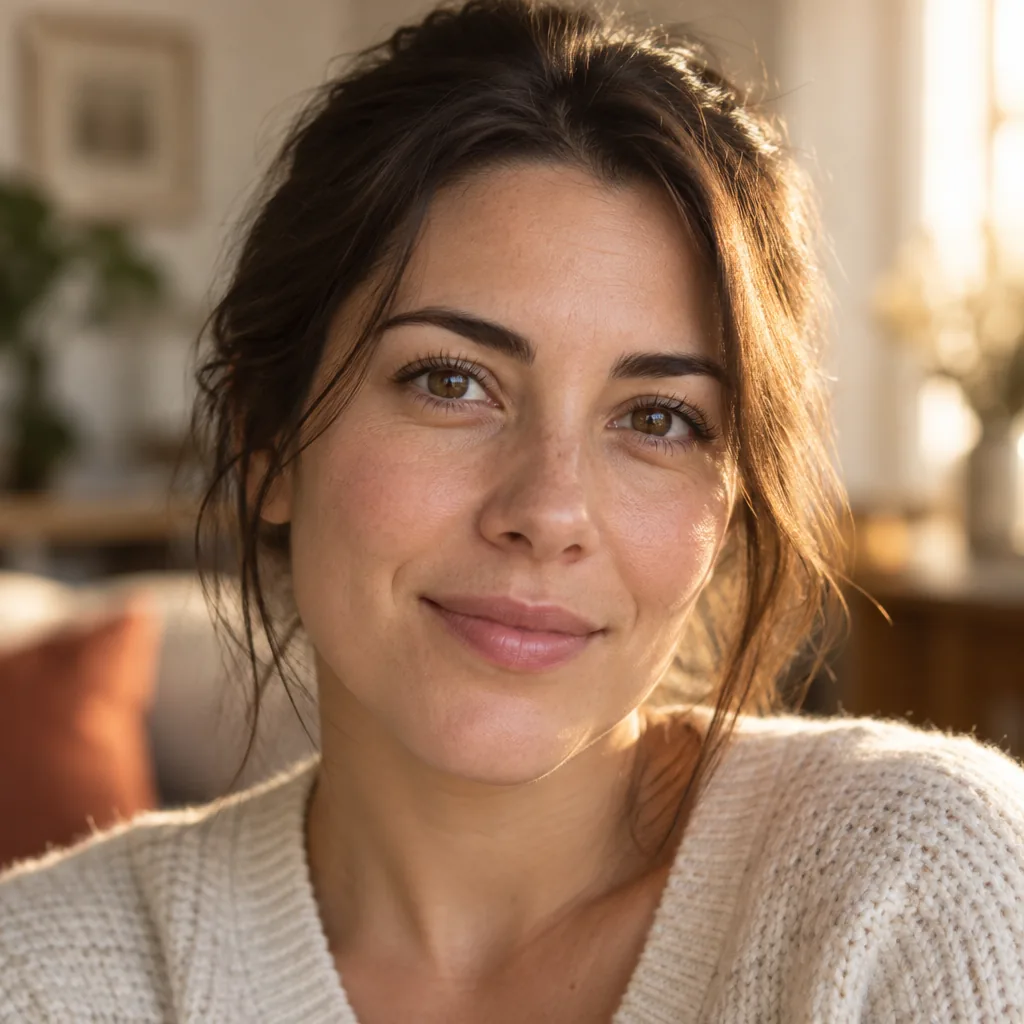
光とカメラアングルだけを説明してください。
Lighting
Warm late-afternoon window light from behind and to her right adds a golden rim to her hair and shoulder. Soft frontal fill keeps the face evenly lit, with warm skin tones and subtle catchlights.
Camera Angle
Tight head-and-shoulders portrait at eye level, shallow depth of field, indoor background softly blurred.
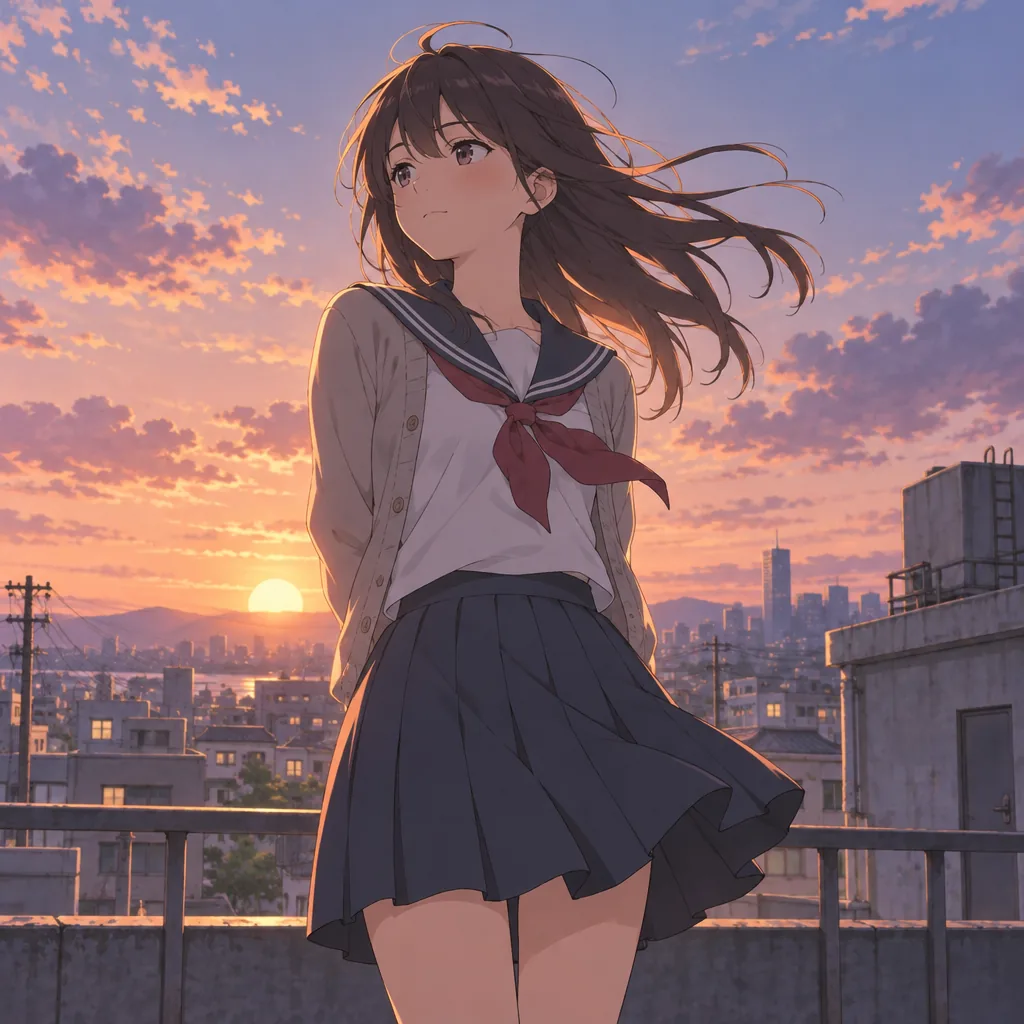
同じアートスタイルでプロンプトを作成してください。
Cinematic anime illustration with delicate linework and soft painted textures. A schoolgirl in a sailor uniform and open beige cardigan stands on a city rooftop at sunset, seen from a slightly low angle, long dark hair blowing in the wind. Low sun, peach, coral and lavender sky, warm rim light, cool violet shadows. Railings, utility poles and a hazy skyline behind her. Nostalgic coming-of-age mood, high-end anime film still.
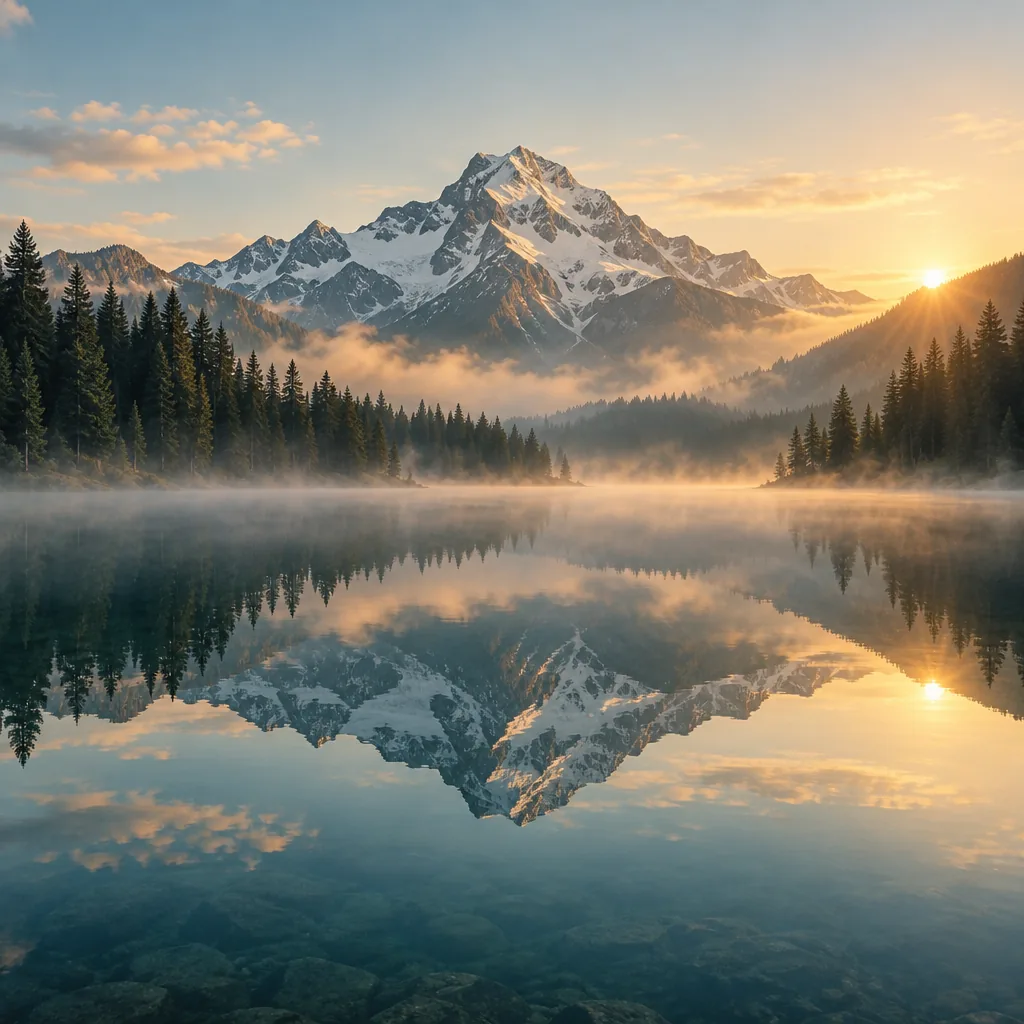
スタイルを2文で要約してください。
Cinematic, ultra-realistic landscape photography with a tranquil alpine atmosphere, using warm golden-hour sunlight, soft mist, and a balanced palette of amber, pale blue, and deep evergreen. The composition emphasizes majestic scale and near-perfect symmetry through the mirror-still lake reflection, with crisp mountain textures and softly diffused atmospheric depth.
キャンバス上で使える画像プロンプト生成ツール
画像をプロンプトとして読み取り、編集して再生成。
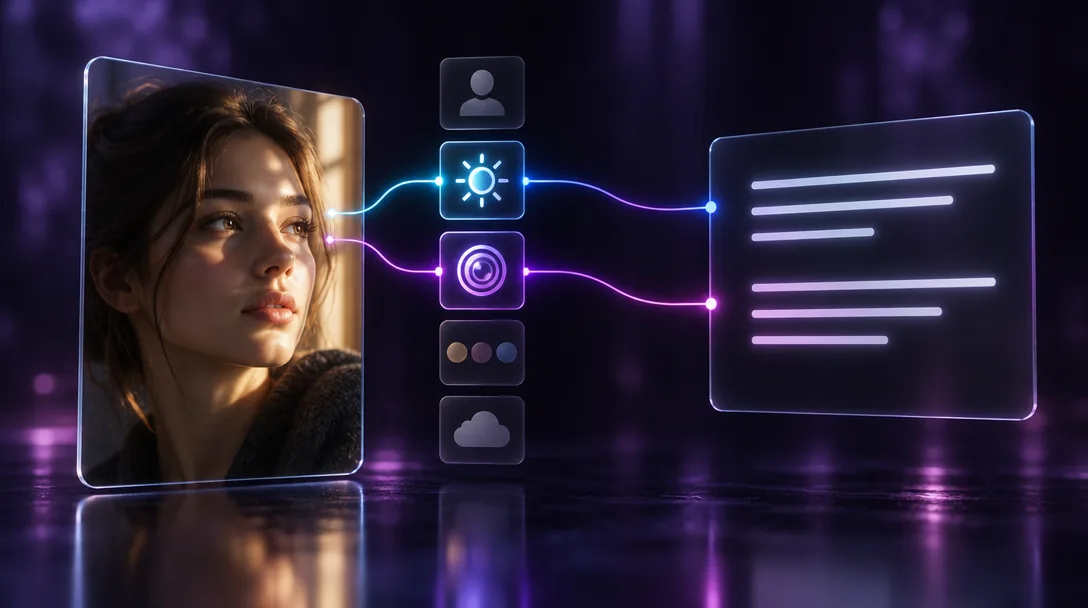
画像の魅力を生む細部を捉える
写真をテキストノードにつなぎ、被写体、照明、カメラアングル、カラーパレット、雰囲気など、読み取る内容を指定します。プロンプト全体でも、一部分だけでも作成できます。結果はノードに書き込まれ、すぐに編集できます。
プロンプトに残す要素は自分で選べます。
写真からプロンプトを作成複数の参照画像を1つのプロンプトにまとめる
キャラクター、商品写真、背景を同じテキストノードにつなぎます。すべてを1つのシーンにまとめたプロンプトを作成したり、生成前に比較できるよう個別に説明させたりできます。
複数の参照画像から、1つのプロンプトへ。
画像の参照素材を組み合わせる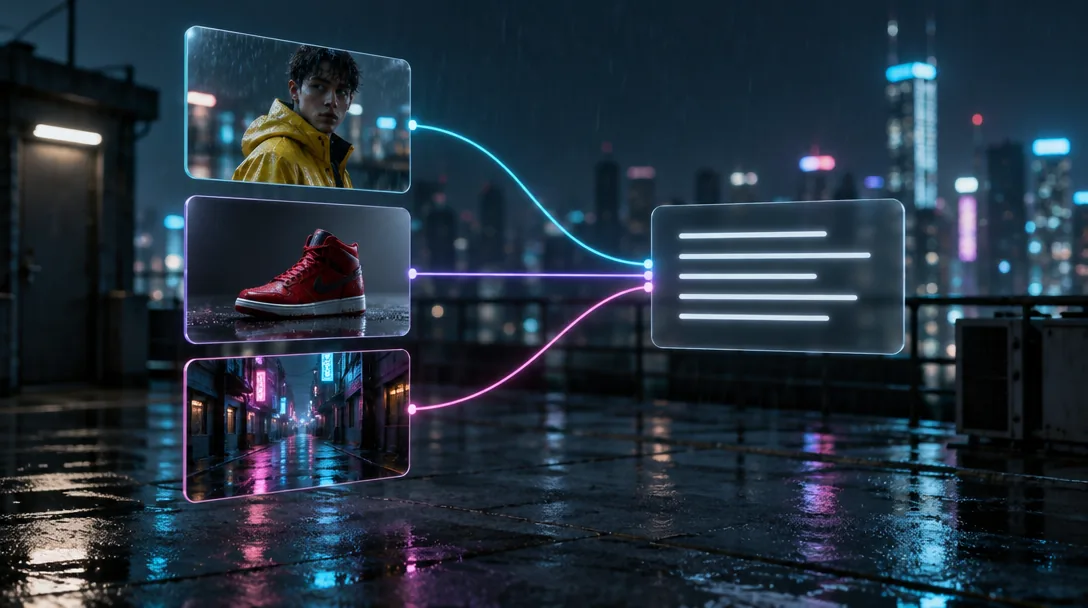
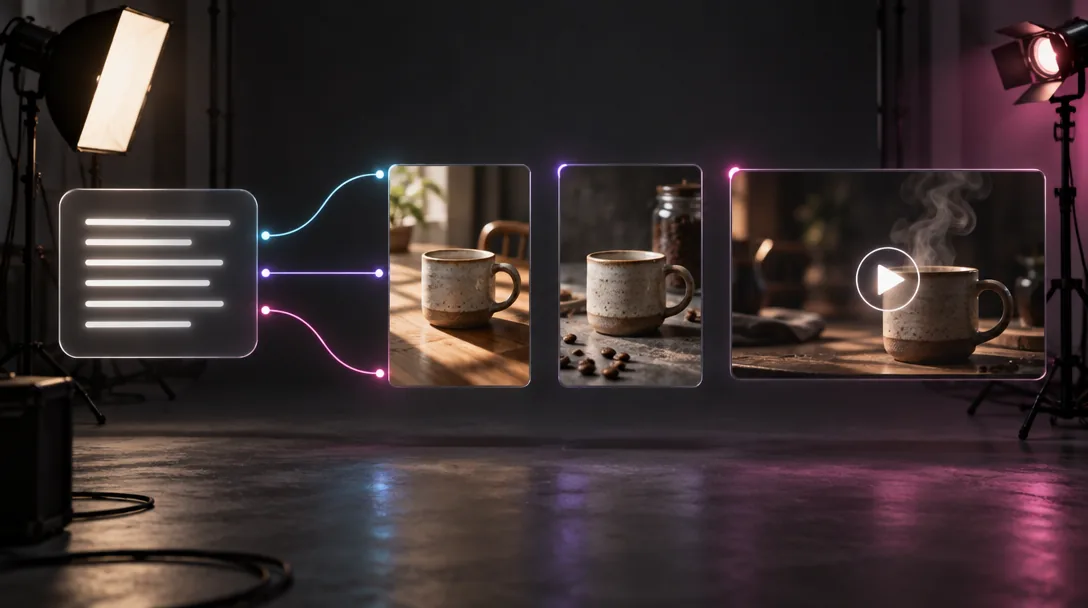
バリエーションを生成、または静止画を動画に変換
プロンプトを画像ノードに送って同じ雰囲気の別案を作るか、動画ノードに送って同じスタイルのクリップを生成します。1つのテキストノードから複数のノードへつなぎ、結果を並べて比較できます。
1つのプロンプトから、1つのキャンバス上に複数の成果物。
プロンプトから生成シリーズ全体のスタイルを統一
プロンプトを元画像の隣に置いたままキャンバスで管理できます。場所や光などの細部を1つ変更して再生成。キャンバスを共有すれば、チームも同じプロンプトを使って作業できます。
新しい画像も、同じプロンプトから始められます。
スタイルを一貫させる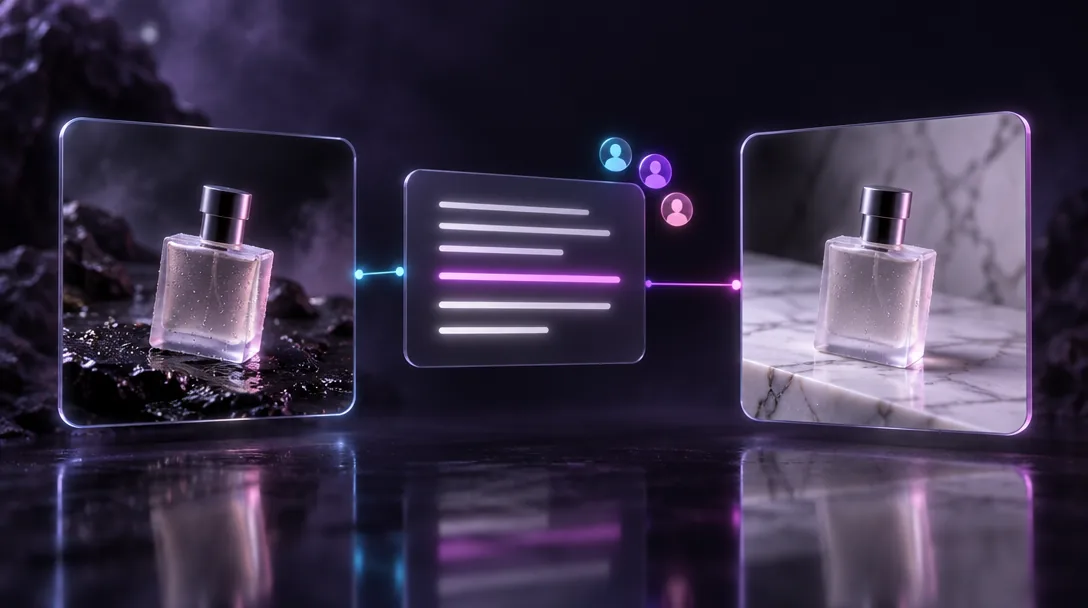
画像からプロンプトを作成する方法
画像をアップロード
写真やアートワークをZeemo AI Canvasにドラッグするか、キャンバス上ですでに生成した画像を選びます。
テキストノードに接続
画像をテキストノードにつなぎ、「この画像を詳しいプロンプトとして説明してください」などの指示を入力します。
編集して生成
文面を調整し、テキストノードを画像または動画ノードにつなぎます。AI画像ジェネレーターもお試しください。
Zeemoのその他のAIツールを見る
すべてのツールが同じビジュアルキャンバス上で動作します。ワークフローは共通で、いつでも切り替えられます。