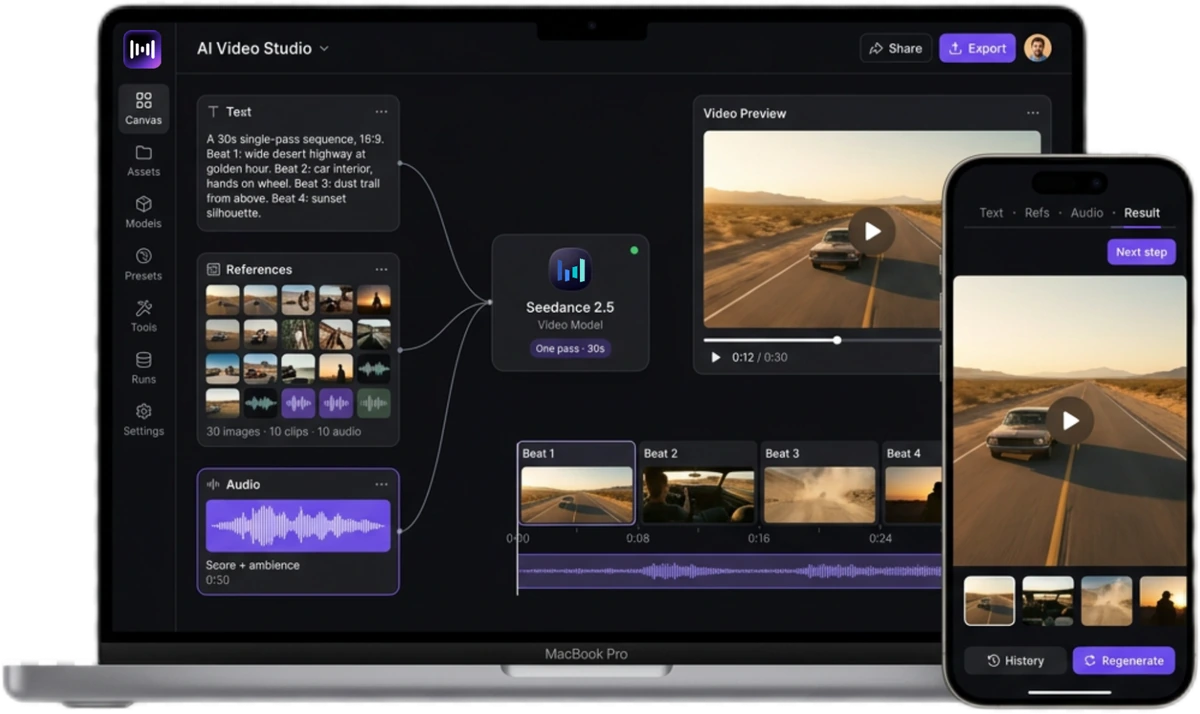
Seedance 2.5 30s
One-Pass AI Video Generation

30 seconds per generation, with multi-round extensions. Up to 50 references — 30 images, 10 video, 10 audio. Timestamp-level editing. Picture and sound together.

Try Seedance 2.5 on Zeemo

What Seedance 2.5 Makes in 30 Seconds

Thirty seconds is not a longer shot. It is a finished piece of work, start to finish, inside one generation.
What Changed in Seedance 2.5

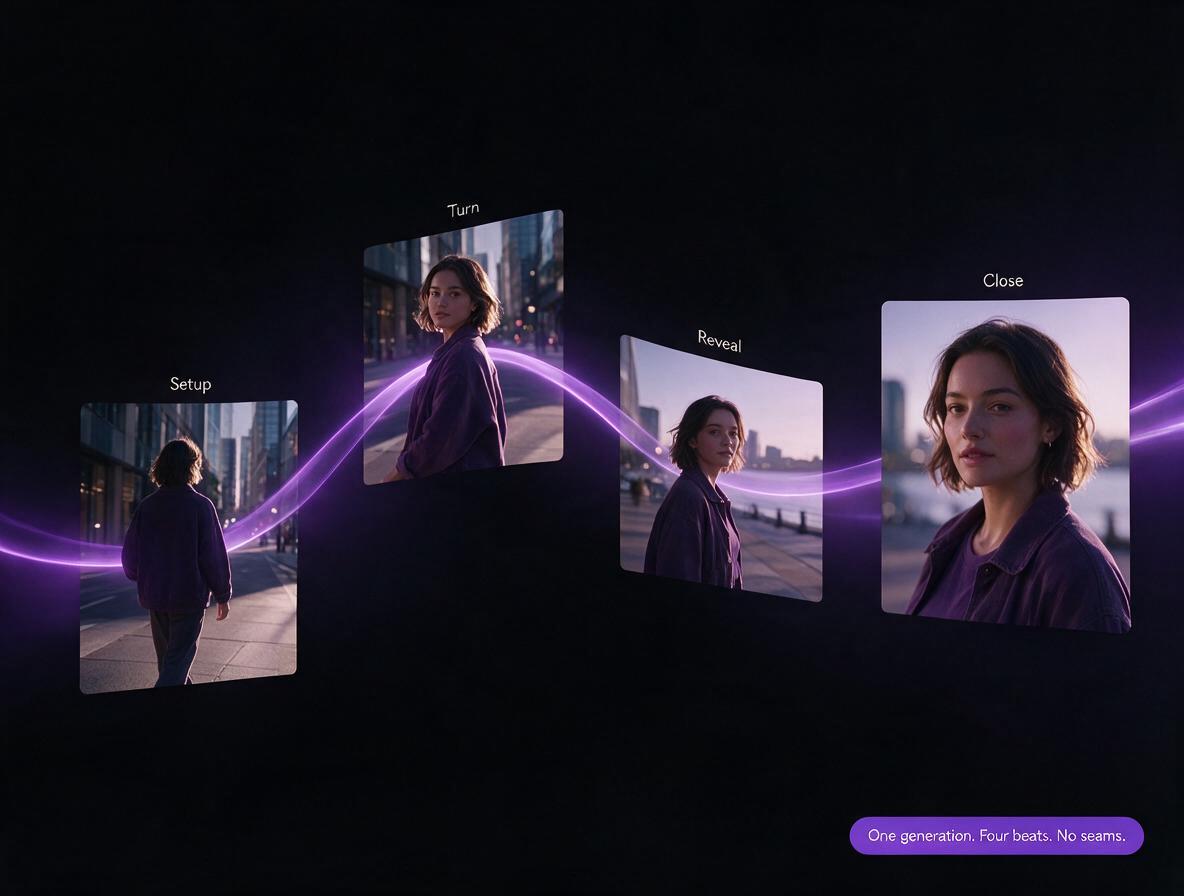
A 30-second Seedance 2.5 generation laid out as four narrative beats on one timeline

One Take, Four Beats

Thirty seconds generate natively, where Seedance 2.0 ran 15 to a pass — and the clip can be extended over multiple rounds from there. Shot transitions and scene changes hold their continuity across the whole run. A full spot arrives as one generation, not a set of pieces to assemble.

One generation. Four beats. No seams.

Create a 30-second cut
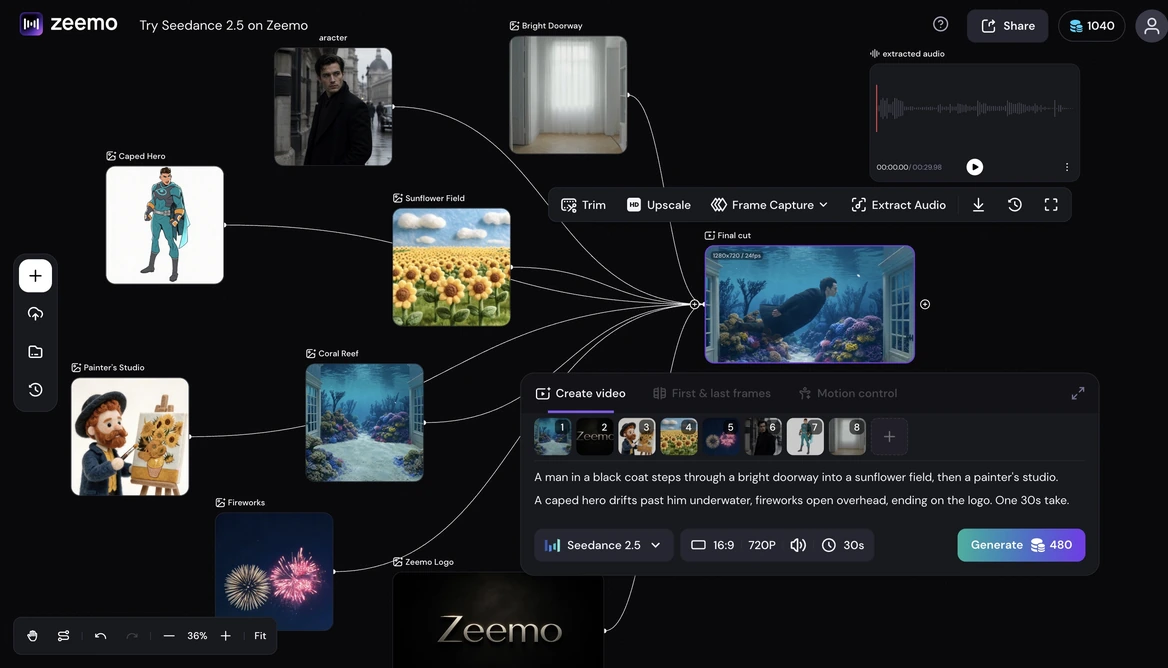
Fifty reference files arranged on the Zeemo canvas around a single generated shot

Fifty References, Dropped, Not Typed

Thirty images, ten video clips, and ten audio clips in a single pass — 50 references, where Seedance 2.0 worked best around 12. The model's own syntax calls each one out by number: @Image 1 for the venue, @Images 11–14 for the choir. On Zeemo you drop them on the canvas and wire them in.

Fifty references. Two lines of prompt.

Start building on canvas
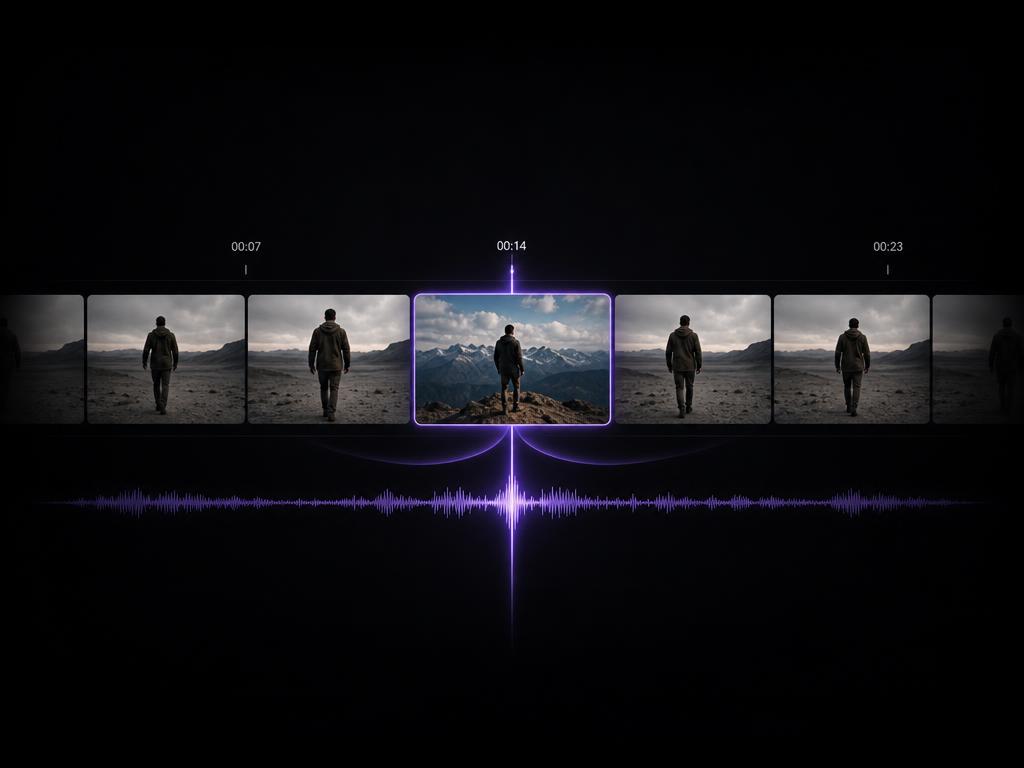
A 30-second timeline with edit points marked at exact timestamps on both the video and audio tracks

Editing Down to the Timestamp

Seedance 2.5 offers timestamp-level control over audio and video alike — edit the exact moment that needs it instead of reworking the whole generation. Green screen, camera perspective, and reference-based editing are part of the same upgrade.

Fix the second. Keep the take.

Open the canvas
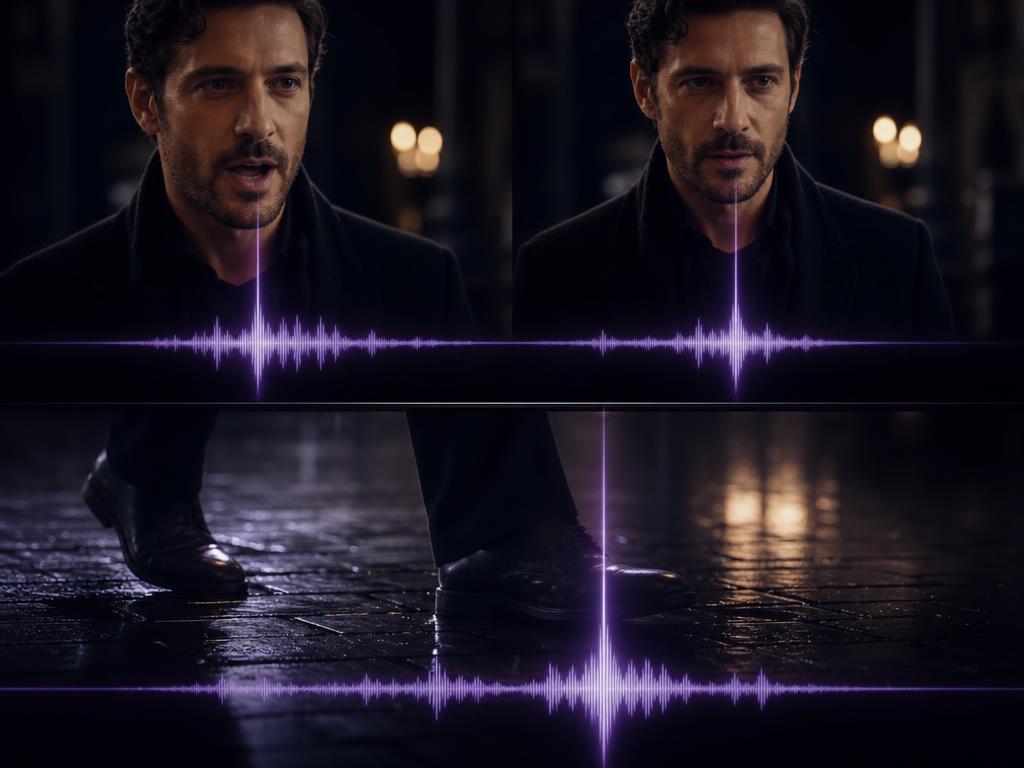
A generated shot with its audio waveform aligned frame by frame to the on-screen action

Sound in the Same Frame

Picture and audio generate together instead of being scored afterward. Footsteps land on the footfall and dialogue matches the mouth, so the cut you preview is already the cut you publish.

No post. Just publish.

Generate with audio

How to Use Seedance 2.5 on Zeemo

1

Open the Canvas

Pick 2.5 from the model list on the Zeemo AI Canvas. Every other model in your account sits right next to it.

2

Drop Your References

Up to 30 images, 10 videos, and 10 audio clips. Put each one where it belongs in the shot.

3

Write the Arc, Not the Adjectives

Outline the opening, the turn, and the close. A short prompt over strong references beats a long prompt every time.

4

Generate and Refine

Watch the 30-second cut end to end. Swap one reference, run it again.

What Creators Are Building

Frequently Asked
Questions

Seedance 2.5 is a multimodal AI video generation model built on a unified audio-video joint generation architecture. It generates a full 30-second clip in a single pass, extendable over multiple rounds, and takes up to 30 images, 10 video clips, and 10 audio clips as references. Timestamp-level control handles targeted edits to both audio and video.

Yes. Seedance 2.5 is live in the Zeemo canvas — pick it from the model list and generate. Open the canvas →

30 seconds in a single pass, with multi-round extensions from there. That 30 seconds is native rather than stitched, so scene changes and pacing shifts happen inside one generation.

Up to 50 in a single pass — 30 images, 10 video clips, and 10 audio clips. Beyond stills it also reads clay render, motion, and creative references. On Zeemo you place them on the canvas instead of numbering them inside the prompt. Explore the canvas →

They suit different briefs, and both run in the same Zeemo account. 2.5 is built for longer storytelling — 30 seconds in a single pass with multi-round extensions, up to 50 references, and timestamp-level editing. Seedance 2.0 stays a strong pick for shorter, tightly scoped clips.

On most platforms Seedance 2.5 sits behind a single prompt box, and 50 references means 50 numbered mentions to track. On Zeemo it runs inside a visual canvas — drop each reference where it belongs, and switch models mid-project without moving files. See plans →

Yes. Picture and audio are generated in the same pass rather than scored afterward, so sound lands on the action instead of near it.

Try Seedance 2.5
on Zeemo now!

Get it on Google Play Download on the App Store
Start Creating
Seedance 2.5