Whatever You Need to Create
Whether you're running ad campaigns, building a brand character, or telling a cinematic story, Seedance 2.0 delivers broadcast-quality output for every use case below.
Features of Seedance 2.0 on Zeemo
Drag. Connect. Generate.
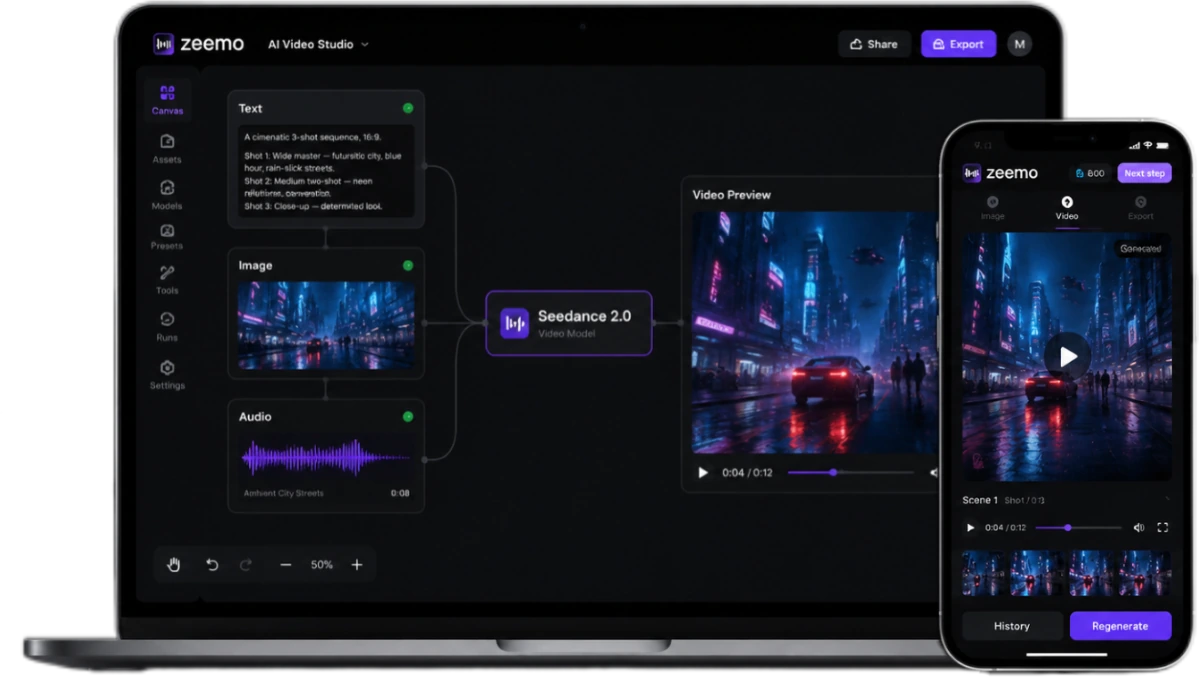
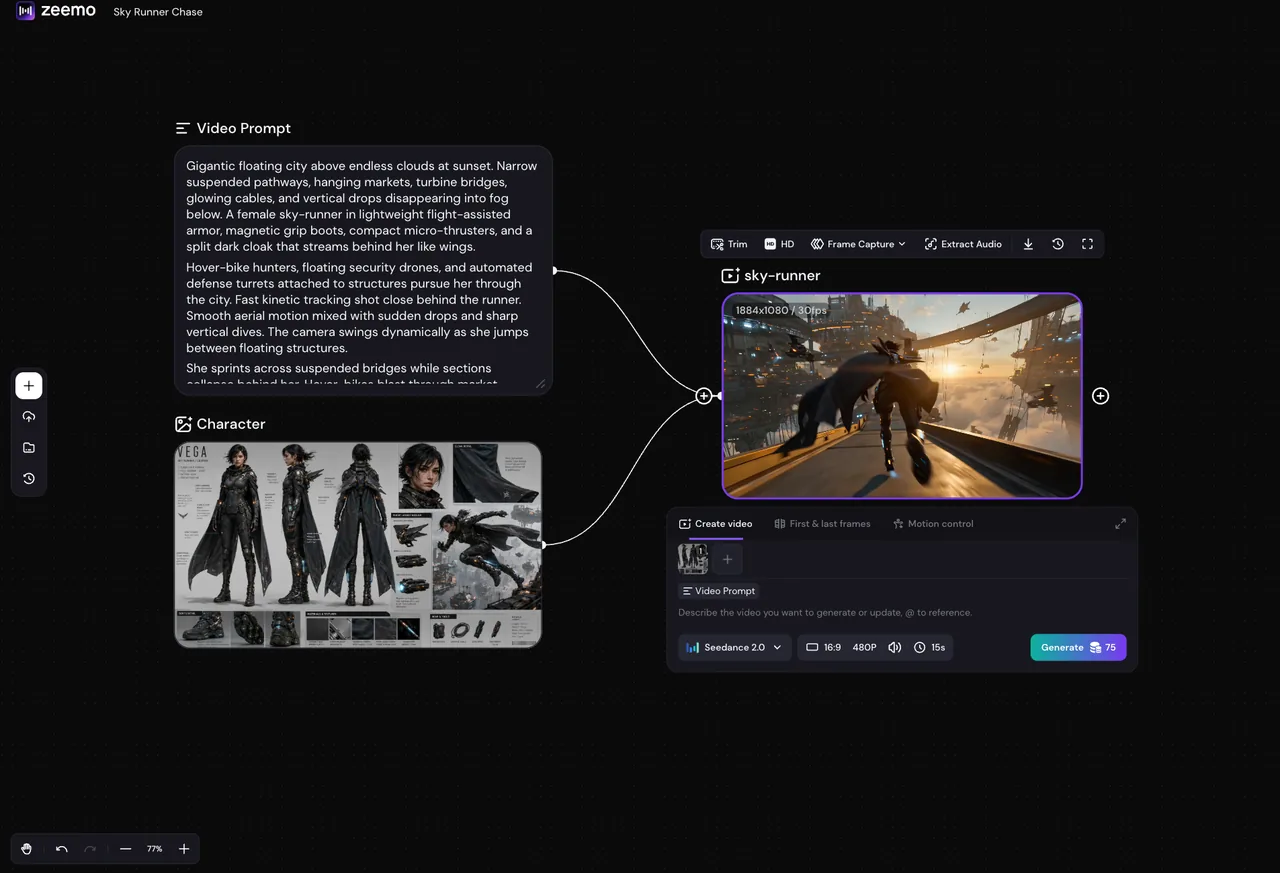
Everything that goes into your video lives as a node on one canvas. Connect them. Name them. Reference them in one prompt. Seedance 2.0 processes the full graph and outputs a coherent multi-shot video.
Your whole shoot. One board. Zero tabs.
Start building on canvas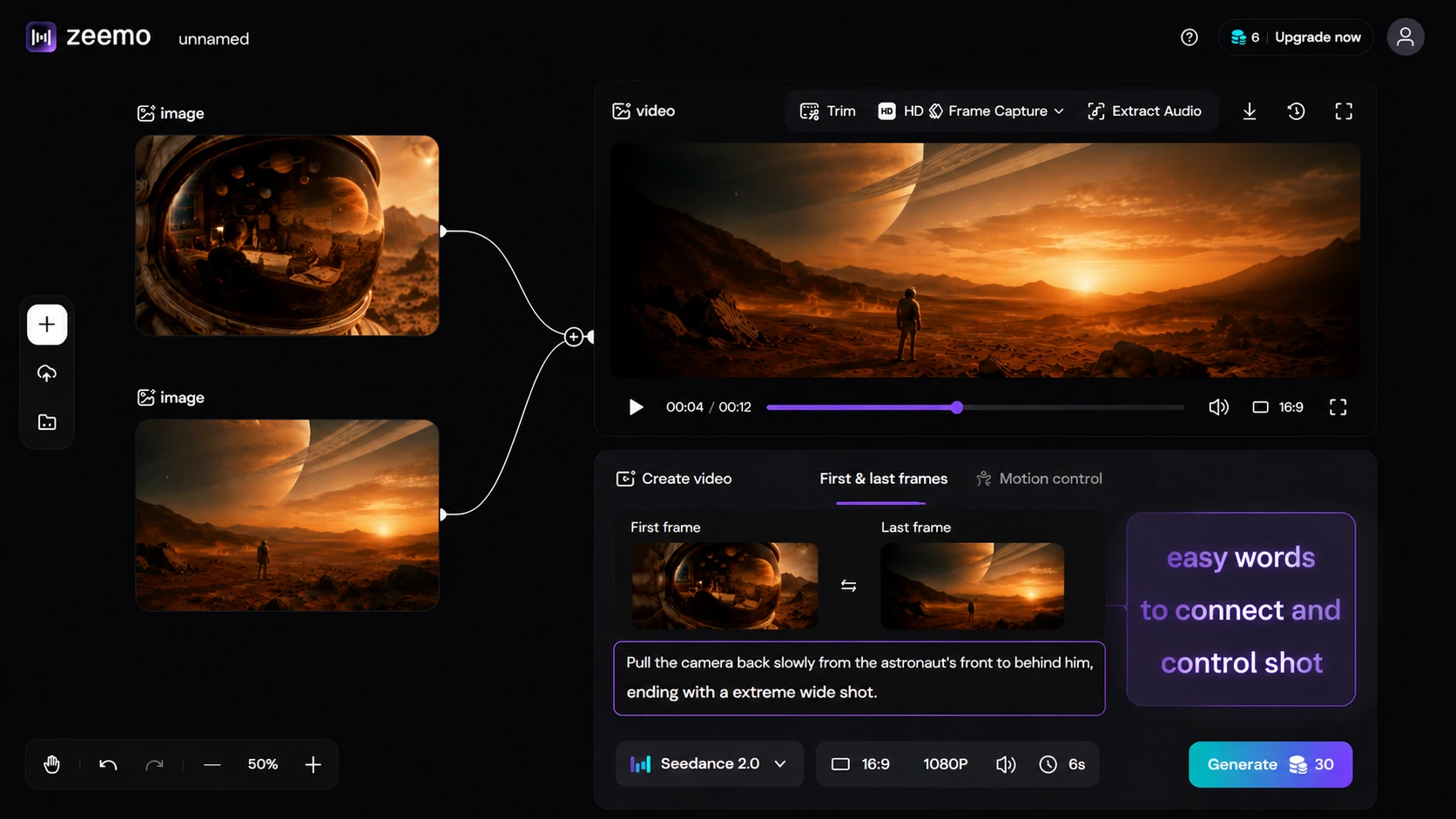
Write Like a Director.
Write your shot direction in plain language: "slow dolly zoom into the product, warm key light from the left." Seedance 2.0 renders it with cinema-grade fidelity, filling every frame in between. Each camera move, each lighting cue, executed in full.
Camera language, not prompt engineering.
Write your first shot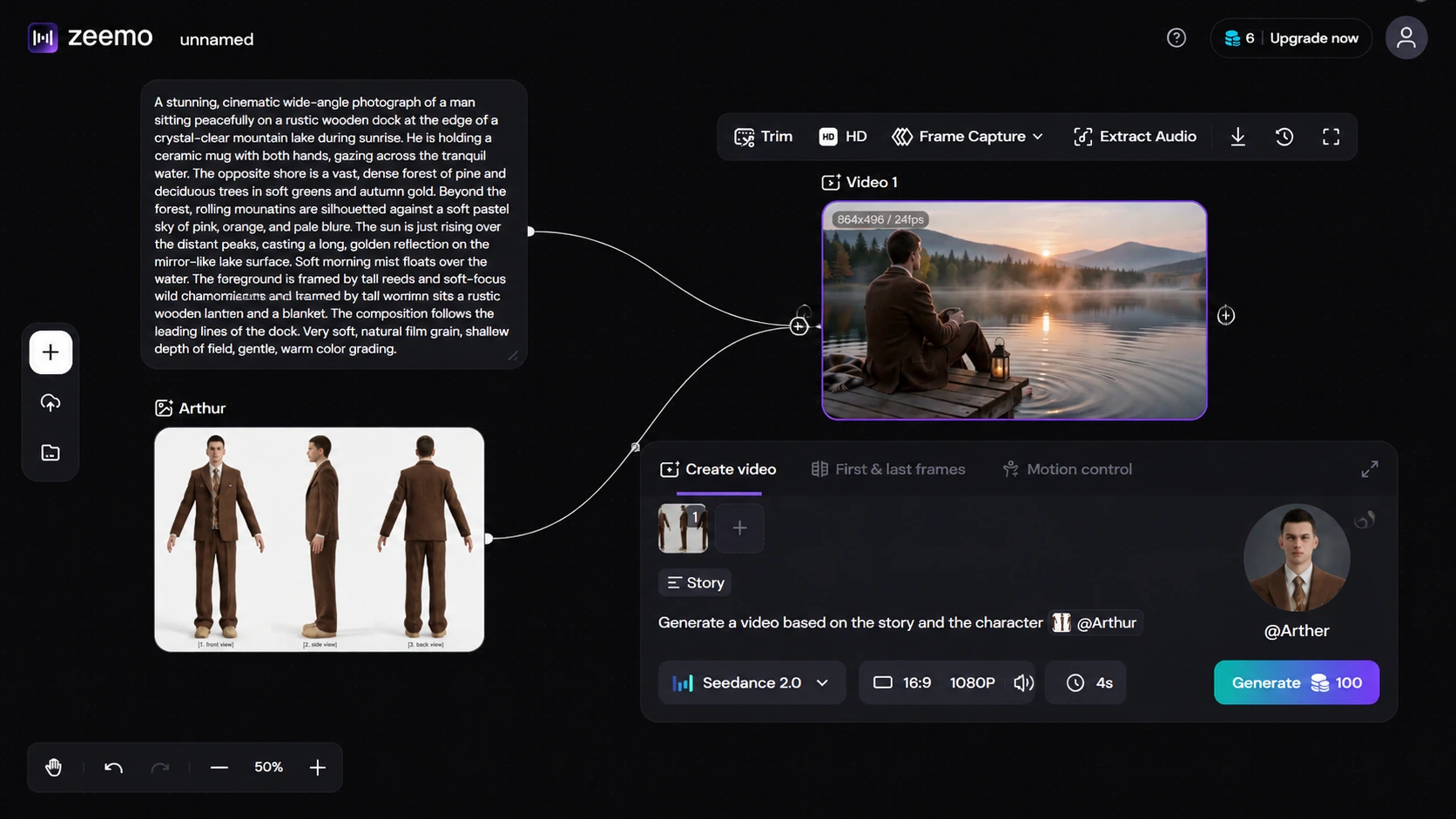
One Photo. One Character.
One photo is all Seedance 2.0 needs to lock a character. Feed it a reference image. Add motion and voice clips if you have them. The character appears identically across every shot — same face, same clothes, same build. Name them, build a full cast, reuse the rig across an entire campaign.
Build your cast once. Shoot forever.
Lock your cast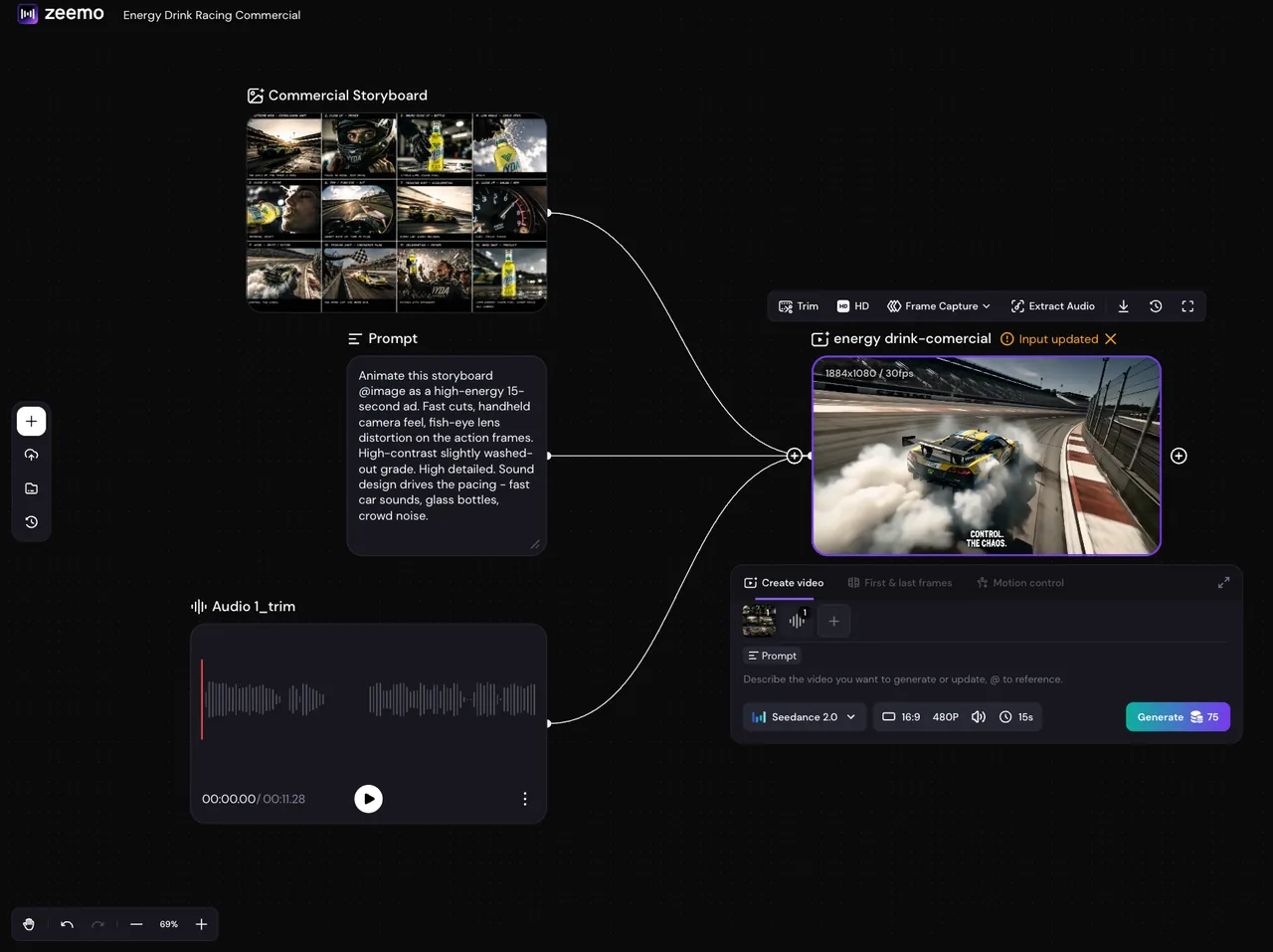
Picture and Sound. Locked.
Upload a reference track and Seedance 2.0 matches the tone. Or let the model generate the score. Dialogue, ambience, and music come out synced with every frame — under 80ms precision. No post-production audio pass required.
No post. Just publish.
Generate with audioHow to Use Seedance 2.0 on Zeemo
Set Up Your Source Nodes
Text. Image. Video. Audio. All four node types, one Zeemo AI Canvas. No tab switching — the whole project in front of you.
Feed Character, Motion & Audio References
Upload character art, motion clips, audio samples. Name each node. One prompt references all of them — Seedance blends everything into a single sequence.
Connect & Generate
Pick Seedance 2.0 from the model picker. Generate. Watch your characters, motion, and audio fuse together — then scrub each shot right on the canvas.
Polish, Export, Save
Not happy? Swap a node, tweak a prompt, regenerate. Export. Save as template — next project is one click.