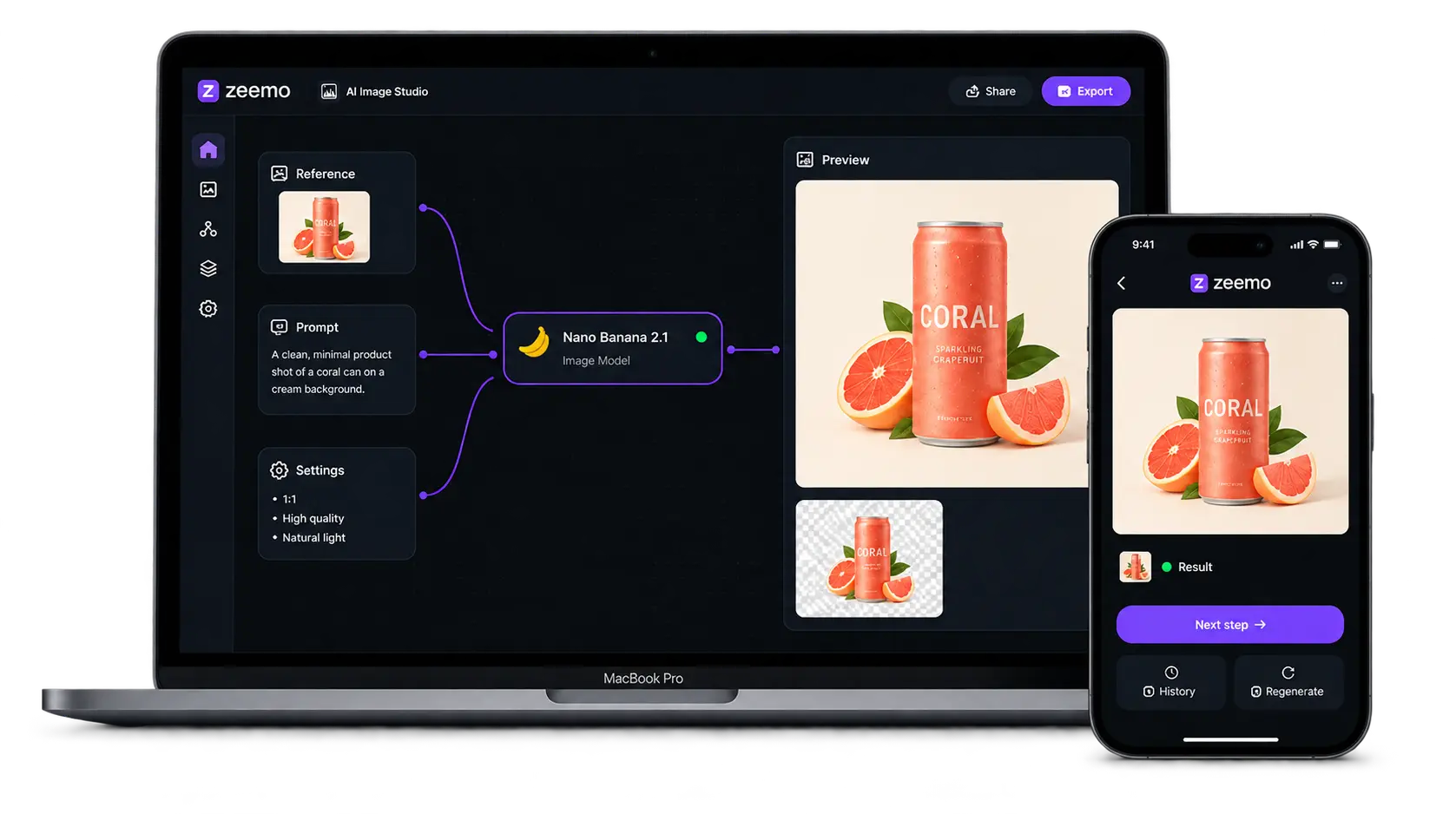
Nano Banana 2.1
Refined Design. Precise Control.
What Nano Banana 2.1 Does Better
Clearer layouts, more recognizable subjects and more natural images. Explore the updates through the visuals you make every day, from a text-heavy poster to a product photo you want to refine.
Clearer Text. More Cohesive Layouts.
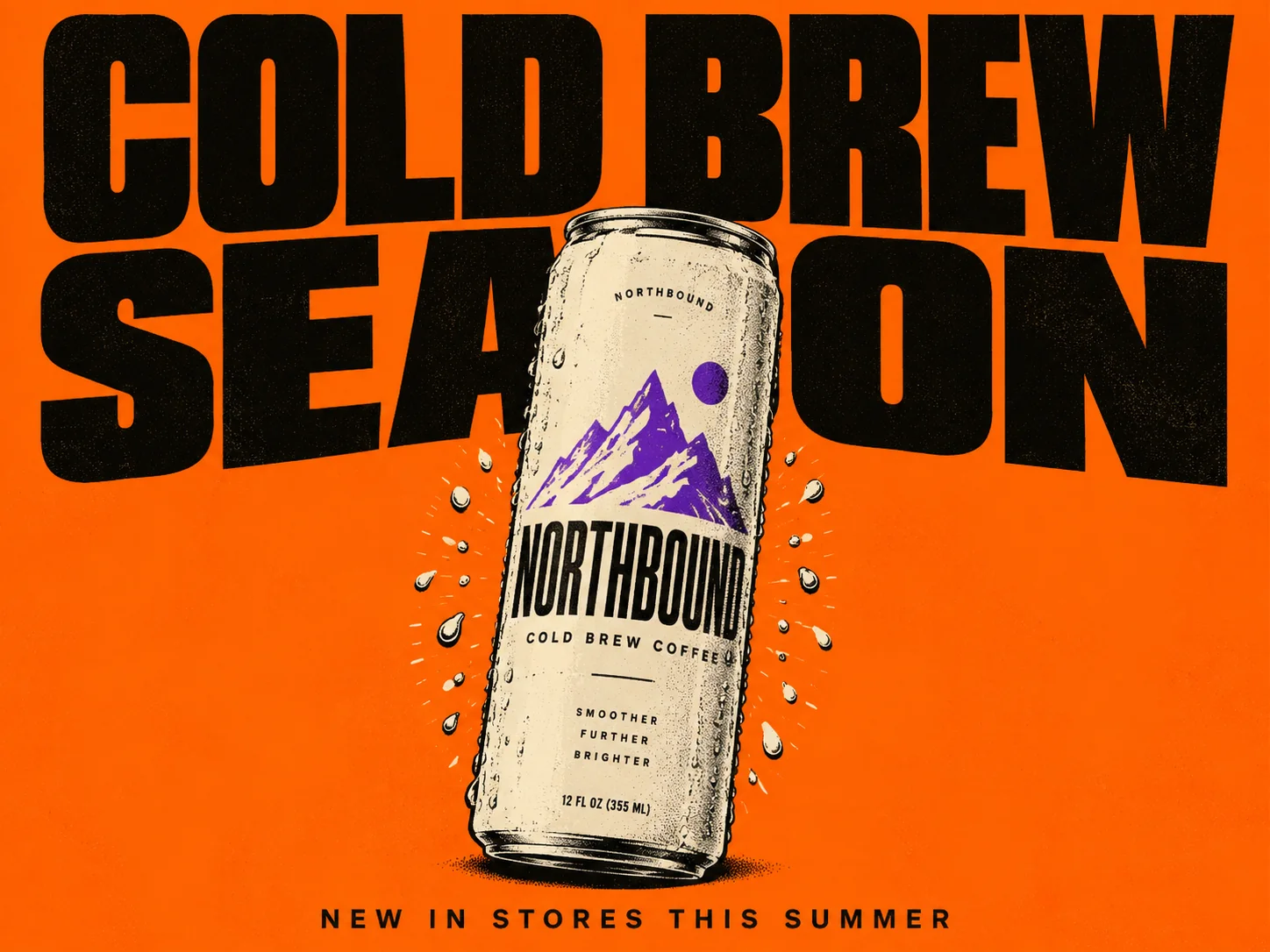
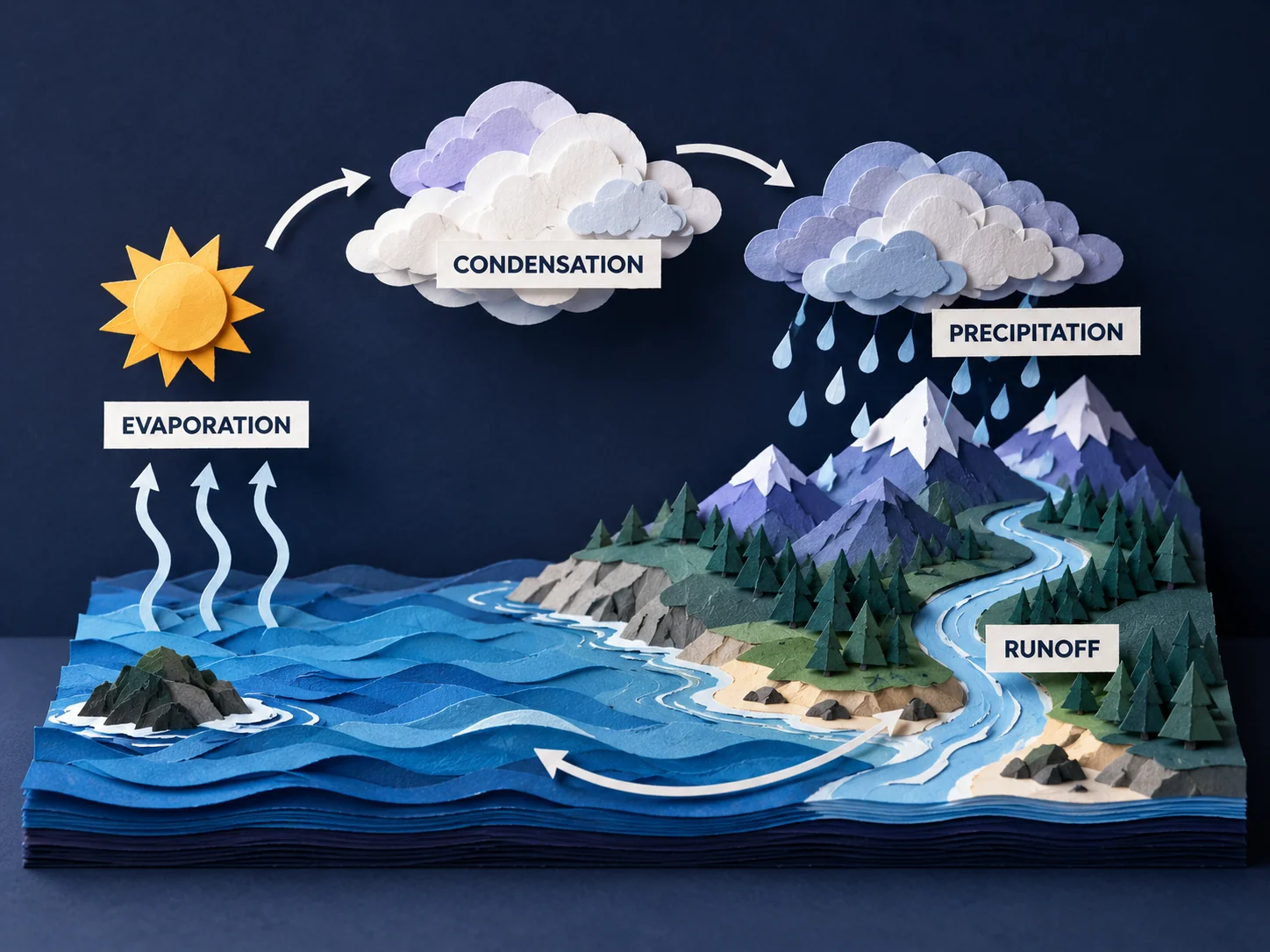
Specify the headline, labels and layout in your prompt. Nano Banana 2.1 improves text rendering and infographic design, helping you build event posters, menus and explainers with a clearer reading order.
From a written brief to a layout people can read.
Create a Poster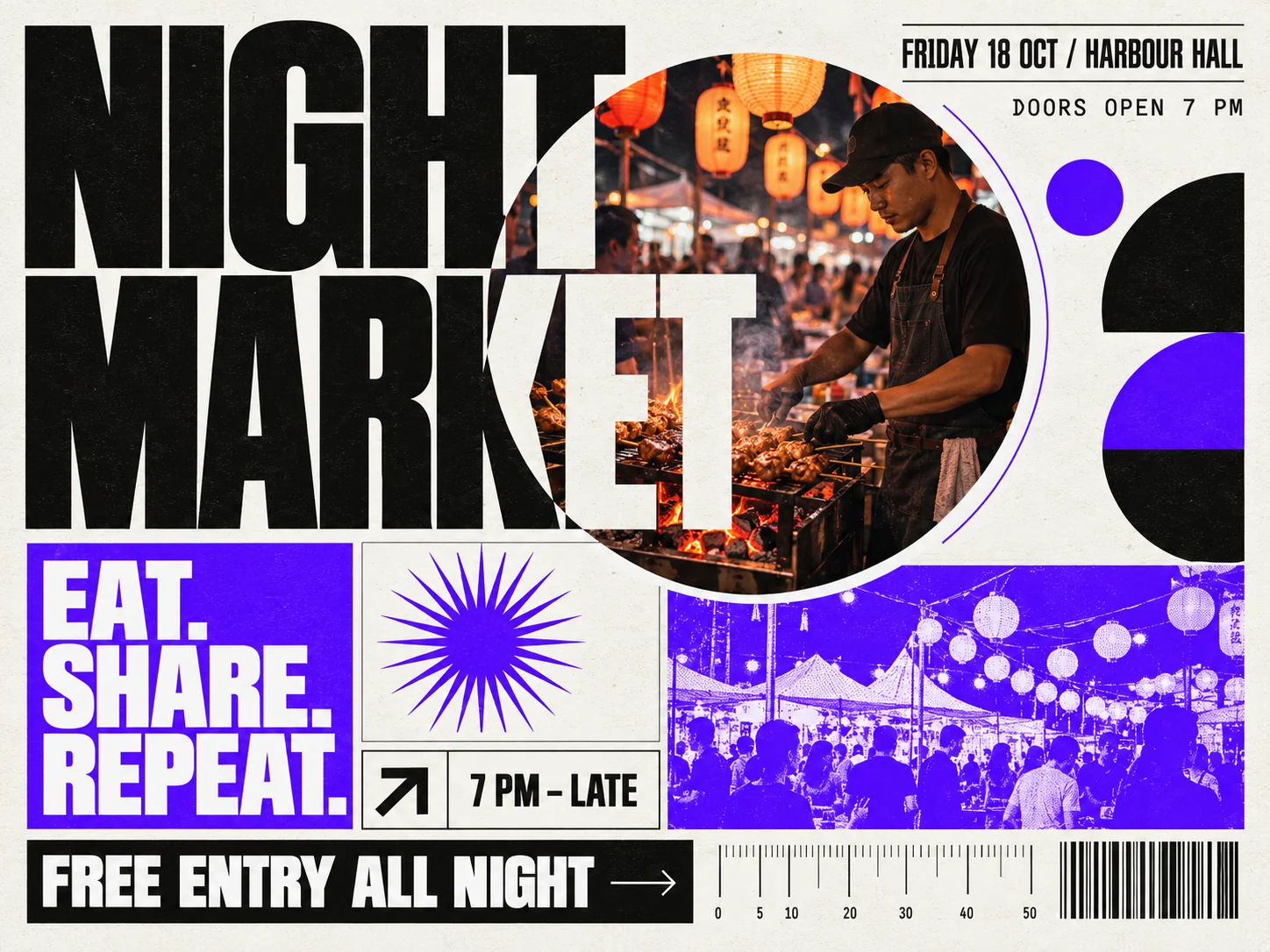
Keep Your Subject Recognizable
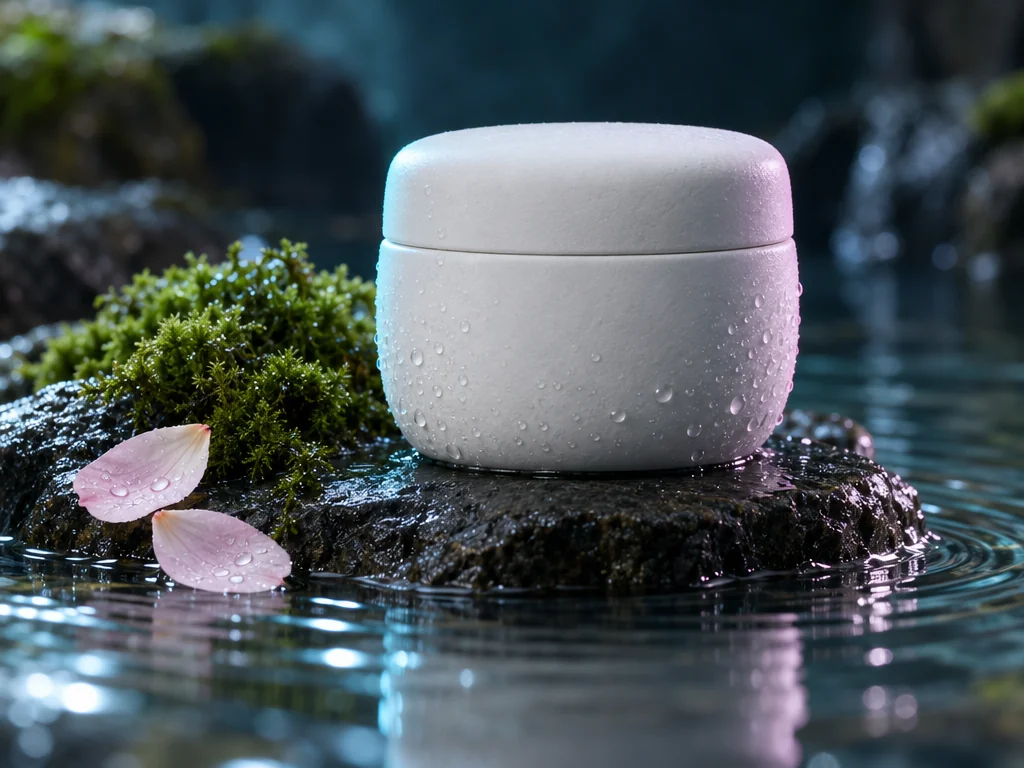
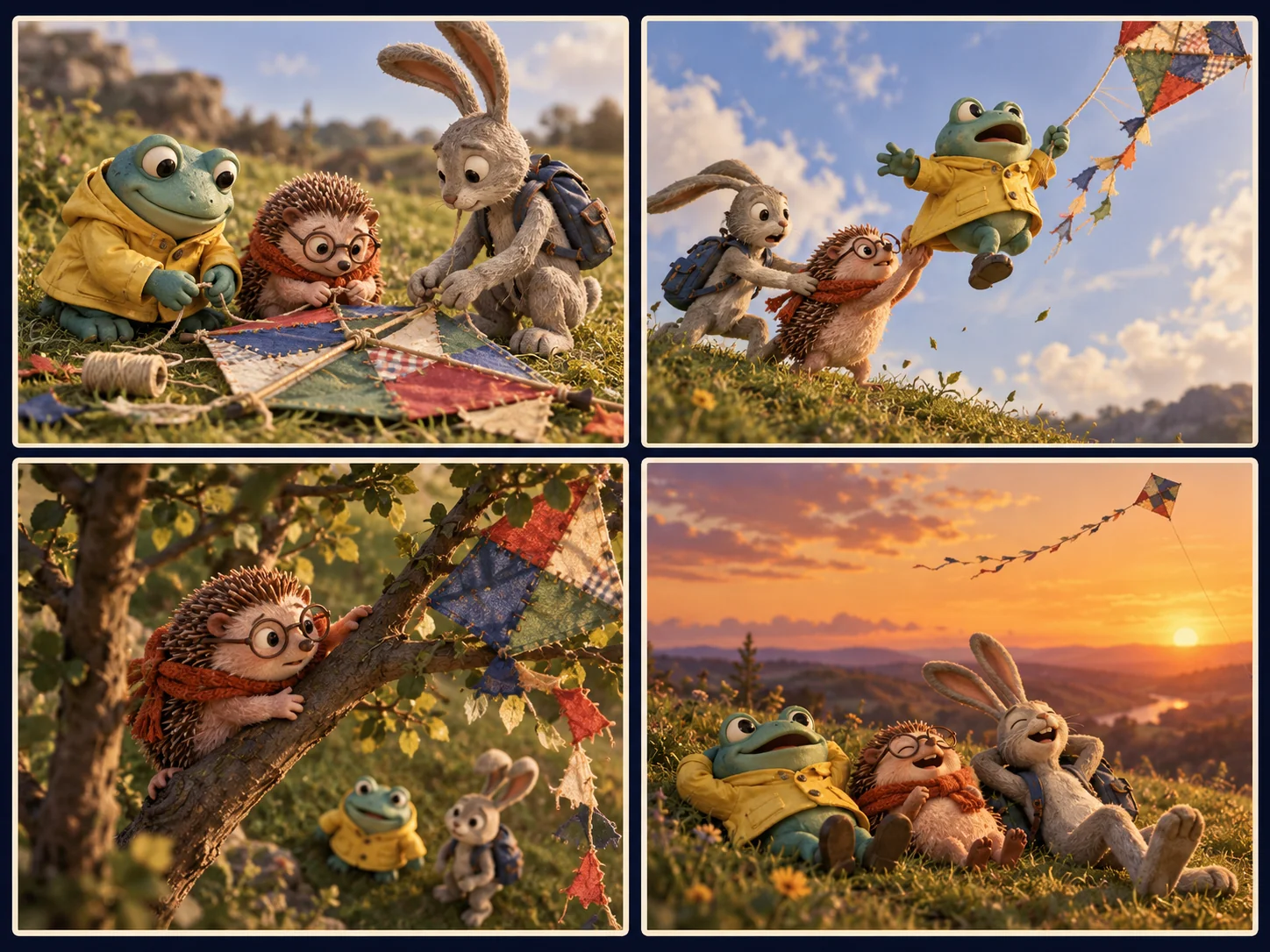
Start with reference images of your product or character, then describe a new setting. Nano Banana 2.1 strengthens subject consistency across edits, so you can explore different backgrounds and styles while keeping recognizable details in view.
Build a series around the subject you already have.
Explore Reference Edits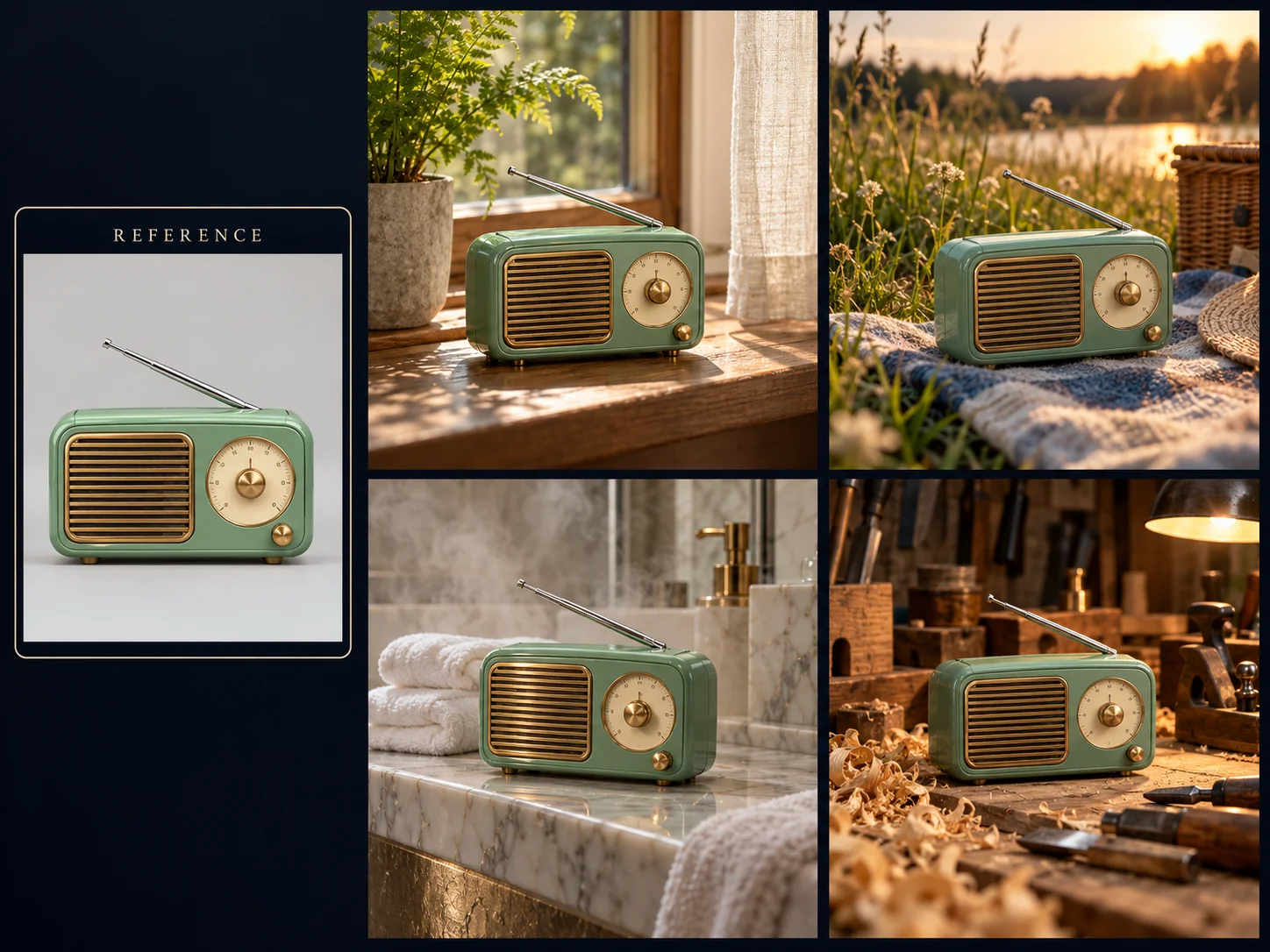
Targeted Edits. More Coherent Revisions.
Rework the lighting, replace the background or refine a single detail. Nano Banana 2.1 improves local editing and instruction following, helping you develop an image through focused revisions.
Shape the next version around the change that matters.
Refine an Image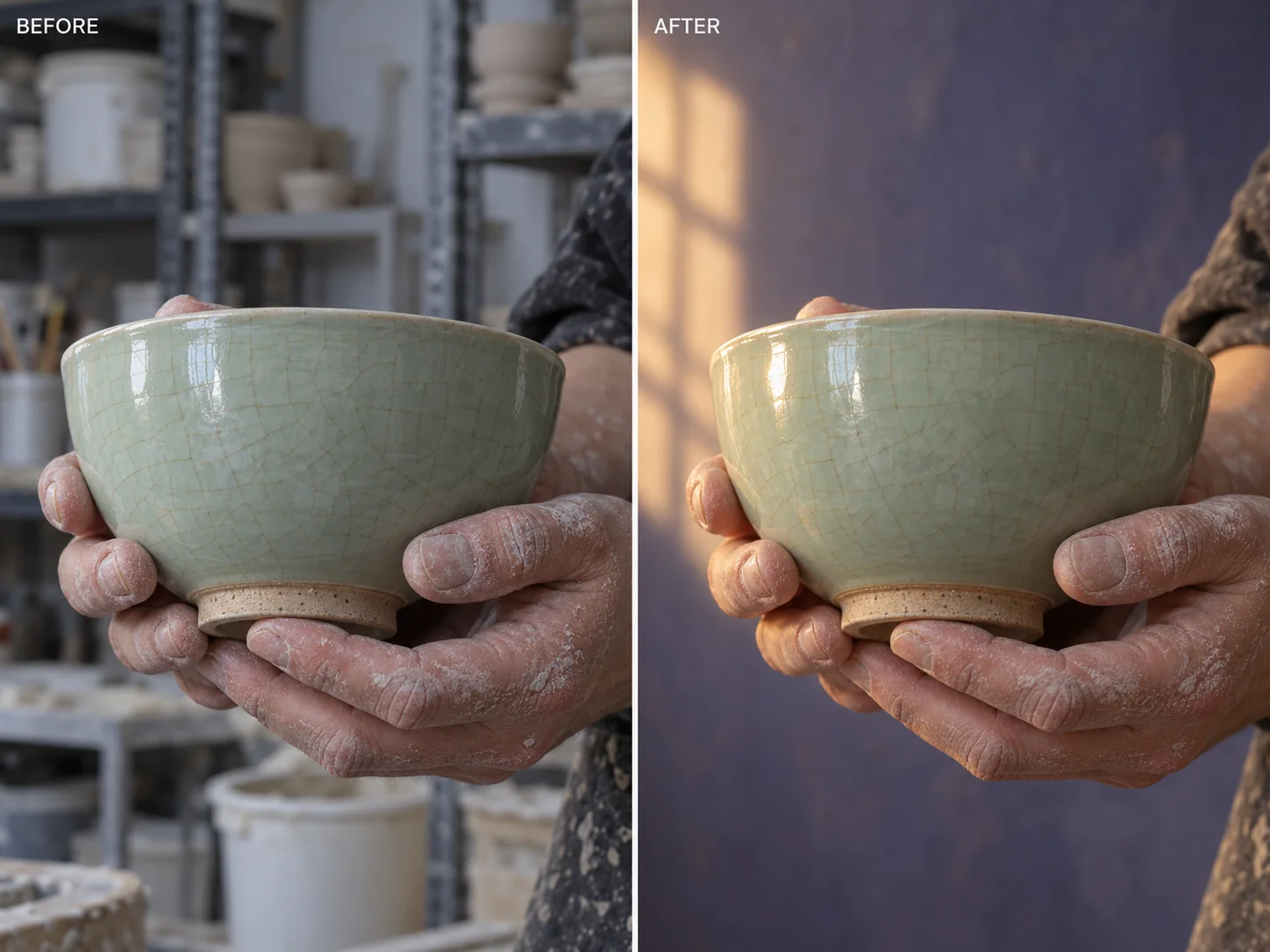
Bring Texture and Space into the Frame
Describe the lighting, materials and framing your image needs. Nano Banana 2.1 improves natural-looking results and supports 1K, 2K and 4K generation. Reduced tiling artifacts in wide 2K and 4K formats make it better suited to panoramic compositions and banners.
Explore a detailed portrait or give your scene more room.
Create Your Next Image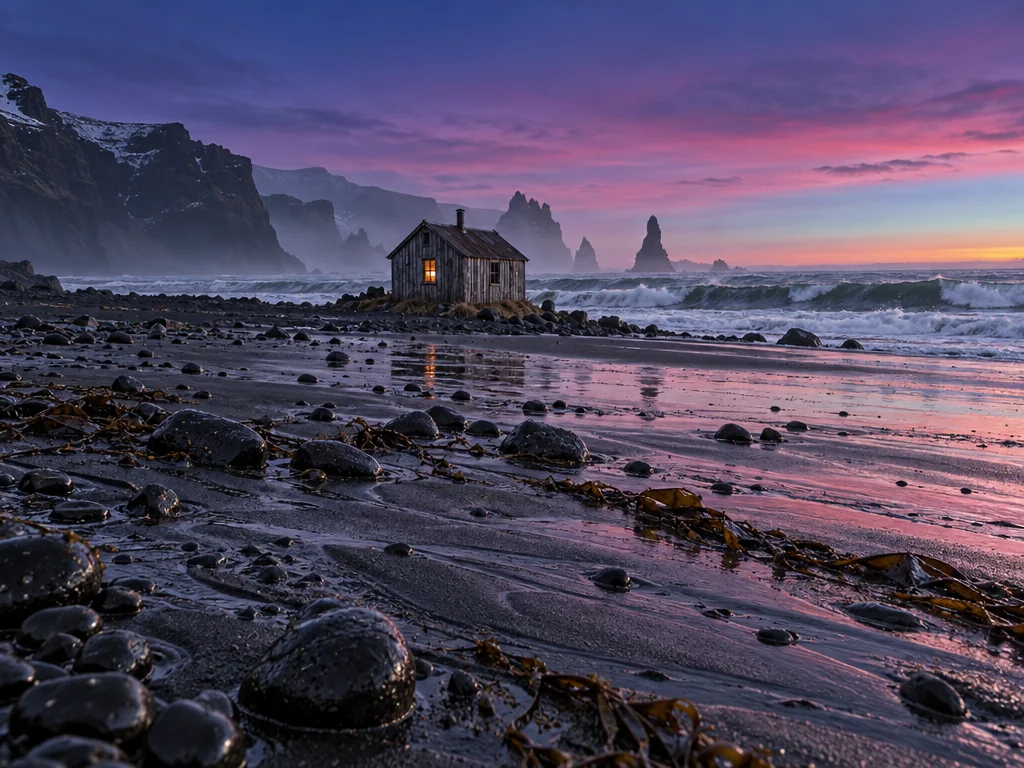
What Nano Banana 2.1 Is Built For
Use the model for campaign artwork, product imagery, character-led content and visual explainers. Give each image a clear purpose, then use references and specific edits to develop the result.
How to Use Nano Banana 2.1 on Zeemo
Open the AI Canvas
Open Zeemo AI Canvas, create an image node and select Nano Banana 2.1.
Write Your Brief, Add References
Describe the subject and any exact text. Add reference photos to guide the style and key details.
Generate, Review, Refine
Review the result, refine the details that matter, then export it for your project.