Full Spot, Sound Included
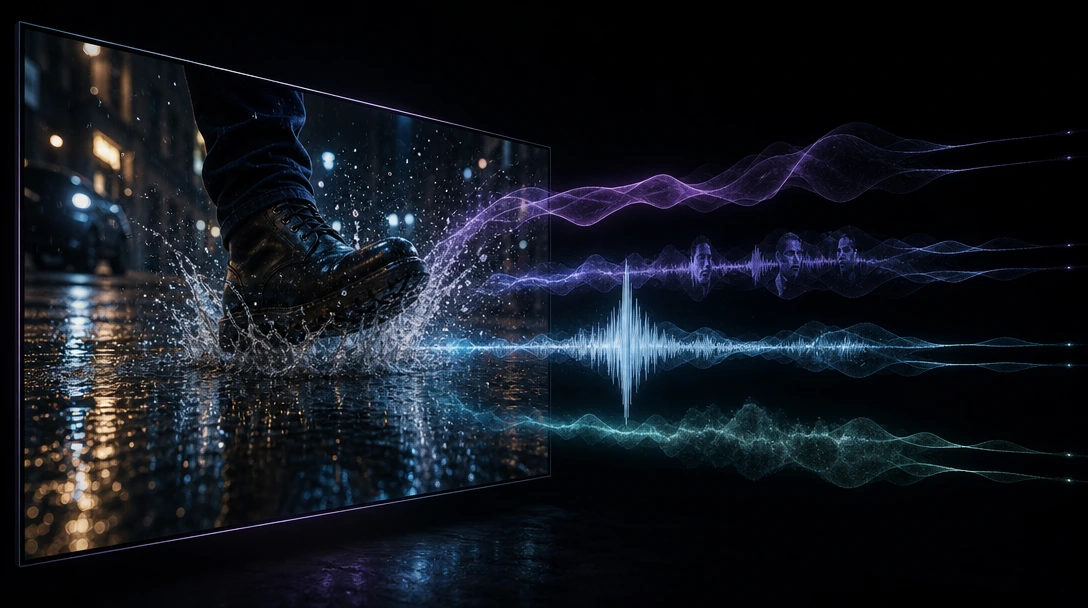
The product beat, the voice-over, and the end card generate together. Score, foley, and room tone come back with the picture, so the spot plays finished instead of waiting on a sound pass.
Picture and sound arrive together. What comes back already has its score, its dialogue, and its room tone — not a silent take waiting on an audio session.
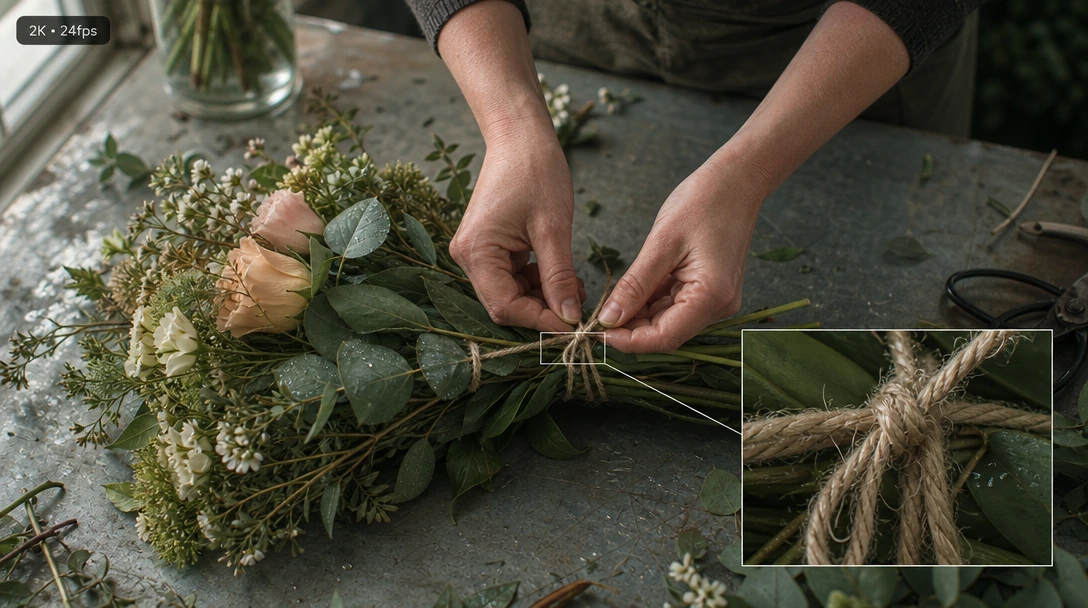
MiniMax H3 outputs native 2K at 24fps, with each generation running 4 to 15 seconds. Detail holds at full size — a label stays readable, an edge stays clean — so the clip still works on a screen much larger than a phone.
2K. 24fps. One generation.
Generate in 2K
Score, dialogue, foley, and ambience are modeled together with the frames rather than added afterward. Footsteps land on the footfall, the room sounds like the room, and every generation returns native stereo.
No post. Just publish.
Generate with audio
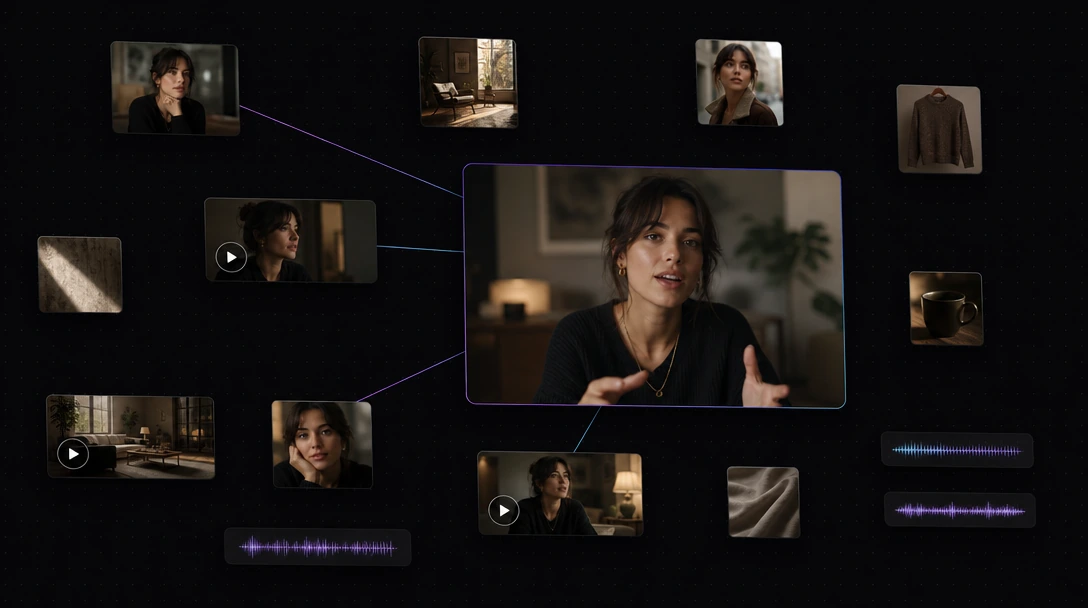
Images, video clips, and audio references go into the same generation — up to 9 images, 3 videos, and 3 audio tracks. A reference recording carries a voice across takes, so a character sounds like the same character in every shot. On Zeemo they go on a canvas: drop each file where it belongs.
Nine images. Three clips. Three voices.
Start building on canvas
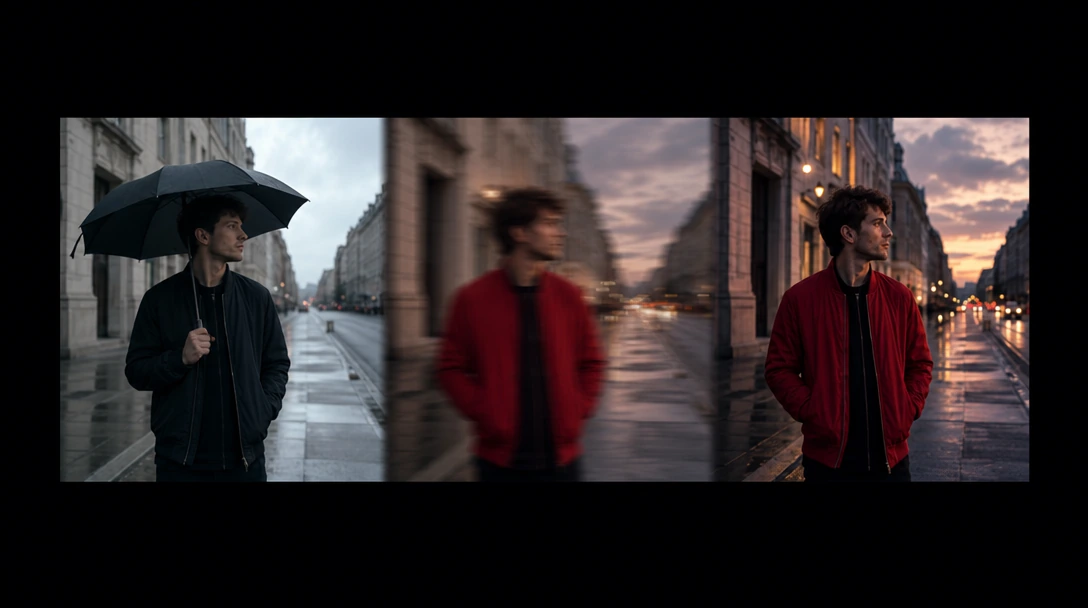
Say it the way you would to a person — make the jacket red, lose the umbrella, take it to dusk. MiniMax H3 takes the edit from there, without writing a new prompt from scratch. First-frame and last-frame control set where the take opens and where it lands.
Say the change, not a new prompt.
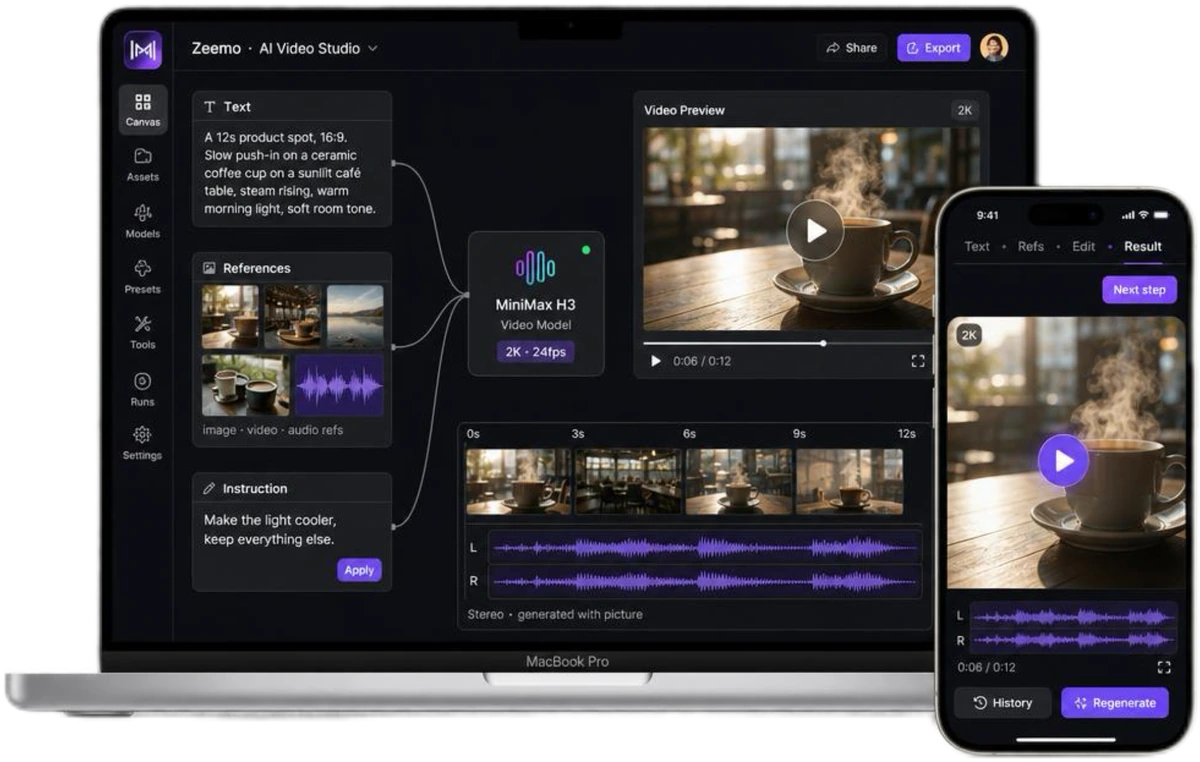
Open the canvasNothing to install and no local environment to set up. H3 runs in the browser, in the same canvas as the rest of your models.
Pick H3 from the model list on the Zeemo AI Canvas.
Up to 9 images, 3 video clips, and 3 audio tracks. Put each one where it belongs in the shot.
Describe the action, the framing, and the sound you expect.
Watch it back with the sound on. Say what to change, or swap one reference and run it again.