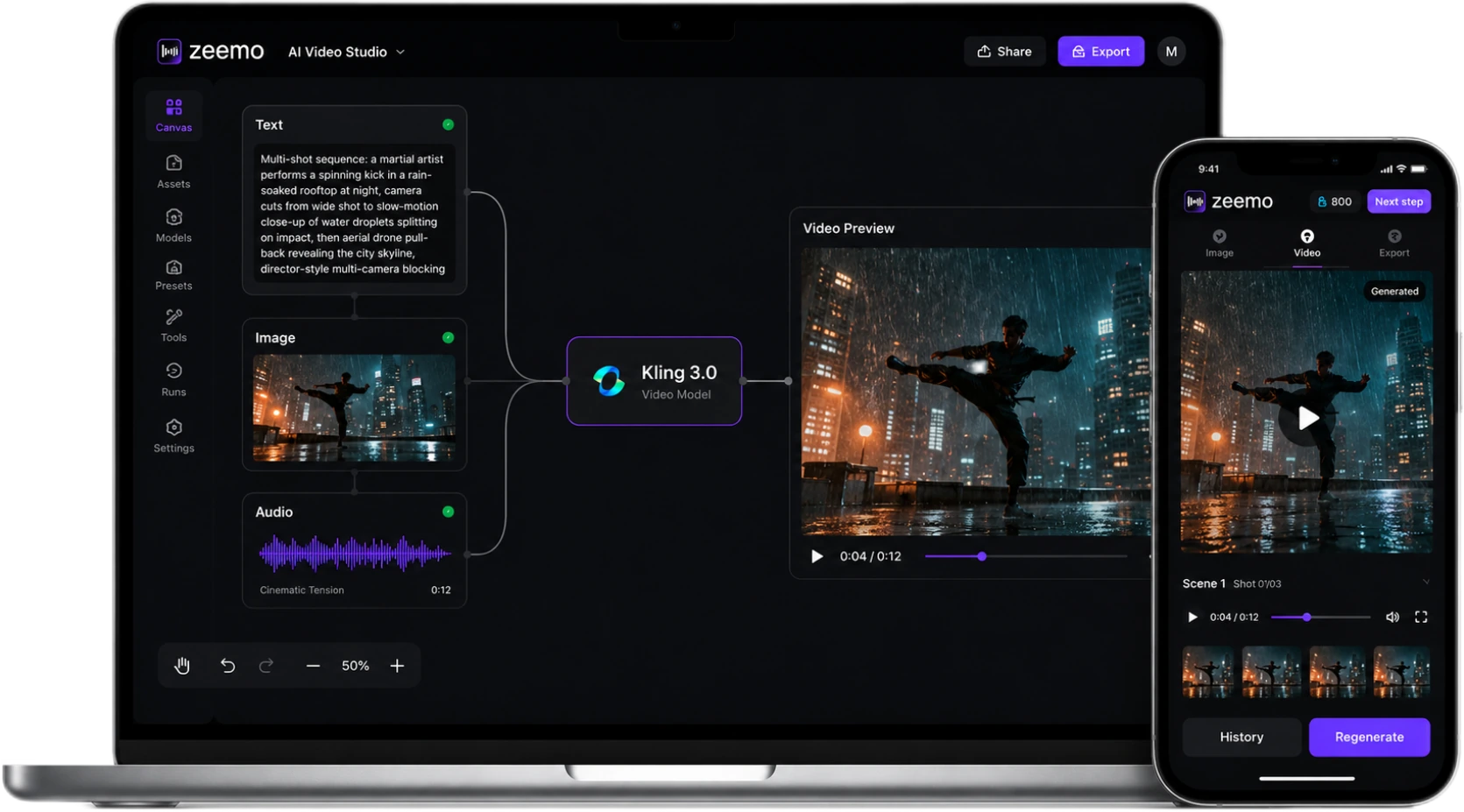
Kling 3.0 AI Director
AI Director Video Generation

Define up to 6 camera cuts in a single pass — each with its own prompt and duration. 5-language native audio with dialect support. Physics-aware motion. 1080p, up to 15 seconds.

Try Kling 3.0 on Zeemo

What You Can Create with Kling 3.0

Whether you're producing ads, building a content library, or prototyping a short film — Kling 3.0 on Zeemo delivers.

What Kling 3.0 Can Do

One model. Every shot. Complete control. From storyboard to final render in a single generation — with synchronized audio and consistent characters throughout.
AI Director: Multi-Shot Storyboarding

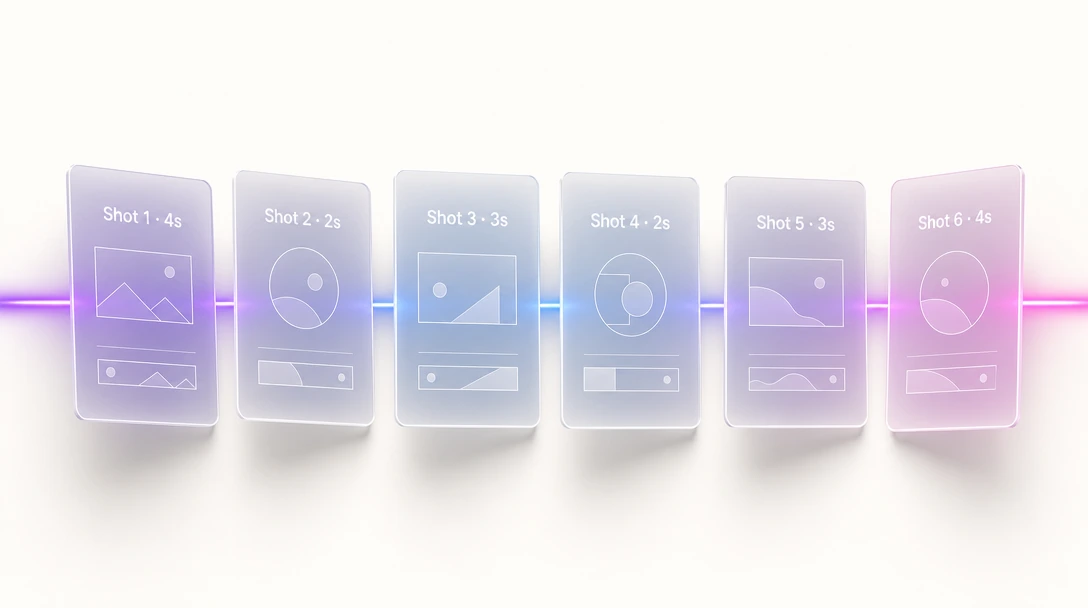
AI Director: Multi-Shot Storyboarding

Define up to 6 camera cuts in one generation — each with its own prompt and precise duration. Kling 3.0 handles shot-reverse-shot, cross-cutting, and match cuts automatically.

Like sending a full shot list to your DP, not a single text message.

Try AI Director
Elements 3.0: Characters That Stay Consistent

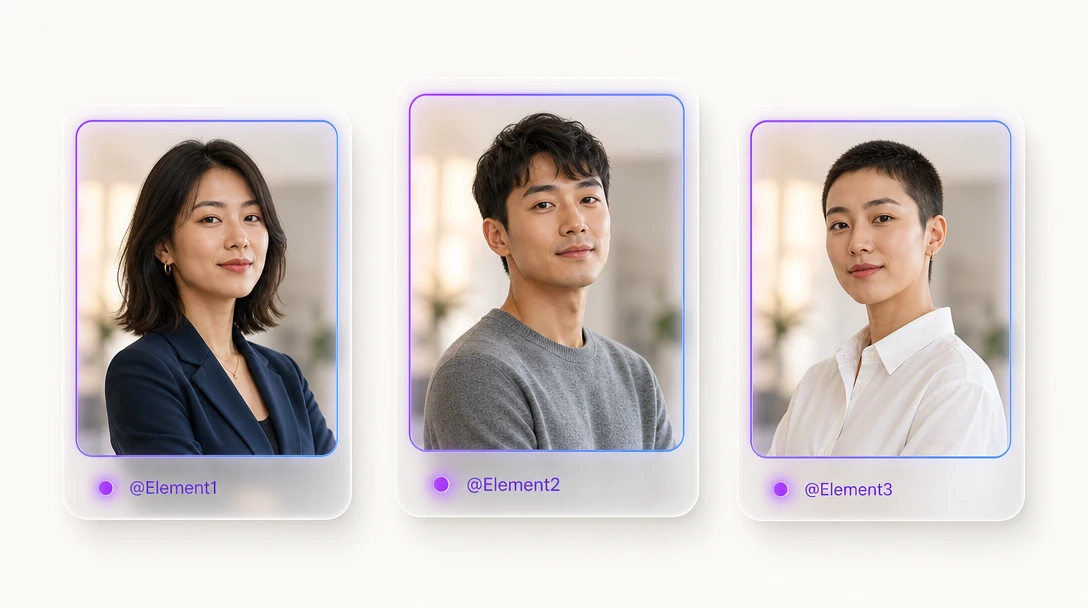
Elements 3.0: Characters That Stay Consistent

Tag a character with @Element1, upload a reference image — their face, clothing, and build stay locked across every shot, even when the camera moves. Support for 3+ characters simultaneously. No face-swap mid-scene.

Build a cast. Lock them in. Tell your story across an entire campaign.

Build your cast
Native Audio in 5 Languages

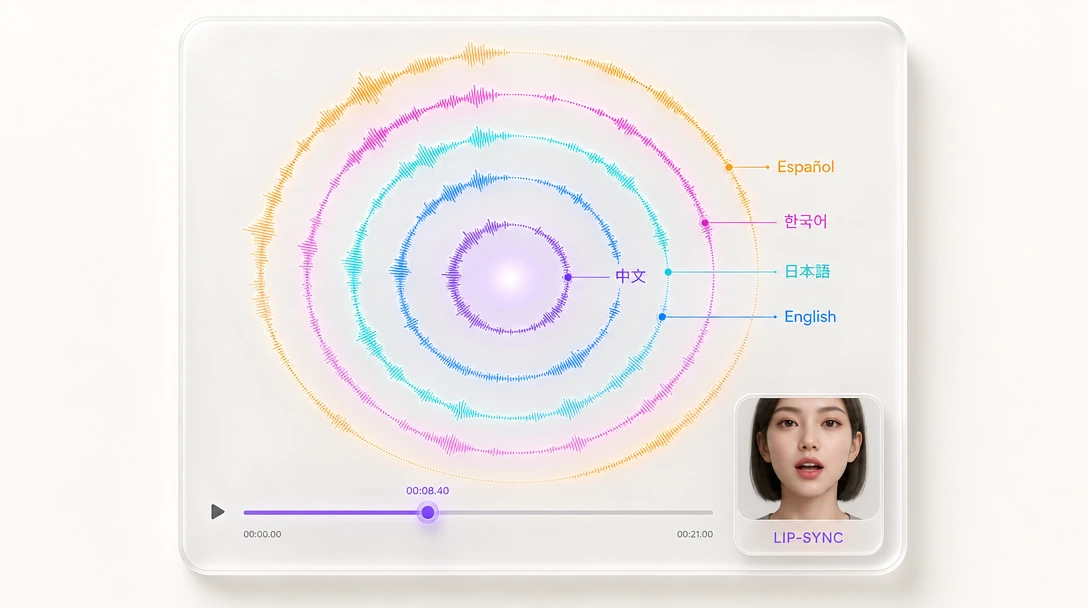
Native Audio in 5 Languages

Kling 3.0 generates dialogue, sound effects, and ambient audio alongside your video — nothing added in post. Chinese, English, Japanese, Korean, Spanish, with regional dialects. Voice Binding keeps a character's voice consistent across scenes.

Your characters don't just look the same. They sound the same.

Generate with audio
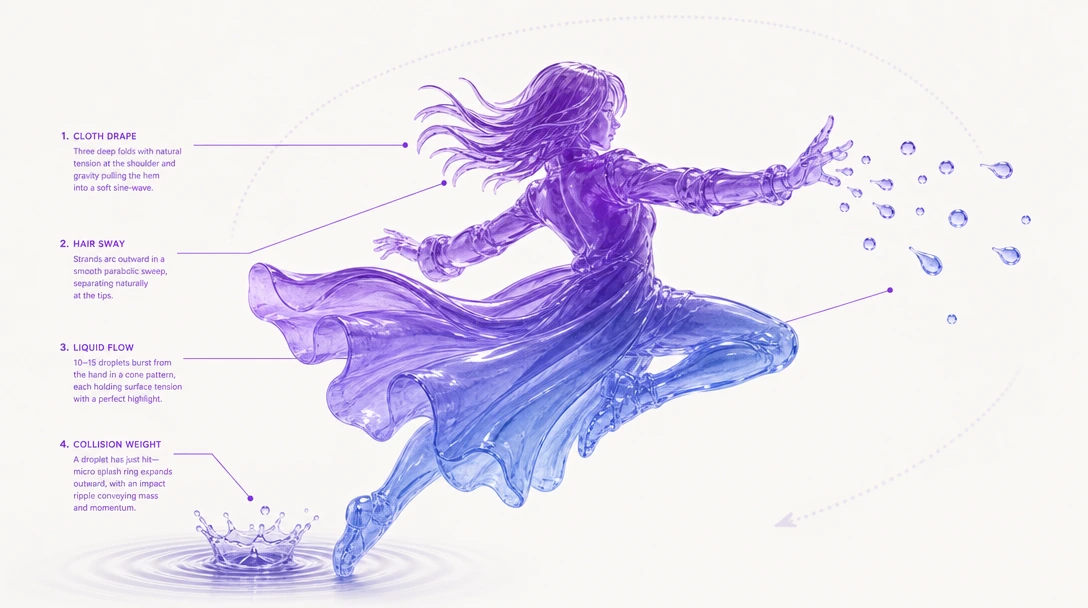
Physics-Aware Motion

Physics-Aware Motion

Cloth drapes. Hair sways. Liquids flow. Collisions have weight. Kling 3.0 applies real-time physics simulation to every frame — no morphing artifacts, no temporal drift across 15 seconds.

Your video moves like the real world, not a dream sequence.

See physics in action

How to Use Kling 3.0 on Zeemo

1

Drop Your Source Nodes

Drop Text nodes for your shot list, Image nodes for character refs. One board, no tab hopping.

2

Tag Elements, Write Shot List

Tag characters with @Element1 — identity locks across every shot. Write your sequence. The AI Director reads it all at once.

3

Pick Model & Publish

Pick Kling 3.0, generate. Not right? Tweak, regenerate. Export — captioned, multi-shot, ready to post.


Selected and Supported by Many Creators

Frequently Asked
Questions

Kling 3.0 is a multimodal AI video generation model built on a unified audio-video architecture. It introduced AI Director mode for multi-shot storyboarding — define up to 6 camera cuts with per-shot prompts in a single generation. It supports native audio in 5 languages, physics-aware motion simulation, and the Elements 3.0 system for character consistency across scenes.

Kling 3.0 is available on Zeemo's AI Canvas — a visual node-based canvas where you can build generation pipelines with multiple AI models. Sign up and select Kling 3.0 from the model picker. See plans →

Text prompts, reference images, and start/end frames. Up to 1080p resolution (4K on Pro tier). Duration from 3 to 15 seconds per generation. Three aspect ratios: 16:9, 9:16, 1:1. Multi-shot mode supports up to 6 camera cuts per generation.

The official platform gives you a prompt box. Zeemo gives you a visual canvas — you can see every shot and reference on one board. Plus: switch between Kling 3.0 and four other AI models, add auto-captions in 95+ languages, and save your workflows as reusable templates. One subscription covers all models and tools.

AI Director mode lets you define up to 6 camera cuts in a single generation — each with its own prompt and precise duration. Write a shot list: "Shot 1: Wide master of night market, 4s. Shot 2: Close-up on vendor's hands, 2s. Shot 3: Overhead of full scene, 3s..." Kling 3.0 handles shot-reverse-shot, cross-cutting, and match cuts automatically. The output is one continuous video with professional-grade transitions — like sending a full storyboard to your DP, not a single text prompt. Try AI Director →

No. Videos generated on Zeemo's AI Canvas do not carry a watermark. Your video. Your brand. See plans →

Try Kling 3.0
on Zeemo now!

Get it on Google Play Download on the App Store
Start Creating
Kling 3.0