Image to Prompt
Drop an image onto Zeemo Canvas, link it to a text node, and ask for a prompt. Edit the wording, then connect it to an image or video node to create something new.
Get Prompt from Image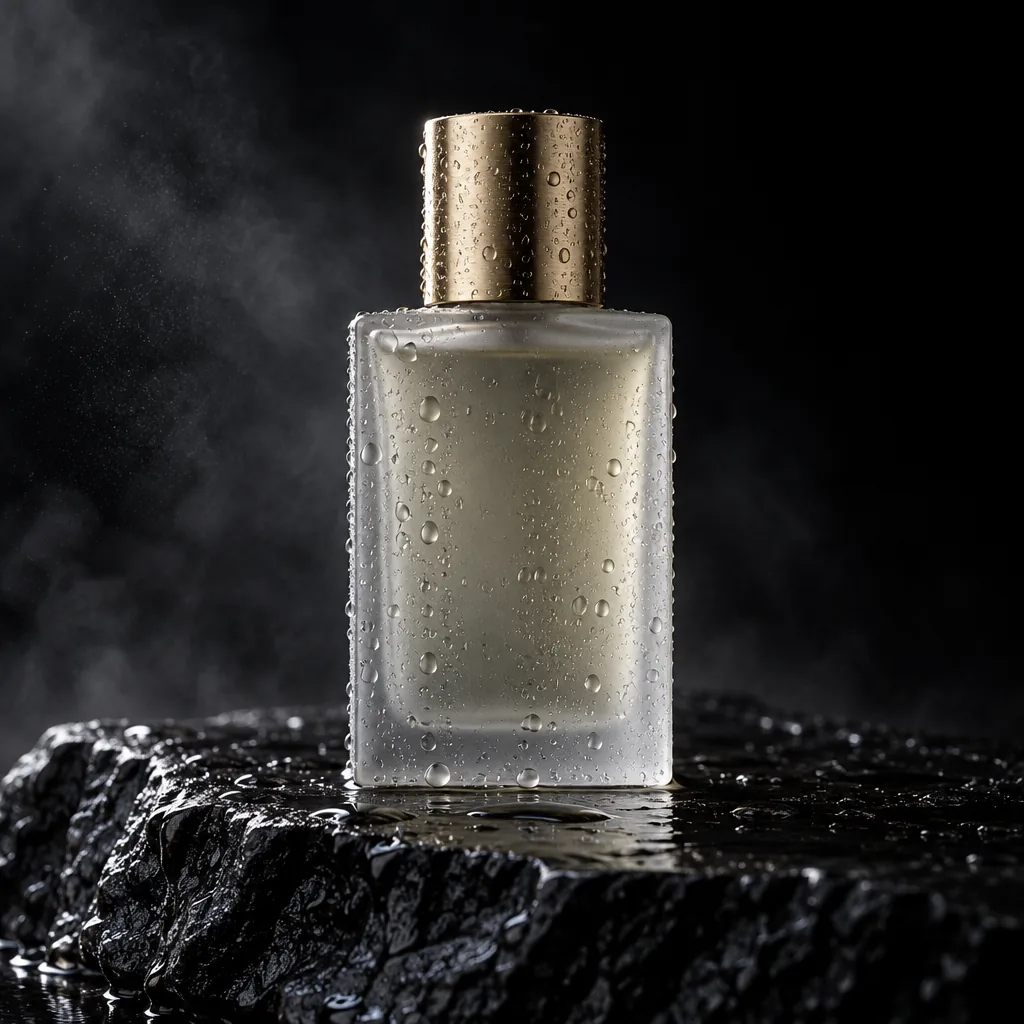
Describe this image as a detailed prompt.
A minimalist frosted-glass perfume bottle with a brushed-gold cap stands on wet black volcanic rock, covered in water droplets. Deep black studio background with drifting mist. Warm side light from the upper left draws a golden rim along the cap and glass edges while the other side falls into shadow. Straight-on low angle, centered, shallow depth of field. Photorealistic luxury fragrance ad, high contrast, ultra-detailed water texture.
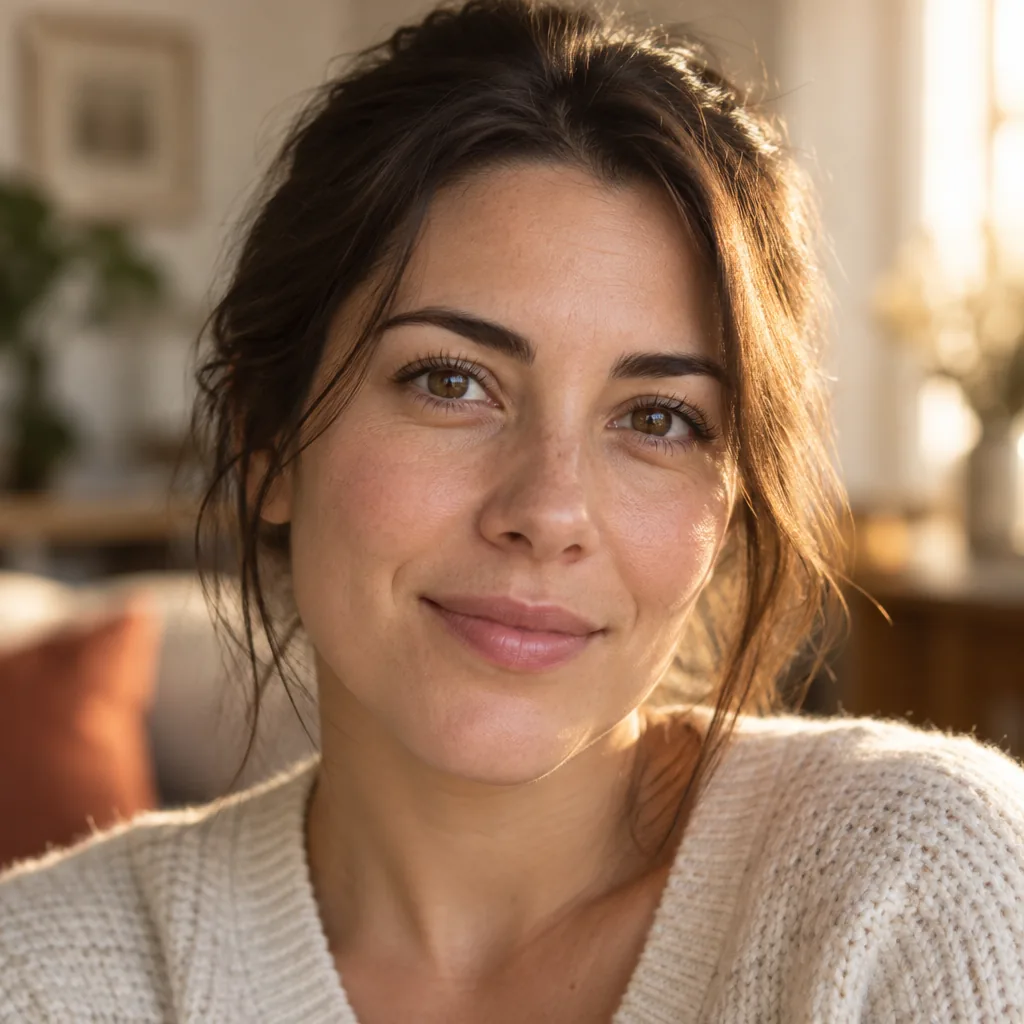
Only describe the lighting and camera angle.
Lighting
Warm late-afternoon window light from behind and to her right adds a golden rim to her hair and shoulder. Soft frontal fill keeps the face evenly lit, with warm skin tones and subtle catchlights.
Camera Angle
Tight head-and-shoulders portrait at eye level, shallow depth of field, indoor background softly blurred.
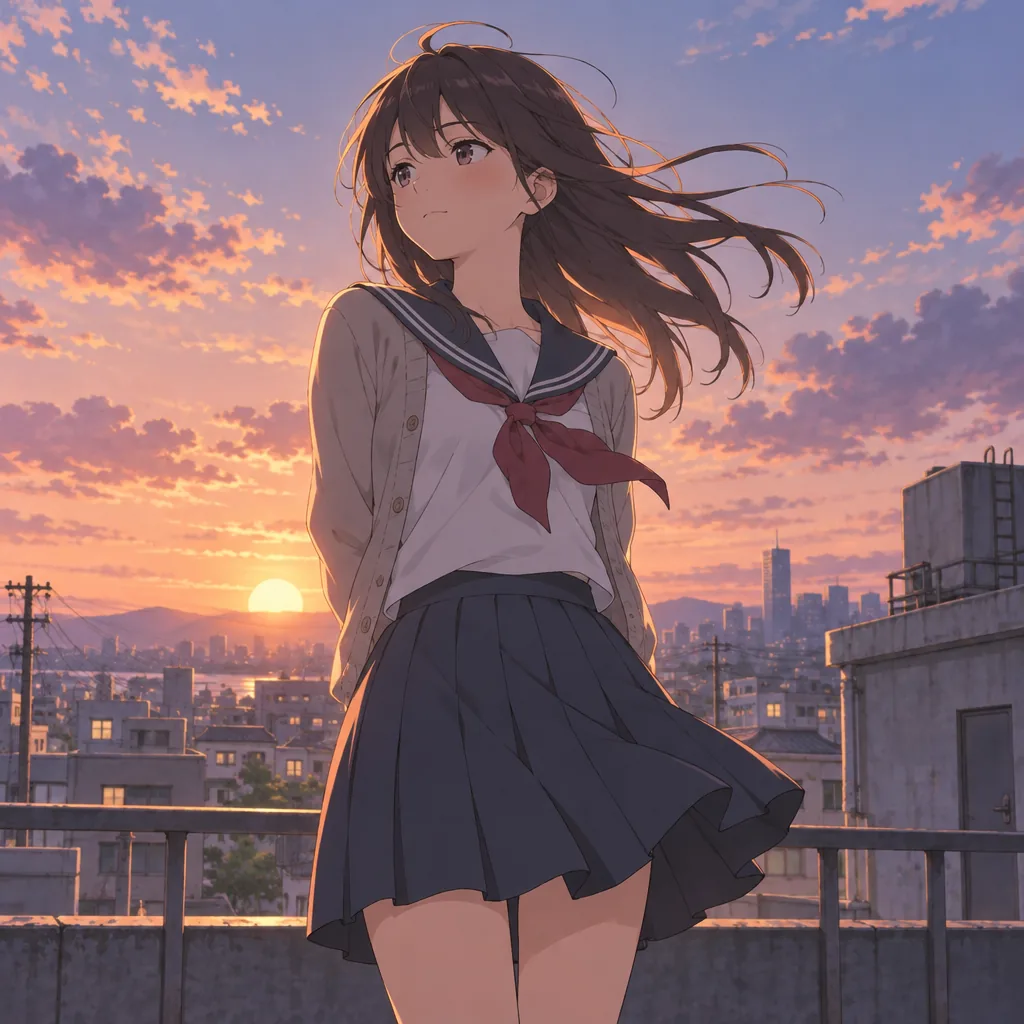
Write a prompt for the same art style.
Cinematic anime illustration with delicate linework and soft painted textures. A schoolgirl in a sailor uniform and open beige cardigan stands on a city rooftop at sunset, seen from a slightly low angle, long dark hair blowing in the wind. Low sun, peach, coral and lavender sky, warm rim light, cool violet shadows. Railings, utility poles and a hazy skyline behind her. Nostalgic coming-of-age mood, high-end anime film still.
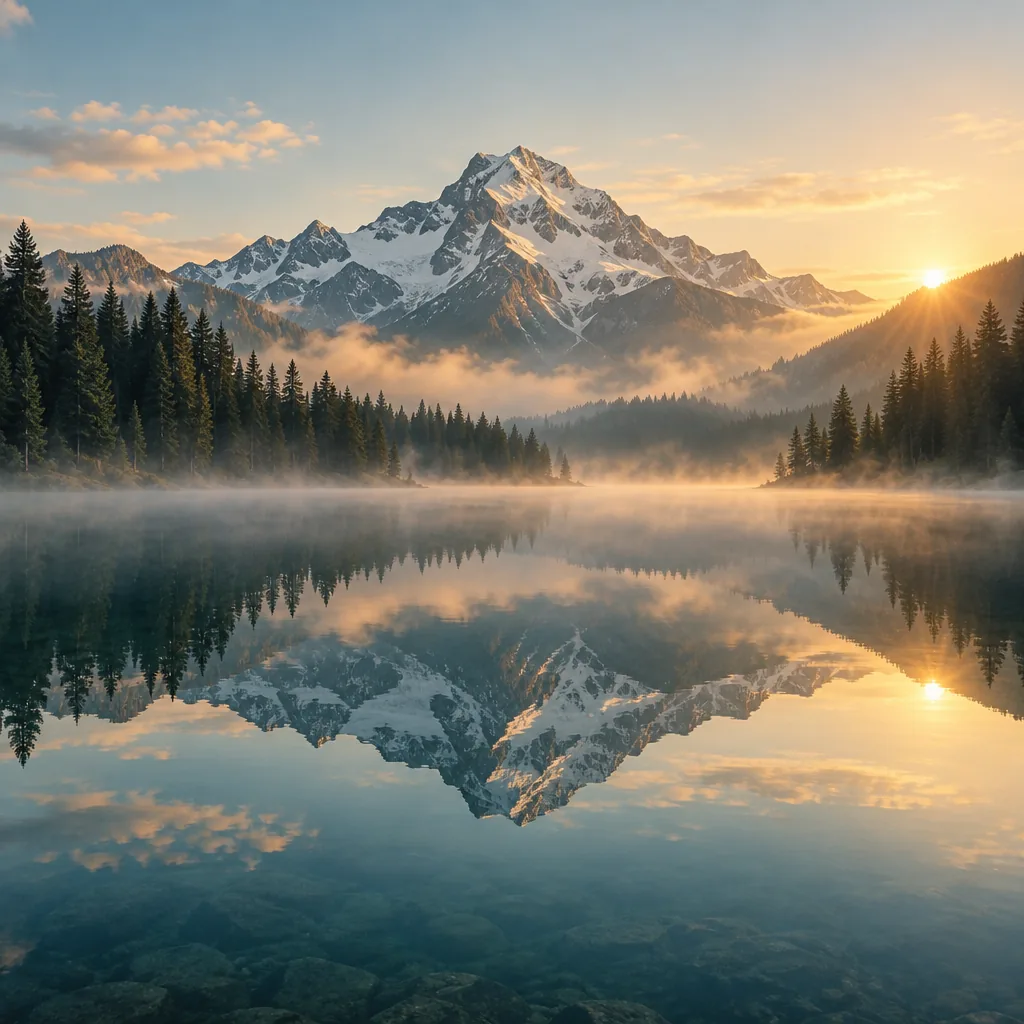
Summarize the style in two sentences.
Cinematic, ultra-realistic landscape photography with a tranquil alpine atmosphere, using warm golden-hour sunlight, soft mist, and a balanced palette of amber, pale blue, and deep evergreen. The composition emphasizes majestic scale and near-perfect symmetry through the mirror-still lake reflection, with crisp mountain textures and softly diffused atmospheric depth.
An Image to Prompt Generator on Your Canvas
Read an image as a prompt, edit it, and generate again.
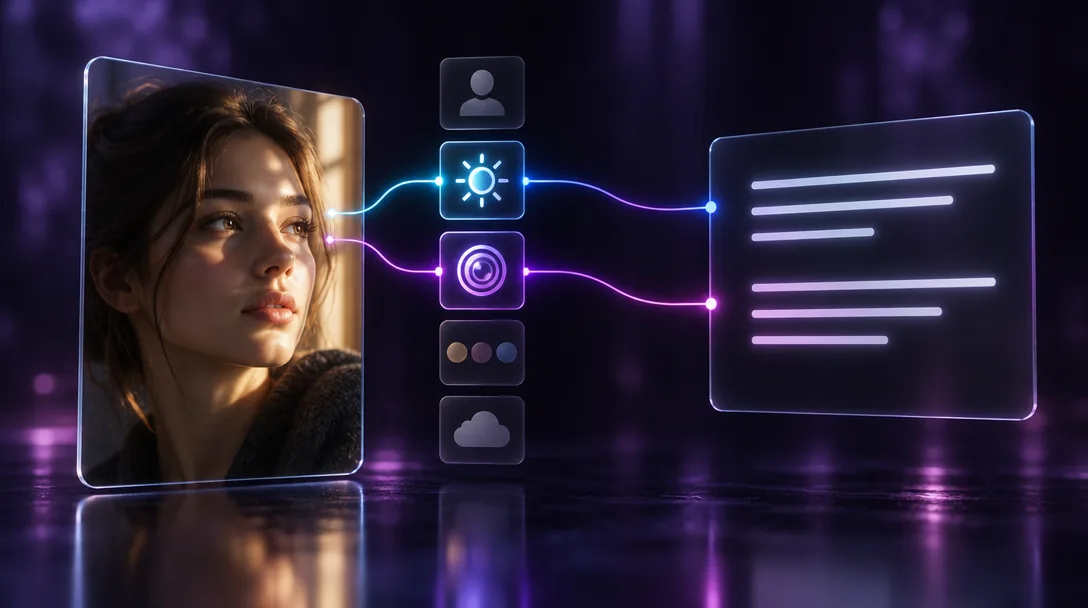
Capture the Details That Make an Image Work
Link a photo to a text node and tell it what to read: subject, lighting, camera angle, color palette, or mood. Ask for a full prompt or just one part. The result is written into the node, ready to edit.
You choose which details the prompt keeps.
Write a Prompt from a PhotoBlend Several References into One Prompt
Connect a character, a product shot, and a background to the same text node. Ask for one prompt that places them in a single scene, or a separate description of each to compare before you generate.
Several references in. One prompt out.
Combine Image References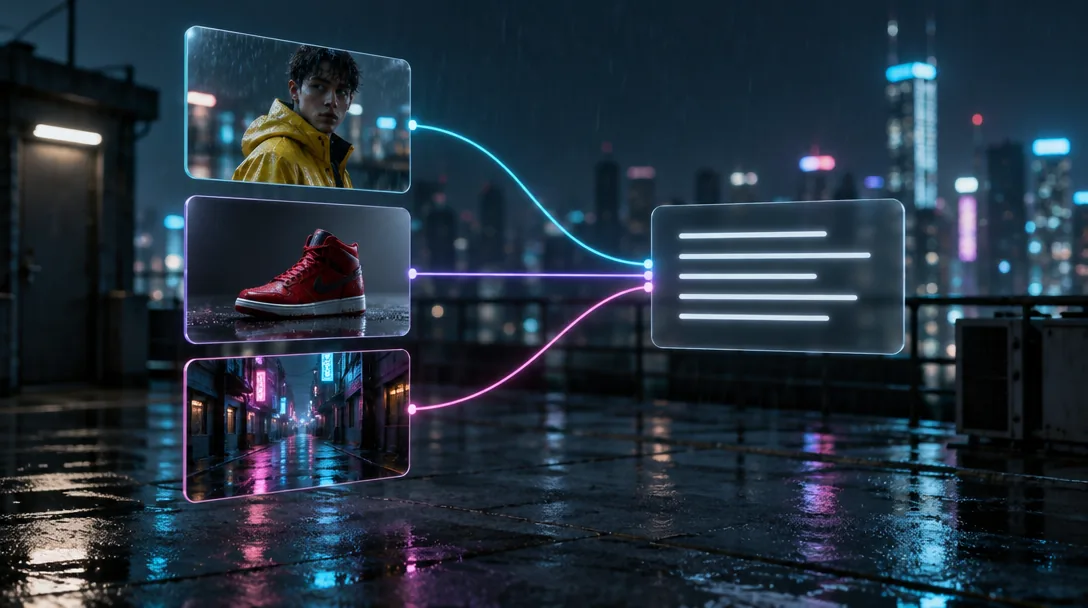
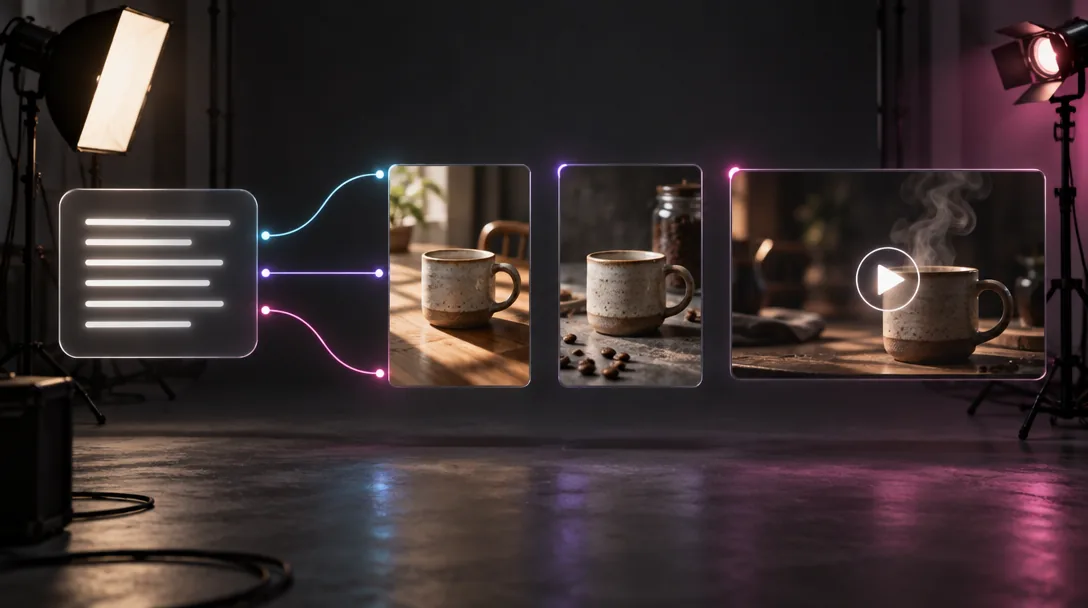
Make Variations or Turn a Still into a Clip
Send the prompt to an image node for new versions in the same look, or to a video node for a clip in that style. One text node can feed several nodes, so you can compare results side by side.
One prompt, many outputs on one canvas.
Generate from Your PromptKeep One Style Across a Whole Series
Keep the prompt on the canvas next to the image it came from. Change one detail, such as the setting or the light, and generate again. Share the canvas so your team works from the same prompt.
Every new image starts from the same prompt.
Keep Your Style Consistent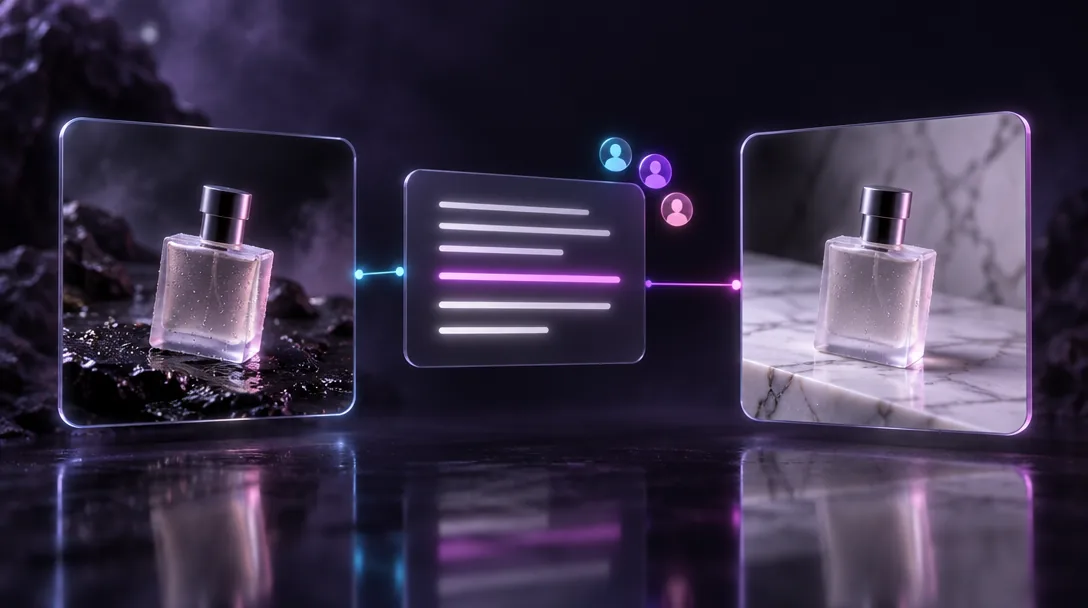
How to Get a Prompt from an Image
Upload Your Image
Drag a photo or artwork onto Zeemo AI Canvas, or use an image you already generated there.
Connect a Text Node
Link the image to a text node and type an instruction, such as "describe this image as a detailed prompt."
Edit and Generate
Adjust the wording, then connect the text node to an image or video node. Also try our AI image generator.
Explore More AI Tools on Zeemo
Every tool runs on the same visual canvas. Same workflow, switch anytime.
Frequently Asked
Questions
Ready to Turn Your Images into Prompts?
Upload an image, ask for a prompt, and generate something new from it on one canvas.