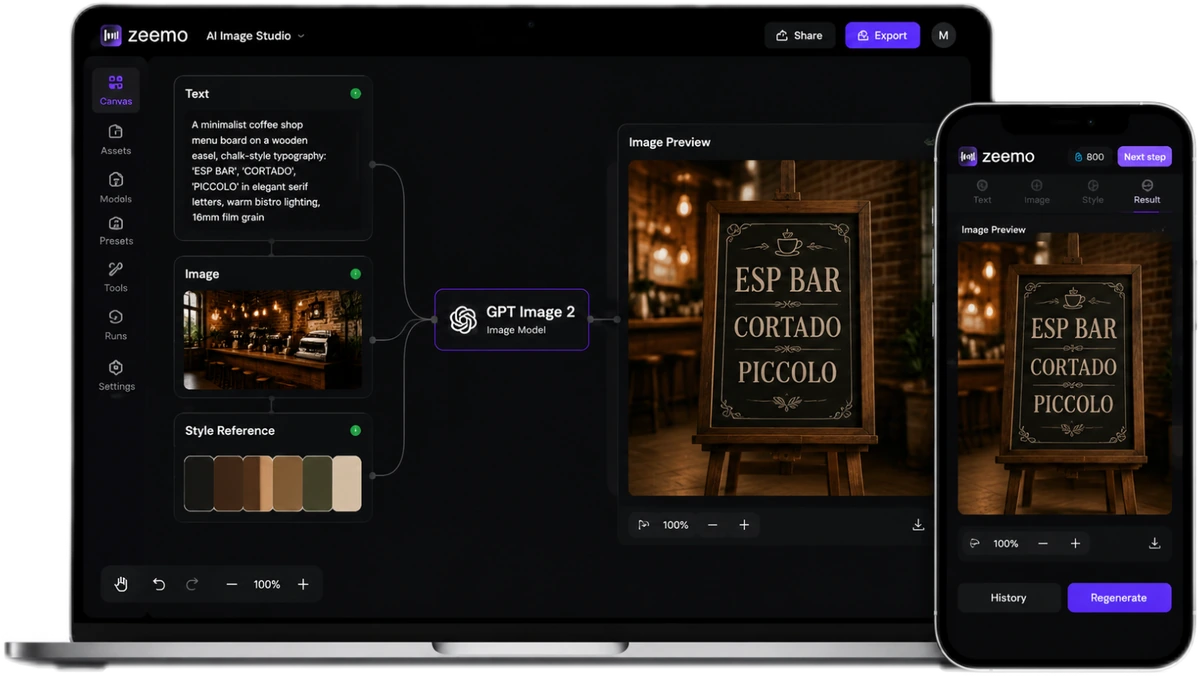
GPT Image 2
Your Prompt, Fully Executed
Most AI image generators silently drop half your prompt. GPT Image 2 analyzes every detail, plans the composition, checks the text, then renders. 95%+ text accuracy. 4K. One shot.
Every Detail You Wrote. In the Image.
Other models skim your prompt. GPT Image 2 reads every word, plans every element, then renders — all in one pass. From zero to production-ready, nothing lost in translation.
Thinking Mode — Reads Your Brief, Then Executes
Before a single pixel renders, GPT Image 2 analyzes your prompt, plans the composition, searches references, and self-checks every element. Complex prompts with 7+ elements — the kind other models silently truncate — get executed in full. No dropped details. No "close enough."
You wrote it. The model read it. The image has it.
Try Thinking Mode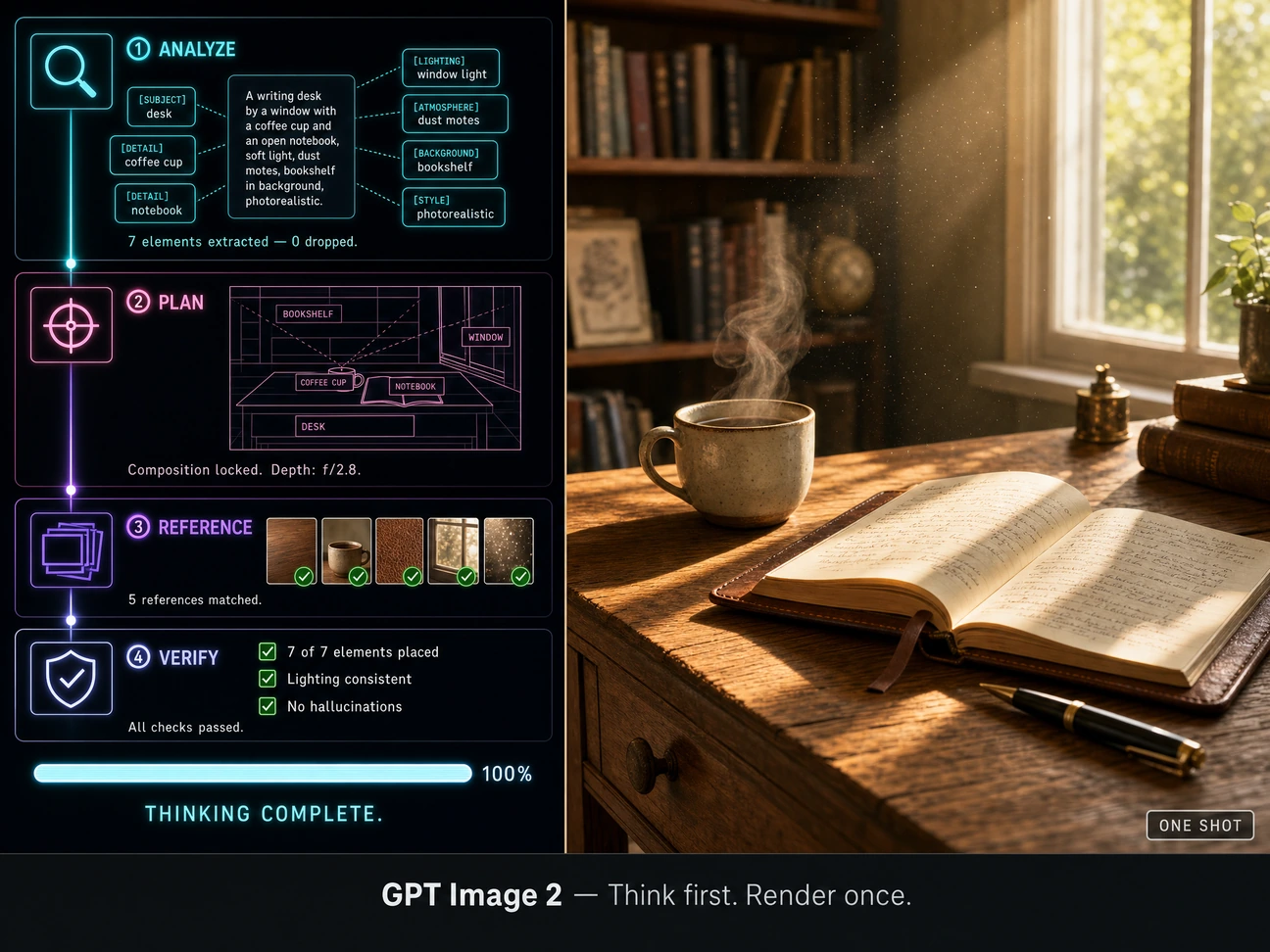
Text That Survives a Zoom
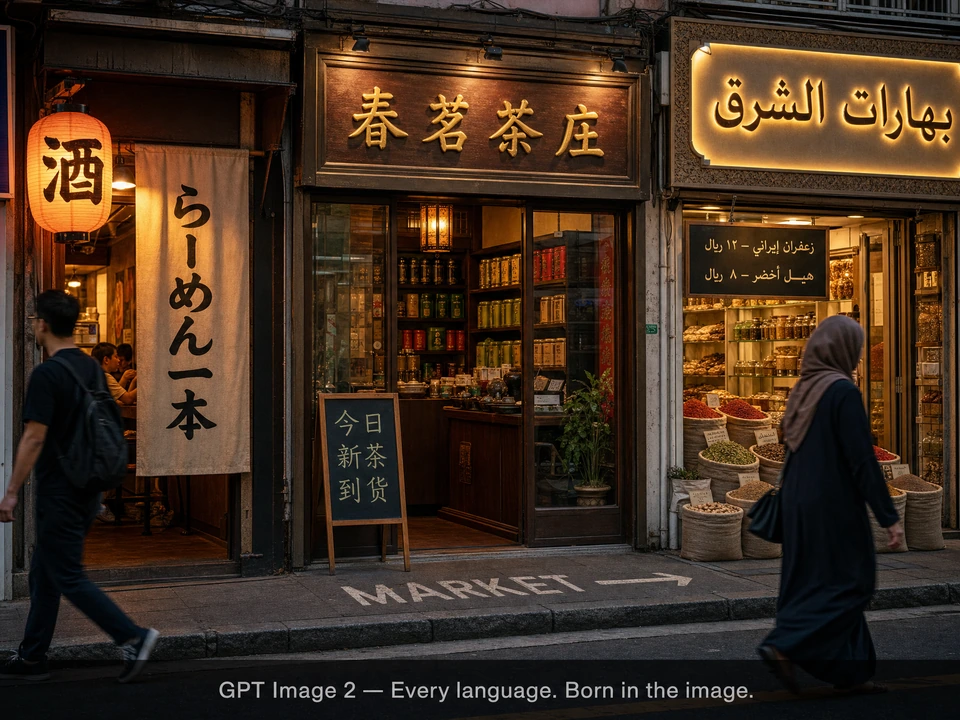
95%+ accuracy across Latin, Chinese, Japanese, Korean, Arabic, Hindi, and Bengali. Dense paragraphs, small labels, mixed font weights — all correct. The longest-running embarrassment in AI image generation is finally over. If your image has text that matters, this is the model.
Menus. Posters. Packaging. Generated. Not fixed in post.
Generate with text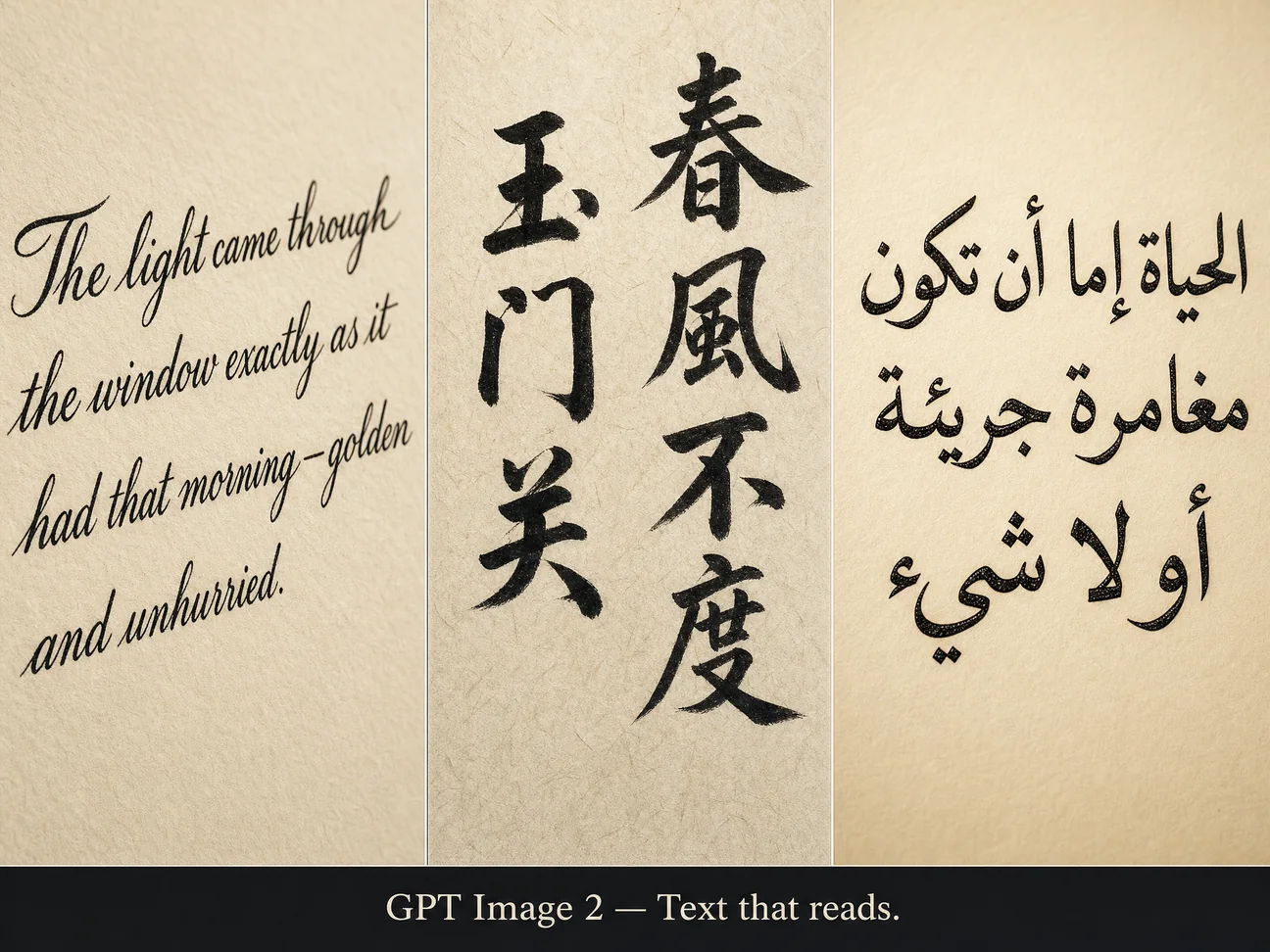
4K, True Color, No Warm Cast
Native output up to 3840x2160. Whites stay neutral — not that warm yellow tint most AI models bake in. Natural lighting with accurate color temperature. Skin tones that look like skin, fabric that shows weave, metal that reflects light properly. Photorealistic when you need it, stylized when you don't.
Daylight looks like daylight. Studio white is actually white.
Generate in 4K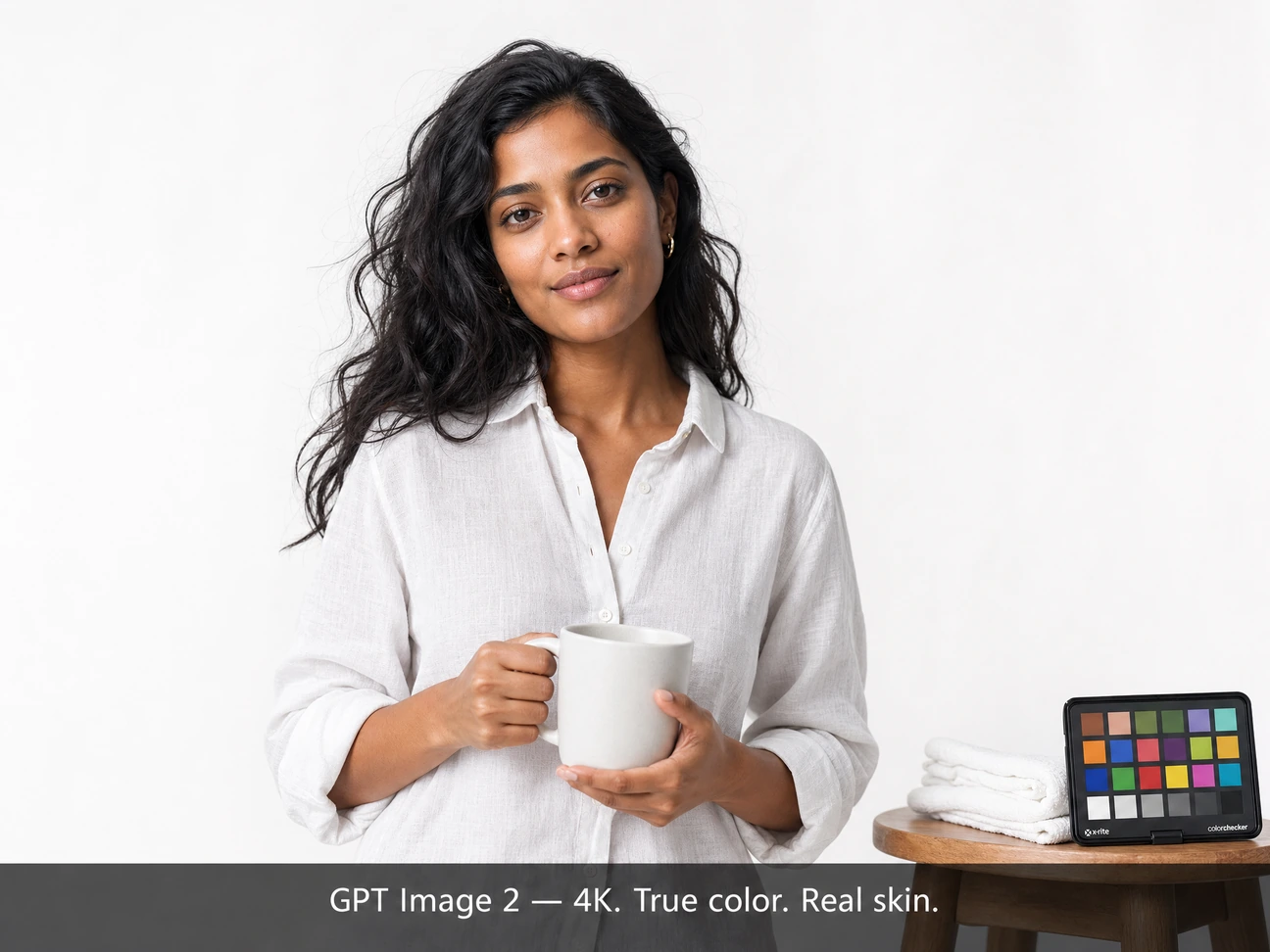
Edit with Surgical Precision, Up to 16 References
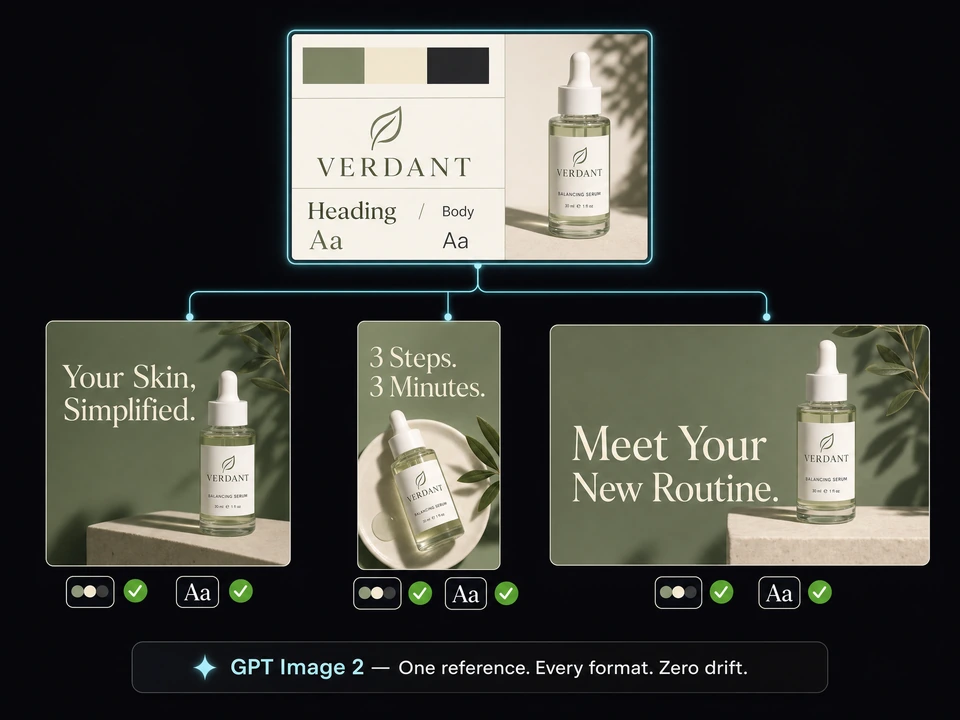
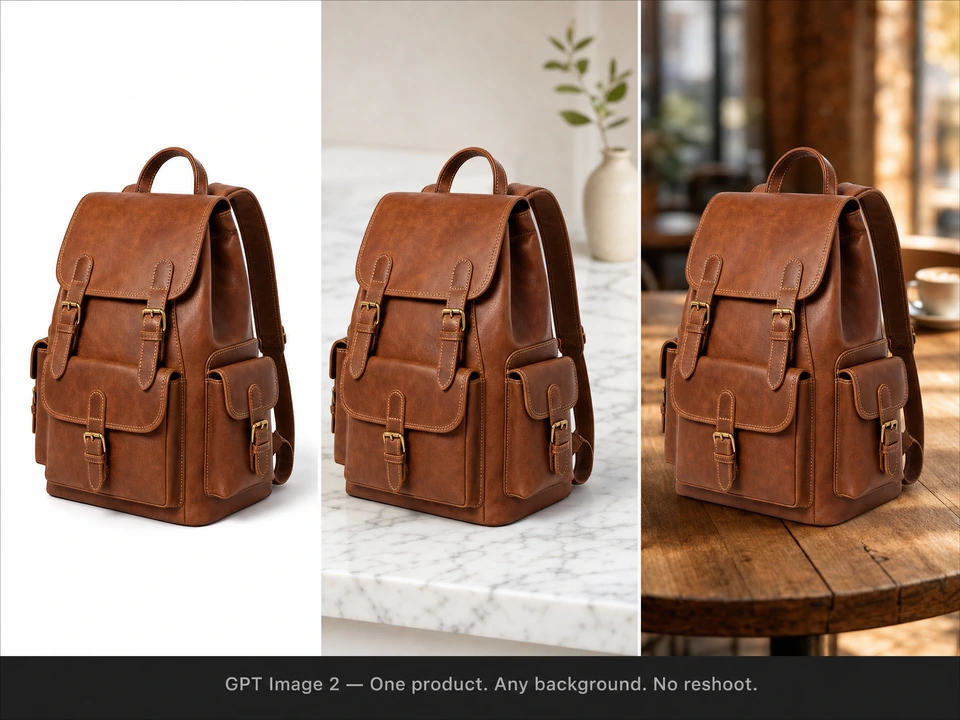
Mask any region and swap it — backgrounds, objects, faces. Lighting, shadows, and depth of field stay intact. Composite up to 16 reference images into one coherent scene. No paste marks. No color bleed. No ghosting around the edges. Just an edit that looks like it was always there.
Nobody can tell what you changed. That's the point.
Try the editor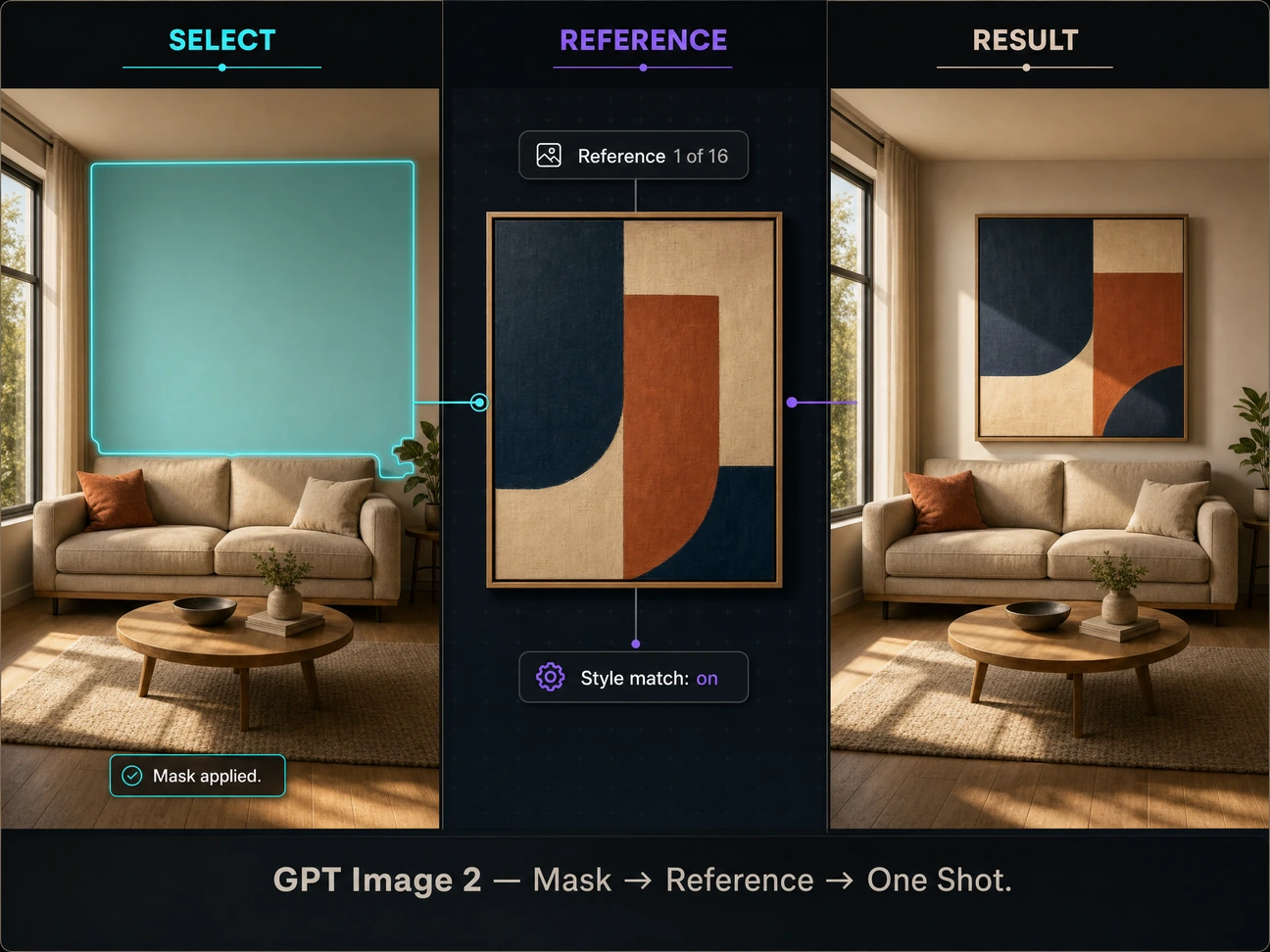
How to Use GPT Image 2 on Zeemo
Fill Your Reference Board
Drag brand assets, product shots, style refs onto Zeemo AI Canvas. Name each. GPT Image 2 reads up to 16 at once. All on one board.
Choose Thinking Level, Write Prompt
Low = fast drafts. Medium = balanced. High = the model self-checks every element before output. Pick your tier, write your prompt.
Generate, Inspect, Ship
Inspect at full res. Swap a word, swap a ref, regenerate. Export — watermark-free, production-ready.
What GPT Image 2 Is Built For
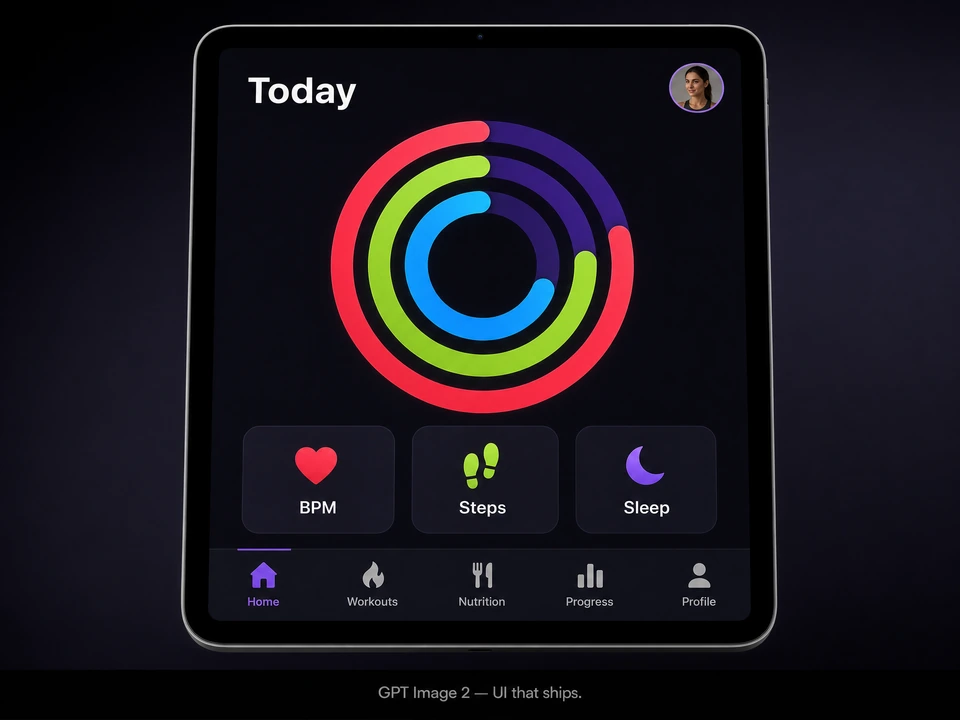
From brand campaigns to multilingual content — one model, every output ready to ship. No post-editing required.