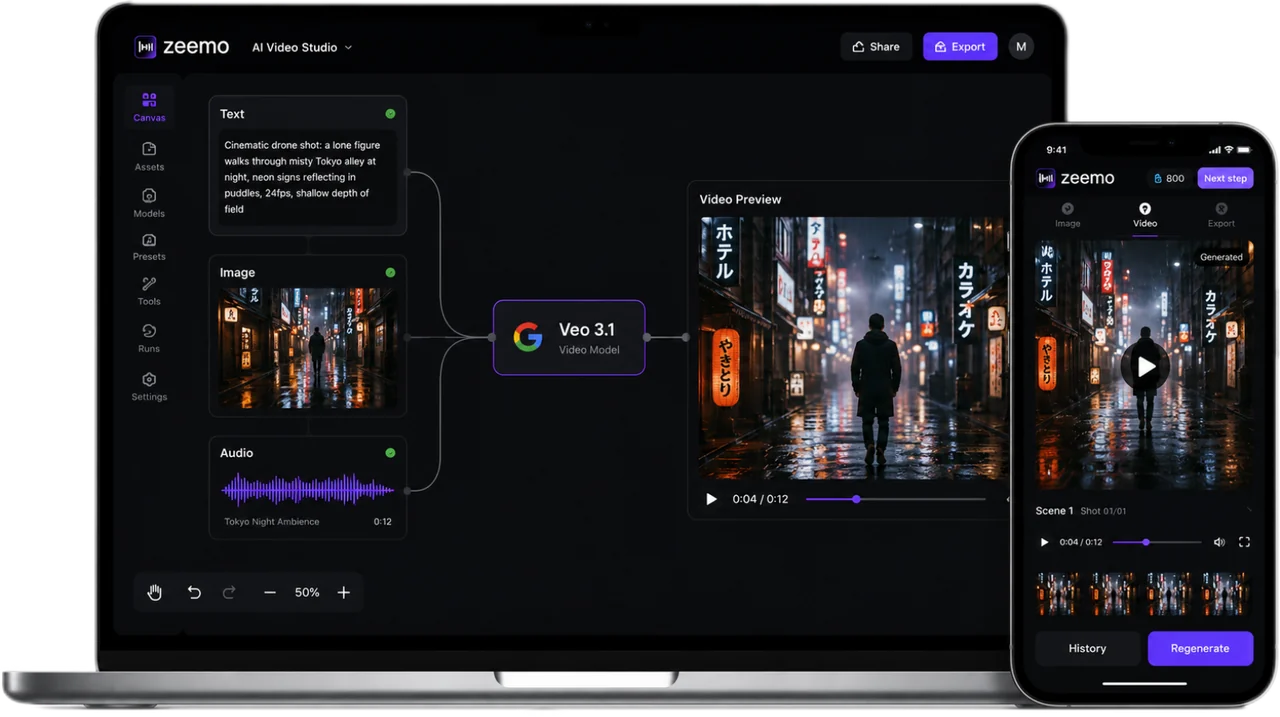
Video and Sound. One Generation.
Veo 3.1 generates the video, the dialogue, the ambience, and the score, all in one pass. Toggle sound to hear the difference.
Cinema-Grade. In One Pass.
From pixel to sound to meaning to scale: four things one model does natively. No gluing tools together.
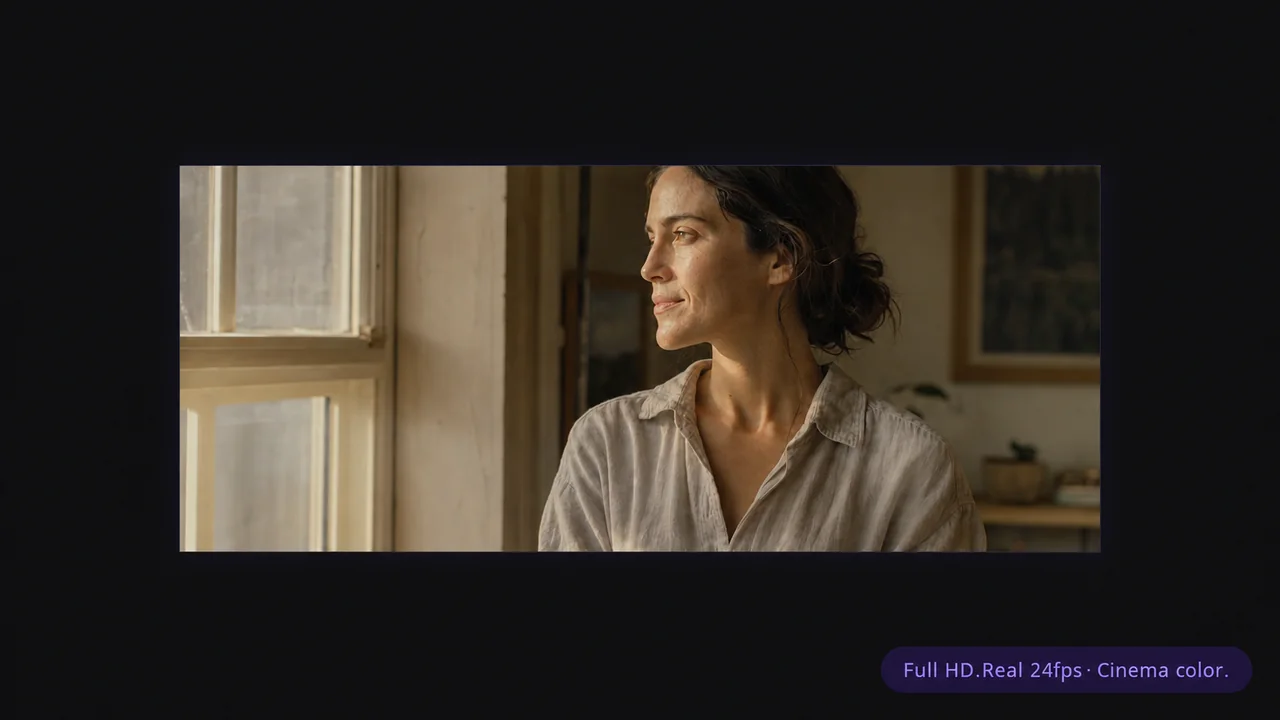
Make It Look Shot. Not Generated.
Your footage belongs on a cinema screen. True 24fps with cinematic color science. Optical motion blur, neutral whites, skin tones that don't look graded. It holds.
Real 24fps. Cinema color. Full HD.
Generate in Full HD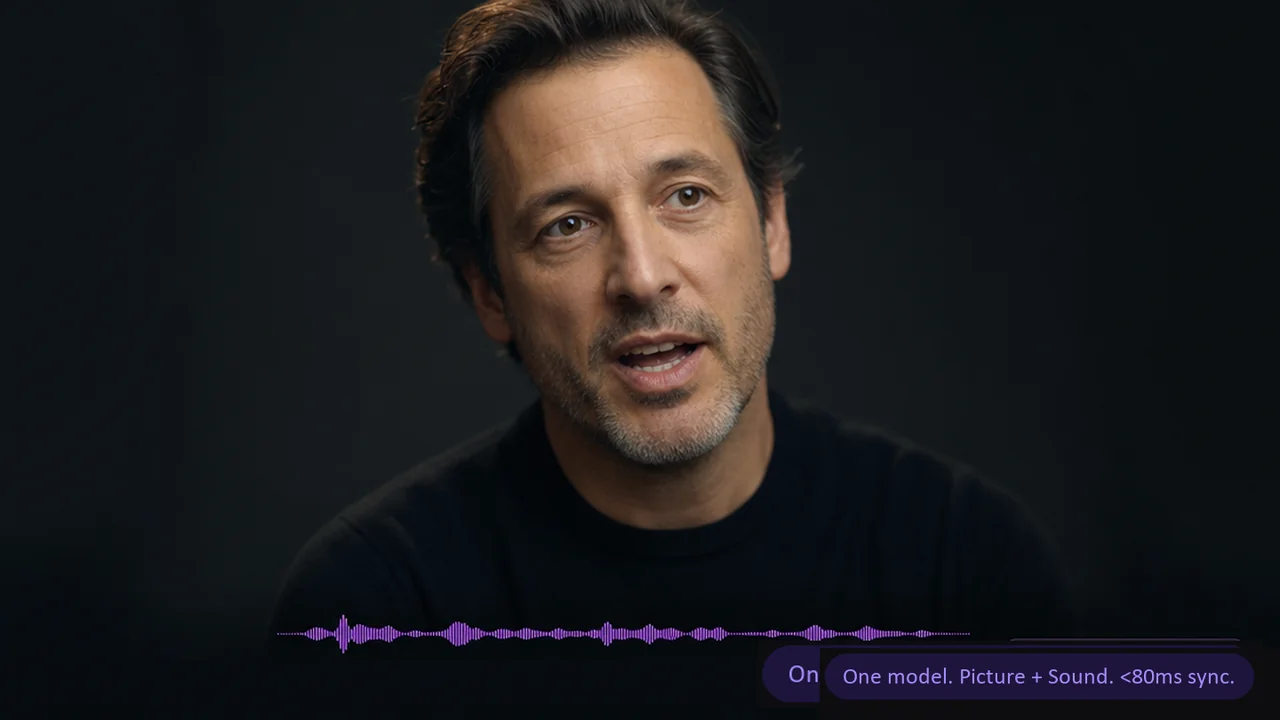
Sound That Belongs to the Scene.
Your character speaks, the lips move. Footsteps stop when the character stops. Music hits on the beat. Same model generates picture and all three audio layers, synced under 80ms. Turn audio off, cost halves.
Audio on or off. Same model. No sync drift.
Try with Native Audio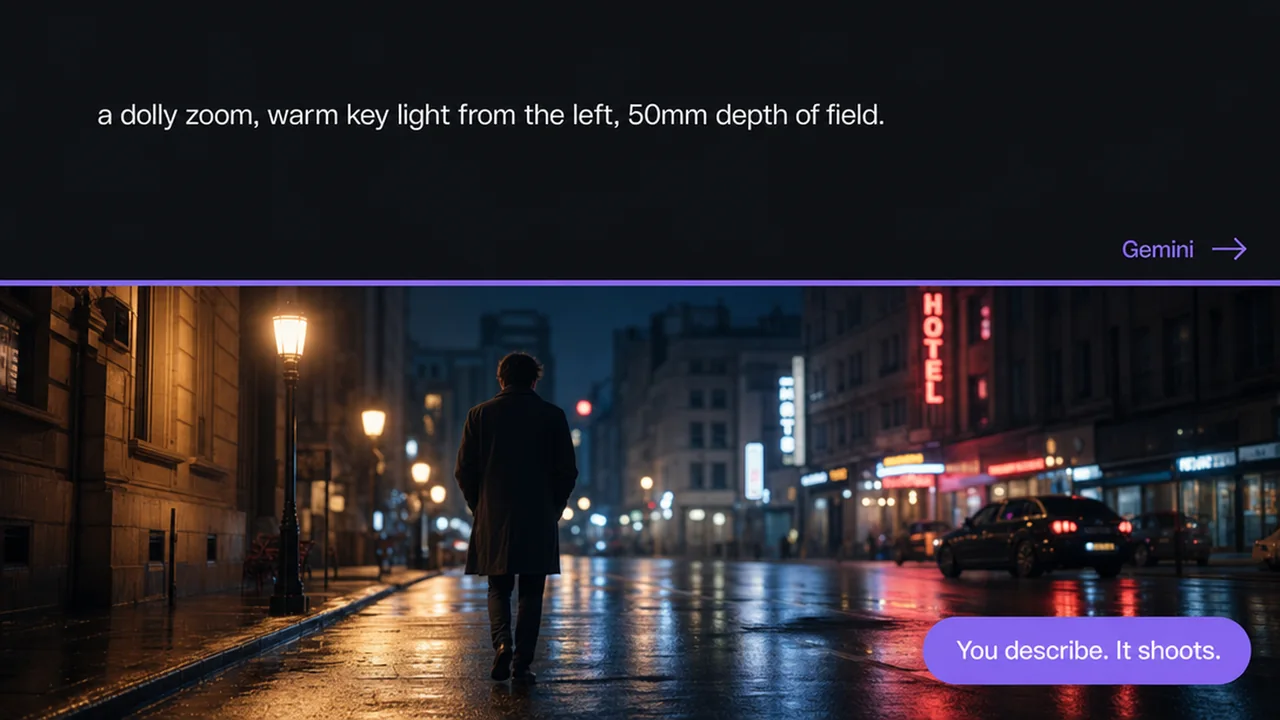
Describe the Shot. It Executes.
Describe a dolly zoom, warm key from the left, 50mm depth of field. Gemini reads your camera language and story intent before the first frame. You describe. It shoots.
Powered by Gemini. Only Veo has it.
Generate from Your Prompt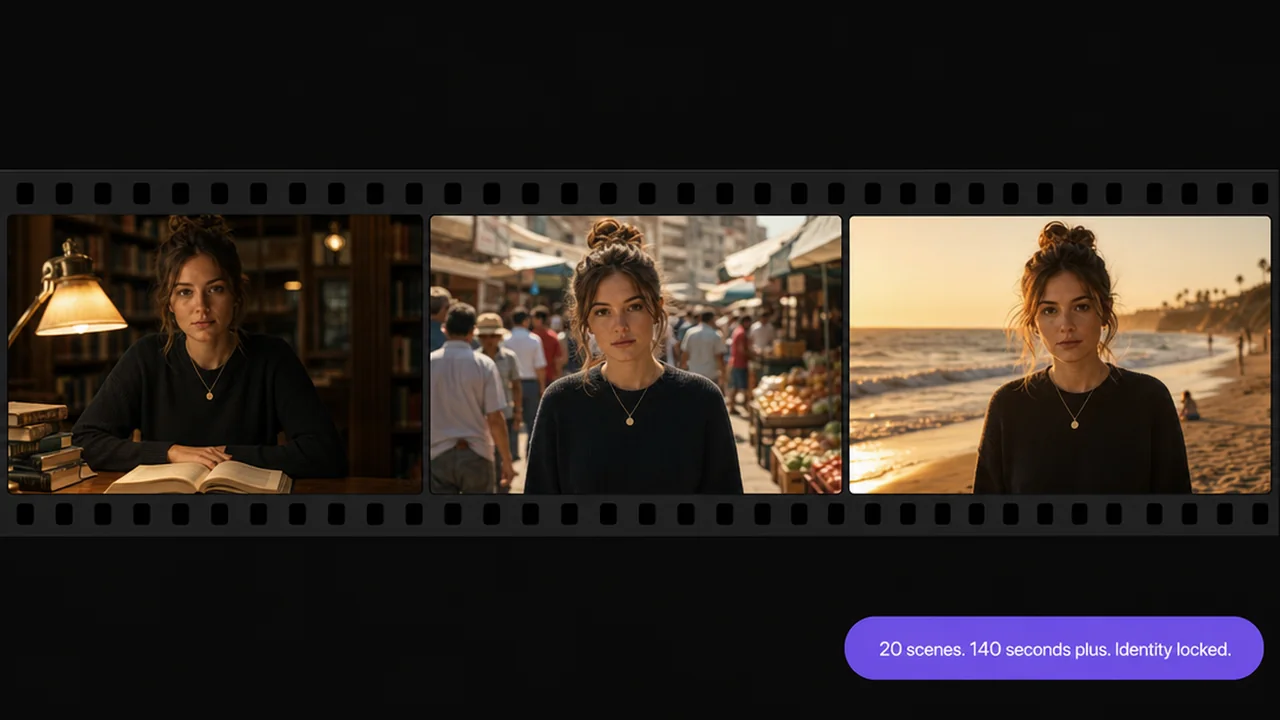
Tell the Whole Story. Not a Clip.
Start with 8 seconds. Chain 20 scenes. Characters stay locked. Lighting holds. Audio flows across cuts. Refine one scene, the rest stays. Over 140 seconds from one project file.
Shorts get views. Features get remembered.
Start Your First FeatureHow to Use Veo 3.1 on Zeemo
Build Your Scene Nodes
Drop character refs, location stills, and style frames onto Zeemo AI Canvas. Add Text nodes for direction. Every input visible at a glance.
Direct Like a Cinematographer
Direct like you're on set: dolly zoom, warm key, 50mm DOF. Gemini reads every nuance. Characters stay locked, scene to scene.
Generate & Ship
Pick Veo 3.1. Generate. Native audio and video in one pass, no post-dub. Review. Tweak. Export. Done.